
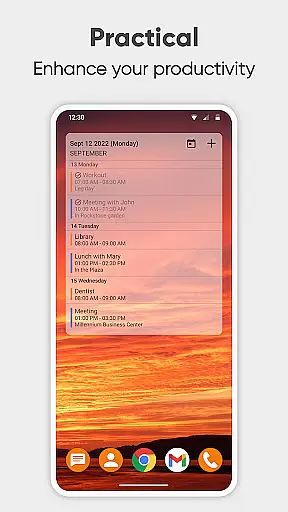
Simple Calendar Pro is a productivity-focused application designed to help users efficiently manage their schedules and appointments. This Android-exclusive app functions as a personal agenda planner that operates entirely offline, ensuring privacy and stability without requiring internet access.
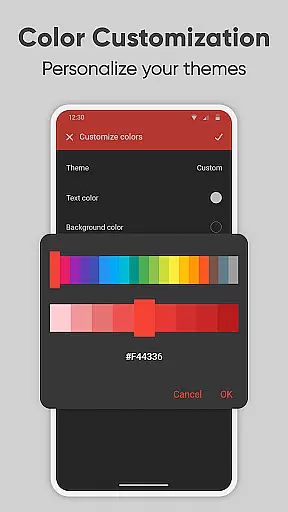
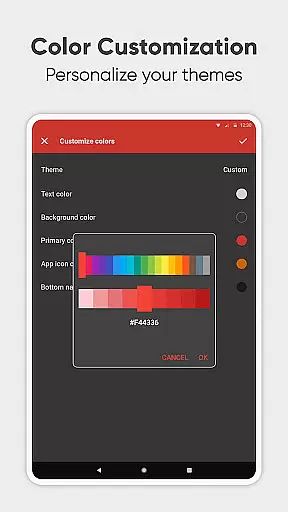
The app's core functionality revolves around creating and organizing events, setting reminders, and syncing data with external calendars like Google Calendar. Its intuitive interface offers advanced customization options, including personalized themes, notification settings, and widget appearances.
Particularly useful for busy professionals and families, Simple Calendar Pro streamlines daily planning by providing clear visualizations of upcoming events. The app's ability to handle both single and recurring events makes it an ideal solution for maintaining work-life balance while staying organized.
Simple Calendar Pro offers a comprehensive suite of productivity tools tailored for efficient time management. The app allows users to create and organize events with flexible repetition rules, set reminders, and sync data across devices using CalDAV support.
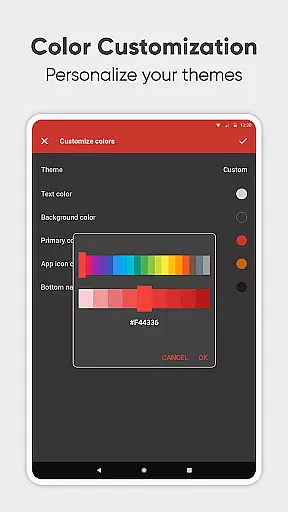
One standout feature is its extensive customization options. Users can personalize the interface with various themes, colors, and notification preferences. The app also supports exporting and importing events through .ics files, making it easy to transfer data between different calendar systems.
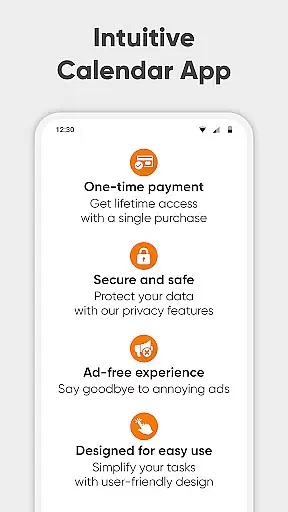
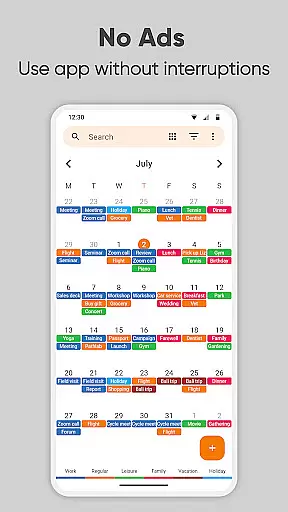
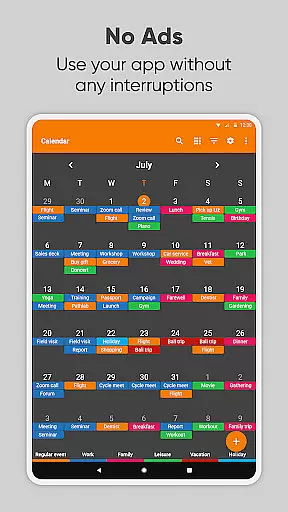
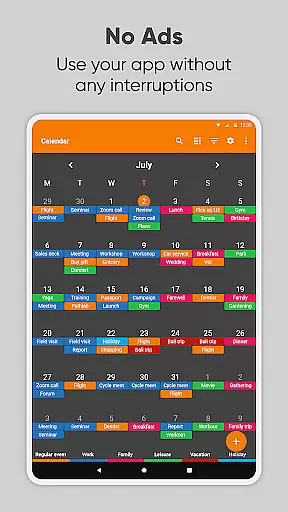
The inclusion of a family organizer function enables effortless coordination of shared schedules. Additionally, its open-source nature ensures transparency and regular updates, while the absence of ads provides an uninterrupted user experience.
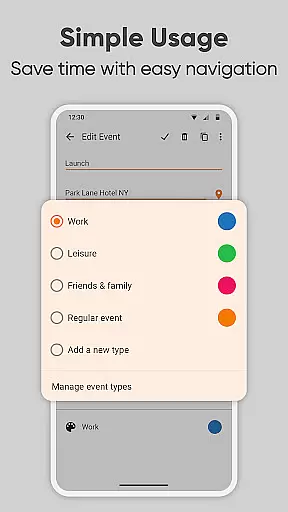
At the heart of Simple Calendar Pro lies its robust core task management system, designed to streamline your daily planning. This feature allows users to effortlessly create and organize events with remarkable flexibility. You can set single or recurring appointments, establish custom reminders, and even configure powerful repetition rules for seamless scheduling.
The app's intuitive interface ensures that managing your agenda is never a chore. With support for CalDAV protocol, it enables smooth synchronization across various calendar platforms like Google Calendar and Microsoft Outlook. This cross-platform compatibility guarantees that your schedule remains consistent and up-to-date, regardless of which device you're using.
What sets Simple Calendar Pro apart is its commitment to user-centric design. The absence of ads and unnecessary permissions creates an uninterrupted planning experience. Users can export their settings and events via .ics files, making it easy to transfer data between devices while maintaining complete control over their personal information.
In today's fast-paced world, reliable cross-device synchronization is crucial for effective time management. Simple Calendar Pro excels in this area by offering seamless integration across multiple platforms through its CalDAV support. This ensures that whether you're switching from your phone to tablet or desktop, your schedule remains perfectly synchronized and accessible.
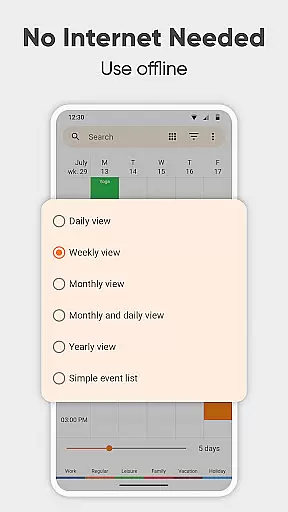
The application's offline functionality adds another layer of reliability to its synchronization capabilities. Without requiring constant internet access, it provides enhanced privacy and stability compared to cloud-based solutions. When connection is available, changes are automatically synced across all linked devices, maintaining perfect harmony in your schedule.
Furthermore, Simple Calendar Pro offers advanced customization options for synchronization preferences. Users can fine-tune how their data is shared between devices, ensuring optimal performance and security. This combination of reliable syncing, offline capability, and customizable options makes it an ideal choice for professionals seeking consistent access to their schedule across different devices.
Highly customizable
No ads
Offline functionality
Open source
Privacy focused
Basic design
No iOS version
Limited integrations
Offline only
Fewer widgets

The long-awaited modern gallery app for your Nextcloud server
 4.70
4.70
8 custom complications. Custom Time Fonts. Beautiful color schemes. A++ Design.
5.00
Send files, sync SMS, notifications & clipboard across devices via local network
4.40
Make your handwriting beautiful, even more than pen on paper.
3.60
aCalendar+ makes your day, week and month
4.70
Easiest event planning, volunteer signups & parent teacher conference scheduling
2.20
Cloud storage, automatic phone backup, and more.
4.10
Subscribe to Webcal & .ics calendars and keep them up-to-date!
4.50
Daily processing of PDF documents.
4.40
Use powerful, industry-leading AI tools to generate visual charts from any data
4.80
App lock - lock apps with fingerprint, password, pin or pattern, protect privacy
4.70
Secure, fast, open-source, Remote Desktop Client for Windows and Linux with SSH
4.60
The AI assistant that thinks with you - write, code, and solve complex tasks
4.60
CalenGoo is a very flexible and feature-rich calendar app
4.40 4.20
4.20
Device's storage information in a simple and clear graphical form (infographics)
4.10
Intelligent AI Assistant
4.10
Access your phone's notifications, calls, apps, photos & texts on your PC
3.90
AI Video AI Image Private LLM AI Browser Llama Gemma Ollama Connect LLM Studio
4.5


User Reviews