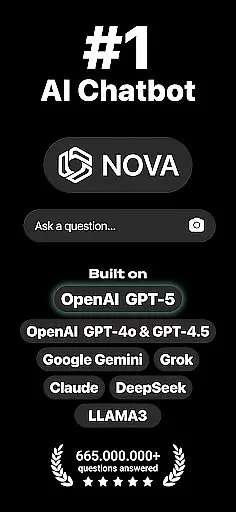
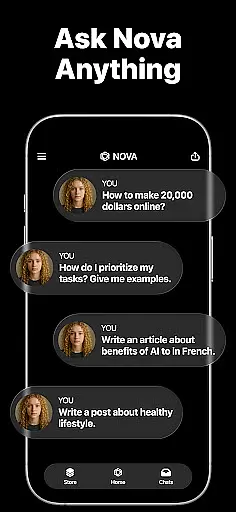
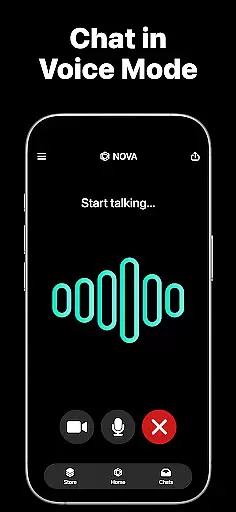
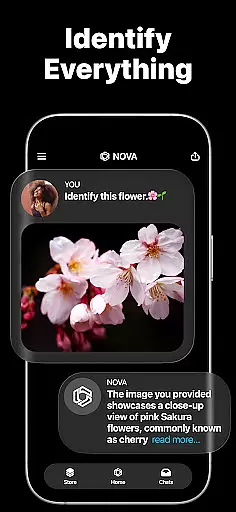
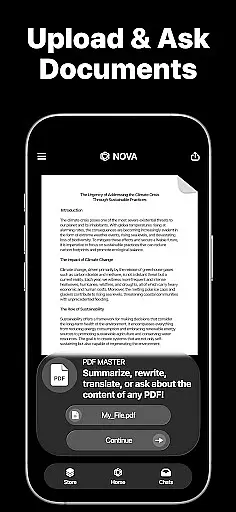
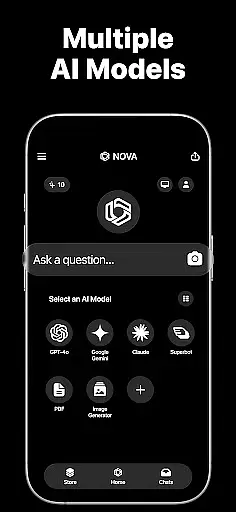
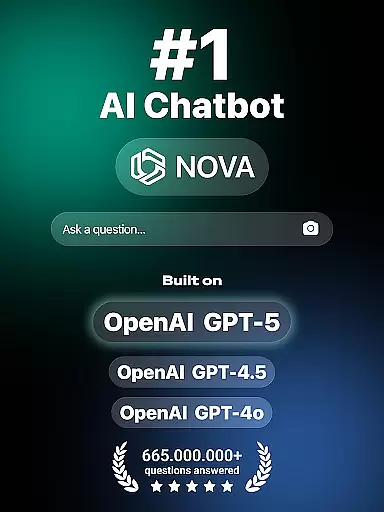
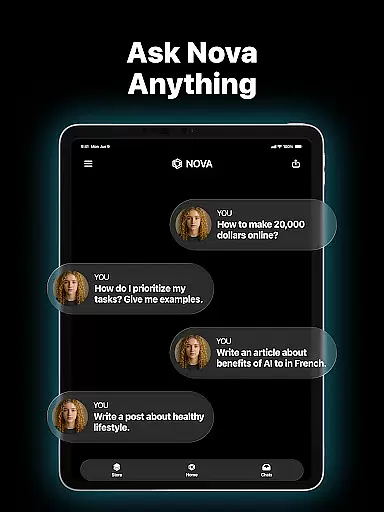
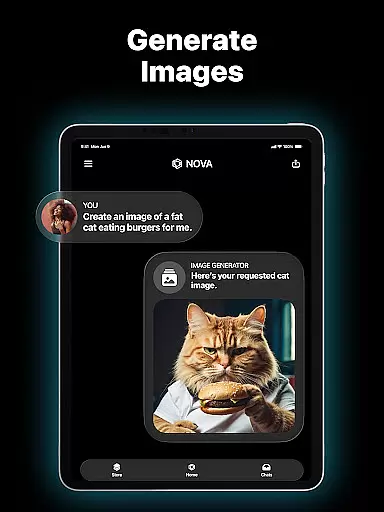
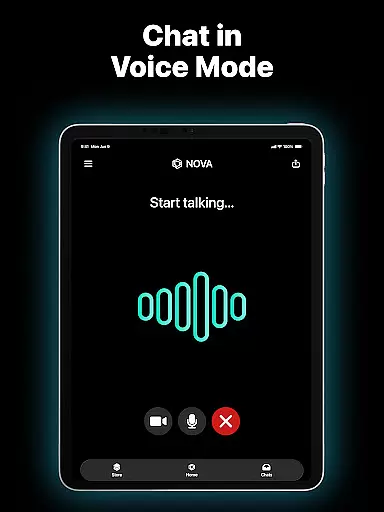
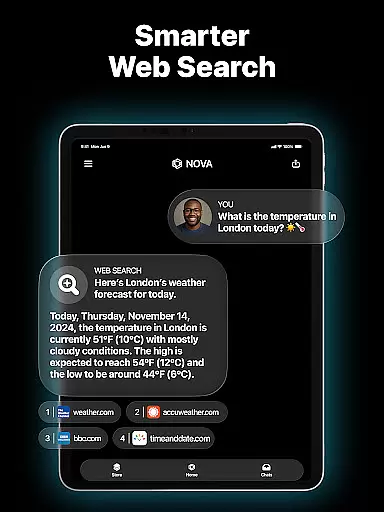
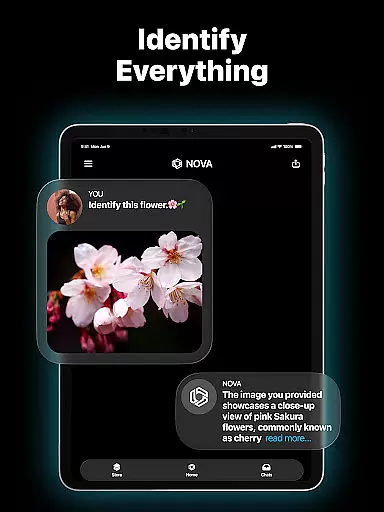
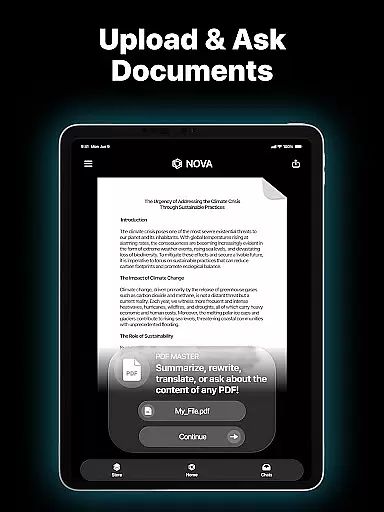
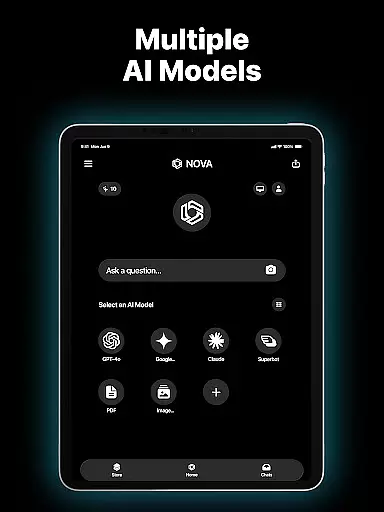
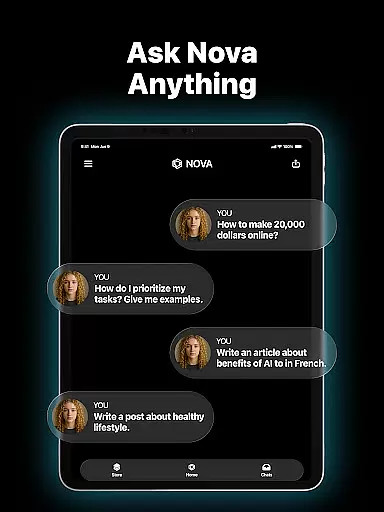
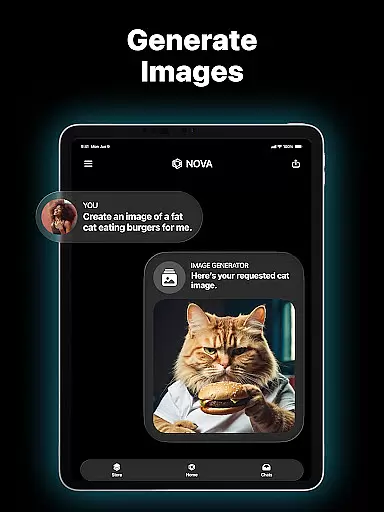
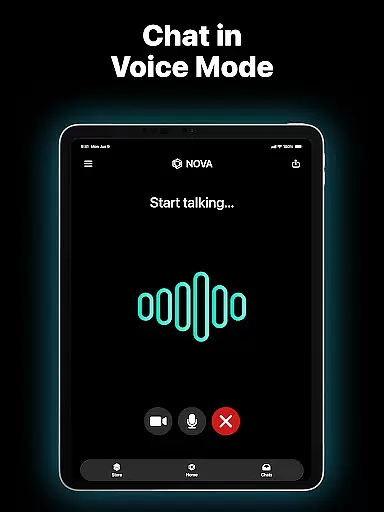
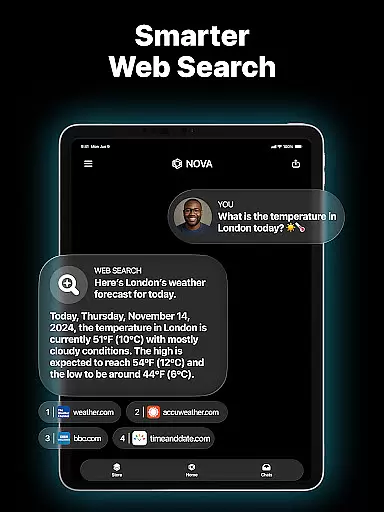
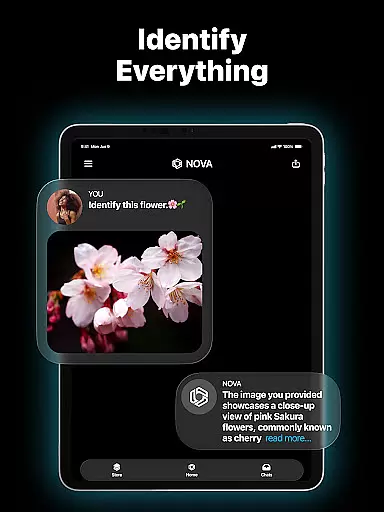
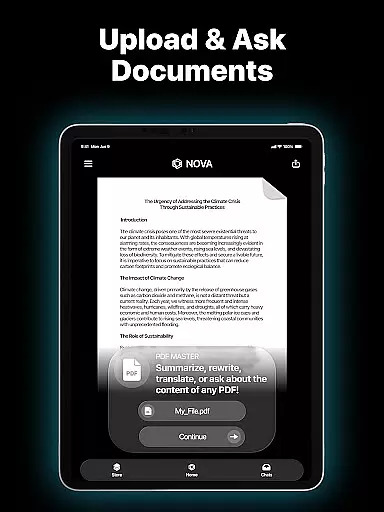
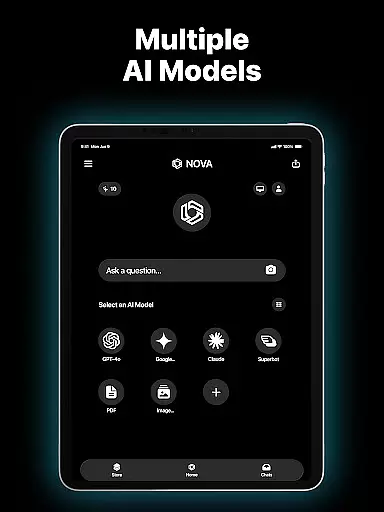
Nova AI Chatbot is a cutting-edge personal assistant and chatbot that leverages the latest advancements in artificial intelligence, including GPT-5, GPT-4o, Google Gemini, Claude, and DeepSeek technologies. This productivity app offers users an intelligent conversational experience with human-like responses, making it ideal for both personal and professional use.
The app's core functionality includes unlimited question-and-answer sessions, multi-language support across 140+ languages, and cross-platform compatibility with devices like iPhone, iPad, Apple Watch, and web browsers. Nova also serves as a writing assistant, proofreader, and reliable chat partner, ensuring users can accomplish tasks efficiently while maintaining high-quality communication.
Whether you need help drafting content, proofreading documents, or simply want engaging conversations, Nova AI Chatbot provides a versatile solution tailored to enhance productivity in various scenarios.
Nova AI Chatbot stands out due to its integration of multiple advanced AI models such as GPT-5, GPT-4o, and Google Gemini, which enable superior conversational abilities. The app remembers full chat histories, allowing for seamless interactions that mimic real-life conversations with a knowledgeable friend.
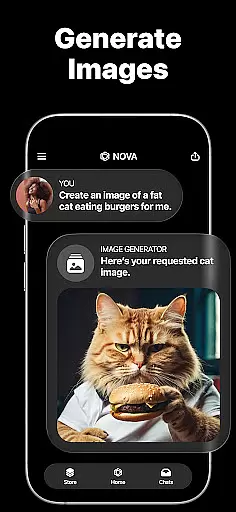
In addition to its conversational prowess, Nova acts as an AI writing assistant capable of generating creative content like poems, essays, ad copy, and even song lyrics. Its proofreading feature ensures error-free writing by analyzing grammar, punctuation, and style. With support for over 140 languages, Nova caters to global audiences, providing accessibility regardless of linguistic background.
Another key advantage is its cross-platform compatibility, enabling users to access Nova from multiple devices without losing context or functionality. These features collectively empower users to maximize their efficiency while enjoying a personalized AI interaction experience.
In the realm of productivity, core task management is pivotal for organizing and prioritizing tasks efficiently. Nova AI Chatbot excels in this area by offering users an advanced AI assistant that can handle unlimited questions and answers, making task delegation and management seamless.
The app leverages cutting-edge technologies such as GPT-5, GPT-4o, Google Gemini, and Claude to ensure that every task is understood and processed with human-like comprehension. This means you can assign complex tasks or seek detailed information, and Nova will generate precise responses or actions tailored to your needs.
Moreover, Nova's cross-compatible device support ensures that whether you're on an iPhone, iPad, Apple Watch, or web, your task management experience remains consistent and reliable. The AI remembers full chat history, providing continuity and context awareness that enhances productivity.
With multi-language support covering over 140 languages, Nova breaks down language barriers, allowing global teams to collaborate effectively. Its ability to serve as a meticulous proofreader and a creative writing assistant further augments its task management capabilities, ensuring all communications are professional-grade and error-free.
Cross-device synchronization is crucial for maintaining workflow consistency across different platforms. Nova AI Chatbot stands out by delivering robust synchronization features developed on top-tier AI models like GPT-5, GPT-4o, and Google Gemini, ensuring reliable performance no matter where you are.
Novau2019s synchronization prowess allows it to maintain real-time updates across devices, so whether you input data via your Apple Watch during a morning jog or manage tasks on your iPad at work, everything stays current and accessible. This reliability eliminates the frustration of outdated information and ensures that all your devices reflect the latest changes instantly.
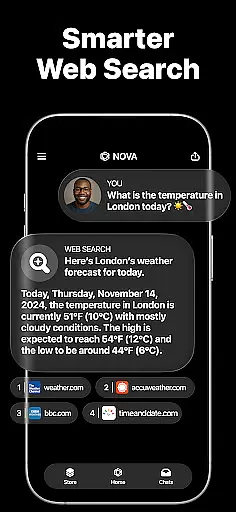
Built on DeepSeek technology, Nova provides enhanced, real-time information retrieval, which means your synchronized data isn't just current but also enriched with contextual insights. This feature empowers users to make informed decisions quickly, enhancing overall productivity.
Furthermore, Nova supports multiple languages, breaking communication barriers and enabling smooth collaboration among international teams. With its industry-first features and commitment to user-friendly design, Nova guarantees that your cross-device experience is not only reliable but also intuitive and efficient, keeping you productive wherever you go.
Advanced AI technology
Multi-language support
Cross-platform compatibility
Unlimited Q&A sessions
Creative writing assistance
Premium subscription required
Occasional response delays
Limited offline functionality
Privacy concerns with data
Steep learning curve

Native client for Forgejo and Gitea
 5.00
5.00
Mega cloud explorer plugin for Solid Explorer
3.80
All in one sketching tool. Technical and General drawing. Online Maps support.
3.70
Send files, sync SMS, notifications & clipboard across devices via local network
4.40
⏰ Finally a timer app which can run multiple timers simultaneously on your watch
3.90
Calendar 2023 widget for Android. Appointment scheduler, planner, and reminder
4.60
Best Tool for the professionals Electrician, Electrical contractors, etc.
4.90
Scientific calculator for Android - looks and operates like the real thing!
4.90
Simple notepad & memo. Take notes, to-do list, shopping list with reminders.
4.80
Multilingual translator for text, voice, and image translation!
4.90
The long-awaited modern gallery app for your Nextcloud server
4.70
All document reader, all in one file viewer read PDF, DOCX, XLS, PPT, TXT files.
4.60
To do list widget with a notebook organizer, checklist, simple shopping list
4.60
PDF scanner & converter for files, photos, lottery, QR codes. One swipe away!
4.50
All in One PDF Reader: Manage, Read and Edit your Documents
4.20
Make apps & sites with natural language prompts
4.10
Create and edit presentations with Google Slides, part of Google Workspace.
4.00
* block pre-roll ads, pop-up and forced redirect ads * Samsung certification app
4.00
Easiest event planning, volunteer signups & parent teacher conference scheduling
2.20


User Reviews