
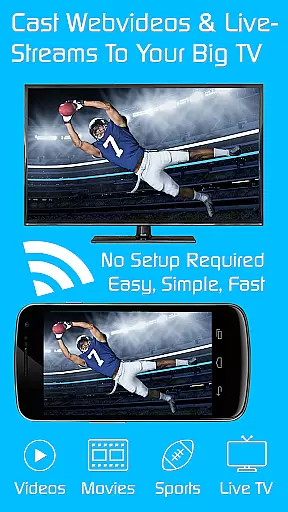
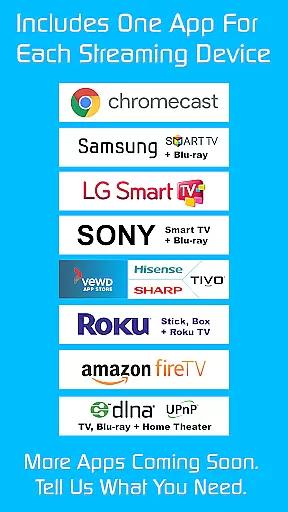
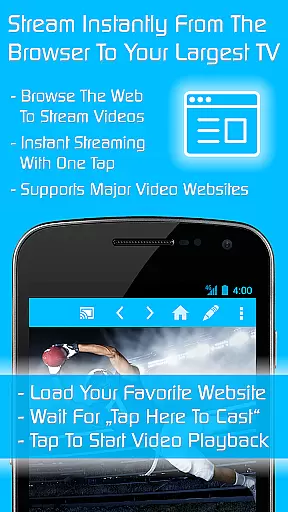
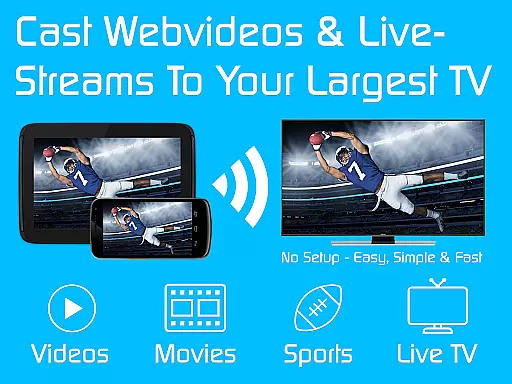
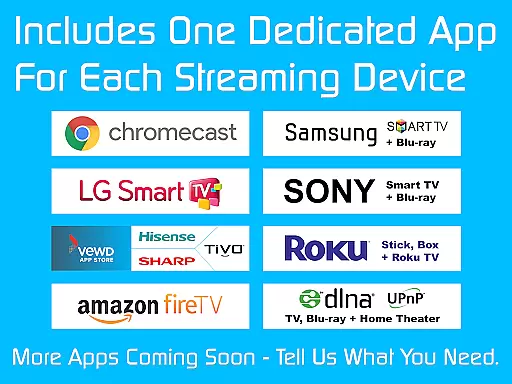
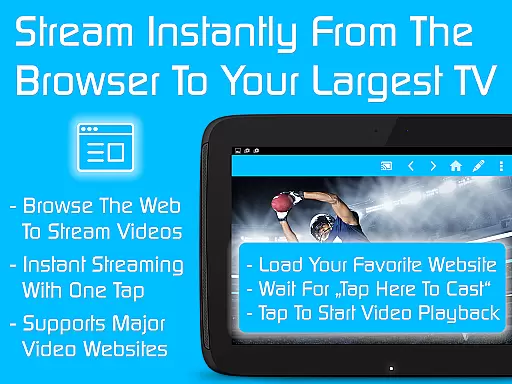
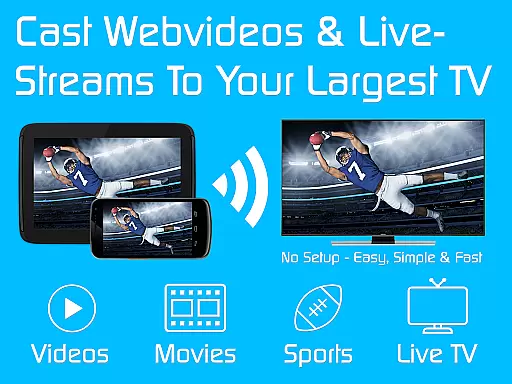
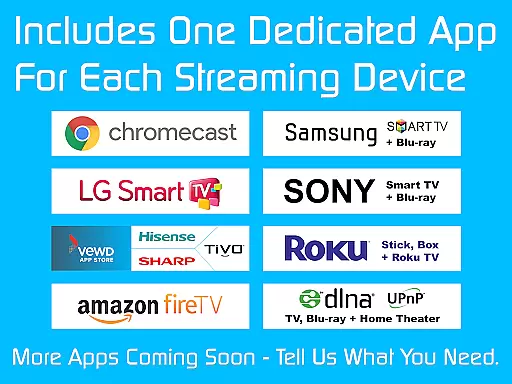
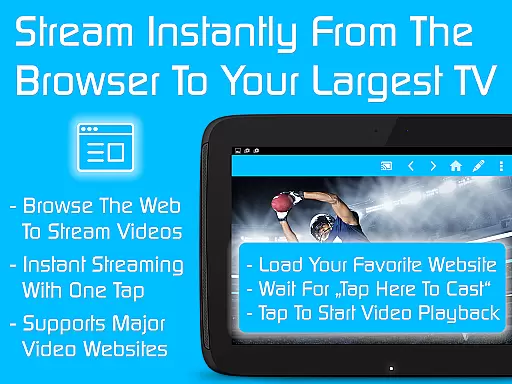
TV Cast is a versatile streaming browser app that allows users to stream and watch web videos, online movies, livestreams, and live TV shows on various devices. Compatible with Chromecast, Samsung TV, LG TV, Sony TV, Hisense TV, Sharp TV, TiVo, Roku, Fire TV, DLNA, and Google Cast-powered devices, it offers an all-in-one solution for media streaming needs. The Ultimate app serves as a license key that unlocks premium features in all free Video & TV Cast editions on Android devices.
The app provides seamless integration with multiple smart TV brands and streaming devices, making it easy to enjoy high-quality content directly from the web. With over 10 million users, TV Cast stands out for its ability to deliver a smooth streaming experience across different platforms. Whether you want to watch your favorite shows or stream live events, this app ensures reliable performance and broad device compatibility.
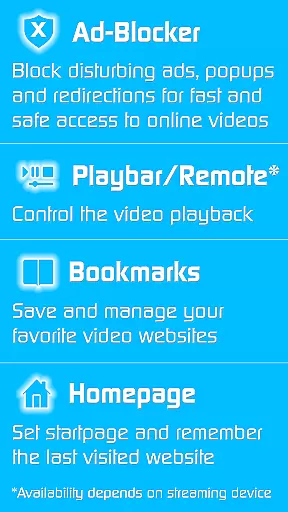
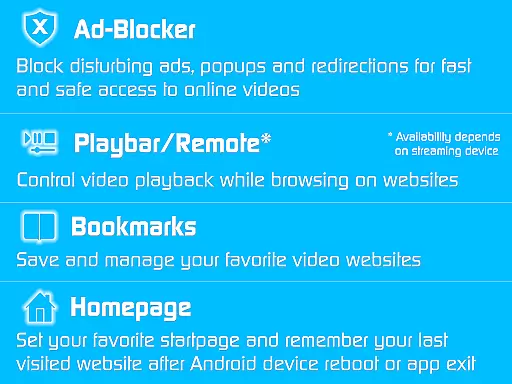
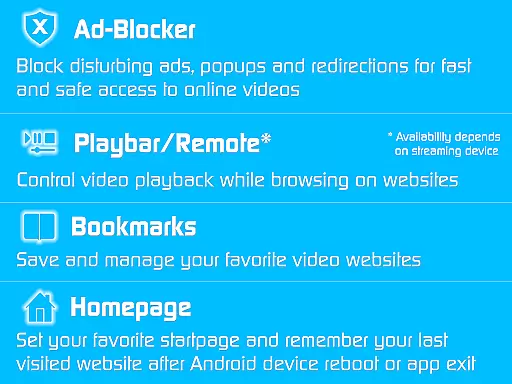
TV Cast boasts an impressive array of features designed to enhance the streaming experience. One standout feature is the Ad-Blocker, which eliminates advertisements, popups, and redirections from websites, ensuring uninterrupted viewing. Additionally, the Playbar/Remote functionality enables fast forward, rewind, and video scrubbing while browsing, depending on the capabilities of the streaming device.
Users can customize their experience by changing the homepage, setting personal preferences, and enabling desktop mode to access video links on certain websites. The app also supports unlimited bookmarks, allowing users to save and manage their favorite websites and videos effortlessly. With no sponsoring advertisements, TV Cast delivers a clean and user-friendly interface that prioritizes content over distractions.
Video format compatibility is a crucial feature for any video player, ensuring that users can enjoy content in various formats without technical hindrances. TV Cast excels in this area by supporting an extensive range of video formats, making it versatile for streaming on multiple devices such as Chromecast, Samsung TV, LG TV, and more.
The app's broad format support allows users to stream web videos, online movies, livestreams, and live TV shows effortlessly. Whether you're looking to watch content on Android TV-powered devices or other smart TVs, TV Cast ensures seamless playback without the need for format conversion.
By unlocking Premium Features through the Ultimate app, users gain access to uninterrupted streaming experiences with no sponsoring advertisements. This means you can enjoy your favorite content in high quality, regardless of its original format.
Ultimately, TV Cast's commitment to comprehensive video format compatibility enhances user convenience and satisfaction, allowing you to focus on enjoying your viewing experience across different platforms without worrying about compatibility issues.
AI-powered editing features represent the cutting edge of video player technology, enabling users to enhance their viewing experience through intelligent tools. Although TV Cast primarily focuses on streaming capabilities, its integration with advanced functionalities like ad-blocking and remote control demonstrates a keen understanding of user needs.
While traditional editing might not be TV Cast's main offering, the app provides unique AI-driven features such as website advertisement blocking and desktop mode cloaking. These features help create a cleaner, more focused viewing environment by eliminating distractions and optimizing video link detection on certain websites.
Additionally, the inclusion of a playbar/remote function allows for intuitive fast-forwarding, rewinding, and video scrubbing during browsing sessions. Such capabilities depend on the connected device's functionality but showcase how AI can streamline user interactions with media content.
TV Cast's innovative approach to incorporating smart features highlights its dedication to improving overall usability. By leveraging these AI-powered tools, users benefit from a more personalized and efficient streaming experience tailored to their preferences and habits.
User-friendly interface
Wide device compatibility
Ad-free browsing experience
Customizable homepage settings
Unlimited bookmark storage
Premium features require separate app installations
Limited troubleshooting support
Premium reverts upon uninstalling Ultimate app
Device capability-dependent features
No refunds after 24 hours

Video Player - Unlimited features, 30 days money back guarantee.
 4.60
4.60
HD video & music player - All format support with floating & PIP mode!
3.80
Your media, on your terms.
4.10
Cast Videos from Web Browser, IPTV to Roku, Chromecast, DLNA, Smart TV +more
4.60
A Quick and Pro Video Editor
4.70
Video Trimmer, Video to MP3 Converter. Extract music from video, Easy & Fast.
4.80
Capture images & record videos for USB Camera, Webcam, Microscopes, Endoscopes
3.80
AirMirror is Receiver for Screen Mirroring and Casting from Apple Devices.
3.60
Photo editor & video maker with music and slideshows.
4.10
Flud is a simple and beautiful BitTorrent client for Android.
4.80
Snaptubè Video Downloader app allows to download videos and music in Snaptube. .
4.60
Video Downloader, Multiple Resolution Options, Video Player
4.50
Full HD Video mp3 Player, MP4 player play 1080p, File manager, Video Downloader
4.40
Video player, file manager for all formats, 4K/HD media player supports subtitle
4.30
Powerful Video Editor & Photo Editing App —— Quick Edits & Stunning Effects!
4.30
Web Browser for LG TV to stream webvideos, online movies and livestreams in HD
4.20
1)AirPlay/DLNA Mirroring/Streaming, up to 4 connections; 2)Samba/NAS/DMS Player.
4.00
Client application for NextPVR software
3.00
The smartest M3U IPTV Player your playlists have ever seen.
4.3


User Reviews