
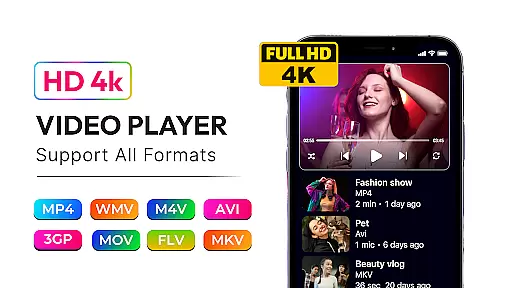

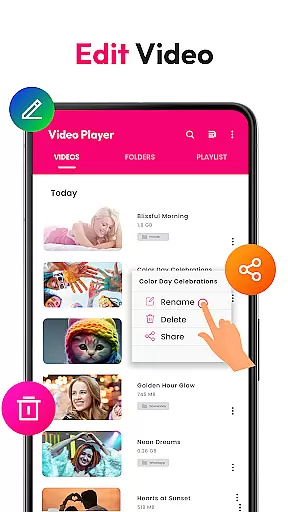
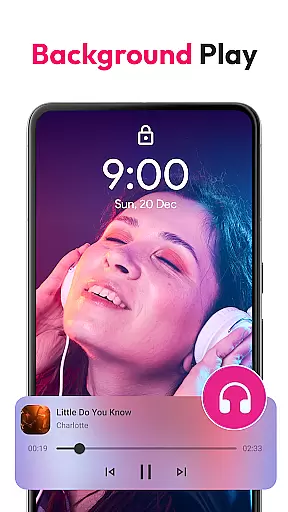
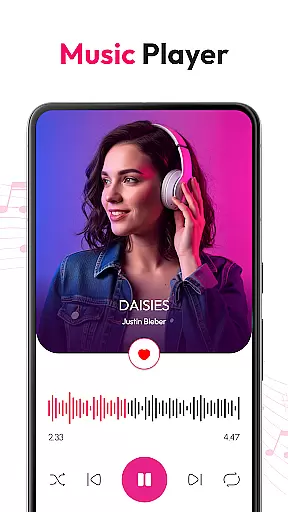
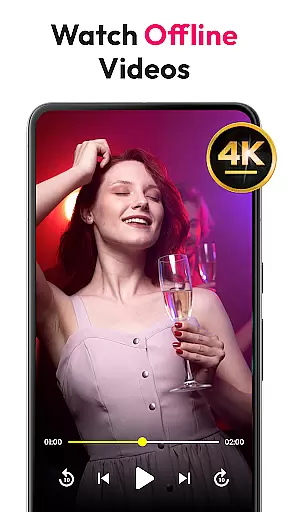


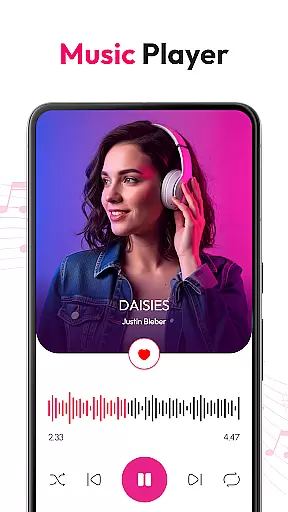

HD Video & Music Player is a versatile media player for Android that supports all video and audio formats. Whether you're watching 4K, Ultra HD, or Full HD videos, this app delivers smooth playback with advanced controls. It also functions as an mp3 player, supporting formats like MP3, WAV, and FLAC.
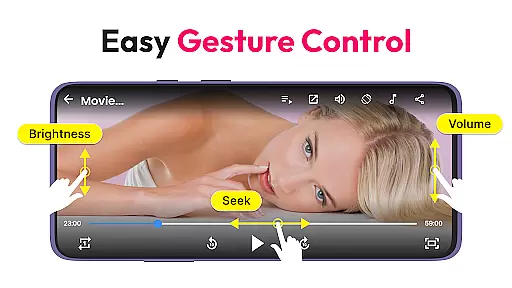
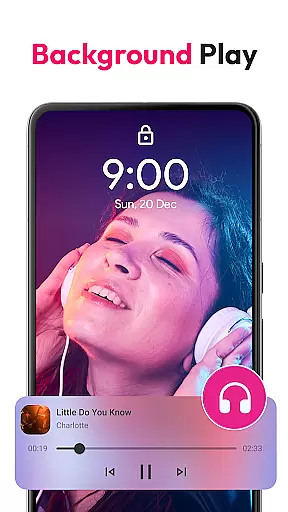
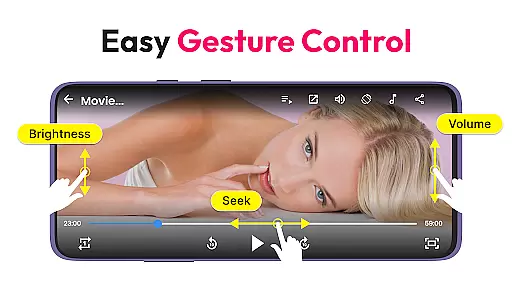
This app offers Picture-in-Picture mode, auto-rotates, and locks screen support. It includes a built-in file manager, playlist creation, and gesture controls for volume and brightness. Ideal for enjoying high-quality media on your Android device.
Use it to manage files, play music in shuffle or loop, and browse songs by album or artist. With offline capabilities and widget support, it's perfect for multitasking and enjoying media without internet access.
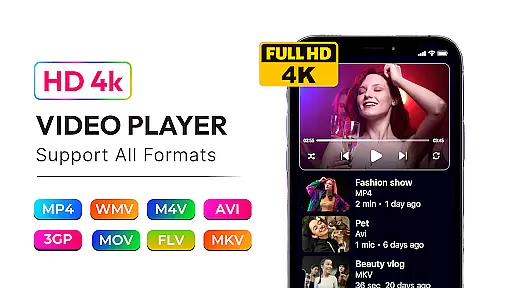
HD Video & Music Player stands out with its comprehensive format support, including MP4, AVI, MKV, and more. The app provides a floating player option and advanced movie player features like sharp visuals and crisp sound.
As a music player, it includes a powerful equalizer with bass boost and 3D sound. Users can browse songs by album, artist, genre, or playlist. Smart search and lock screen controls enhance the experience.
The app's built-in file manager helps organize media, while gesture controls allow easy adjustments. Its elegant design and excellent performance make it a top choice for Android users seeking a full-featured media player.
Video format compatibility is a critical feature for any media player, ensuring that users can enjoy content in various formats without technical limitations. HD Video & Music Player excels in this area by supporting an extensive range of video formats including MP4, AVI, MKV, 3GP, FLV, MOV, WMV, and TS. This versatility allows users to play videos from different sources without the need for conversion or additional software.
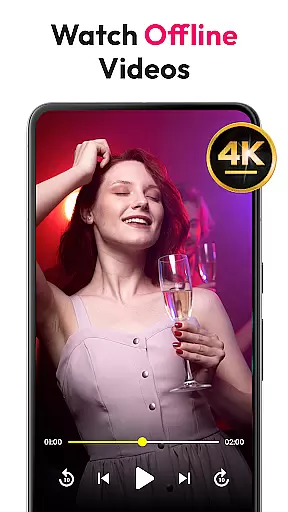
The app's advanced decoding capabilities ensure smooth playback of high-resolution videos such as 4K, Ultra HD, and Full HD content. Whether you're watching movies, TV shows, or personal recordings, the player delivers sharp visuals and crisp audio quality. The inclusion of features like auto-rotate, customizable aspect ratios, and screen lock enhances the viewing experience across various devices.
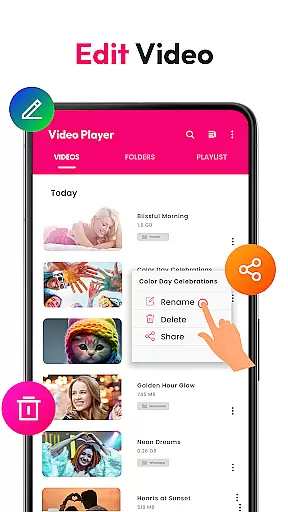
For users who frequently download or transfer media files, the built-in file manager simplifies organization and access. It automatically scans video files from internal storage and SD cards, making it easy to locate and play your content. With support for creating and managing playlists, gesture controls for volume and brightness, and Picture-in-Picture mode, this app provides a comprehensive solution for all your video playback needs.
While primarily known for its robust playback capabilities, HD Video & Music Player also incorporates AI-powered editing features that enhance the overall media experience. These intelligent tools utilize machine learning algorithms to optimize video playback settings based on content type and user preferences. For instance, the app can automatically adjust brightness, contrast, and color saturation to provide the best possible viewing experience for different genres or lighting conditions.
The AI-driven equalizer in the music player component offers advanced audio enhancement options. Users can choose from preset sound profiles or customize their own using bass boost, 3D surround sound, and reverb effects. This feature ensures that whether you're listening to classical music or energetic workout tracks, the audio quality remains exceptional and tailored to your taste.
Additionally, the app's smart search functionality demonstrates another application of AI technology. By analyzing user behavior and preferences, it provides more relevant search results when browsing through large media libraries. The ability to filter songs by album, artist, genre, or custom playlists helps users quickly find and organize their favorite content. These AI-powered features not only improve usability but also create a more personalized and engaging entertainment experience.
User-friendly interface
Wide format support
Advanced equalizer
Offline playback
Picture-in-Picture mode
No cloud integration
Limited sharing options
Ads in free version
Occasional bugs
Heavy on resources

Fast, private downloading, video saving, social media
 4.50
4.50
Client application for NextPVR software
3.00
Photo and Music Video Creator into Stunning Videos—Effortlessly
4.40
Powerful HD video player with support for all formats & subtitles.
4.0
Turn your phone into a wireless camera!
4.20
Play and download HD videos from all sources — fast, simple, and all-in-one.
4.0
Powerful video player with advanced hardware acceleration and subtitle supports
4.20
Enjoy your favorite videos and channels with the official YouTube app.
3.90
Manage your YouTube channel on the go
4.40
#1 Torrent App on Android ** No Ads Ever + Battery Saver **
4.80
Download Hub, easy and private way to download and enjoy your videos offline
4.80
Create photo video with music & template. AI video maker for stunning slideshow.
4.60
HD video maker with no watermark, no ads & vlog maker with music, PIP, text
4.50
Fast video downloader & private browser. Save HD clips to watch offline.
4.40
Online Videos Player
3.90
Explore the largest library of free GIFs, Stickers & Memes - or create your own!
3.90
Manage your IPTV live channels and VOD playlists (no playlist included)
3.80
A full editing room to accompany your Insta360 cameras and handheld gimbals.
3.30
The essential companion to your Blue Iris PC software
2.50


User Reviews