
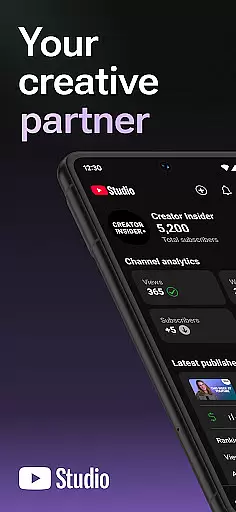
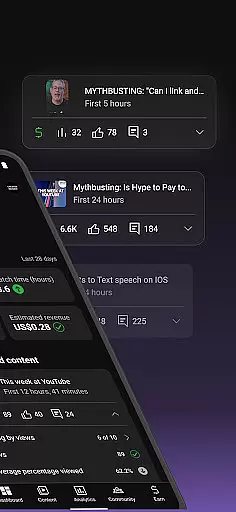
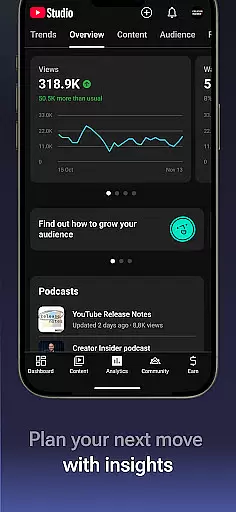
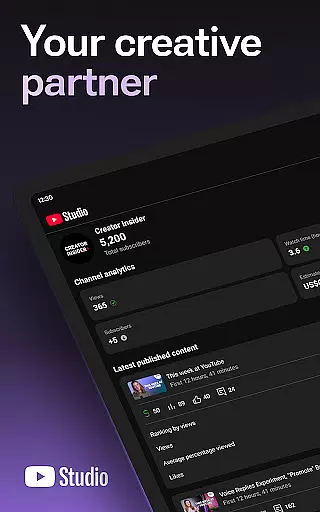

YouTube Studio is the official mobile app designed for content creators to manage their YouTube channels effectively. The application provides a comprehensive suite of tools that enable users to monitor channel performance, engage with their audience, and customize content settings directly from their mobile devices. With features like the Channel Dashboard and detailed Analytics, creators can gain valuable insights into how their videos are performing and which types of content resonate most with viewers.
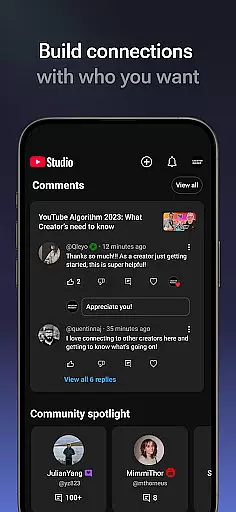
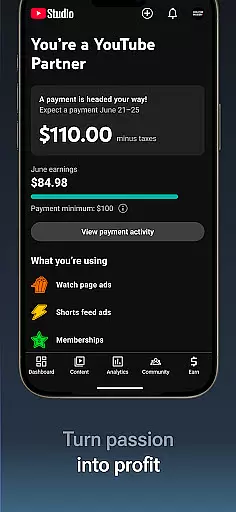
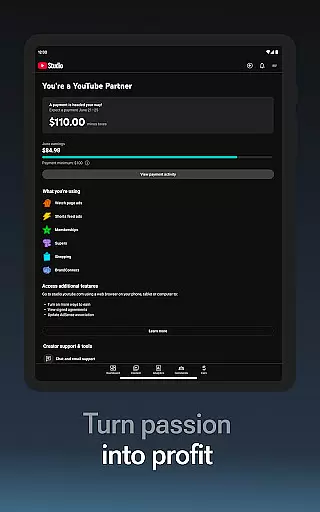
In addition to performance tracking, YouTube Studio allows users to foster deeper connections with their community by sorting and filtering comments to prioritize important conversations. Creators can also make real-time updates to video details, channel aesthetics, and individual content pieces. This ensures that the channel remains dynamic and engaging. Furthermore, the app offers a pathway to monetization through the YouTube Partner Program, empowering creators to turn their passion into a sustainable business.
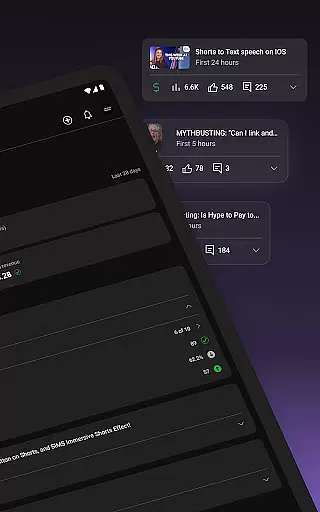
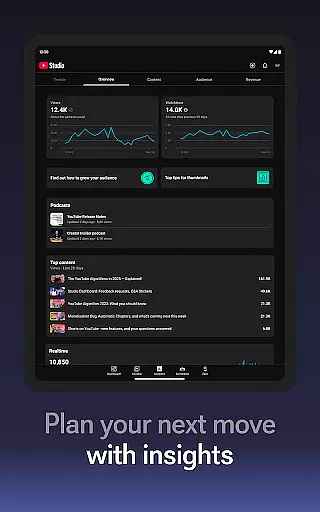
YouTube Studio stands out with its robust feature set tailored specifically for content creators. One of its key highlights is the Channel Dashboard, which provides an at-a-glance overview of channel activity and performance metrics. This enables creators to quickly assess how their content strategy is faring and make data-driven decisions. Additionally, the app's detailed Analytics section breaks down performance across different content types, such as videos, shorts, and livestreams, offering granular insights that help optimize future content creation.
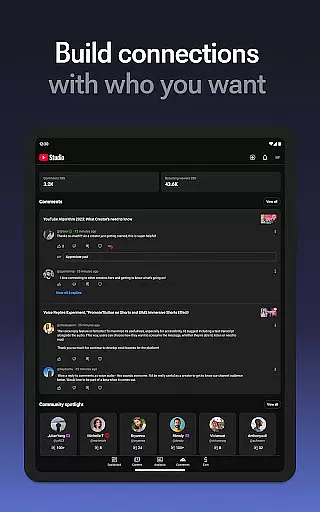
Beyond analytics, YouTube Studio facilitates stronger audience engagement through advanced comment management tools. Users can sort and filter comments based on relevance or popularity, ensuring they never miss critical interactions within their community. Another notable feature is the ability to update video information and channel appearance on-the-go, providing unparalleled flexibility in content management. Lastly, the app streamlines the process of applying for the YouTube Partner Program, making it easier than ever for creators to access monetization features and grow their channels sustainably.
Video format compatibility is a crucial feature for any video player and editor, including YouTube Studio. This app supports a wide range of video formats, ensuring that creators can upload and manage content without worrying about format restrictions.
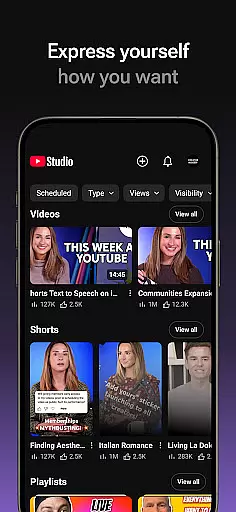
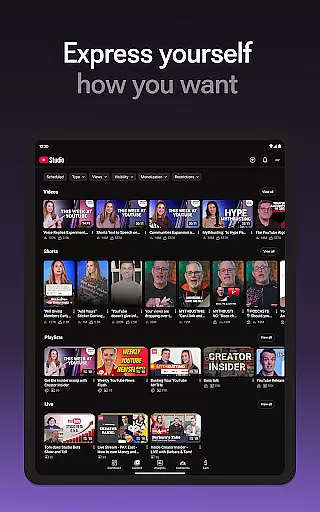
YouTube Studio allows users to update information for individual videos, shorts, and livestreams, meaning you can manage various types of video content efficiently. The flexibility in handling different formats provides a seamless experience when editing or updating video details.
For content creators, this means they can focus more on the creative aspects of video production rather than technical limitations. Whether it's a short clip or a full-length livestream, YouTube Studio ensures your content reaches your audience in the best possible quality.
AI-powered editing features are transforming how creators manage and enhance their video content. YouTube Studio incorporates advanced AI tools that help streamline the video editing process, making it easier for creators to produce high-quality content.
With detailed Analytics, creators can understand how different types of content perform, allowing them to make data-driven decisions. The AI capabilities extend to sorting and filtering comments, helping creators engage with their community more effectively by identifying key conversations.
These intelligent features not only save time but also enhance the overall content management experience. By leveraging AI, YouTube Studio empowers creators to cultivate deeper relationships with their audience and optimize their channel's performance effortlessly.
User-friendly interface
Comprehensive analytics
Real-time updates
Monetization support
Engagement tools
Limited customization
Occasional bugs
Advanced features locked
Requires constant updates
Learning curve

Save photos and videos from social apps in one tap.
 3.60
3.60
IPTV-Smarters Player Pro M3U - Watch Live Stream TV Channels with Chromecast
4.00
Play ALL formats in 4K & HD. Video downloader, MP3 player, Chromecast & more.
4.80
All format media Player, no need video converter any more!
4.00
Cast to Smart TV, Fire TV. Cast video, photo - Fast & Stable!
3.90
Manage your IPTV live channels and VOD playlists (no playlist included)
3.80
The essential companion to your Blue Iris PC software
2.50
Browser for Fire TV to stream webvideos, online movies, livestreams in HD
4.40
Screen recorder with audio to take live videos & Screenshot in high quality!
4.70
Tik & Story Saver-Download ALL social media videos, photos & reels no watermark.
4.80
Watch a large amount of high-definition short drama content
4.60
Search & download videos from net with all video downloader, auto-detect & safe.
4.60
Seamlessly connect and control your smart devices, anytime, anywhere with ease.
4.60
Fast, private downloading, video saving, social media
4.50
Create & edit videos with AI
4.30
Movie maker & video editing app with AI effects and green screen
4.30
Powerful video player with advanced hardware acceleration and subtitle supports
4.20
AirMirror is Receiver for Screen Mirroring and Casting from Apple Devices.
3.60
Download videos easily & play them all in one smart, powerful video manager.
3.40


User Reviews