
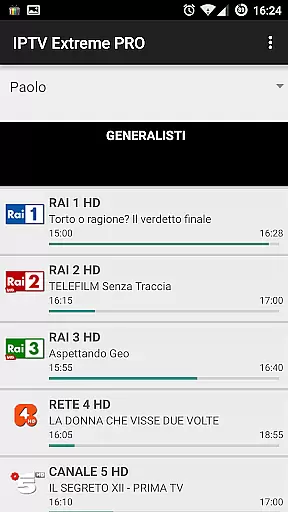
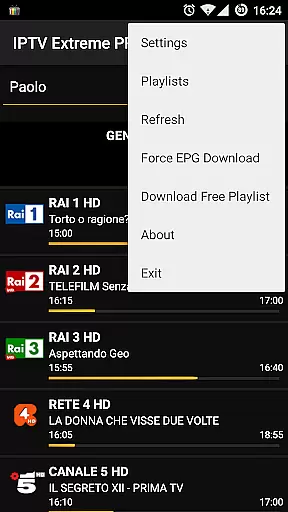
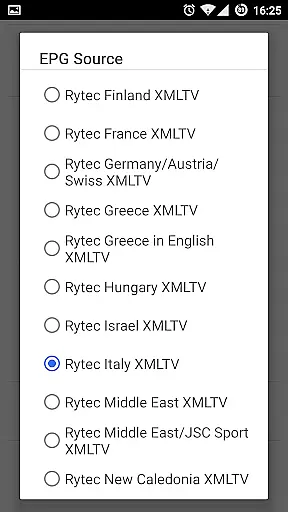
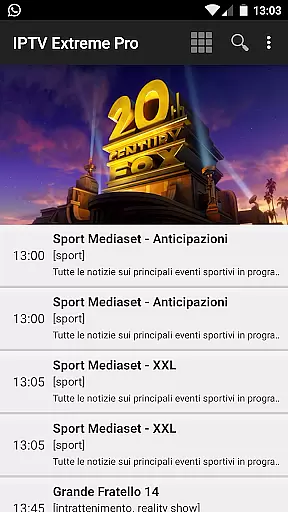
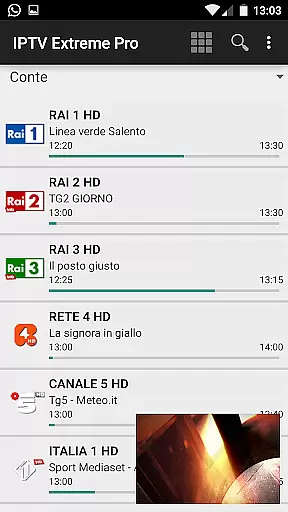
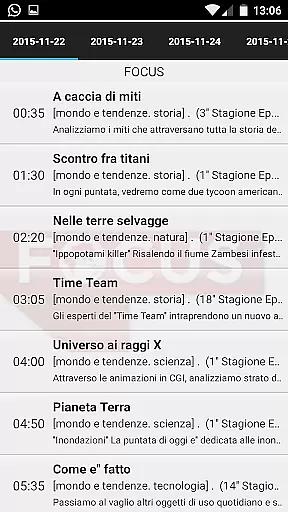

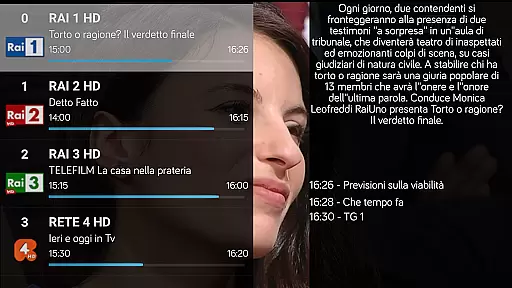
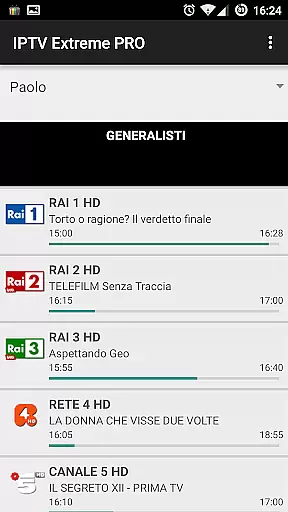
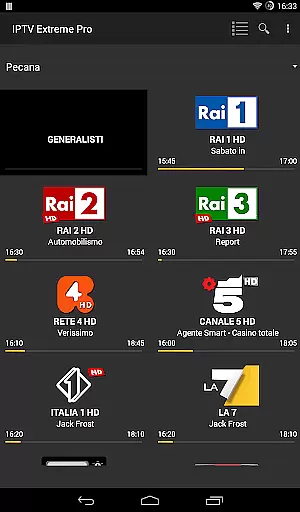
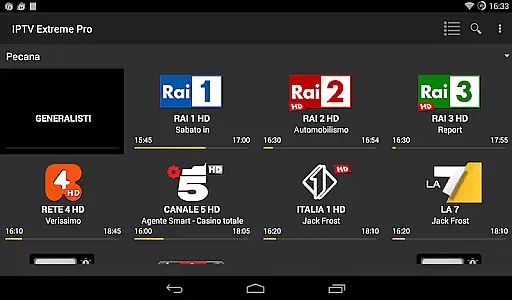
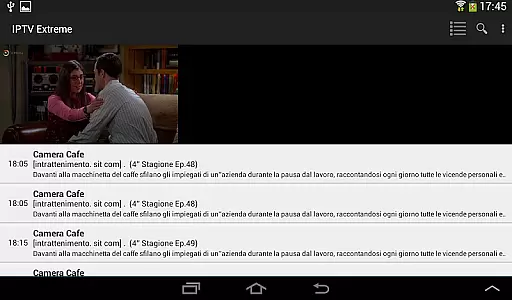
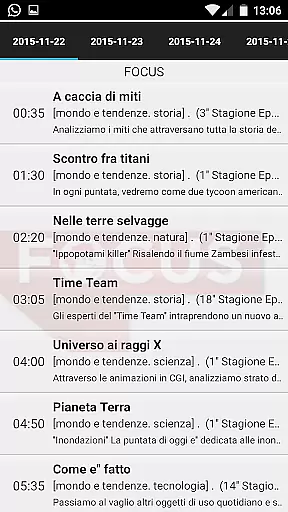
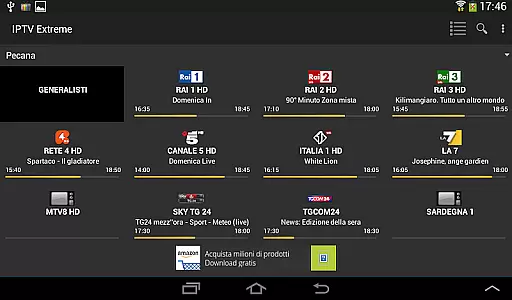

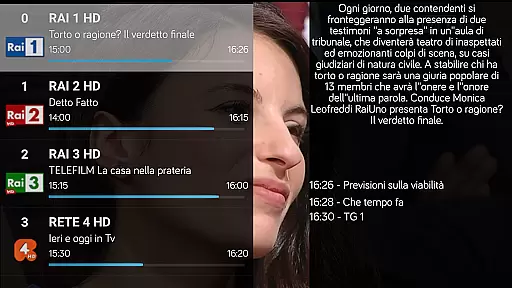
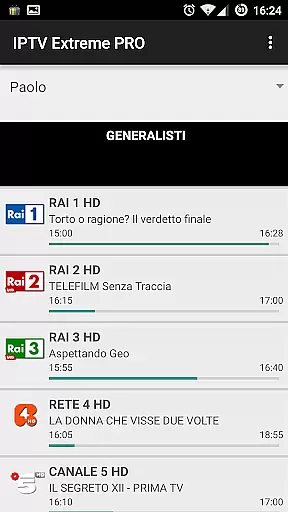
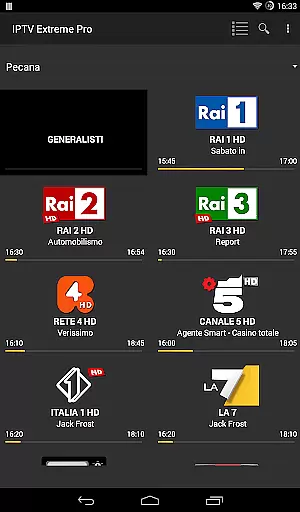
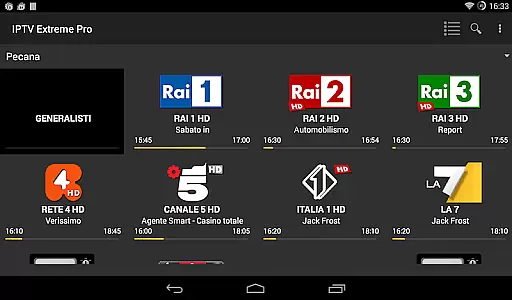
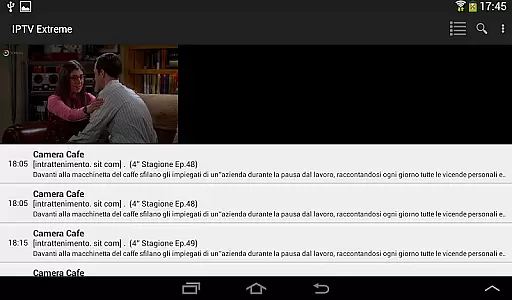
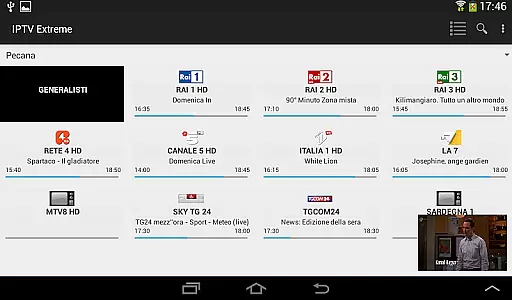
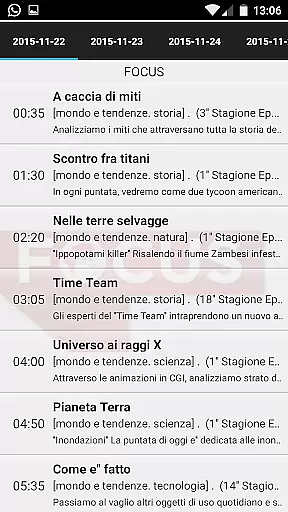

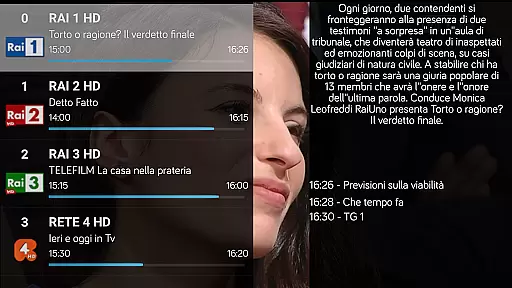
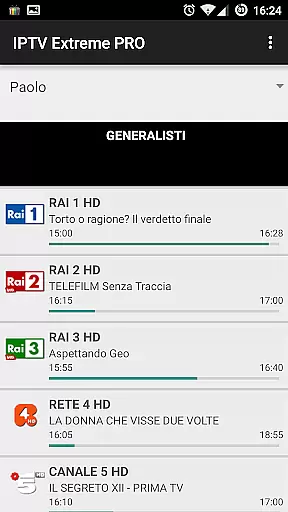
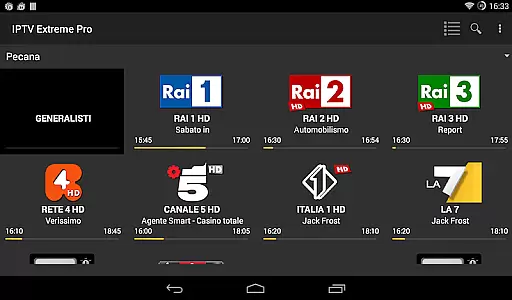
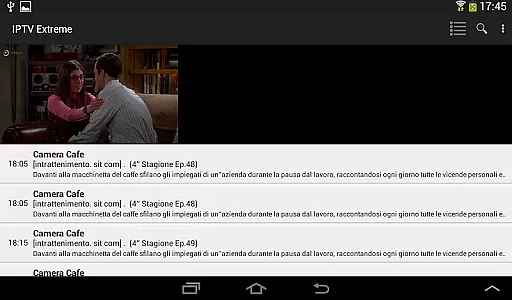
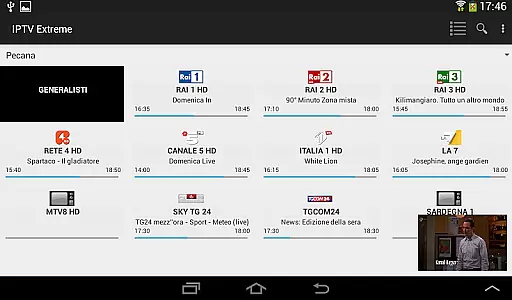

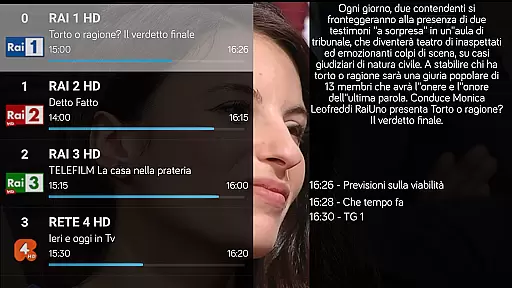
IPTV Extreme Pro is a feature-rich playlist manager designed for users who want to organize and enjoy their IPTV content efficiently. The app provides advanced playback options, including an integrated player with both advanced and light modes, ensuring smooth streaming experiences across various devices.
One of the standout features is its extensive support for different formats and functionalities such as M3U playlists, MAG support, and multi-EPG support. Users can also take advantage of parental controls, Chromecast support, and remote controller compatibility, making it a versatile tool for managing IPTV streams while maintaining a family-friendly environment.
The application is perfect for users looking to customize their IPTV experience with themes, picons, and EPG alias management. With the Pro version, users can enjoy an ad-free experience and additional features like recording live streams and setting memo functions for events on the TV guide.
IPTV Extreme Pro offers a comprehensive suite of features that cater to both casual viewers and advanced users. The integrated player supports both advanced and light modes, allowing users to choose the best playback option for their device. Chromecast support enables seamless streaming on larger screens, while parental controls ensure a safe viewing environment for families.
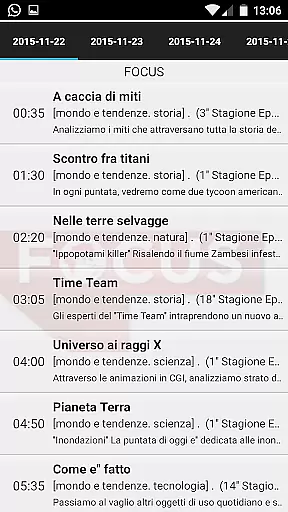
For those who require detailed TV guides, the app supports multi-EPG and auto EPG updates, providing up-to-date channel information. The ability to manage EPG aliases and search for similar events enhances the user's control over their viewing schedule. Additionally, the app supports more than 10 customizable themes and various picon sizes, allowing users to personalize their interface.
Advanced features in the Pro version include the ability to record live streams with time limits and download on-demand programs. Users can also benefit from timer management, autostart on boot functionality, and a sliding EPG time feature. These capabilities make IPTV Extreme Pro a powerful tool for managing and enjoying IPTV content legally and efficiently.
Video format compatibility is a crucial feature for any video player, ensuring that users can enjoy content in various formats without technical hindrances. IPTV Extreme Pro supports M3U playlists and integrates advanced playback capabilities, making it adaptable to different video streams.
The application's support extends to multiple EPG (Electronic Program Guide) providers and includes auto EPG updates, enhancing the user experience by keeping them informed about their favorite shows. With MAG support and Chromecast functionality, IPTV Extreme Pro ensures that whether you're streaming on your TV or mobile device, the transition is seamless.
For users who value customization, the app offers more than 10 themes and picon support in various sizes. This flexibility allows users to tailor their interface according to personal preferences while maintaining high-quality visual standards.
While IPTV Extreme Pro focuses primarily on streaming and managing IPTV content, it also incorporates AI-powered editing features that enhance user interaction with the app. Although not a traditional video editor, its ability to manage EPG alias and set memo functions for events reflects a smart, automated approach to content management.
One innovative feature is the sliding EPG time, which provides an intuitive way to navigate through TV schedules. Additionally, the search function for similar events on the TV guide showcases the app's intelligent programming, aiding users in discovering content that aligns with their interests.
The Pro version takes these capabilities further by offering an ad-free experience, thus streamlining the interface and allowing uninterrupted access to its sophisticated tools. These enhancements collectively contribute to a more personalized and efficient user journey within IPTV Extreme Pro.
User-friendly interface
Extensive format support
Parental controls
Customizable themes
Chromecast integration
No built-in channels
Requires manual playlist setup
Pro version is paid
Complex for beginners
Limited customer support

The smartest M3U IPTV Player your playlists have ever seen.
 4.3
4.3
Kodi media center, a free and open source cross-platform entertainment hub
3.60
IPTV-Smarters Player Pro M3U - Watch Live Stream TV Channels with Chromecast
4.00
Watch full episodes of your favorite Cartoon Network and Cartoonito shows!
3.50
Support 1000+ Video Format, Subtitle Download, mp3 & Background Play, Cast On TV
4.60
Movie maker & video editing app with AI effects and green screen
4.30
Cast to Smart TV, Fire TV. Cast video, photo - Fast & Stable!
3.90
Make your own Animations, Video and Photo Edits, Visual Effects, and more!
4.00
convenient, safe and fast at Video Downloader & Player
4.60
HD Video player all format, HD Videos, Cast & Subtitle. No annoying ads.
4.60
Fast & easy HD video downloader for all formats, support 4K playback & download.
4.60
Fast, private downloading, video saving, social media
4.50
Web Browser for LG TV to stream webvideos, online movies and livestreams in HD
4.20
Powerful, professional, versatile teleprompter. Developed by an active film crew
4.00
All format media Player, no need video converter any more!
4.00
Stream Web Videos to Chromecast, Samsung, LG, Sony, Roku, Fire TV, DLNA + more
4.00
Fast private browser with secure, seamless access & supported video downloads!
4.00
Online Videos Player
3.90
Download videos easily & play them all in one smart, powerful video manager.
3.40


User Reviews