
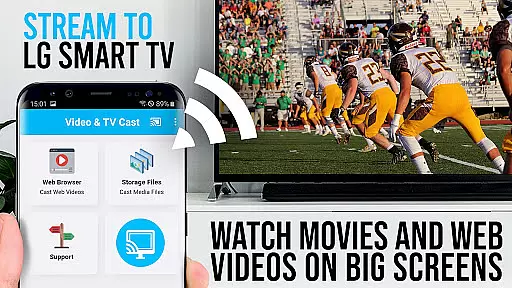
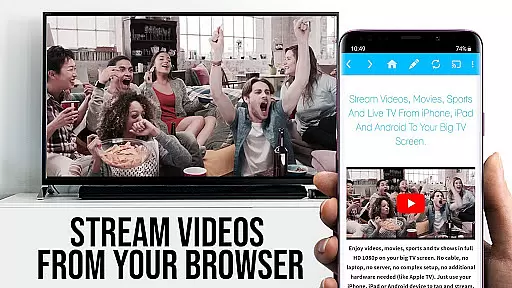
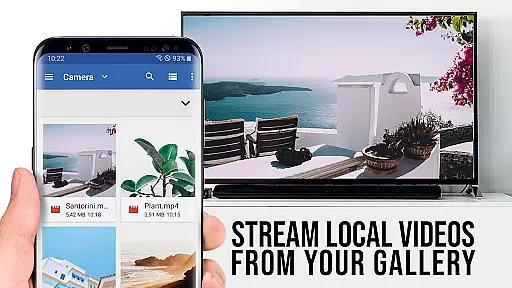
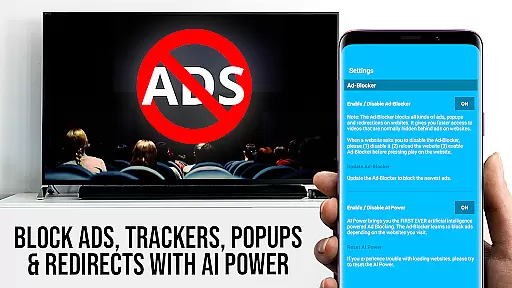
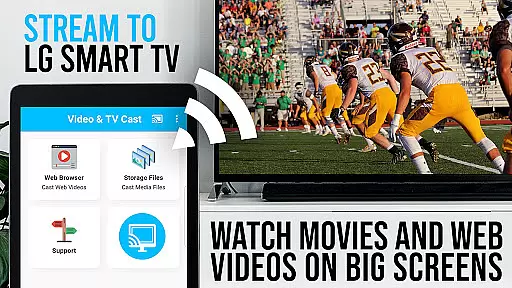
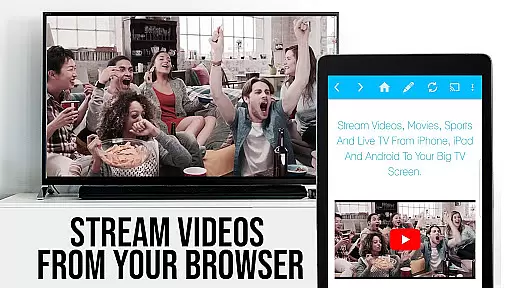
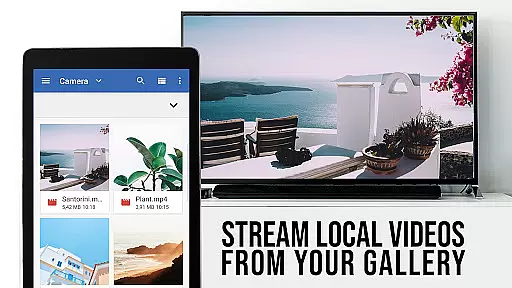
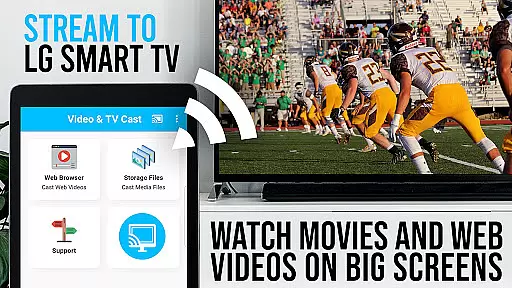
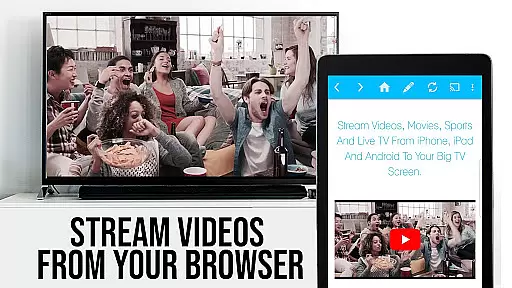
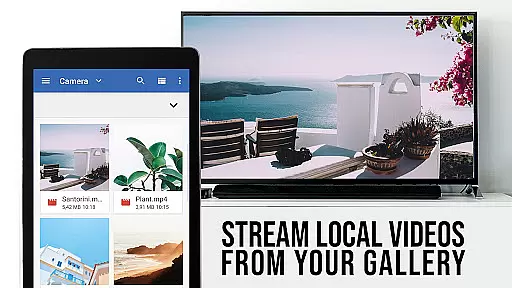
TV Cast Pro for LG webOS is a premium application designed to enhance your streaming experience on LG Smart TVs. This app allows users to cast web-videos, online-movies, livestreams, and live TV shows directly to their LG TV without the need for an additional streaming box. With support for Full HD and various video formats like mp4 and m3u8, it ensures high-quality playback on the big screen. The app supports multitasking, enabling users to use their phone for other activities while casting continues uninterrupted.
The PRO edition of TV Cast includes all premium features unlocked, offering advanced functionalities such as remote playbar for video control, an ad-blocker to remove ads and popups, bookmarks for saving favorite sites, desktop mode for accessing full websites, and customizable homepage settings. These features make it a versatile tool for anyone looking to maximize their LG TV's potential for online content streaming.
TV Cast Pro stands out with its ability to cast videos in Full HD even from devices with lower screen resolutions, surpassing the limitations of Miracast. Its multi-tasking capability allows users to close the app or even shut down their phone while casting continues. Unlike Miracast, which routes all video through the phone, TV Cast reduces Wi-Fi usage by not relying on the mobile device during casting.
This app also offers exclusive PRO features such as the Remote Playbar for advanced video control, an Ad-Blocker that removes ads on most websites, and the option to add unlimited bookmarks. Users can switch to Desktop Mode to access desktop versions of websites and customize the homepage according to personal preferences. These features collectively provide a seamless and enriched streaming experience tailored for LG webOS and Netcast LG Smart TV users.
TV Cast Pro for LG webOS stands out with its versatile video format compatibility, ensuring users can stream a wide range of content without limitations. The app supports popular formats such as mp4 and m3u8, allowing seamless streaming in full HD quality.
This flexibility is crucial for users who want to enjoy various types of videos, from web-based clips to online movies. By accommodating multiple formats, the app caters to diverse user preferences and needs.
The importance of this feature lies in its ability to provide uninterrupted entertainment. Users don't have to worry about format restrictions or conversions, making their streaming experience more enjoyable and hassle-free.
Moreover, the app's compatibility extends beyond just video formats. It works on all Android devices, unlike Miracast which has device-specific limitations. This universal support ensures that more users can benefit from the app's capabilities regardless of their device specifications.
While TV Cast Pro for LG webOS doesn't focus on traditional AI-powered editing features, it offers advanced functionalities that enhance the streaming experience. The app includes a Remote Playbar that provides sophisticated video control options during browsing sessions.
This feature set includes essential editing-like controls such as video scrubbing, forward, rewind, play, pause, and stop functions. These tools give users precise control over their viewing experience, similar to how AI-powered editing features would enhance video manipulation.
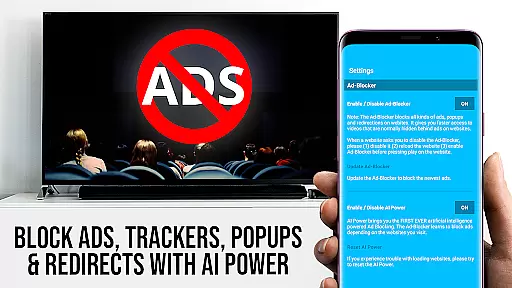
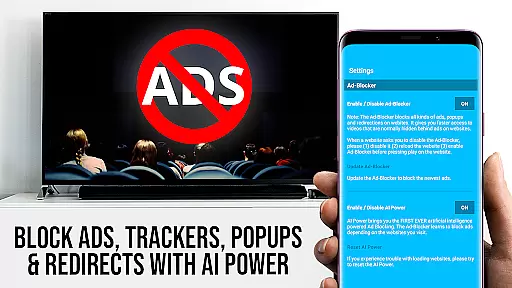
The app also incorporates an Ad-Blocker that automatically removes ads and popups from most websites, streamlining the viewing process. This intelligent filtering system works similarly to AI algorithms that clean and optimize content, creating a more focused viewing environment.
Furthermore, the Desktop Mode feature allows users to switch between mobile and desktop website views, effectively changing how content is presented and consumed. This adaptability enhances user interaction with different types of web-based media content.
Full HD casting
Multi-tasking enabled
No additional streaming box required
Ad-Blocker included
Unlimited bookmarks
Third party apps not supported
DRM protected videos restricted
Limited to LG Smart TVs
QR Code connection only
Premium version costly

Video Player - Unlimited features, 30 days money back guarantee.
 4.60
4.60
1)AirPlay/DLNA Mirroring/Streaming, up to 4 connections; 2)Samba/NAS/DMS Player.
4.00
Turn your phone into a wireless camera!
4.20
Powerful Video Editor & Photo Editing App —— Quick Edits & Stunning Effects!
4.30
Cast to Smart TV, Fire TV. Cast video, photo - Fast & Stable!
3.90
Watch IPTV on your Android device
4.60
Flud is a simple and beautiful BitTorrent client for Android.
4.80
Browser for Fire TV to stream webvideos, online movies, livestreams in HD
4.40
Make videos you’re proud to share with Edits, a video editor for creators.
4.70
An easy-to-use and all-round screen recorder with audio
4.80
Download videos and play them offline
4.70
Cast Videos from Web Browser, IPTV to Roku, Chromecast, DLNA, Smart TV +more
4.60
Search & download videos from net with all video downloader, auto-detect & safe.
4.60
Browser + Remote for Roku to stream webvideos, online movies and livestreams
4.60
Auto video maker with music & exclusive filters. Video editing made simple.
4.50
Video player, file manager for all formats, 4K/HD media player supports subtitle
4.30
Video Downloader is an utility that can save videos and music from web sites
4.20
Video player with 4K & 1080P support, popup play, background play and subtitle.
4.20
IPTV-Smarters Player Pro M3U - Watch Live Stream TV Channels with Chromecast
4.00


User Reviews