
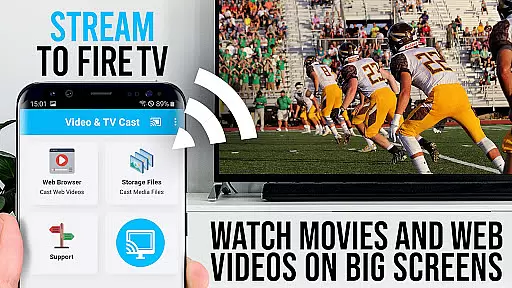
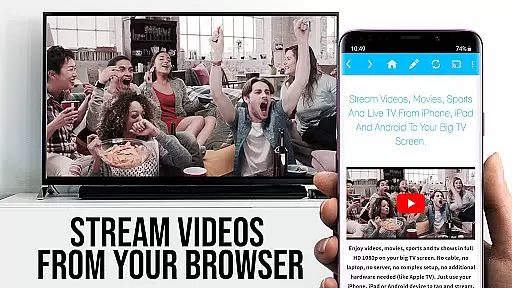
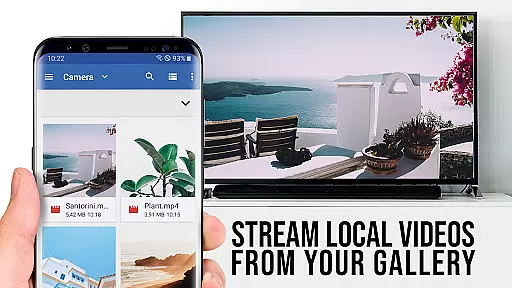
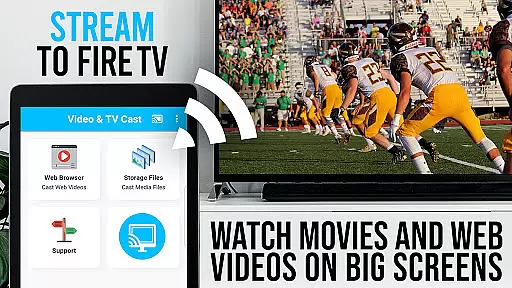
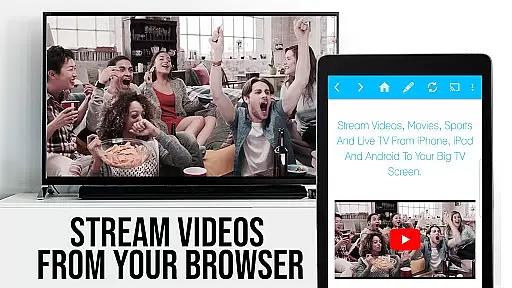
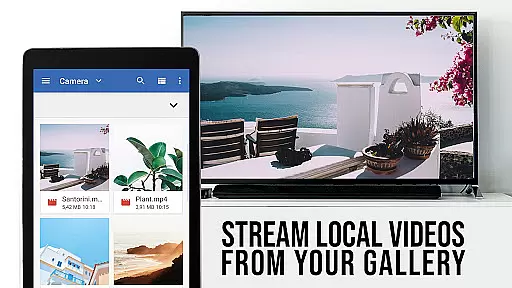
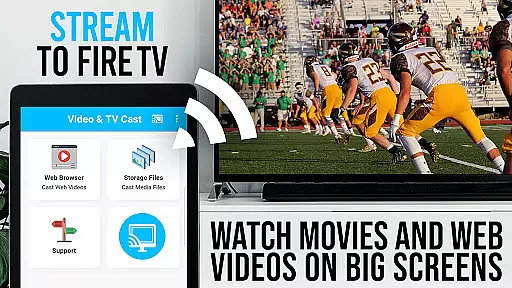
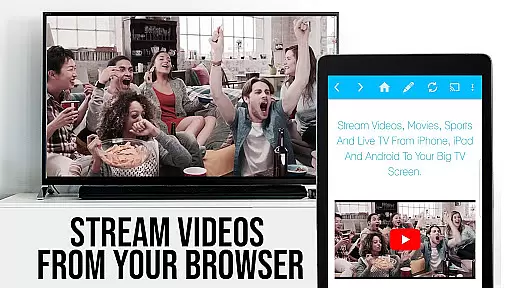
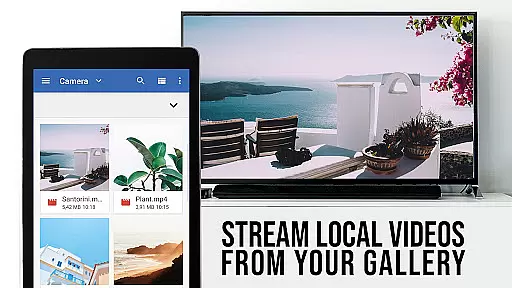
TV Cast Pro for Fire TV is the premier web video streaming solution that transforms your Fire TV into a versatile entertainment hub. Designed specifically for Amazon Fire TV and Fire TV Stick, this application enables seamless streaming of web videos, online movies, livestreams, and live TV shows directly to your largest screen. Supporting formats like MP4, M3U8, HLS livestreams, and Full HD content over HTTPS, it eliminates the need for complex media servers.
The app's standout feature is its ability to browse the web and cast any discovered video with a single tap, displaying it below the browser for easy access. While it doesn't support DRM-protected content or full device mirroring, it focuses on pushing video content from websites to your Fire TV. With advanced connectivity troubleshooting tips and an emphasis on user safety through minimal permissions, TV Cast Pro ensures a secure and optimized viewing experience.
TV Cast Pro stands out with its comprehensive set of features tailored for an enhanced streaming experience. The Remote Playbar allows users to control video playback with options like scrubbing, forward, rewind, play, pause, and stop, all synced across Android and iOS devices running the app. This level of control provides a seamless transition between browsing and viewing, enhancing user convenience.
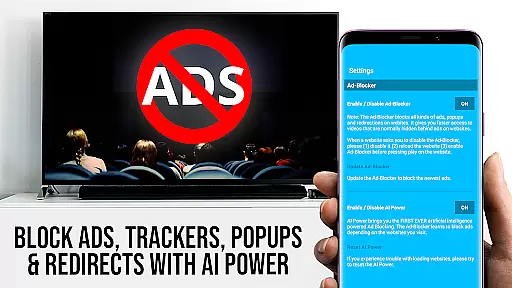
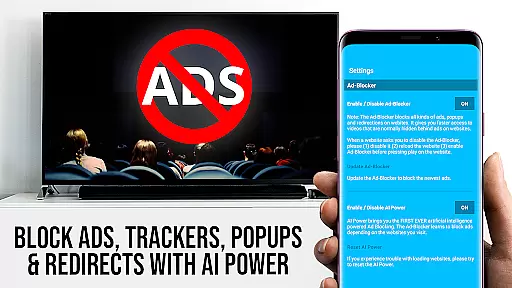
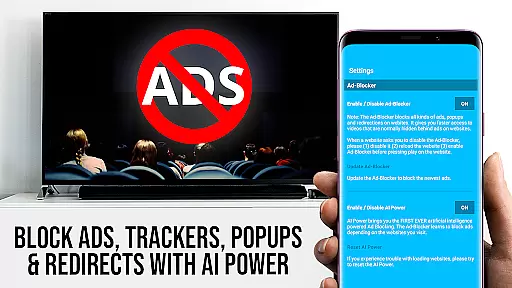
In addition to advanced controls, the PRO version includes an Ad-Blocker that removes ads and popups on most visited websites, ensuring uninterrupted viewing. Users can also manage bookmarks efficiently, switch to Desktop Mode for accessing desktop versions of websites, and customize their homepage. These features collectively offer a personalized and ad-free browsing experience, making TV Cast Pro a robust tool for streaming enthusiasts looking for flexibility and control in their media consumption.
TV Cast Pro for Fire TV offers extensive video format compatibility, ensuring users can enjoy a wide range of content without technical hindrances. The app supports popular formats such as Mp4 and m3u8, making it versatile for different types of videos including livestreams and Full HD content.
With HLS livestreams and video over https also supported, the application caters to modern streaming needs. This means whether you're looking to watch web videos or online movies, the app is designed to handle various streaming protocols with ease.
For users who want direct playback on their Fire TV, they simply need to enter or paste the full video URL in the browser address bar. This straightforward approach eliminates the need for complex media servers and allows quick access to desired content.
The emphasis on format compatibility highlights the app's dedication to providing an uninterrupted viewing experience. By supporting multiple formats, TV Cast Pro ensures that users can focus on enjoying their content rather than worrying about technical limitations.
Although TV Cast Pro for Fire TV does not offer traditional AI-powered editing features like video trimming or special effects, it provides unique functionalities that enhance user interaction with web-based content. One standout feature is its ability to detect embedded videos on websites and cast them directly to your Fire TV.
This detection capability acts as an intelligent assistant by identifying video links below the browser after navigation. Users can tap on these links to instantly send videos to their television screens, streamlining the process of finding and playing content.
In addition, the Remote Playbar feature offers advanced video control while browsing. It includes options for video scrubbing, forward, rewind, play, pause, and stop u2013 all synced across Android and iOS devices running Video & TV Cast. This creates a seamless control experience akin to sophisticated editing tools but tailored for effortless media consumption.
By focusing on smart detection and remote control features, TV Cast Pro enhances how users interact with digital media without overwhelming them with complex editing capabilities. These innovations ensure a smooth yet powerful way to manage and enjoy online videos directly from the web.
User-friendly interface
Wide format compatibility
Advanced video controls
Effective ad-blocking
Customizable settings
No DRM content support
Limited to Fire TV
Device mirroring absent
Connectivity issues possible
Premium version costly

Kodi media center, a free and open source cross-platform entertainment hub
 3.60
3.60
Photo and Music Video Creator into Stunning Videos—Effortlessly
4.40
Video Downloader is an utility that can save videos and music from web sites
4.20
Video Trimmer, Video to MP3 Converter. Extract music from video, Easy & Fast.
4.80
AI Video Editor:AI Music, Text to Video,Text to Speech,Auto Caption,Video Effect
4.00
All in one multi protocols stream receiver for AirPlay, Cast and DLNA.
3.60
Connect EasyCap or UVC devices for recording and broadcast video/audio stream
3.60
LumaFusion: The Ultimate Storytelling Experience for Video Editing
4.10
Make videos you’re proud to share with Edits, a video editor for creators.
4.70
A Simple app to download Video & Music from the Internet.
4.70
Cast movies, tv shows and live streams to Chromecast, Roku, DLNA, Fire TV & more
4.60
Add date and time watermark to photos and videos
4.50
Fast & Private HD Video Downloader with Built-in Proxy Browser and Video Player.
4.50
Online Videos Player
3.90
AirMirror is Receiver for Screen Mirroring and Casting from Apple Devices.
3.60
Watch full episodes of your favorite Cartoon Network and Cartoonito shows!
3.50
A full editing room to accompany your Insta360 cameras and handheld gimbals.
3.30
Browser for Sony TV to stream web videos, online movies and live tv
3.20
Stream high quality video from your camera over NDI protocol
4.4


User Reviews