









Photo and Music Video Creator is a versatile video editing tool designed to transform your photos into engaging video stories. With its user-friendly interface, the app allows users to create professional-quality videos effortlessly. The core functionality lies in its easy photo-to-video conversion feature, enabling users to compile images into dynamic presentations with just a few taps.
Beyond basic video creation, the app offers advanced photo enhancement options and an intuitive video editing suite. Users can adjust image settings, apply stylish filters, and add background music to produce polished, cinematic results. Whether you're crafting a heartfelt slideshow or a quick social media reel, this app provides all the necessary tools to bring your memories to life.
Ideal for content creators and casual users alike, Photo and Music Video Creator serves as a one-stop solution for turning cherished moments into shareable videos that captivate audiences across platforms.
One of the standout features of Photo and Music Video Creator is its comprehensive built-in photo enhancer. This tool allows users to perfect their images by adjusting brightness, contrast, saturation, and other key parameters before incorporating them into videos. Such precision ensures every frame looks its best, enhancing the overall quality of the final product.
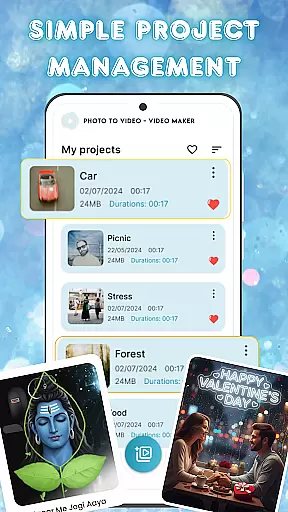
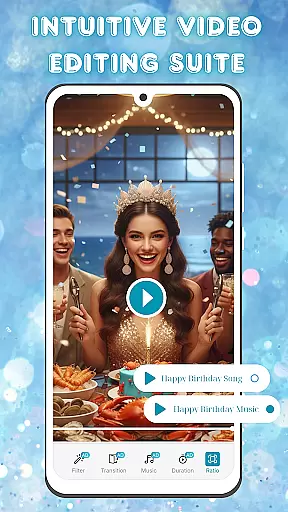
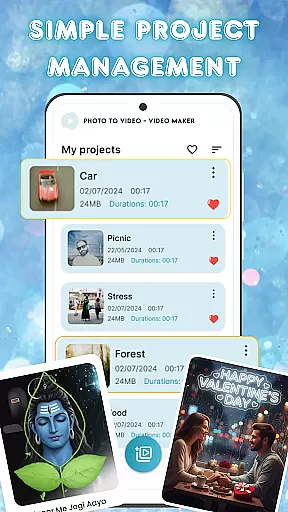
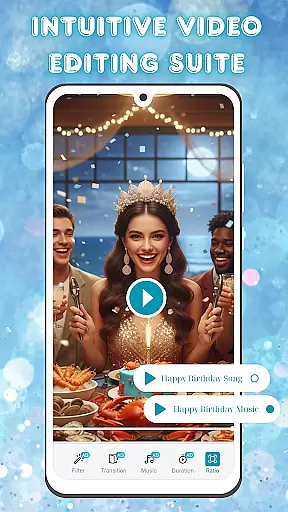
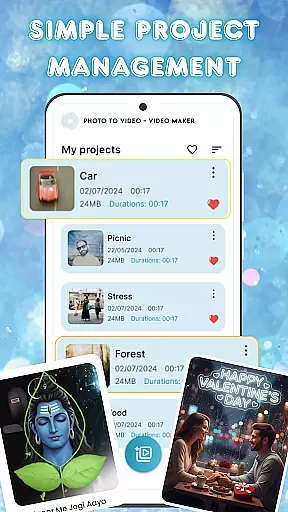
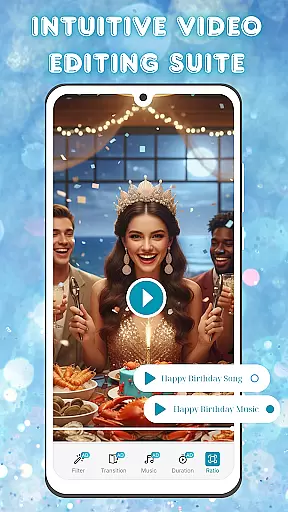
The app also includes an intuitive video editing suite that supports smooth transitions, customizable filters, and audio integration. These capabilities enable users to add professional touches to their projects without requiring extensive technical expertise. Additionally, the simple project management system helps organize multiple video projects efficiently, making it easy to access, edit, and export creations whenever needed.
With these robust features, Photo and Music Video Creator empowers users to produce high-quality visual content tailored to their unique style and purpose, whether for personal enjoyment or broader audience engagement.
One of the key strengths of Photo and Music Video Creator lies in its extensive video format compatibility. This ensures that users can work with a wide range of file types without worrying about conversion issues.
The app supports popular formats such as MP4, AVI, and MOV, allowing creators to import and export videos effortlessly. This versatility is crucial for both amateur and professional video editors who need flexibility in their projects.
By providing broad format support, the app enables seamless sharing across various platforms and devices. Whether you're creating content for social media or personal archives, this compatibility ensures your videos will play smoothly everywhere.
Moreover, the app's ability to maintain high-quality resolution during conversions demonstrates its commitment to delivering professional-grade tools to its users.
Photo and Music Video Creator stands out with its advanced AI-powered editing features, which significantly enhance the video creation process. These intelligent tools help automate complex editing tasks, making professional-quality editing accessible to everyone.
The AI-driven enhancements include automatic color correction, smart cropping, and scene detection. These features work together to optimize video quality while saving users considerable time during the editing process.
Another notable AI feature is the smart music synchronization tool, which automatically adjusts video cuts and transitions to match the rhythm of background music. This creates dynamic, professional-looking videos with minimal effort from the user.
These AI capabilities not only streamline the editing workflow but also open up creative possibilities that were previously available only to experienced video editors, making it an excellent choice for content creators at any skill level.
User-friendly interface
Advanced photo editing
Smooth video transitions
Customizable filters
Easy project management
Limited free features
Occasional ads
Premium subscription cost
Learning curve for beginners
Export resolution limits

The smartest M3U IPTV Player your playlists have ever seen.
 4.4
4.4
Online Videos Player
3.90
Kodi media center, a free and open source cross-platform entertainment hub
3.60
A Quick and Pro Video Editor
4.70
Tik & Story Saver-Download ALL social media videos, photos & reels no watermark.
4.80
Download website videos fast&privacy
4.40
IPTV Player - Watch live TV from m3m & m3u8 playlist, stream IPTV on mobile
3.30
Cast movies, tv shows and live streams to Chromecast, Roku, DLNA, Fire TV & more
4.60
Photo editor & video maker with music and slideshows.
4.10
#1 Torrent App on Android ** No Ads Ever + Battery Saver **
4.80
High-Quality USB Camera Viewer & HDMI Display
4.70
Auto video maker with music & exclusive filters. Video editing made simple.
4.50
Cast to Chromecast, Xbox, Fire Stick, Roku, DLNA, Smart TV & No Feature Limited!
4.50
Video Downloader, Multiple Resolution Options, Video Player
4.50
Stream Web Videos to Chromecast, Samsung, LG, Sony, Roku, Fire TV, DLNA + more
4.00
Save photos and videos from social apps in one tap.
3.60
Download videos easily & play them all in one smart, powerful video manager.
3.40
Client application for NextPVR software
3.00
The essential companion to your Blue Iris PC software
2.50


User Reviews