


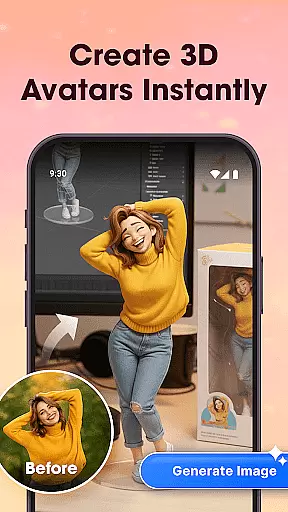

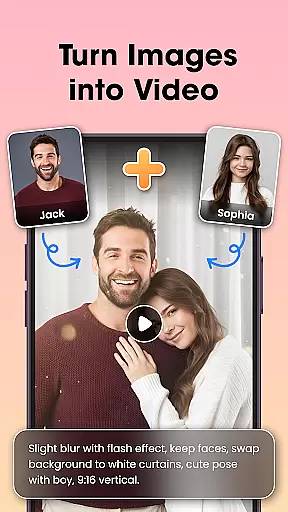



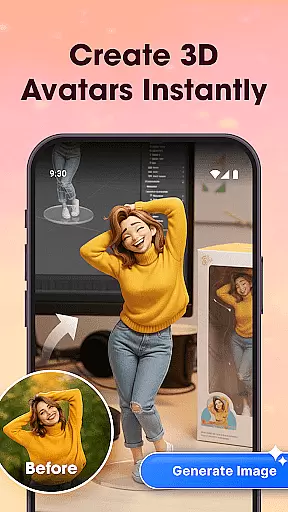

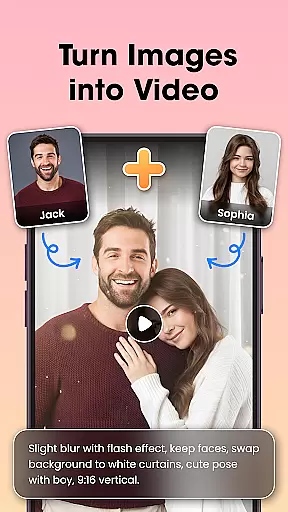



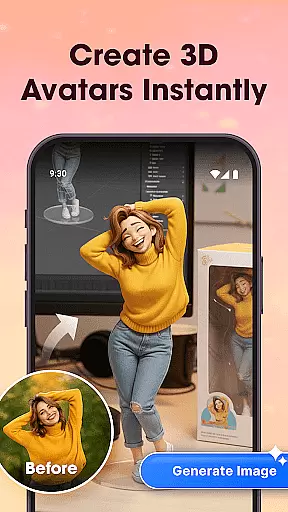

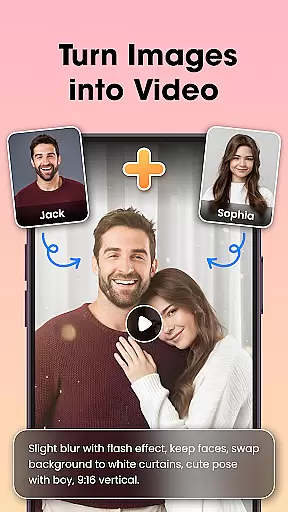

Photo Editor Video Maker Music is a versatile video editing application that transforms your photos into engaging video stories with music and creative effects. The app offers an AI Video Generator that allows users to create stunning videos using templates like AI Hug and AI Kiss, turning simple images into dynamic visual narratives. With features such as background music integration, photo editing tools, and customizable text options, the app ensures every video is personalized and emotionally impactful.
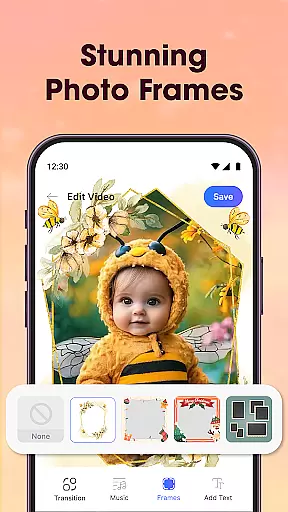
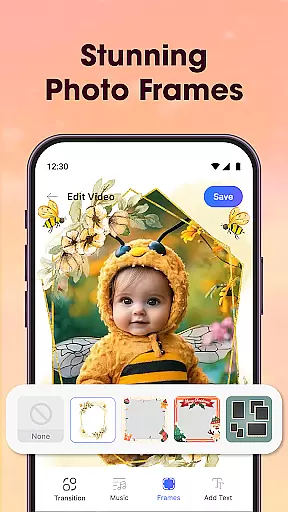
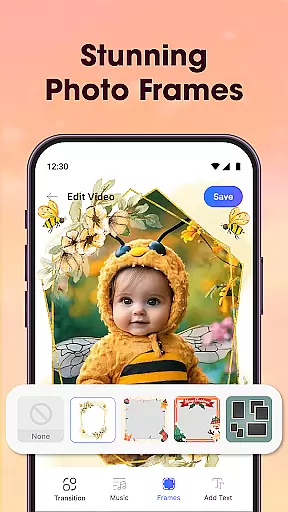
The app's built-in photo editor lets you enhance images with filters, cropping, and retouching before incorporating them into videos. It also provides a wide selection of visual effects, frames, and themed borders to make your slideshow stand out. Whether you're creating content for birthdays, weddings, or everyday moments, Photo Editor Video Maker Music helps you craft professional-quality videos with smooth transitions and HD export capabilities, making it perfect for sharing on social media platforms.
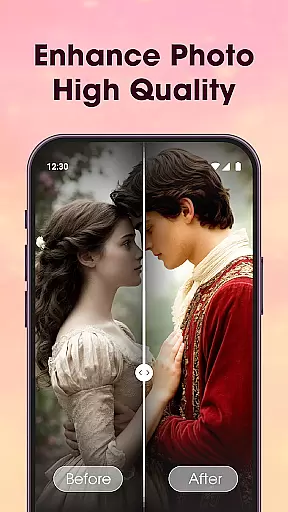
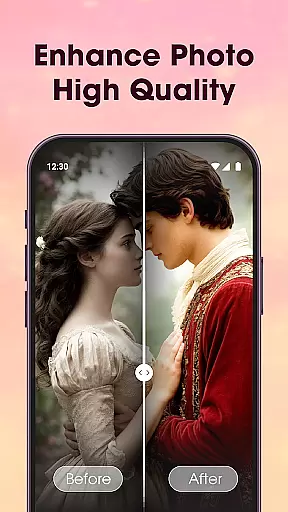
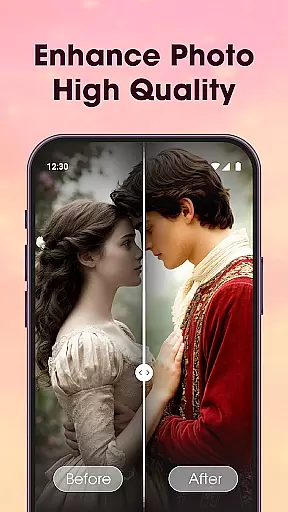
Photo Editor Video Maker Music stands out with its comprehensive set of features tailored for creative video production. The AI Video Generator is a key highlight, offering unique templates such as AI Hug and AI Kiss that automatically transform photos into emotional video stories. The app includes an AI Background Remover for effortless background editing, and an AI Photo Enhancer that improves image quality with a single tap, ensuring your videos look polished and professional.
In addition to its AI-powered tools, the app provides a full suite of video editing features. Users can leverage video templates designed for platforms like Reels, Shorts, and Stories, while the Video Maker with Music function allows seamless integration of trending audio tracks. The Slideshow & Effects feature offers stylish transitions and effects, enabling creators to add narration or voice-over to their projects. These robust capabilities make the app ideal for producing high-quality, visually appealing videos for various occasions.
Video format compatibility is a crucial feature for any video editing application, ensuring that users can work with a wide range of file types without conversion hassles. Photo Editor Video Maker Music supports an extensive array of video formats, allowing creators to import and export projects in their desired resolutions and codecs.
This app's dedication to comprehensive format support means you can seamlessly integrate videos from different sources, whether they're from a digital camera, smartphone, or downloaded media. The flexibility extends to output options as well, providing optimized settings for various platforms like YouTube, Instagram, and more.
Users benefit from time saved and enhanced workflow, avoiding the need for pre-editing conversions. With this app, your creative process remains uninterrupted by technical limitations, empowering you to focus on storytelling and visual expression.
The inclusion of both standard and high-definition formats ensures that quality is maintained across all your projects. Whether you're producing content for social media or professional presentations, Photo Editor Video Maker Music has the versatility to meet diverse multimedia needs.
AI-powered editing features represent the cutting edge of video production technology, automating complex tasks and enabling creators to achieve professional results with minimal effort. Photo Editor Video Maker Music incorporates advanced AI tools that revolutionize how users approach video creation, offering smart solutions like the AI Video Generator and AI Background Remover.
These intelligent features allow even novice editors to produce stunning visuals by simply selecting templates and letting the app do the heavy lifting. For instance, the AI Hug and AI Kiss effects automatically animate static images into dynamic sequences, adding emotional depth to every frame without requiring manual keyframing or animation skills.
Beyond just visual enhancements, the app's AI capabilities extend to practical functionalities such as one-click background removal and photo enhancement. This streamlines the editing process significantly, making sophisticated techniques accessible to everyone regardless of their experience level.
By leveraging these AI-powered tools, users can focus on unleashing their creativity rather than getting bogged down in technical details. The result is not only faster production times but also consistently high-quality outputs that rival traditional editing methods.
User-friendly interface
AI-powered video creation
Versatile editing tools
HD quality output
Quick and easy sharing
Limited free features
Occasional ads
Premium subscription required
Advanced tools may overwhelm beginners
Export resolution locked in free version

Cast Videos from Web Browser, IPTV to Roku, Chromecast, DLNA, Smart TV +more
 4.60
4.60
Create & edit videos with AI
4.30
Create photo video with music & template. AI video maker for stunning slideshow.
4.60
This app was created to edit the metadata of music files.
4.20
Cast to Smart TV, Fire TV. Cast video, photo - Fast & Stable!
3.90
Mix with Virtual DJ directly from your phone or tablet !
3.10
#1 Torrent App on Android ** No Ads Ever + Battery Saver **
4.80
Web Browser for LG TV to stream webvideos, online movies and livestreams in HD
4.20
VLC for Android is the best open source video and music player, fast and easy!
4.10
A Simple app to download Video & Music from the Internet.
4.70
IPTV Loader, loads your own Playlist. DOES NOT CONTAIN ANY LIST OR CHANNELS
4.60
Watch a large amount of high-definition short drama content
4.60
Browser + Remote for Roku to stream webvideos, online movies and livestreams
4.60
KineMaster, Your Ultimate Video Editor!
4.40
Powerful Video Editor & Photo Editing App —— Quick Edits & Stunning Effects!
4.30
Video Downloader is an utility that can save videos and music from web sites
4.20
LumaFusion: The Ultimate Storytelling Experience for Video Editing
4.10
Save photos and videos from social apps in one tap.
3.60
Play and download HD videos from all sources — fast, simple, and all-in-one.
4.0


User Reviews