
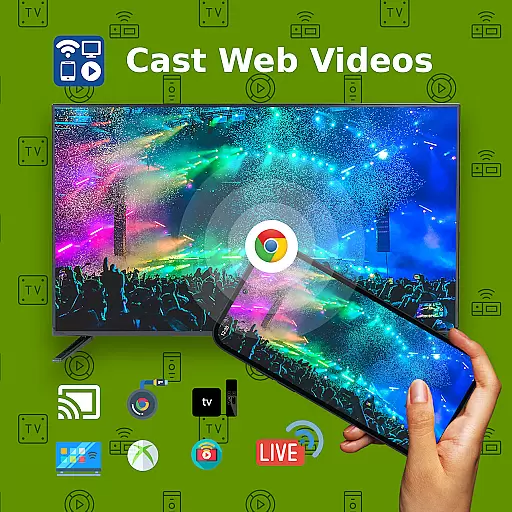
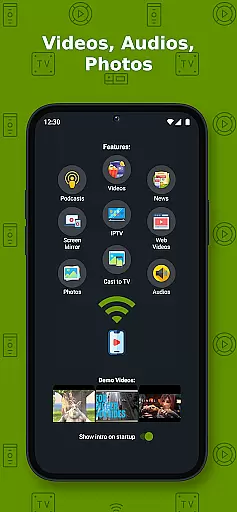
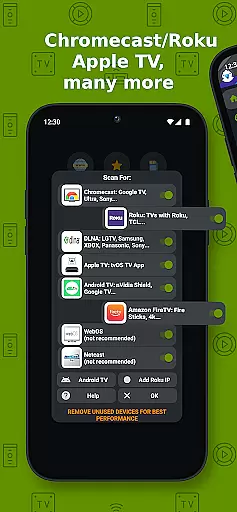
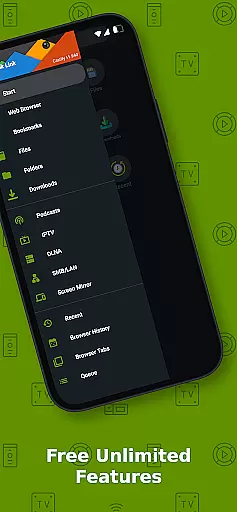
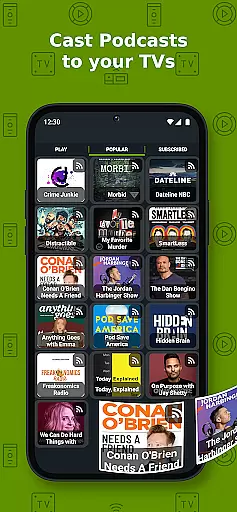
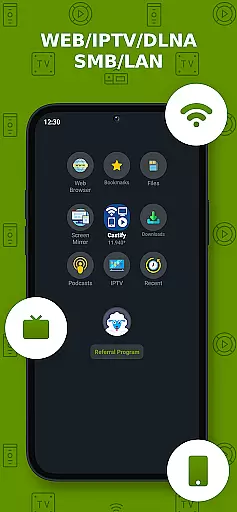
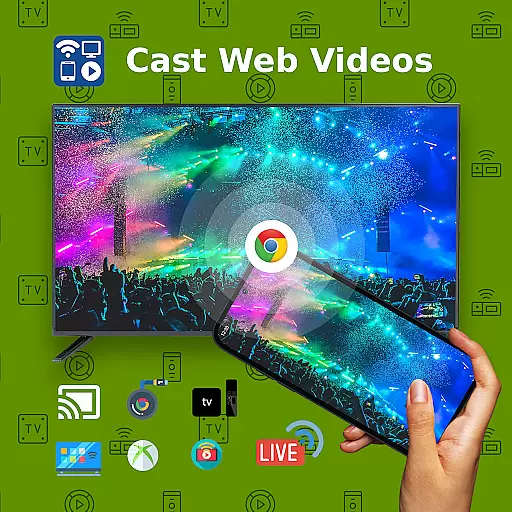
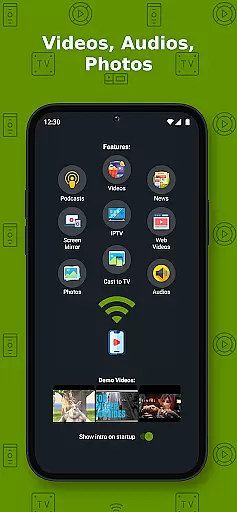
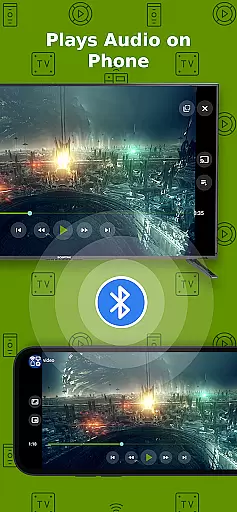
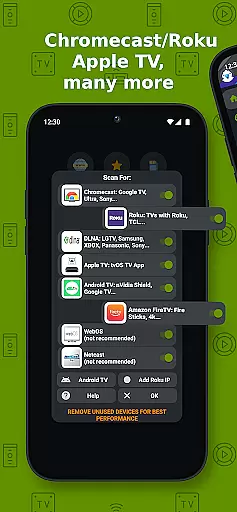
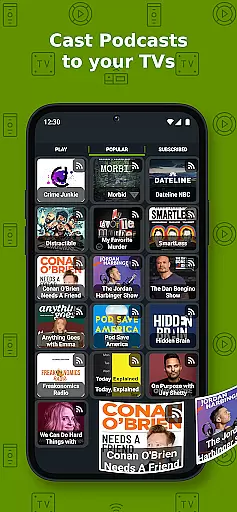
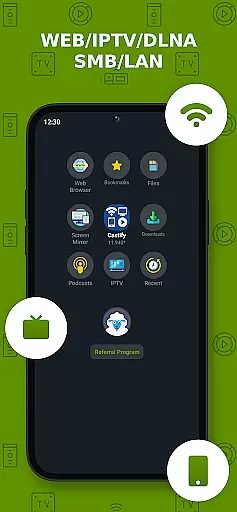
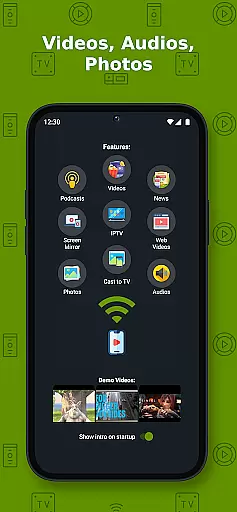
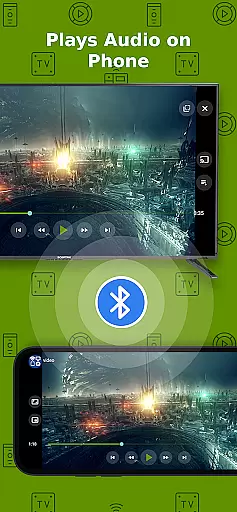
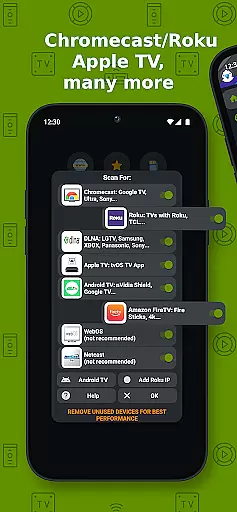
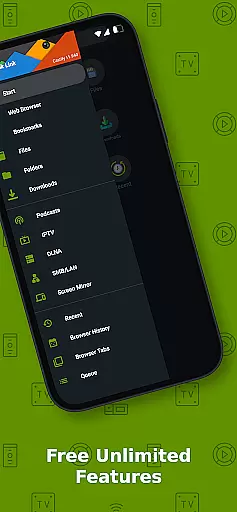
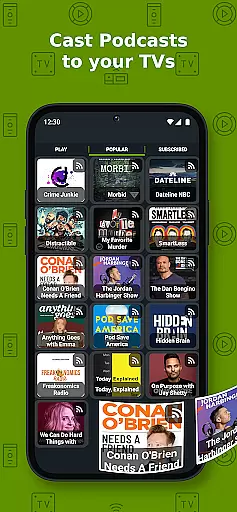
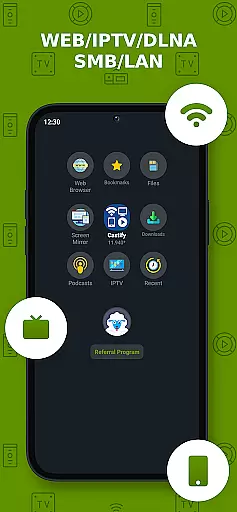
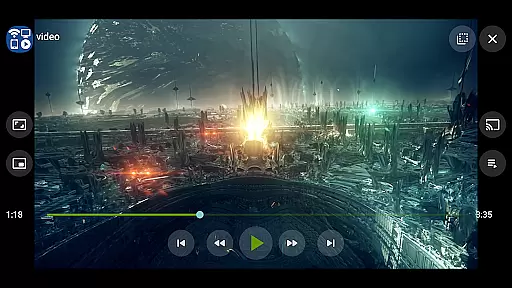
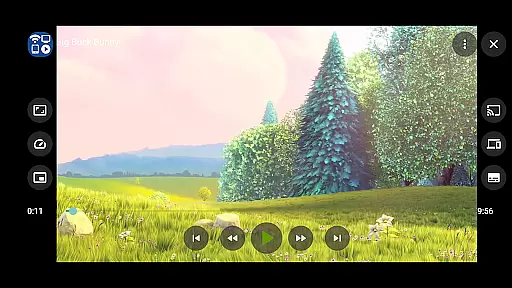
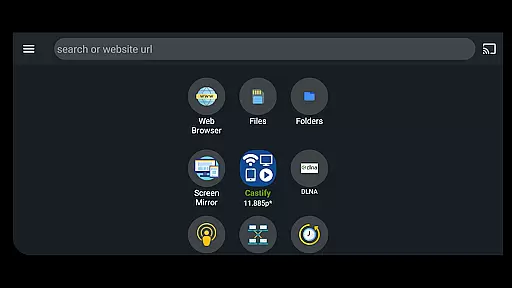
Cast to TV+ Chromecast Roku TV is a versatile streaming application that allows users to cast videos, music, photos, and other media content from their mobile devices to various streaming devices. The app supports a wide range of streaming platforms including Chromecast, Roku, Fire TV, DLNA receivers, Xbox consoles, and smart TVs from brands like LG, TCL, Phillips, Sony Bravia, Samsung, Sharp, Panasonic, and more.
One of the standout features of this app is its ability to generate AI subtitles for any video and translate SRT subtitles, making it accessible to a broader audience. Additionally, users can enjoy functionalities such as screen mirroring, IPTV support, universal remote controls, and picture-in-picture mode. Whether you're streaming local files or online content, this app provides a seamless experience for enjoying media on a larger screen.
This application is particularly useful in home entertainment settings where users want to share media from their phones or tablets directly to their TVs without complicated setups. With its user-friendly interface and comprehensive feature set, Cast to TV+ Chromecast Roku TV enhances the way users interact with their home entertainment systems.
The Cast to TV+ Chromecast Roku TV app boasts an impressive array of features designed to enhance the streaming experience. One of the key highlights is its AI-driven subtitle generation and translation capabilities, which allow users to create and translate subtitles for any video content. This ensures accessibility and convenience for viewers who rely on subtitles.
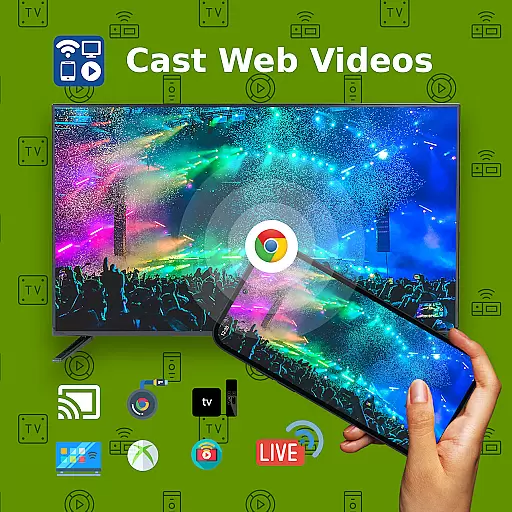
In addition to AI-powered features, the app offers robust casting options. Users can cast web videos found online, stream local files from their devices, and even mirror their screens onto compatible streaming devices. The app also includes universal remote controls for Roku, Android TV, Samsung, LGTV, and FireTV, providing a centralized control hub for various devices.
Other notable features include popup blocker functionality, website bookmarks for easy access to favorite sites, and support for IPTV m3u playlists. With compatibility across multiple formats such as MP4, MKV, MP3, JPG, PNG, HTML5 video, HLS live streaming, and 4K and HD resolutions, this app caters to diverse media consumption needs. These features collectively ensure a smooth and versatile streaming experience tailored to modern digital lifestyles.
Video format compatibility is a crucial feature for any video player, ensuring that users can enjoy content in various formats without technical hindrances. Cast to TV+ Chromecast Roku TV supports an extensive range of video formats including MP4, MKV, and even 4K and HD videos where available. This flexibility allows users to cast videos from different sources without worrying about format restrictions.
The app's support extends beyond just standard video files. It also handles IPTV m3u playlists, HTML5 video, and HLS live streaming, making it versatile for both casual viewers and advanced users who require specific streaming protocols. With this level of compatibility, users can stream content from websites, local files, or IPTV services directly to their TV using compatible devices like Chromecast, Roku, Xbox, and DLNA-enabled receivers.
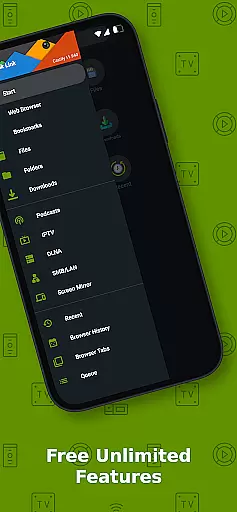
Moreover, the app facilitates casting from phone files, browser websites, and DLNA servers, providing a seamless experience across multiple platforms. Whether you're looking to cast personal media collections or online streams, the app ensures that your content plays smoothly on the big screen. This broad compatibility enhances user convenience and expands the ways in which they can enjoy multimedia content.
AI-powered editing features represent a significant advancement in video player technology, offering users tools to enhance their viewing experience through intelligent processing. Cast to TV+ Chromecast Roku TV incorporates AI-driven functionalities such as subtitle generation and translation, allowing users to create and translate subtitles for any given video automatically. This feature is particularly beneficial for viewers who prefer watching content in different languages or need assistance understanding dialogue.
In addition to subtitle capabilities, the app provides universal remote controls for various devices including Roku, Android TV, Samsung, LGTV, and FireTV. These controls simplify the interaction between the user and their streaming setup, enabling effortless navigation and command execution. By integrating these smart features, the app not only enhances accessibility but also improves overall usability, catering to diverse user preferences and technical setups.
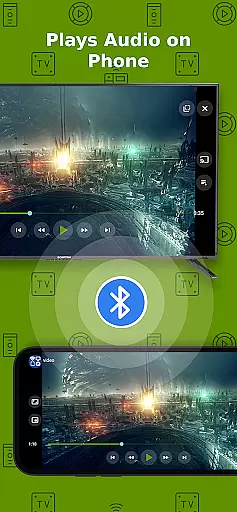
Furthermore, the inclusion of picture-in-picture (PiP) mode and screen mirroring options adds another layer of convenience. Users can multitask while enjoying their favorite shows or mirror their device screens onto larger displays with ease. Such innovations highlight the app's commitment to delivering a comprehensive and adaptive video playback solution, setting it apart from conventional players limited to basic playback functions.
User-friendly interface
Wide device compatibility
AI subtitle generation
Comprehensive format support
Universal remote controls
Limited AirPlay support
Some format restrictions
Dependent on network stability
No proprietary video casting
Possible connectivity issues

Save photos and videos from social apps in one tap.
 3.60
3.60
VLC Remote lets you control your VLC Media Player on Mac, PC or Linux.
4.60
AirMirror is Receiver for Screen Mirroring and Casting from Apple Devices.
3.60
An easy-to-use and all-round screen recorder with audio
4.80
IPTV Loader, loads your own Playlist. DOES NOT CONTAIN ANY LIST OR CHANNELS
4.60
All in one multi protocols stream receiver for AirPlay, Cast and DLNA.
3.60
Browser + Remote for Roku to stream webvideos, online movies and livestreams
4.60
Manage your YouTube channel on the go
4.40
Make videos you’re proud to share with Edits, a video editor for creators.
4.70
Screen recorder with audio to take live videos & Screenshot in high quality!
4.70
?100% FREE! Download & save videos? safely in this app. All formats supported.
4.60
Photo and Music Video Creator into Stunning Videos—Effortlessly
4.40
Full HD Video mp3 Player, MP4 player play 1080p, File manager, Video Downloader
4.40
Fast & Private Video Downloader App. Save all videos easily from the Internet.
4.40
Viddo: Generate Action Figure, AI Anime, AI kiss, AI hug Video from image & text
4.40
AI Video Editor:AI Music, Text to Video,Text to Speech,Auto Caption,Video Effect
4.00
Livestream, news, & gaming content. Watch, chat, and upload. Join Rumble today!
3.80
Connect EasyCap or UVC devices for recording and broadcast video/audio stream
3.60
Stream high quality video from your camera over NDI protocol
4.2


User Reviews