


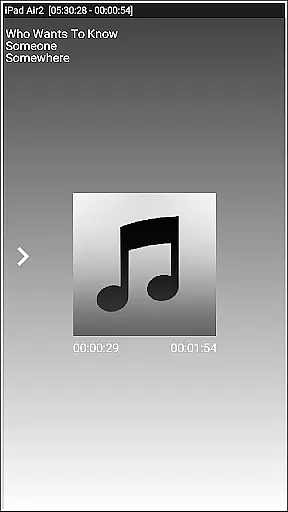
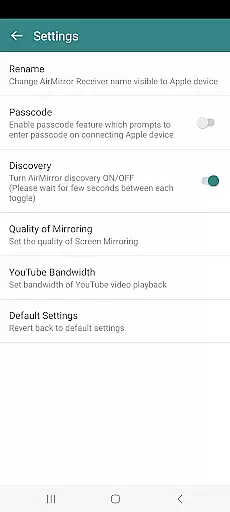
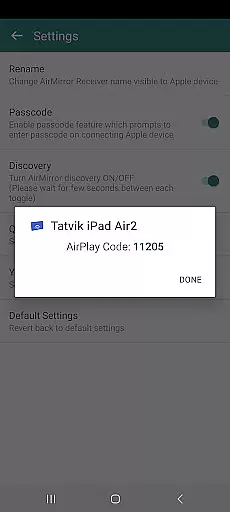
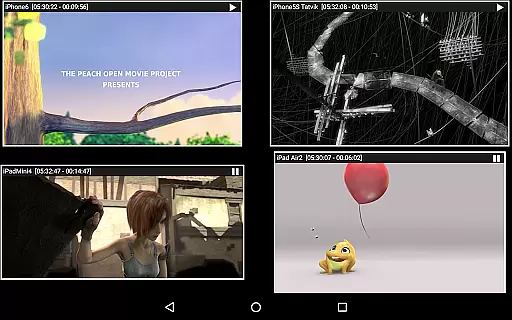


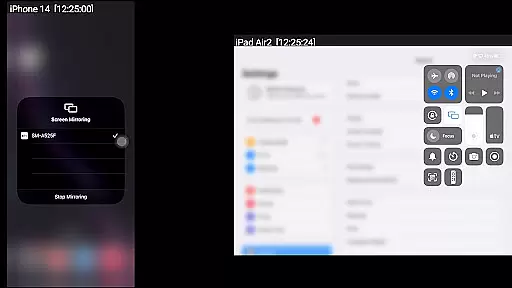
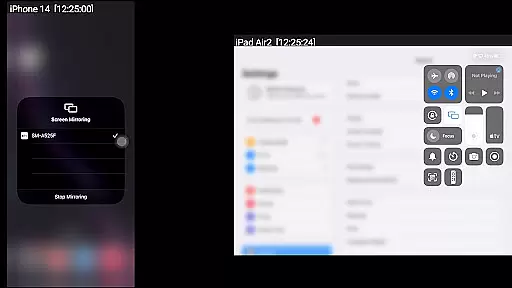
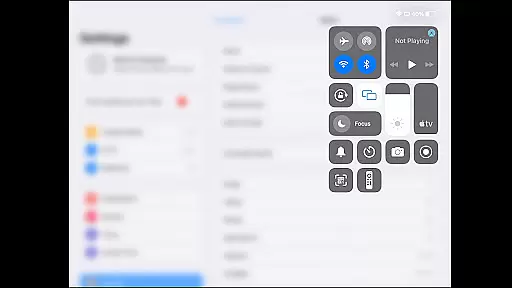
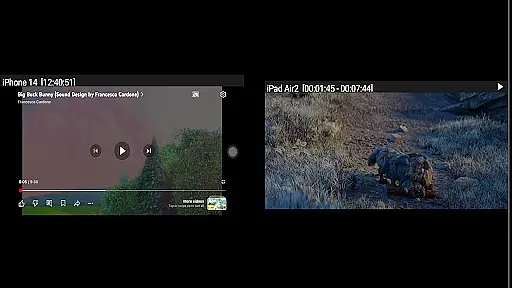
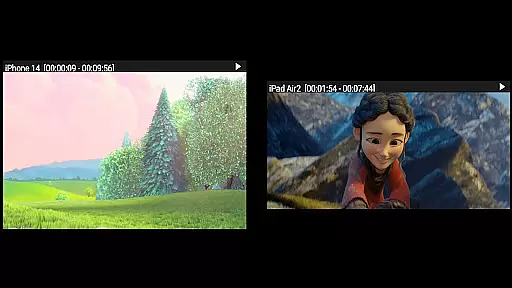

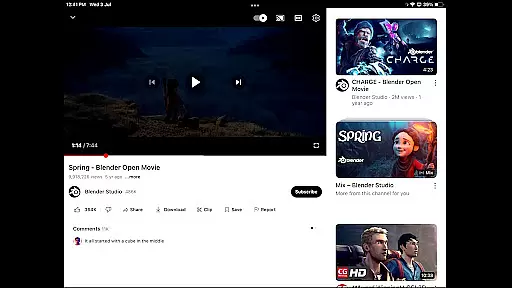
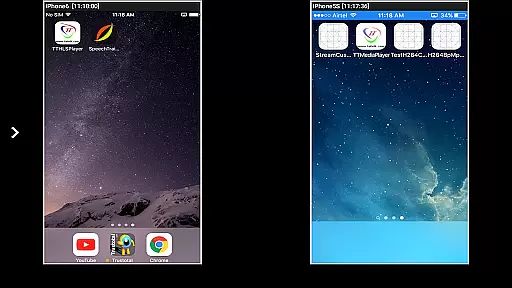

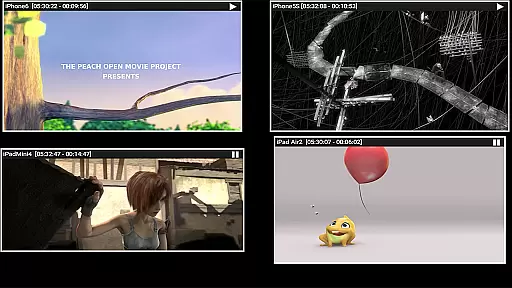
AirMirror is an innovative receiver application designed specifically for Android devices, enabling seamless screen mirroring and casting from Apple devices such as iPhones, iPads, MacBooks, and iMacs. This powerful tool facilitates the sharing of screens and multimedia content over a local network, making it ideal for presentations, entertainment, and collaborative sessions with family, friends, or business associates.
The app supports screen mirroring from iOS versions 9 to 15 and allows simultaneous casting from up to four Apple devices. With features like media playback, photo slideshows, and YouTube video streaming, AirMirror enhances user engagement by providing versatile content sharing options. Its passcode protection feature ensures secure connections, while the adjustable mirroring window offers flexibility in viewing.
AirMirror stands out with its comprehensive feature set tailored for efficient screen sharing and content presentation. The app enables users to mirror screens from multiple Apple devices simultaneously, supporting iOS versions 9 to 15. This capability is particularly beneficial in environments where multiple users need to present or share information without switching devices.
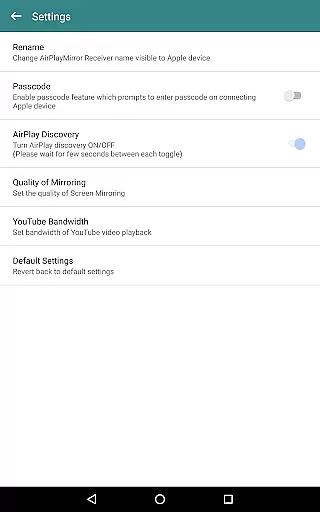
One of the key highlights is the ability to play back audio, video, and photos stored on Apple devices directly through the Android device running AirMirror. Additionally, users can stream YouTube videos effortlessly. The app also includes a passcode feature to prevent unauthorized access, ensuring that only approved users can share their screens. Furthermore, the resizable and movable mirroring window provides optimal viewing customization, enhancing user experience during presentations or gaming sessions.
Video format compatibility is a crucial feature for any video player or editor, ensuring that users can access and work with a wide range of video files without compatibility issues. AirMirror supports screen mirroring and casting from Apple devices to Android, including the playback of various media content such as audio, video, and photos.
This application facilitates the mirroring of screens from iOS devices (versions 9 to 15) and allows simultaneous casting from up to four Apple devices. Whether it's a YouTube video or stored media on an Apple device, AirMirror ensures smooth playback on the Android device over the local network.
Users benefit from this broad compatibility by being able to share their Apple device screens with family, friends, or colleagues without worrying about format restrictions. The ability to resize and move the mirroring window within the app view adds flexibility in how content is displayed and shared.
Moreover, AirMirror addresses potential security concerns by offering a passcode feature that restricts unauthorized users from sharing their Apple device screens. This ensures that only intended participants can engage in screen sharing sessions, making it suitable for both personal and professional environments.
AI-powered editing features represent the cutting-edge advancement in video players and editors, providing users with tools that enhance and simplify the editing process through artificial intelligence. While AirMirror focuses primarily on screen mirroring and casting, its capabilities extend to facilitating media playback from Apple devices, which includes leveraging advanced technologies for an optimal user experience.
The app enables users to mirror not just screens but also photos, images, and videos from their Apple devices. It supports slideshow functionalities and playback of YouTube content, enhancing the viewer's engagement with dynamic presentations. These features are akin to AI-driven enhancements that prioritize quality and ease of use.
For users, this means enjoying high-quality video and audio playback without manual adjustments typically required in traditional settings. The ability to play back media seamlessly across different platforms illustrates how integrated AI technologies contribute to a hassle-free multimedia experience.
Additionally, AirMirror incorporates practical utilities like Bluetooth Low Energy based advertising for cross-subnet device discovery and control-screen options for managing connections. Such innovations ensure that users have a versatile tool at their disposal, whether they're sharing content casually or conducting professional demonstrations.
Seamless screen mirroring
Supports multiple devices
Secure passcode feature
Versatile content playback
User-friendly interface
No DRM content support
Limited live TV capability
Network dependency
Occasional connectivity issues
Advanced settings may confuse new users

A full editing room to accompany your Insta360 cameras and handheld gimbals.
 3.30
3.30
Client application for NextPVR software
3.00
Photo and Music Video Creator into Stunning Videos—Effortlessly
4.40
Video Trimmer, Video to MP3 Converter. Extract music from video, Easy & Fast.
4.80
VLC Remote lets you control your VLC Media Player on Mac, PC or Linux.
4.60
Pro video editor app for Instagram, edit video with song, AI, effect & slowmo.
4.80
Cast to Smart TV, Fire TV. Cast video, photo - Fast & Stable!
3.90
Flud is a simple and beautiful BitTorrent client for Android.
4.80
Create, Publish & Maximize
4.70
An easy-to-use and all-round screen recorder with audio
4.80
Search & download videos from net with all video downloader, auto-detect & safe.
4.60
Full HD Video mp3 Player, MP4 player play 1080p, File manager, Video Downloader
4.40
Video Downloader is an utility that can save videos and music from web sites
4.20
Video player with 4K & 1080P support, popup play, background play and subtitle.
4.20
Fast private browser with secure, seamless access & supported video downloads!
4.00
Livestream, news, & gaming content. Watch, chat, and upload. Join Rumble today!
3.80
Video player with powerful streaming playback and various convenient features.
2.10
The smartest M3U IPTV Player your playlists have ever seen.
4.2
Powerful HD video player with support for all formats & subtitles.
4.1


User Reviews