
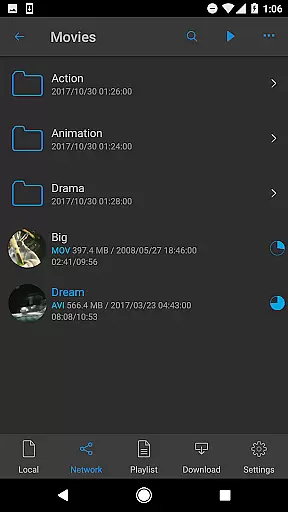

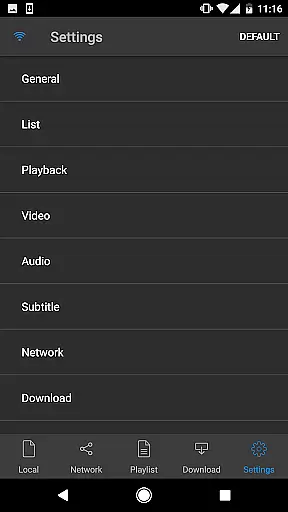
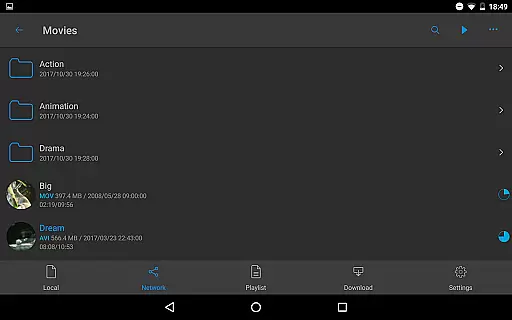
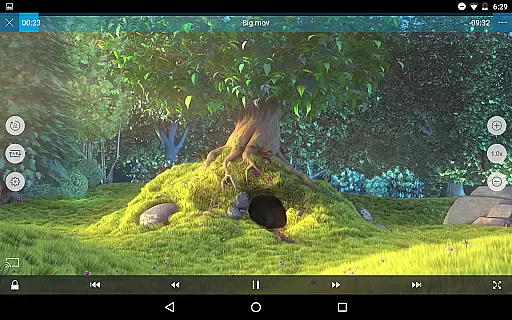
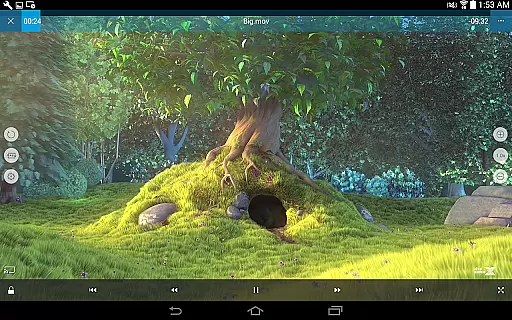
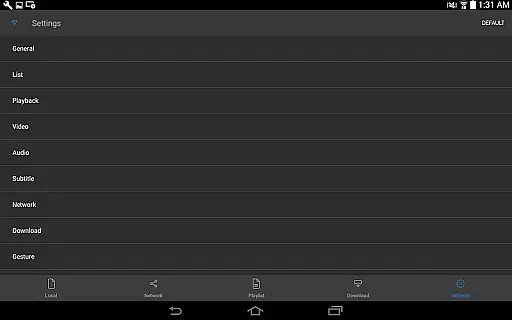
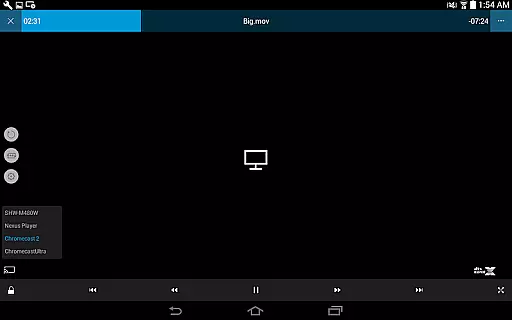
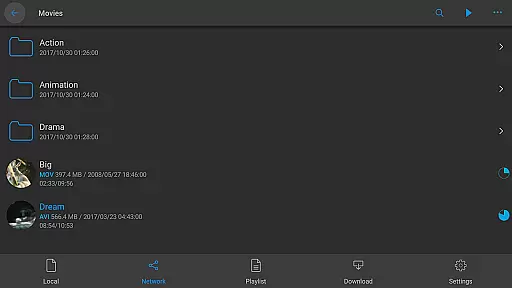
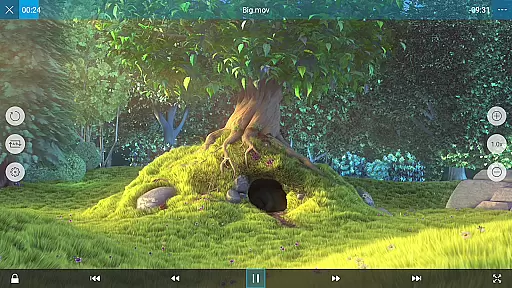
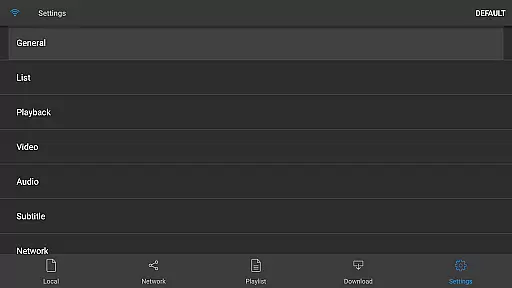
nPlayer is a versatile video player that eliminates the need for file conversion, allowing users to play almost all video formats and codecs directly on their mobile devices. With intuitive touch controls, users can easily adjust playback position, subtitle settings, volume, and brightness.
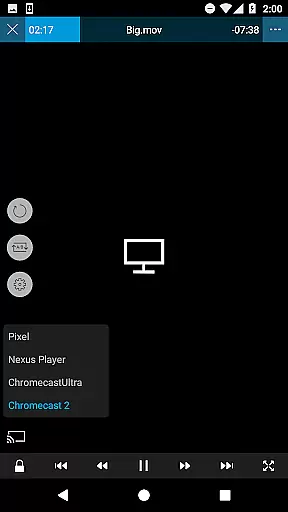
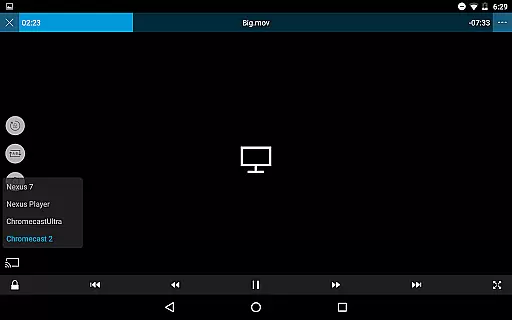
The app supports an extensive range of features including device file playback, download functionality, and official DTS audio codec support. It also offers advanced options like pop-up play, video casting for Smart TVs, and HDMI output, making it suitable for various multimedia needs.
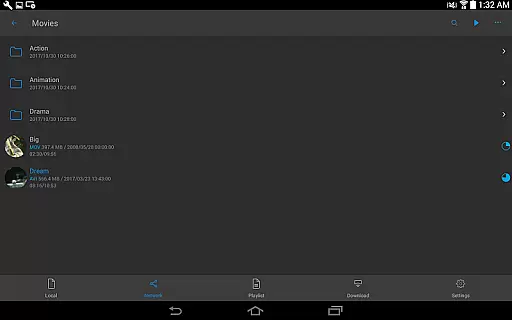
Whether you're managing local files or streaming from cloud services, nPlayer provides a comprehensive solution for playing videos, audio, subtitles, and images, while supporting multiple track audio and subtitles for an enriched viewing experience.
nPlayer stands out with its ability to handle a wide array of media files without prior conversion. It supports numerous video formats such as MP4, MOV, MKV, and audio files like MP3, WAV, alongside subtitle and image files, ensuring compatibility across different media types.
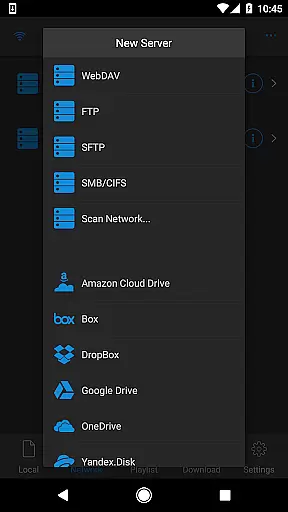
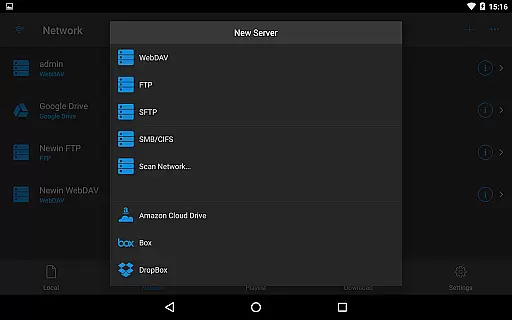
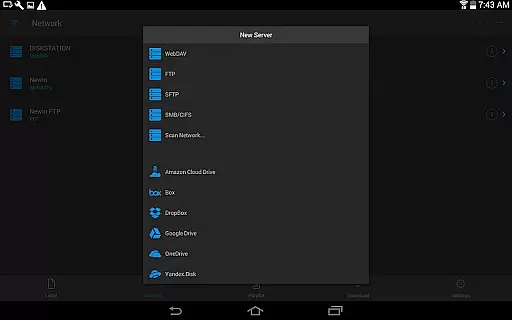
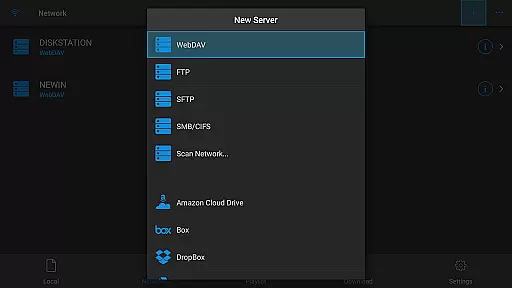
Beyond basic playback, nPlayer integrates seamlessly with network protocols and cloud services including WebDAV, FTP, SFTP, HTTP, SMB/CIFS, UPnP/DLNA, and platforms like Amazon Cloud Drive, Dropbox, and Google Drive. This allows users to stream and manage content from various sources effortlessly.
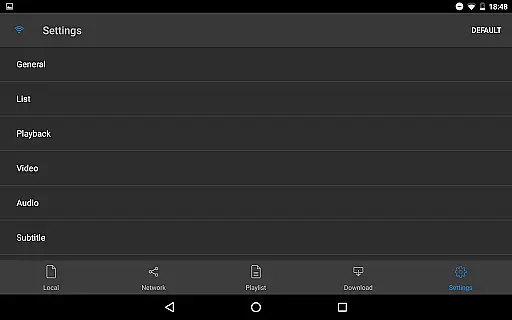
Advanced functionalities include multi-track audio support, audio boost, embedded and external subtitle management, and styled SSA/ASS subtitles. These features collectively enhance user control over their media consumption experience, positioning nPlayer as a top choice for avid multimedia consumers.
One of the standout features of nPlayer is its extensive video format compatibility, eliminating the need for users to convert files to MP4 for mobile playback.
This versatile player supports an impressive range of formats including MP4, MOV, MKV, AVI, WMV, and many others, ensuring that users can enjoy their videos without any prior conversion efforts.
The application's broad codec support extends to officially supporting DTS audio codecs (DTS HD), enhancing the overall media experience.
With this level of compatibility, users are granted the freedom to play almost all video files on their devices seamlessly, making nPlayer a comprehensive solution for diverse media needs.
While nPlayer focuses primarily on video playback, it incorporates several features that enhance user interaction akin to AI-powered editing tools.
Users can effortlessly adjust playback positions, navigate between subtitles, and modify subtitle locations and font sizes with simple fingertip gestures, offering a dynamic control akin to intelligent editing interfaces.
In addition to these capabilities, nPlayer provides advanced audio controls such as multi-track audio support and audio boost, enriching the auditory experience through customizable options.
These combined functionalities create an intuitive environment where users can tailor their viewing experience with precision, reflecting the app's commitment to providing smart and adaptable media handling solutions.
User-friendly interface
Wide format support
Cloud service integration
Advanced subtitle options
Multi-track audio capability
Premium version required
Complex for beginners
Limited free features
Occasional bugs
High system requirements

Watch a large amount of high-definition short drama content
 4.60
4.60
Tik & Story Saver-Download ALL social media videos, photos & reels no watermark.
4.80
Snaptubè Video Downloader app allows to download videos and music in Snaptube. .
4.60
Fast video downloader & private browser. Save HD clips to watch offline.
4.40
Powerful HD video player with support for all formats & subtitles.
4.5
1)AirPlay/DLNA Mirroring/Streaming, up to 4 connections; 2)Samba/NAS/DMS Player.
4.00
LumaFusion: The Ultimate Storytelling Experience for Video Editing
4.10
Web Browser for LG TV to stream webvideos, online movies and livestreams in HD
4.20
Powerful video player with advanced hardware acceleration and subtitle supports
4.20
Pro video editor app for Instagram, edit video with song, AI, effect & slowmo.
4.80
#1 Torrent App on Android ** No Ads Ever + Battery Saver **
4.80
All in one HD video downloader & player for multiple formats with full privacy
4.70
Video player, file manager for all formats, 4K/HD media player supports subtitle
4.30
Create & edit videos with AI
4.30
Your media, on your terms.
4.10
Make your own Animations, Video and Photo Edits, Visual Effects, and more!
4.00
Cast to Smart TV, Fire TV. Cast video, photo - Fast & Stable!
3.90
Manage your IPTV live channels and VOD playlists (no playlist included)
3.80
IPTV Player - Watch live TV from m3m & m3u8 playlist, stream IPTV on mobile
3.30


User Reviews