




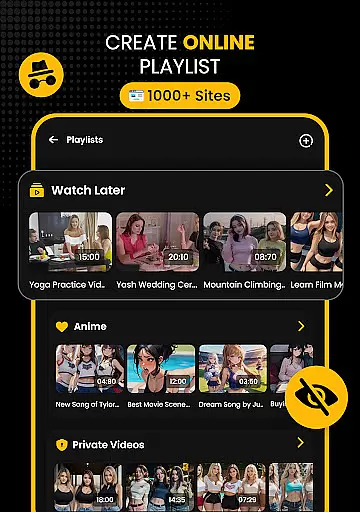
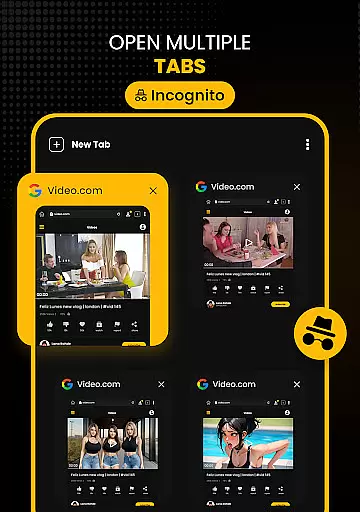



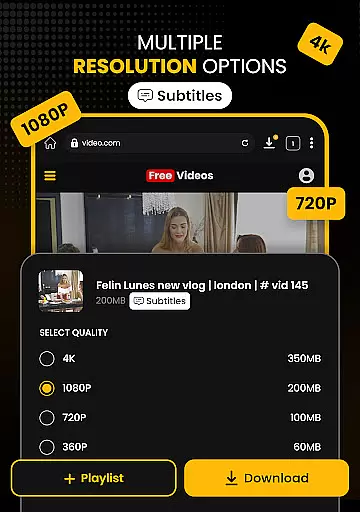
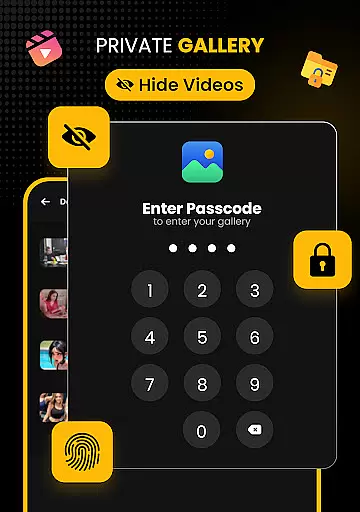
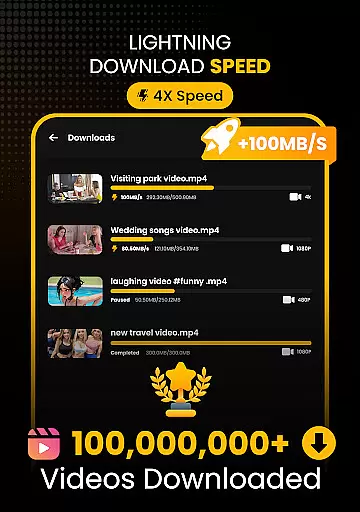
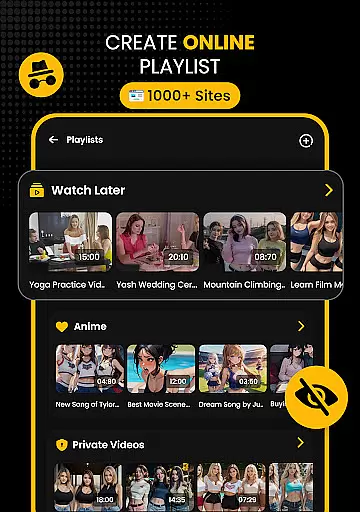
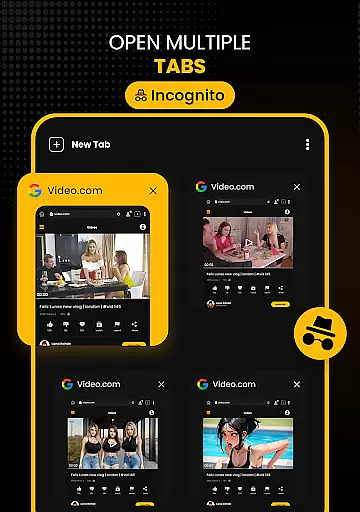



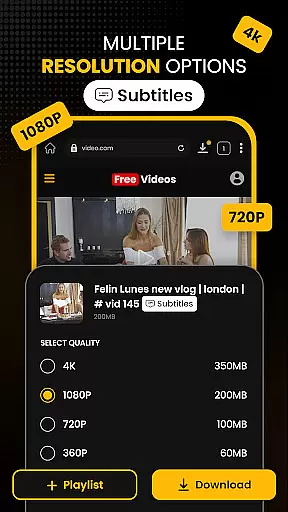


Download Hub is an all-in-one solution for video downloading, private browsing, and file management. This app combines a powerful video downloader with a secure incognito browser and robust file manager, making it easy to grab, organize, and protect your digital content. Whether you need to save HD movies, block trackers, or backup files to an SD card, Download Hub delivers professional performance in a lightweight app.
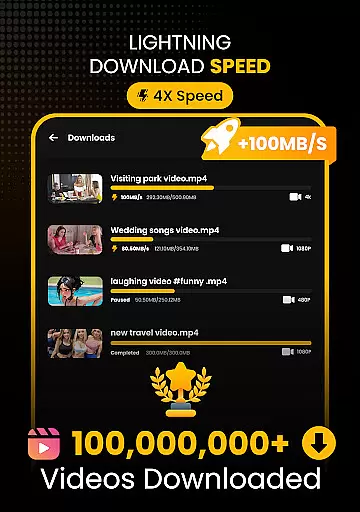
The app features advanced multi-threading technology that accelerates download speeds by up to 300%, smart detection of downloadable media links, resolution control from SD to 4K, and support for multiple formats including MP4, M4V, MOV, AVI, WMV, MKV, FLV, and MPG. Additionally, its secure private browser offers ad blocking, desktop mode, and multi-tab functionality, ensuring a seamless and private internet experience.
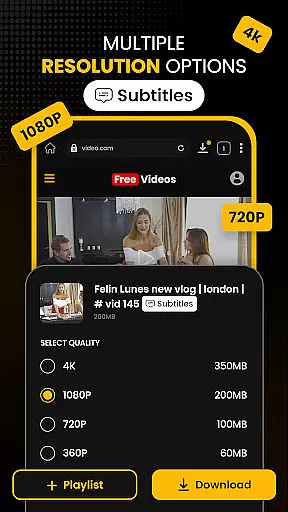
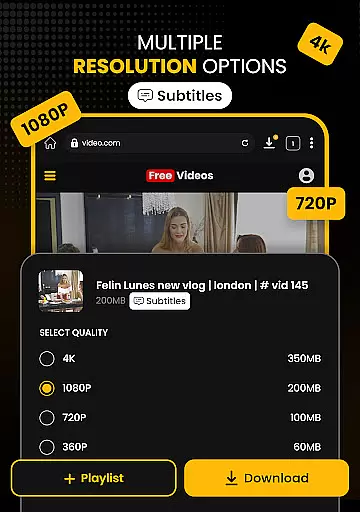
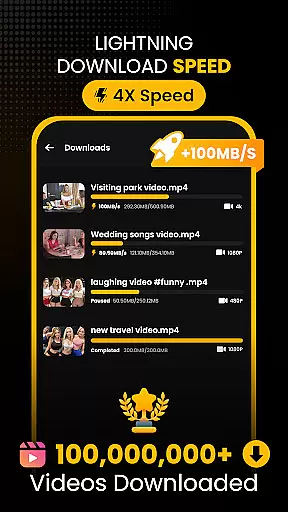
Download Hub stands out with its Universal Downloader Engine that uses advanced multi-threading technology to accelerate download speeds by up to 300%. The Smart Detection feature automatically finds downloadable media links on web pages, while Resolution Control allows users to choose between SD (480p) to crystal clear HD (720p), 1080p, 2K, and 4K resolutions. It supports all popular video formats and includes a Batch Mode for handling multiple files simultaneously.
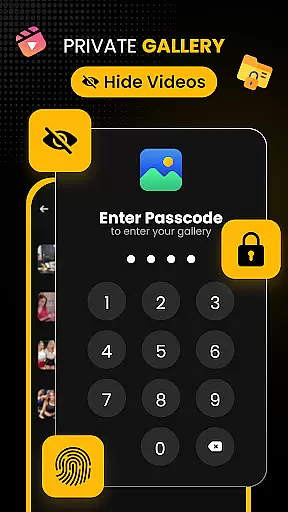
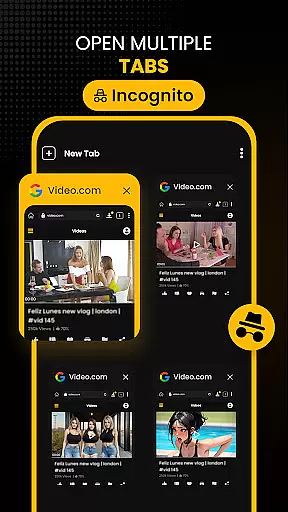
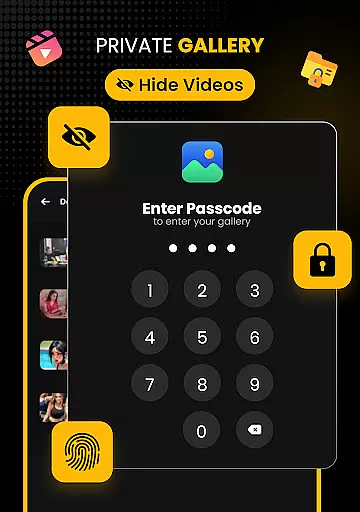
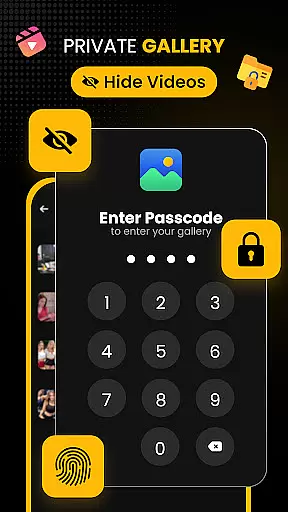
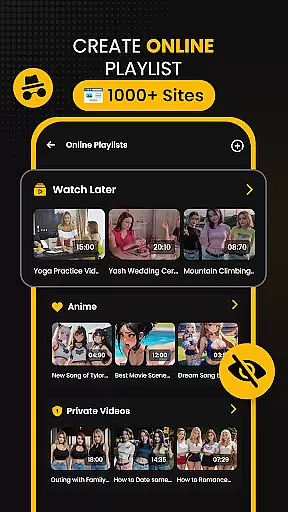
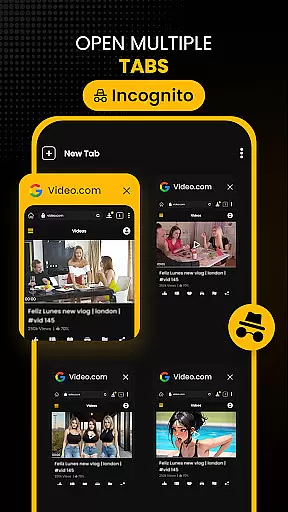
In addition to its downloader capabilities, Download Hub provides a Secure Private Browser with Incognito Mode, Ad Blocker, Desktop Mode, and Multi-Tab functionality. The Security Center & Private Gallery ensures user privacy with App Lock, Hidden Folder, and Safe Browsing features. An Advanced File Manager gives total control over local storage, supporting SD Card saving, background service, resume support, and media organization.
Video format compatibility is a crucial feature for any video player and editor, ensuring that users can enjoy content in various formats without technical barriers. Download Hub supports an extensive range of video formats including MP4, M4V, MOV, AVI, WMV, MKV, FLV, and MPG. This wide compatibility allows users to download and play videos from different sources without worrying about format issues.
The app's universal downloader engine enhances the video format support by detecting downloadable media links on web pages and enabling users to save videos in their preferred resolution and format. Whether you need standard definition (SD) or high definition (HD) videos, Download Hub ensures smooth playback and easy access to all your saved content.
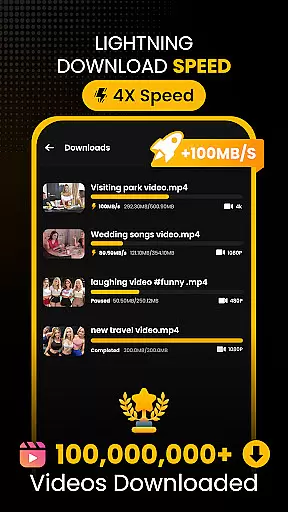
With its advanced multi-threading technology, Download Hub accelerates download speeds by up to 300%, making it efficient for users who want to save HD movies or backup files to an SD card. The bulk downloader handles multiple files simultaneously, providing a seamless experience for managing large media libraries.
AI-powered editing features are transforming how users interact with video content, offering intelligent tools that simplify complex tasks. Download Hub incorporates AI technology to enhance user experience through smart detection and automated processes. When browsing the internet using the app's private browser, the system automatically identifies downloadable media links, lighting up the download button instantly when a video is detected.
In addition to video downloading, Download Hub acts as an efficient audio saver, extracting audio tracks from video clips for offline listening. This feature leverages AI to identify and separate audio streams, allowing users to save music and sound effects easily. The app's ability to handle both video and audio formats makes it a versatile tool for multimedia management.
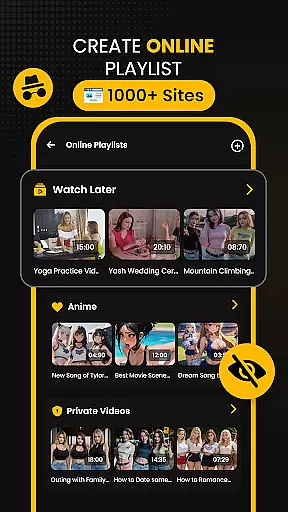
Download Hub also provides advanced file management capabilities, such as organizing media by name, size, or date. The app's background service ensures downloads continue even when minimized, while resume support fixes interrupted downloads without restarting. These AI-driven features create a comprehensive solution for users seeking professional performance in a lightweight application.
User-friendly interface
Fast download speeds
Comprehensive format support
Secure browsing experience
Efficient file management
No YouTube support
Limited to legal content
Requires manual updates
Occasional bugs reported
Privacy concerns with certain sites

Powerful, professional, versatile teleprompter. Developed by an active film crew
 4.00
4.00
Search & download videos from net with all video downloader, auto-detect & safe.
4.60
VLC Remote lets you control your VLC Media Player on Mac, PC or Linux.
4.60
An easy-to-use and all-round screen recorder with audio
4.80
Fast & Private Video Downloader App. Save all videos easily from the Internet.
4.40
Browser for Sony TV to stream web videos, online movies and live tv
3.20
Flud is a simple and beautiful BitTorrent client for Android.
4.80
LumaFusion: The Ultimate Storytelling Experience for Video Editing
4.10
Photo editor & video maker with music and slideshows.
4.10
AI Video Editor with Music, Filter, Slideshow, Effect, Merge & Trim Video.
4.80
IPTV Loader, loads your own Playlist. DOES NOT CONTAIN ANY LIST OR CHANNELS
4.60
HD video maker with no watermark, no ads & vlog maker with music, PIP, text
4.50
Photo and Music Video Creator into Stunning Videos—Effortlessly
4.40
VLC for Android is the best open source video and music player, fast and easy!
4.10
AI Video Editor:AI Music, Text to Video,Text to Speech,Auto Caption,Video Effect
4.00
Fast private browser with secure, seamless access & supported video downloads!
4.00
Save photos and videos from social apps in one tap.
3.60
AirMirror is Receiver for Screen Mirroring and Casting from Apple Devices.
3.60
IPTV Player - Watch live TV from m3m & m3u8 playlist, stream IPTV on mobile
3.30


User Reviews