


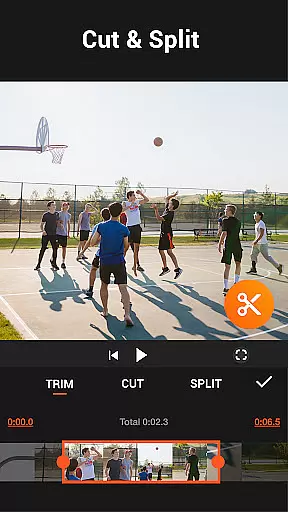
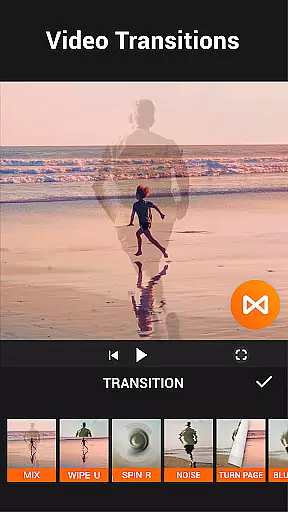

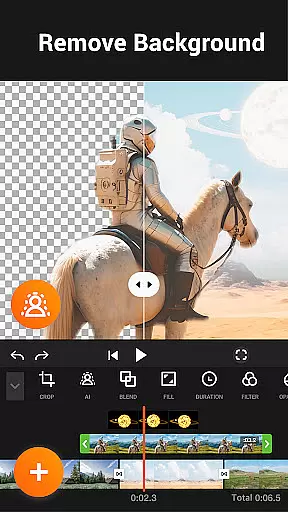
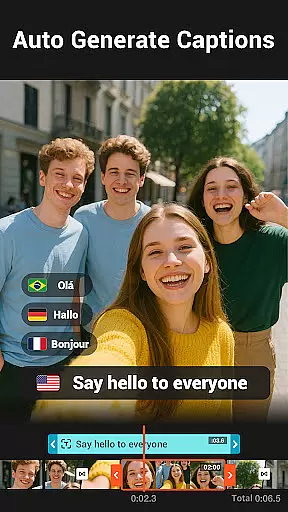
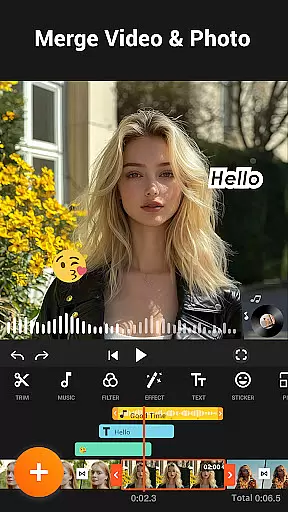
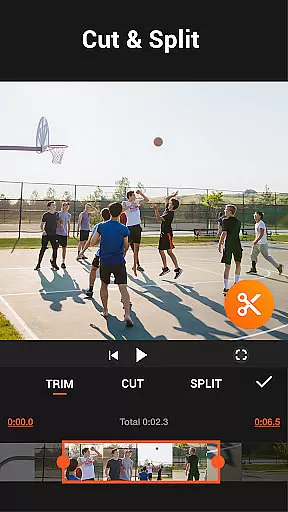
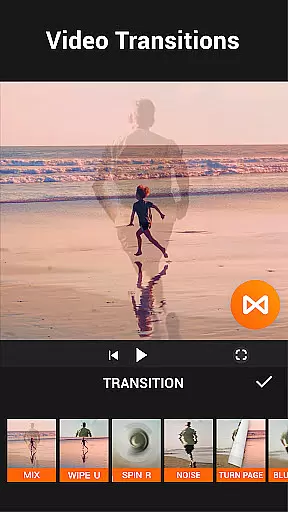


YouCut is a versatile video editing app designed for both casual users and professionals. It offers a comprehensive suite of tools including AI-powered features like auto captions and background removal, making video creation seamless. The app stands out with its ability to merge, cut, trim, and slice videos while maintaining high-quality output.
With additional features such as speed control, slideshow creation, and color adjustments, YouCut empowers users to produce professional-grade content. Its intuitive interface and lack of watermarks or intrusive ads enhance the editing experience, ensuring that creators can focus on their work without distractions.
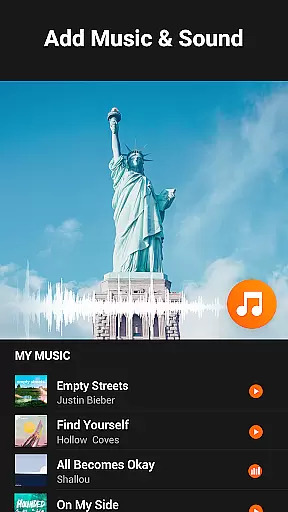
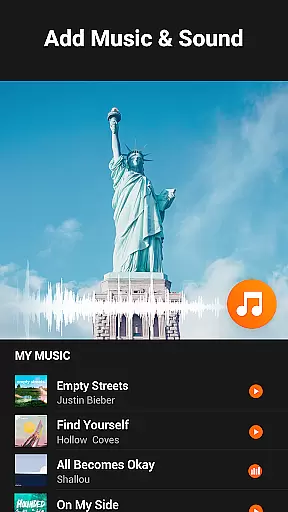
Whether you're crafting videos for YouTube, Instagram, or TikTok, YouCut provides all the necessary tools to create engaging content. From adding music tracks to applying stunning visual effects, this app caters to various creative needs, helping users tell compelling stories through their videos.
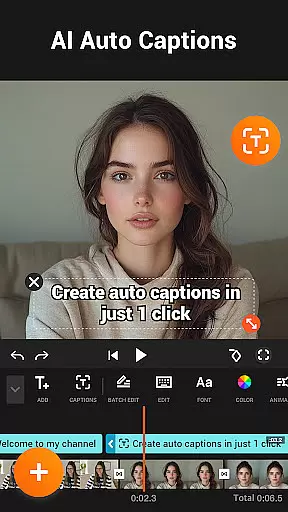
YouCut distinguishes itself with an array of powerful features tailored for video enthusiasts. One standout capability is the AI Video Boost, which includes auto captions generated via speech-to-text technology, instant background removal, and one-tap video enhancement. These innovations streamline the editing process, allowing users to achieve polished results effortlessly.
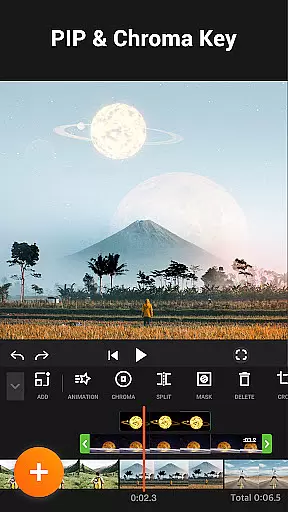
The app also excels in traditional editing tasks. Users can merge multiple clips into a single cohesive video, adjust playback speeds from 0.2× to 100×, and apply cinematic filters and FX effects. Additionally, YouCut supports advanced functions like chroma key editing and aspect ratio customization, catering to diverse project requirements.
Another significant advantage is the absence of watermarks and intrusive advertisements, unlike many competing apps. This ensures that creators maintain full control over their projects' aesthetics. Furthermore, the app's sharing capabilities enable easy distribution across platforms like YouTube and Instagram, amplifying reach and engagement.
Video format compatibility is a crucial feature for any video editing application, ensuring that users can work with a wide range of video file types. YouCut excels in this area by supporting multiple formats, allowing creators to import and export videos without worrying about compatibility issues.
The app's ability to handle high-resolution files up to 4K demonstrates its commitment to quality and modern standards. This ensures that whether you're working on a professional film or a casual vlog, the final output will meet your expectations in clarity and detail.
YouCut also provides tools for converting videos into different formats, which is particularly useful when preparing content for various platforms like YouTube, Instagram, or TikTok. This flexibility empowers users to optimize their videos for specific audiences and devices.
By offering such comprehensive format support, YouCut not only simplifies the editing process but also enhances the overall user experience, making it an ideal choice for both amateur and professional video editors.
AI-powered editing features are revolutionizing the way we create and edit videos, and YouCut stands at the forefront of this innovation. With advanced AI capabilities, the app offers tools like auto captions, background removal, and video enhancement, all designed to streamline the editing process and improve video quality effortlessly.
The auto captions feature uses speech-to-text technology to generate accurate subtitles for talking videos, making content more accessible and engaging for diverse audiences. This tool is especially beneficial for creators who produce tutorials, interviews, or any content where clear communication is essential.
YouCut's AI enhancements allow users to elevate their videos with just a tap, improving visual elements and ensuring professional-grade results every time. These smart features save time and effort, enabling creators to focus on storytelling rather than technical adjustments.
By integrating these cutting-edge AI tools, YouCut not only simplifies complex editing tasks but also sets a new standard for creativity and efficiency in mobile video editing.
User-friendly interface
Advanced AI features
No watermarks
High-quality output
Versatile editing tools
Limited advanced options
Occasional bugs
Fewer tutorials
Basic audio tools
Ads outside editing

Cast Videos from Web Browser, IPTV to Roku, Chromecast, DLNA, Smart TV +more
 4.60
4.60
A Quick and Pro Video Editor
4.70
KineMaster, Your Ultimate Video Editor!
4.40
AirMirror is Receiver for Screen Mirroring and Casting from Apple Devices.
3.60
GENRAL PRO - General Pro is the best video player that fully supports all formats.
4.70
Fast & easy HD video downloader for all formats, support 4K playback & download.
4.60
Browser for Samsung TV to stream webvideos, online movies and livestreams in HD
4.10
Download Hub, easy and private way to download and enjoy your videos offline
4.80
Enjoy your favorite videos and channels with the official YouTube app.
3.90
Tik & Story Saver-Download ALL social media videos, photos & reels no watermark.
4.80
Play ALL formats in 4K & HD. Video downloader, MP3 player, Chromecast & more.
4.80
A Simple app to download Video & Music from the Internet.
4.70
HD Video player all format, HD Videos, Cast & Subtitle. No annoying ads.
4.60
Snaptubè Video Downloader app allows to download videos and music in Snaptube. .
4.60
VLC Remote lets you control your VLC Media Player on Mac, PC or Linux.
4.60
Stream Web Videos to Chromecast, Samsung, LG, Sony, Roku, Fire TV, DLNA + more
4.00
Kodi media center, a free and open source cross-platform entertainment hub
3.60
You can play SWF format file!
2.50
Video player with powerful streaming playback and various convenient features.
2.10


User Reviews