
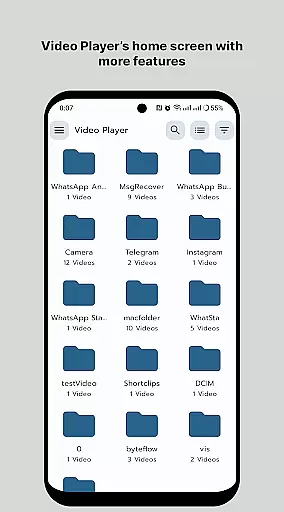
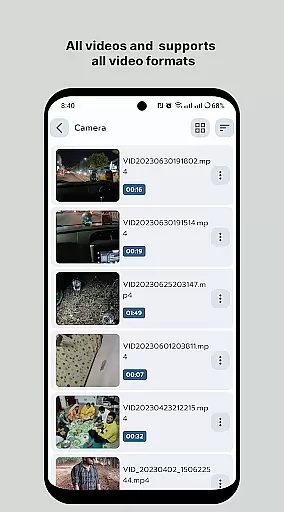
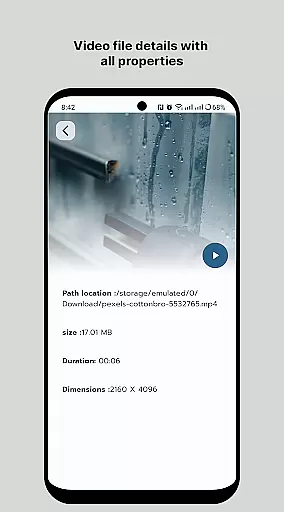
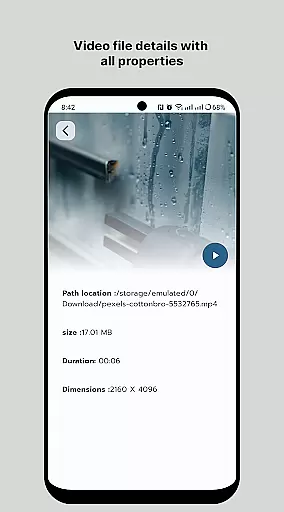
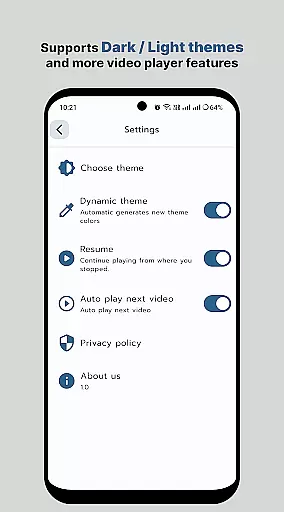
HD Video Player All Format is a versatile video player for Android devices, supporting all video formats with subtitle functionality and without intrusive ads. This professional-grade media player offers high-definition playback for 4K/ultra HD videos, ensuring smooth and high-quality viewing experiences. Designed for both Android tablets and phones, it combines powerful playback capabilities with an intuitive user interface.
The app stands out with its efficient playback engine that maintains original video resolution while maximizing speed. It features a smart media library for effortless file management, multi-track audio support, auto-rotation, aspect-ratio adjustments, and gesture controls for volume and brightness. These features make it an ideal choice for users seeking premium video playback performance in their mobile devices.
Whether you're watching movies or viewing personal recordings, HD Video Player All Format provides professional-grade tools for enjoying smoother, better-quality videos. Its comprehensive feature set makes it particularly suitable for users who frequently work with various video formats and need reliable playback performance across different file types.
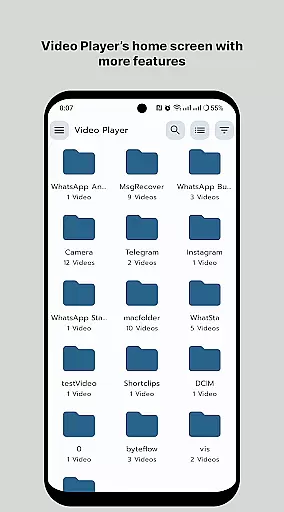
HD Video Player All Format distinguishes itself through its comprehensive feature set tailored for demanding video enthusiasts. The application supports most popular video formats including 4K/Ultra HD files, providing quick start times and smooth playback performance. Its intelligent media library automatically organizes video files, making content discovery faster and more efficient than manual folder browsing.
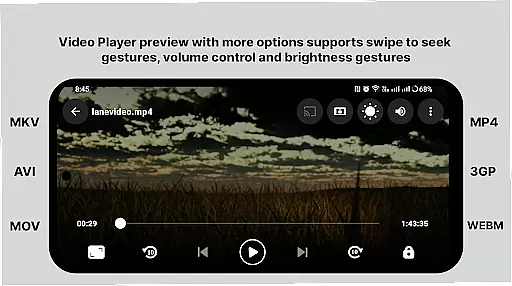
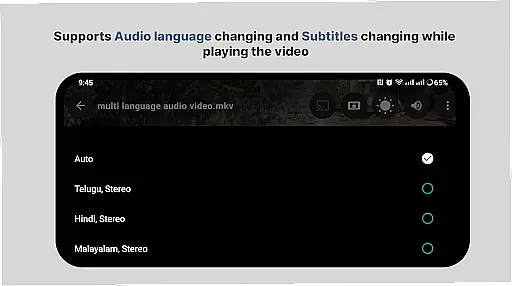
The player incorporates advanced playback controls including multi-track audio and subtitle support, aspect ratio adjustments, and playback speed control. Users can manipulate volume and brightness through intuitive touch gestures, while the smart control system enables precise fast-forwarding and rewinding. These features are implemented with minimal memory footprint, ensuring smooth operation even on less powerful devices.
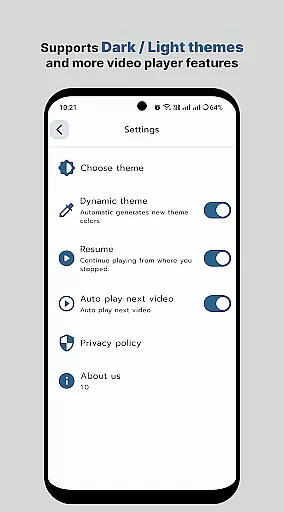
Additional professional-grade features include support for external subtitle files, automatic screen rotation, and easy file sharing capabilities. The combination of these technical capabilities with user-friendly interface elements creates a compelling solution for both casual viewers and professional users who require reliable performance across various video formats and resolutions.
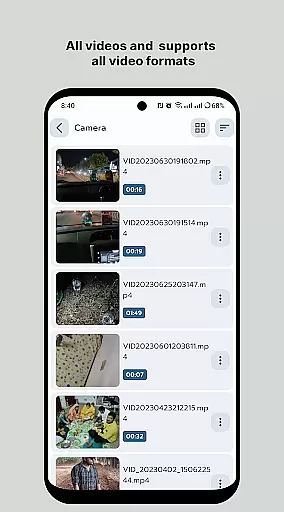
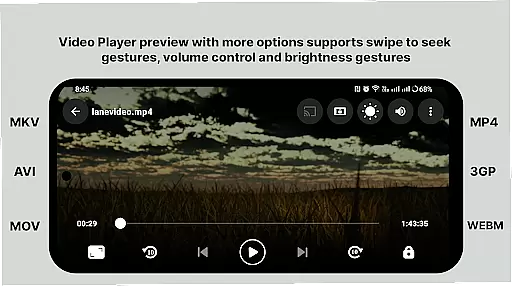
Video format compatibility is a crucial feature for any video player, ensuring that users can enjoy their media files without worrying about format restrictions. HD Video Player - All Format Video Player Pro 2024 supports an extensive range of video formats, including but not limited to MP4, AVI, MKV, and FLV. This versatility allows users to play videos from different sources seamlessly.
The application's ability to handle 4K/Ultra HD video files with high-definition playback ensures that viewers experience the best possible quality. Whether it's a high-resolution movie or a home video, the player maintains clarity and detail, making it an ideal choice for discerning users who demand top-notch video performance.
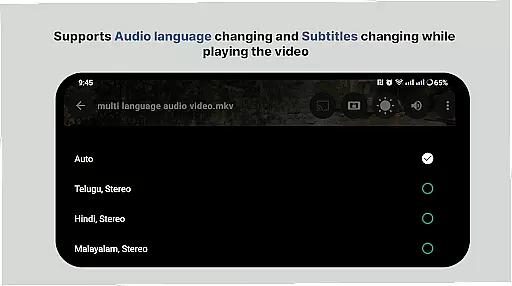
Moreover, the inclusion of multi-track audio and subtitle support enhances the viewing experience. Users can easily switch between different audio languages or enable subtitles, catering to a global audience and making content more accessible. This comprehensive compatibility ensures that no matter what video file you have, HD Video Player will provide a smooth and enjoyable playback experience.
While HD Video Player focuses primarily on playback, its AI-powered editing features offer additional value by enhancing user interaction with their video files. The smart media library automatically organizes video files, making it easier and faster for users to locate their media. This intelligent categorization saves time and improves the overall user experience.
Beyond organization, the player includes basic editing capabilities powered by AI. These features might include automatic video enhancement, where the software intelligently adjusts brightness, contrast, and color settings to optimize video quality. Such enhancements ensure that even lower-quality videos look better on larger screens or when projected.
Furthermore, gesture controls for adjusting volume and brightness add another layer of convenience. By simply sliding a finger across the screen, users can fine-tune these settings without interrupting playback. This intuitive interface design reflects the integration of AI to anticipate user needs and streamline common tasks, providing a seamless blend of functionality and ease-of-use that modern consumers expect from their digital tools.
User-friendly interface
Wide format support
Ad-free experience
Efficient playback engine
Comprehensive feature set
Premium version costs
Occasional bugs
High system requirements
Limited customer support
No cloud integration

AirMirror is Receiver for Screen Mirroring and Casting from Apple Devices.
 3.60
3.60
High-Quality USB Camera Viewer & HDMI Display
4.70
IPTV Loader, loads your own Playlist. DOES NOT CONTAIN ANY LIST OR CHANNELS
4.60
Watch IPTV on your Android device
4.60
Flud is a simple and beautiful BitTorrent client for Android.
4.80
Browser for Samsung TV to stream webvideos, online movies and livestreams in HD
4.10
Browser for Fire TV to stream webvideos, online movies, livestreams in HD
4.40
Download Hub, easy and private way to download and enjoy your videos offline
4.80
Video&Drama Player All Format is a HD video player, music player
3.00
Tik & Story Saver-Download ALL social media videos, photos & reels no watermark.
4.80
Search & download videos from net with all video downloader, auto-detect & safe.
4.60
Support 1000+ Video Format, Subtitle Download, mp3 & Background Play, Cast On TV
4.60
Cast movies, tv shows and live streams to Chromecast, Roku, DLNA, Fire TV & more
4.60
KMPlayer Plus (Divx Codec) officially support Divx codec.
4.30
Powerful Video Editor & Photo Editing App —— Quick Edits & Stunning Effects!
4.30
Stream Web Videos to Chromecast, Samsung, LG, Sony, Roku, Fire TV, DLNA + more
4.00
Make your own Animations, Video and Photo Edits, Visual Effects, and more!
4.00
Fast private browser with secure, seamless access & supported video downloads!
4.00
Connect 2 UVC devices for recording and broadcast video/audio stream
3.90


User Reviews