
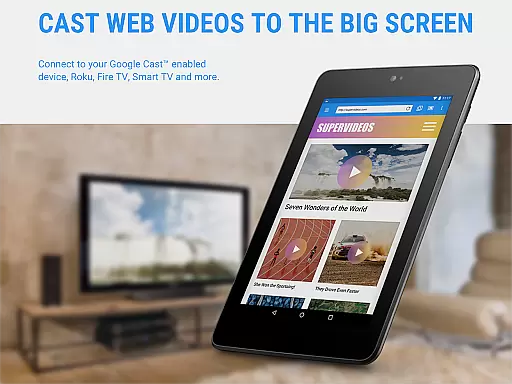
Web Video Cast is a versatile streaming application that allows users to cast videos, photos, and audio files from their mobile devices to various supported streaming devices. The app supports popular platforms such as Chromecast, Roku, DLNA receivers, Amazon Fire TV, and many smart TVs. It also enables casting of local media stored on your phone, making it an all-in-one solution for media streaming.
The app's key feature is its ability to detect subtitles on web pages and provide integrated subtitle search through OpenSubtitles.org. This ensures an enhanced viewing experience, especially for foreign language content. Whether you're streaming movies, live news, or sports, Web Video Cast offers a seamless connection between your device and TV, providing high-quality playback where supported by your streaming device.
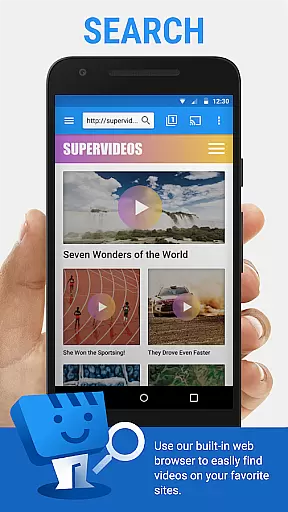
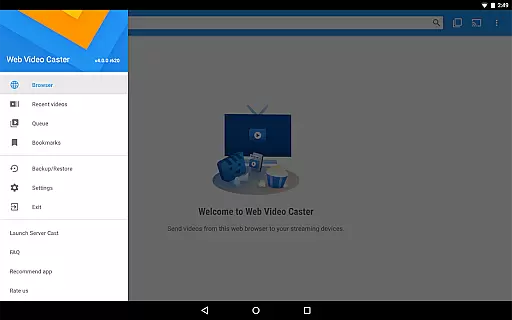
With its user-friendly interface and broad compatibility, Web Video Cast is ideal for home entertainment setups. Users can browse the web directly within the app, select their desired content, and cast it effortlessly to their TV. The premium version offers additional features like bookmarks, video history, and queue management, making it a valuable tool for organizing and accessing favorite content easily.
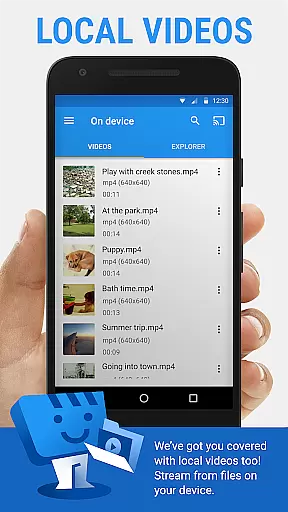
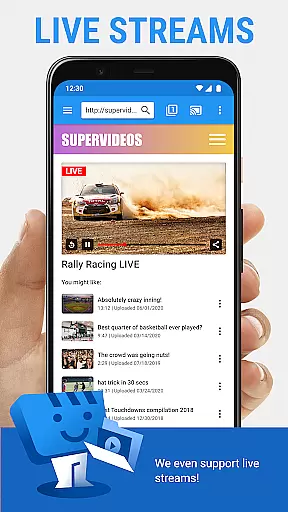
Web Video Cast stands out with its comprehensive support for various media formats and streaming devices. The app supports HLS live streams in M3U8 format, MP4 videos, HTML5 videos, photos, and audio files, ensuring wide compatibility with different types of content. Its ability to cast local videos stored on your phone adds another layer of convenience, allowing users to access their personal media library on larger screens.
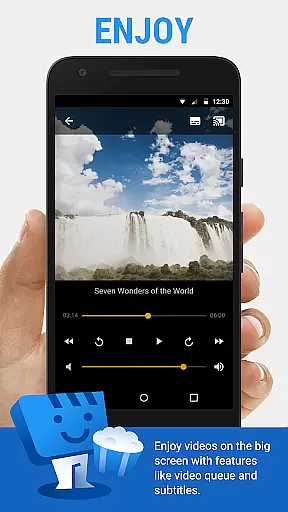
One of the app's notable features is its subtitle support. Users can utilize detected subtitles on web pages or upload their own subtitle files. Additionally, the integrated search function of OpenSubtitles.org provides a vast repository of subtitle options. This feature is particularly beneficial for viewers who prefer or require subtitles for better comprehension.
For power users, Web Video Cast offers premium functionalities such as bookmarks, video history, and queue management. These features enhance the overall user experience by allowing quick access to frequently visited sites and previously watched videos. The app also includes a homescreen shortcut option and most visited site tracking, streamlining navigation and content discovery. With these robust features, Web Video Cast delivers a comprehensive and user-centric streaming solution.
Web Video Cast offers extensive video format compatibility, ensuring users can cast a wide range of media to their TV. The app supports popular formats like MP4 and M3U8 for live streams, provided the streaming device can decode them.
One of the key strengths is its ability to handle HTML5 videos seamlessly. This allows users to stream content from most websites without worrying about format issues. However, it's important to note that the app does not perform any video or audio decoding itself.
The application also supports photos and audio files, making it a versatile tool for all types of media casting needs. Whether you're looking to share personal photos or enjoy music on a bigger screen, Web Video Cast has you covered.
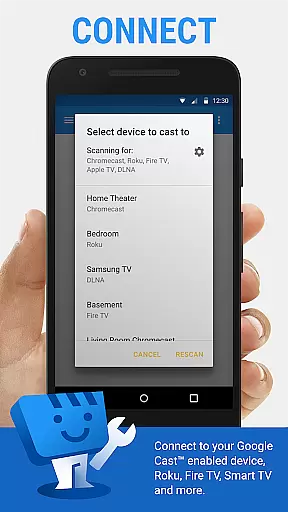
For maximum compatibility, the app works with major streaming devices including Chromecast, Roku, and Amazon Fire TV. This broad device support ensures that users can enjoy their favorite content on virtually any modern smart TV or streaming platform.
While Web Video Cast focuses primarily on media streaming, it incorporates some smart features that enhance the overall user experience. Although it doesn't offer traditional video editing capabilities, its intelligent subtitle management functions as an AI-powered enhancement.
The app automatically detects subtitles on web pages, saving users time and effort. For those who need more control, it provides integrated search functionality through OpenSubtitles.org. This feature helps viewers find accurate subtitles in their preferred language.
Another smart feature is its adaptive streaming capability, which adjusts to network conditions in real-time. While not a traditional editing tool, this AI-driven optimization ensures smooth playback for various media types.
Additionally, the premium version offers organizational features like bookmarks and video history, which help users manage their content library more effectively. These features, combined with its media intelligence, create a more personalized and efficient viewing experience.
User-friendly interface
Wide device compatibility
Subtitle support
Local media casting
Premium features available
No tab casting support
Limited server control
Device-specific limitations
In-app advertisements
Refund policy constraints

Cast to Chromecast, Xbox, Fire Stick, Roku, DLNA, Smart TV & No Feature Limited!
 4.50
4.50
Capture images & record videos for USB Camera, Webcam, Microscopes, Endoscopes
3.80
1)AirPlay/DLNA Mirroring/Streaming, up to 4 connections; 2)Samba/NAS/DMS Player.
4.00
Download videos easily & play them all in one smart, powerful video manager.
3.40
Cast to Smart TV, Fire TV. Cast video, photo - Fast & Stable!
3.90
Make your own Animations, Video and Photo Edits, Visual Effects, and more!
4.00
This app is an emulator of some specific IPTV boxes
3.50
AI Video Editor with Music, Filter, Slideshow, Effect, Merge & Trim Video.
4.80
VLC for Android is the best open source video and music player, fast and easy!
4.10
Pro video editor app for Instagram, edit video with song, AI, effect & slowmo.
4.80
Download Hub, easy and private way to download and enjoy your videos offline
4.80
Watch a large amount of high-definition short drama content
4.60
Download website videos fast&privacy
4.40
Video player, file manager for all formats, 4K/HD media player supports subtitle
4.30
Powerful, professional, versatile teleprompter. Developed by an active film crew
4.00
Manage your IPTV live channels and VOD playlists (no playlist included)
3.80
A full editing room to accompany your Insta360 cameras and handheld gimbals.
3.30
You can play SWF format file!
2.50
Play and download HD videos from all sources — fast, simple, and all-in-one.
4.3


User Reviews