
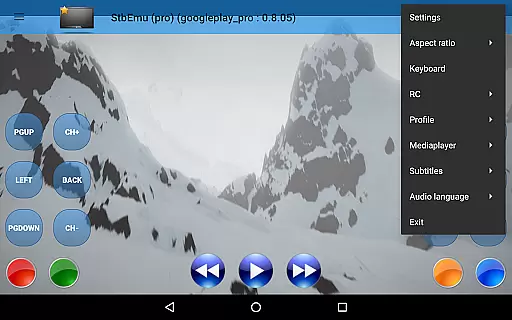
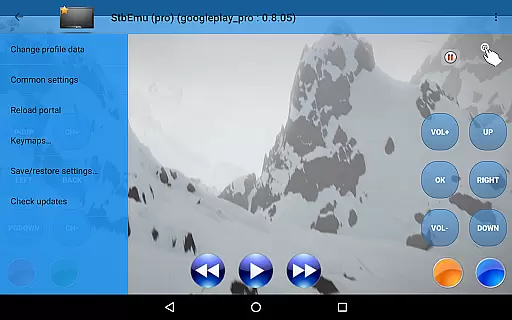
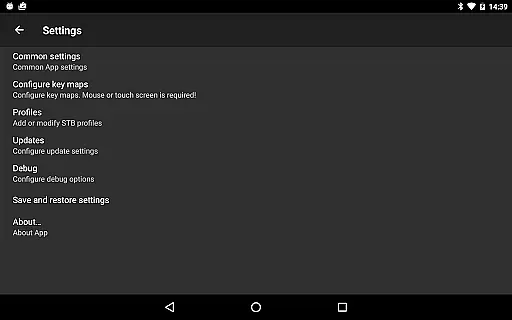
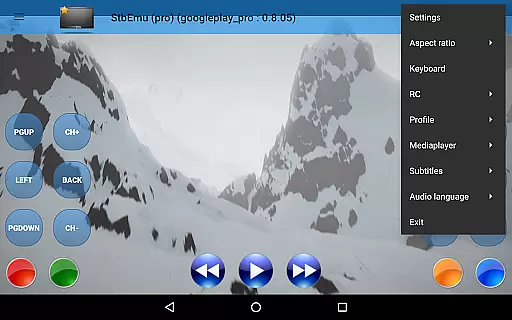
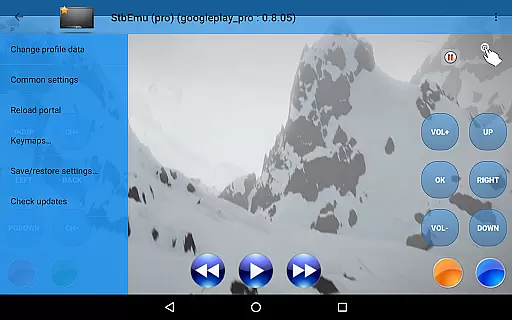
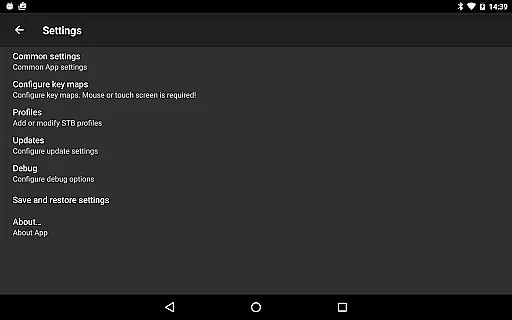
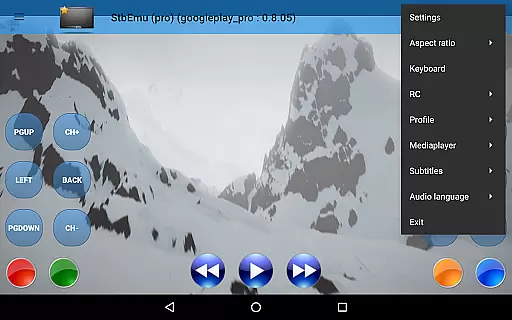
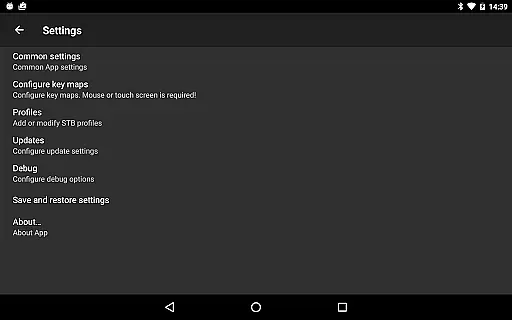
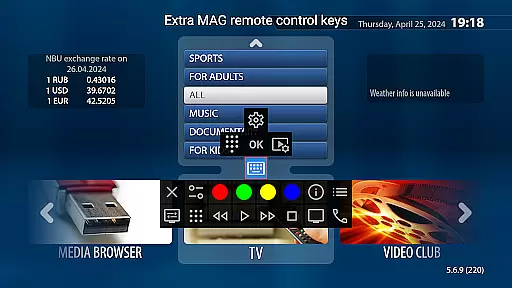
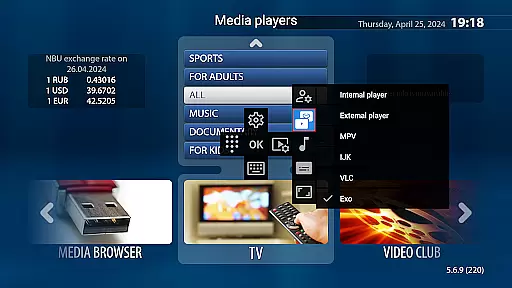
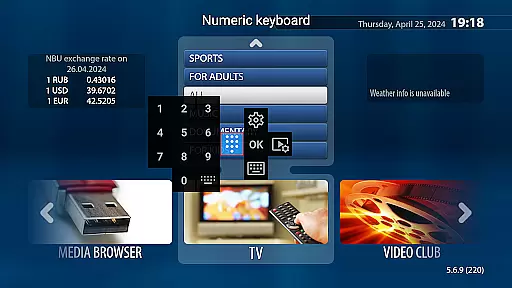
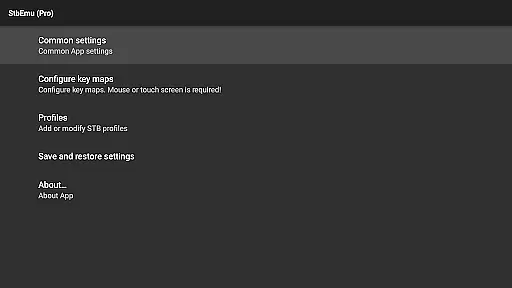
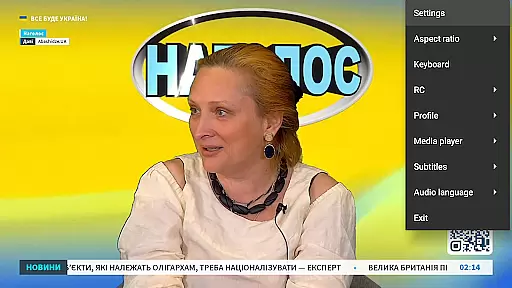
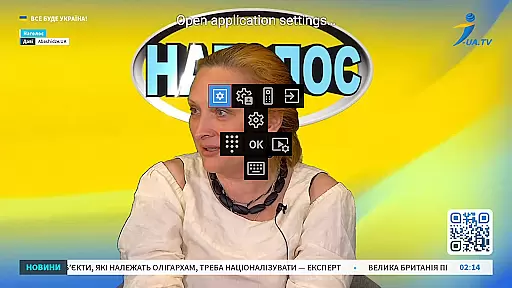

StbEmu (Pro) is a specialized video player application designed for advanced IPTV services. This app allows users to emulate set-top box functionalities on their mobile devices, providing access to various IPTV content streams.
The core feature of StbEmu lies in its ability to connect with specific IPTV portals, enabling users to stream live TV channels and on-demand content. It requires initial configuration tailored to individual IPTV providers, making it particularly suitable for experienced users familiar with IPTV setups.
This application is especially valuable for users who want to integrate their existing IPTV subscriptions into a mobile-friendly interface. By offering advanced settings and customization options, StbEmu (Pro) delivers a personalized streaming experience that can be fine-tuned according to specific user preferences and network conditions.
StbEmu (Pro) offers several distinctive features that cater to advanced IPTV users. The app provides comprehensive configuration options that allow precise control over streaming parameters and connection settings. Users can customize everything from network protocols to decoding methods.
A key characteristic is its support for various industry-standard IPTV protocols, ensuring compatibility with multiple service providers. The app also includes advanced debugging tools and logging capabilities, which are crucial for troubleshooting connection issues and optimizing streaming performance.
Unlike basic video players, StbEmu (Pro) offers professional-grade features such as EPG support, parental controls, and detailed statistics about streaming quality. These features make the app particularly appealing to users who require more than just basic channel playback functionality and need complete control over their IPTV experience.
Video format compatibility is a crucial aspect of any video player application, ensuring that users can enjoy content in various formats without technical hindrances. StbEmu (Pro) offers support for specific video codecs and formats tailored to IPTV streaming.
The app is designed primarily for IPTV services, meaning its format compatibility focuses on streaming protocols rather than traditional file-based formats like MP4 or AVI. This ensures smooth playback of live TV channels and on-demand content from supported IPTV providers.
Users benefit from this compatibility by experiencing uninterrupted streaming with minimal buffering. The app's optimization for IPTV-specific formats allows it to deliver high-quality video streams directly to the user's device.
While StbEmu (Pro) may not support common file types such as m3u playlists, its specialized format handling enables advanced features and settings that cater specifically to IPTV service requirements.
AI-powered editing features represent an innovative approach to video processing, though StbEmu (Pro) focuses more on IPTV functionality than traditional video editing capabilities. The app incorporates intelligent settings and configurations that optimize streaming quality and user experience.
Instead of conventional editing tools, StbEmu (Pro) utilizes advanced algorithms to manage stream quality, automatically adjusting parameters based on network conditions. This ensures optimal video playback without manual intervention from the user.
The application's sophisticated configuration options act as a form of AI-powered management, allowing experienced users to fine-tune their streaming experience. These settings help maintain consistent video quality and reliable connections to IPTV portals.
While not featuring typical video editing functions, StbEmu (Pro)'s intelligent system provides stability and performance improvements that enhance the overall viewing experience for properly configured IPTV services.
Highly customizable
Advanced IPTV features
Professional-grade tools
Detailed configuration options
Comprehensive protocol support
Complex setup process
Limited beginner support
No m3u playlist support
Requires technical knowledge
Potential compatibility issues

The smartest M3U IPTV Player your playlists have ever seen.
 4.4
4.4
HD Video player all format, HD Videos, Cast & Subtitle. No annoying ads.
4.60
Live TV, anywhere in your home
3.80
AirMirror is Receiver for Screen Mirroring and Casting from Apple Devices.
3.60
Play and download HD videos from all sources — fast, simple, and all-in-one.
4.0
Powerful video player with advanced hardware acceleration and subtitle supports
4.20
Fast private browser with secure, seamless access & supported video downloads!
4.00
Viddo: Generate Action Figure, AI Anime, AI kiss, AI hug Video from image & text
4.40
Video&Drama Player All Format is a HD video player, music player
3.00
All in one HD video downloader & player for multiple formats with full privacy
4.70
Fast, private downloading, video saving, social media
4.50
Add date and time watermark to photos and videos
4.50
Fast & Private HD Video Downloader with Built-in Proxy Browser and Video Player.
4.50
KineMaster, Your Ultimate Video Editor!
4.40
KMPlayer Plus (Divx Codec) officially support Divx codec.
4.30
Movie maker & video editing app with AI effects and green screen
4.30
Your media, on your terms.
4.10
Connect EasyCap or UVC devices for recording and broadcast video/audio stream
3.60
Browser for Sony TV to stream web videos, online movies and live tv
3.20


User Reviews