
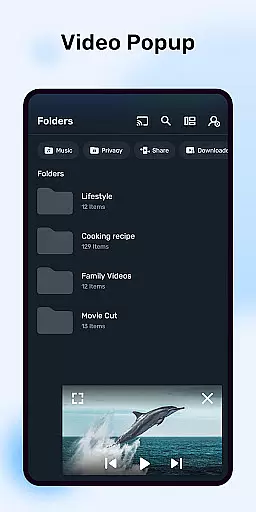
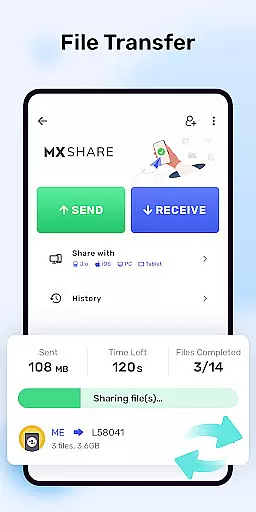

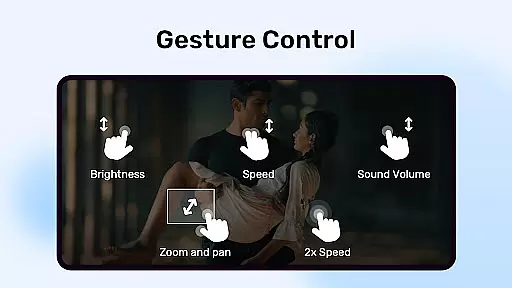
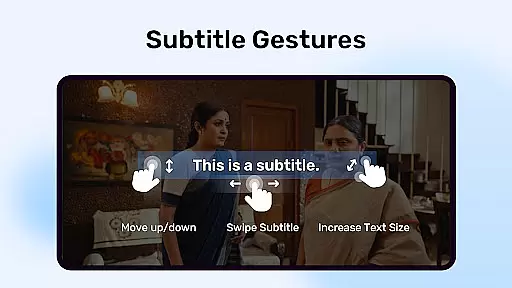
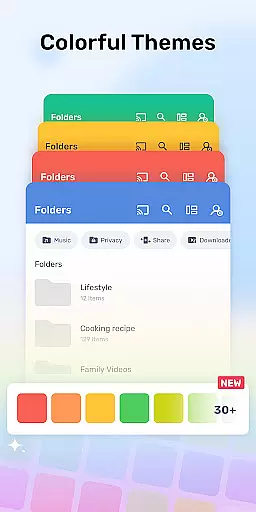
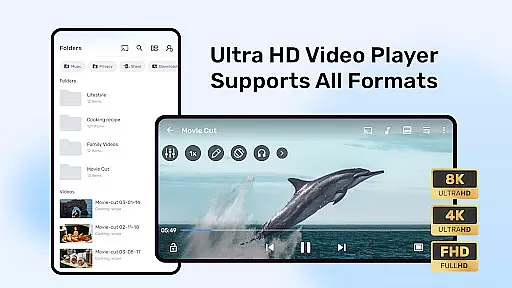
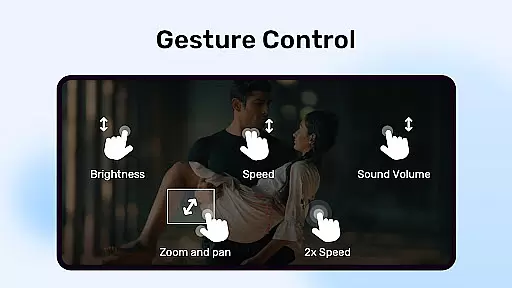
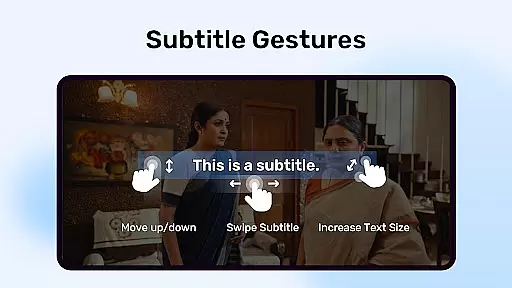
MX Player is a powerful multimedia player for Android devices, offering advanced hardware acceleration and comprehensive subtitle support. The app's core functionality lies in its ability to deliver smooth video playback with features like multi-core decoding and pinch-to-zoom controls. It supports a wide range of video formats and provides users with precise control over subtitles, including gesture-based adjustments.
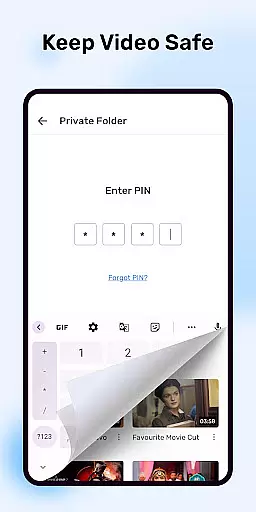
One standout feature is the Kids Lock mode, which ensures children can enjoy videos safely without accessing other device functions. Additionally, the Privacy Folder allows users to hide personal media files securely. With its robust performance and user-friendly interface, MX Player is ideal for anyone seeking a versatile media player that combines professional-grade features with everyday usability.
MX Player distinguishes itself through several innovative features designed to enhance the viewing experience. Its hardware acceleration capabilities, powered by the new HW+ decoder, ensure seamless playback even for high-resolution videos. Multi-core decoding further boosts performance on compatible devices, making it up to 70% more efficient than single-core alternatives.
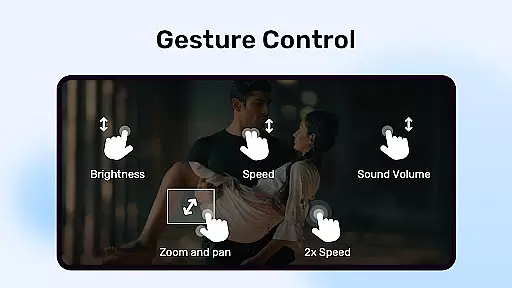
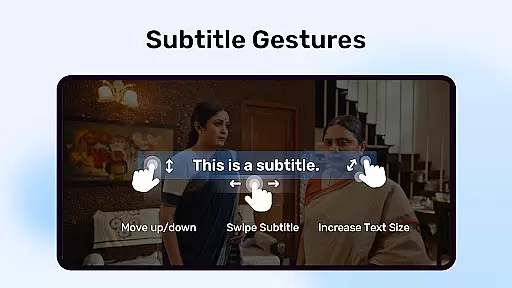
The app also excels in subtitle handling, supporting numerous formats such as SubStation Alpha, SubRip, and WebVTT, all with customizable styling options. Users benefit from intuitive gesture controls for zooming, panning, and adjusting subtitles. Moreover, practical tools like the Privacy Folder and Kids Lock demonstrate MX Player's commitment to both functionality and user safety, setting it apart from competing video players.
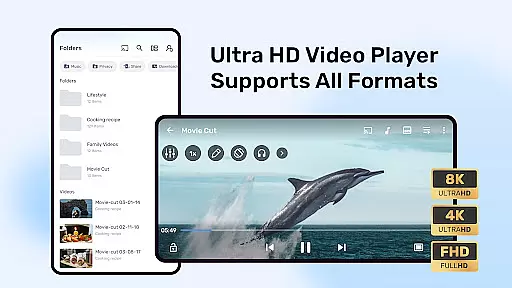
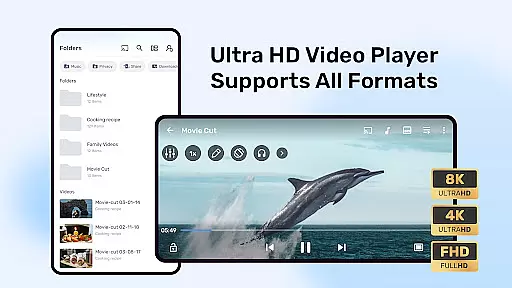
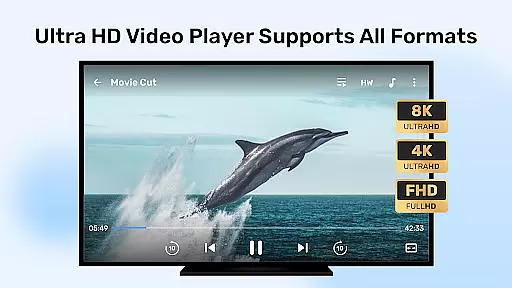
MX Player stands out with its extensive video format compatibility, ensuring users can play nearly any video file they encounter. The app supports a wide range of formats including but not limited to AVI, MKV, MP4, and FLV.
This versatility is powered by advanced hardware acceleration and multi-core decoding, which not only broadens the spectrum of playable formats but also enhances playback smoothness and efficiency. Users can enjoy high-quality videos without worrying about format incompatibility issues.
Additionally, MX Player's ability to download and store subtitles directly within the app further enriches the viewing experience. This feature ensures that regardless of the video source or format, users can access and display subtitles seamlessly.
The inclusion of specialized subtitle formats such as DVD, DVB, SSA/ASS, and many others underlines the app's commitment to delivering a comprehensive and customizable entertainment experience. With MX Player, users are guaranteed an uninterrupted viewing session tailored to their preferences.
While primarily known for its video playback capabilities, MX Player also incorporates AI-powered editing features that enhance user interaction with multimedia content. These features allow for intuitive gesture controls like pinch to zoom and subtitle scrolling, providing a dynamic and personalized viewing experience.
The app leverages AI to optimize video playback settings based on user behavior and preferences. For instance, it automatically adjusts subtitle positioning and size through simple swipe gestures, catering to individual viewing comfort without manual intervention.
Moreover, MX Player's Privacy Folder and Kids Lock functionalities demonstrate its dedication to user-centric design. By intelligently securing personal content and creating a safe environment for children, the app addresses diverse user needs beyond mere video playback.
Although not traditionally an editor, MX Player's intelligent features effectively bridge the gap between passive consumption and active engagement with media, setting a new standard for what users expect from a video player application.
User-friendly interface
Advanced subtitle support
Multi-core decoding
Privacy protection features
Kids Lock functionality
Requires many permissions
Ads in free version
Occasional crashes
Limited iOS availability
Complex settings for beginners

Stream high quality video from your camera over NDI protocol
 4.3
4.3
KMPlayer Plus (Divx Codec) officially support Divx codec.
4.30
Explore the largest library of free GIFs, Stickers & Memes - or create your own!
3.90
Download website videos fast&privacy
4.40
Browser for Samsung TV to stream webvideos, online movies and livestreams in HD
4.10
This app is an emulator of some specific IPTV boxes
3.50
Web Browser for LG TV to stream webvideos, online movies and livestreams in HD
4.20
Enjoy your favorite videos and channels with the official YouTube app.
3.90
Capture the moment and Cut
3.40
An easy-to-use and all-round screen recorder with audio
4.80
?100% FREE! Download & save videos? safely in this app. All formats supported.
4.60
Create photo video with music & template. AI video maker for stunning slideshow.
4.60
IPTV Loader, loads your own Playlist. DOES NOT CONTAIN ANY LIST OR CHANNELS
4.60
Fast, private downloading, video saving, social media
4.50
Video Downloader, Multiple Resolution Options, Video Player
4.50
This app was created to edit the metadata of music files.
4.20
Connect 2 UVC devices for recording and broadcast video/audio stream
3.90
Save photos and videos from social apps in one tap.
3.60
Watch full episodes of your favorite Cartoon Network and Cartoonito shows!
3.50


User Reviews