
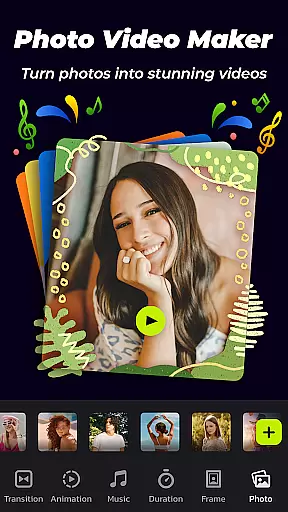
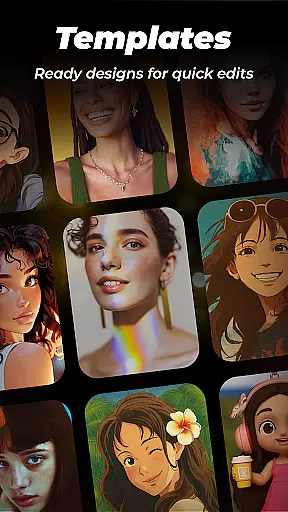
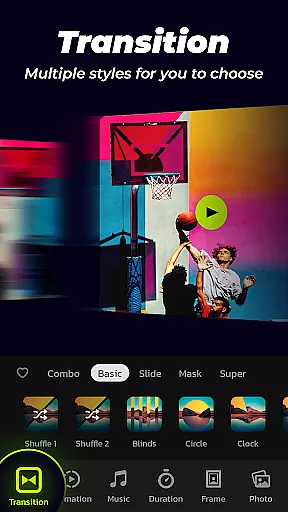

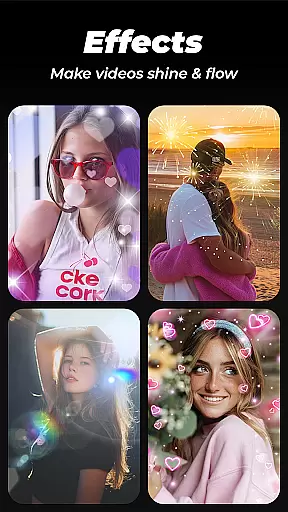
Photo Video Maker with Music - InSlide is a versatile video editing tool designed for creating engaging photo slideshows, music albums, and presentations. The app offers an intuitive interface that allows users to add music, transitions, animations, and frames to their projects, making it easy to produce professional-quality videos. Whether you're looking to record life memories, send holiday wishes, or create tutorial videos, this app provides all the necessary tools.
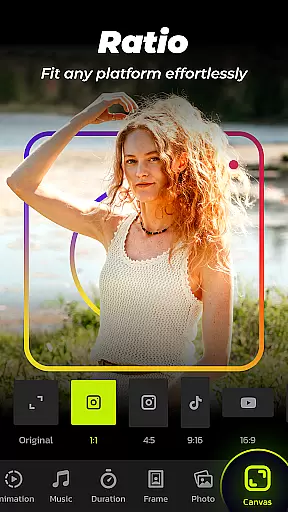
With features like aspect ratio adjustment, transparency settings, and abundant content libraries, users can customize their creations to suit various platforms such as YouTube, TikTok, and Instagram. The ability to remove watermarks and export in resolutions up to 2K ensures high-quality output. InSlide is suitable for both casual users and professionals seeking to enhance their visual storytelling.
Photo Video Maker stands out with its comprehensive set of editing tools tailored for creating visually appealing slideshows. One of its key features is the one-click transition effect, which simplifies the process of adding smooth transitions between photos. Users can choose from a wide selection of transition styles or customize the duration between slides, ranging from 0.5 to 8 seconds, allowing for precise control over the video's pacing.
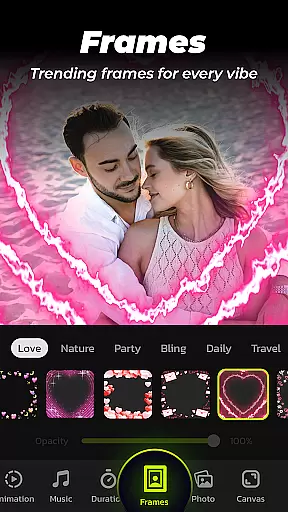
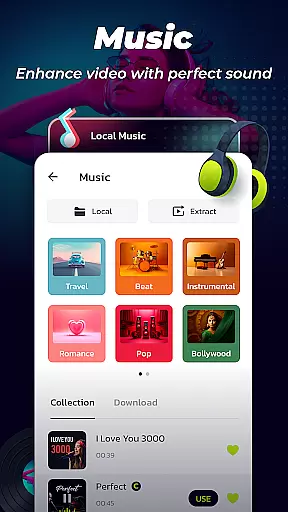
The app also includes a robust music library with various genres, including Pop, Bollywood, and Love, enabling users to enhance their slideshows with appropriate soundtracks. Additionally, users can upload personal music files or select from recommended tracks. With multiple photo frame options categorized by themes like family and travel, users can further personalize their projects. The resolution selection feature offers five export options, ensuring compatibility with different sharing platforms while maintaining visual quality.
Photo Video Maker with Music - InSlide stands out in video format compatibility, ensuring users can work with a wide array of file types. This flexibility allows for the importing and exporting of videos in various resolutions and formats, from standard 480P to high-definition 2K.
The app supports all popular video and photo formats, enabling seamless integration of media without the need for prior conversion. Whether you're combining clips or adding images to a slideshow, the transition is smooth and hassle-free.
With five resolution options, users can tailor their projects to specific needs. Opt for lower resolutions for quick sharing online or choose higher settings for professional-grade visual quality. This versatility makes the app suitable for both casual sharing and serious content creation.
Moreover, the ability to adjust aspect ratios ensures that your creations are perfectly formatted for platforms like YouTube, TikTok, and Instagram. This comprehensive compatibility empowers creators to focus on storytelling rather than technical limitations.
InSlide incorporates AI-powered editing features that elevate the video creation process. The app simplifies complex tasks such as adding transitions and animations through smart automation, allowing users to enhance their slideshows with minimal effort.
One notable feature is the one-click transition effect, which intelligently selects and applies suitable transitions between clips. This saves time and ensures a professional look without requiring manual selection or advanced editing skills.
Additionally, the app offers an extensive library of categorized frames and themes powered by AI. These elements adapt to the content of your slideshow, providing thematic coherence and aesthetic enhancement tailored to different occasions like family gatherings or vacations.
Customization is further enhanced by AI-driven suggestions for music tracks based on the mood and theme of your project. Users can also upload personal audio files or select from a diverse range of online music styles, ensuring every video has its unique soundtrack. This blend of AI assistance and creative freedom results in polished, engaging videos ready for any platform.
User-friendly interface
Extensive transition effects
Versatile music library
Customizable frame options
High-resolution export
Limited advanced editing
Fewer filters compared to competitors
Occasional bugs reported
In-app purchases required
Basic animation options

Stream Web Videos to Chromecast, Samsung, LG, Sony, Roku, Fire TV, DLNA + more
 4.00
4.00
Turn your phone into a wireless camera!
4.20
IPTV Player - Watch live TV from m3m & m3u8 playlist, stream IPTV on mobile
3.30
Cast to Smart TV, Fire TV. Cast video, photo - Fast & Stable!
3.90
This app is an emulator of some specific IPTV boxes
3.50
AI Video Editor with Music, Filter, Slideshow, Effect, Merge & Trim Video.
4.80
Fast private browser with secure, seamless access & supported video downloads!
4.00
Enjoy your favorite videos and channels with the official YouTube app.
3.90
Photo editor & video maker with music and slideshows.
4.10
Flud is a simple and beautiful BitTorrent client for Android.
4.80
Search & download videos from net with all video downloader, auto-detect & safe.
4.60
Seamlessly connect and control your smart devices, anytime, anywhere with ease.
4.60
Fast, private downloading, video saving, social media
4.50
This app was created to edit the metadata of music files.
4.20
VLC for Android is the best open source video and music player, fast and easy!
4.10
Capture images & record videos for USB Camera, Webcam, Microscopes, Endoscopes
3.80
Live TV, anywhere in your home
3.80
Livestream, news, & gaming content. Watch, chat, and upload. Join Rumble today!
3.80
Browser for Sony TV to stream web videos, online movies and live tv
3.20


User Reviews