
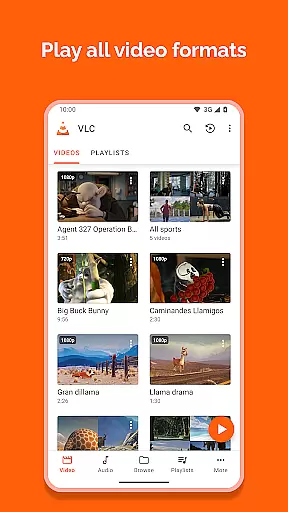
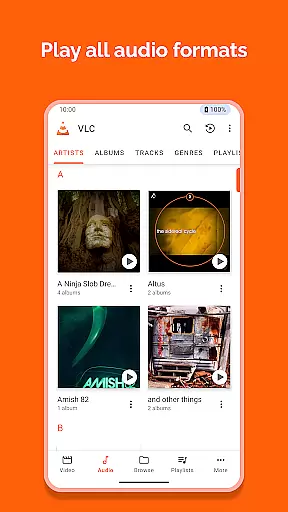
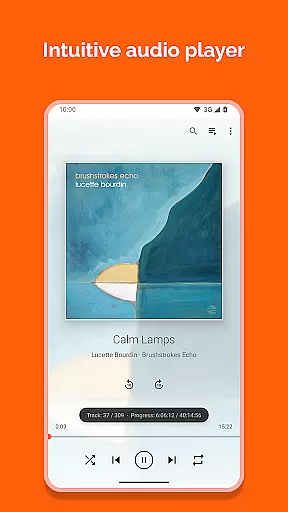
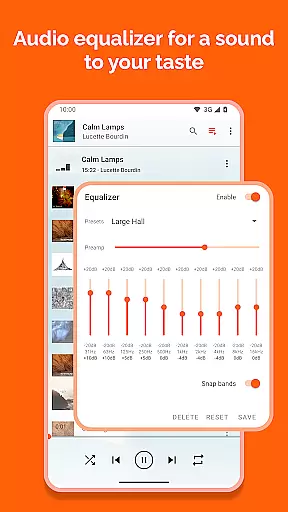
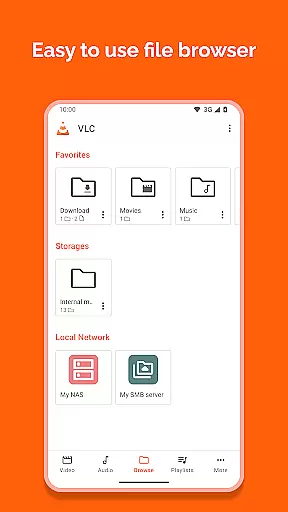
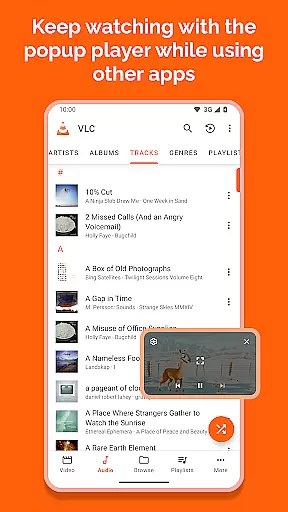
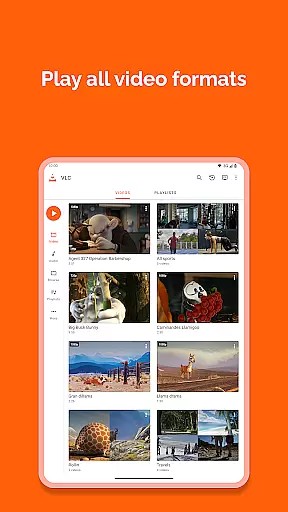
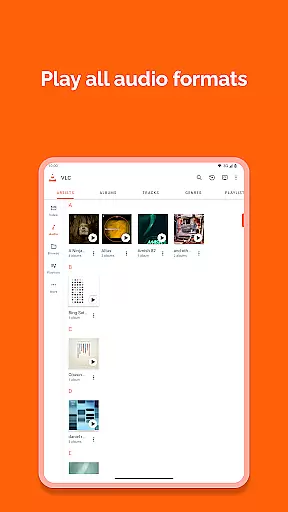
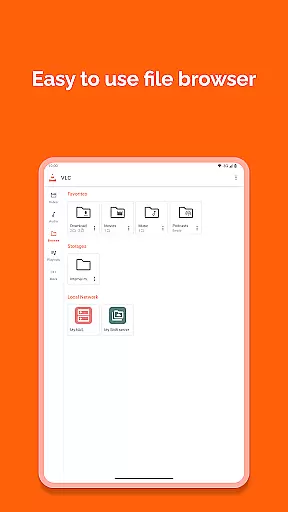
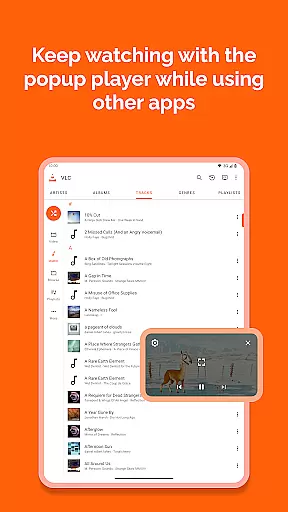
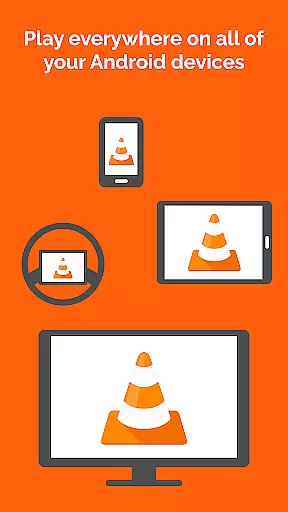
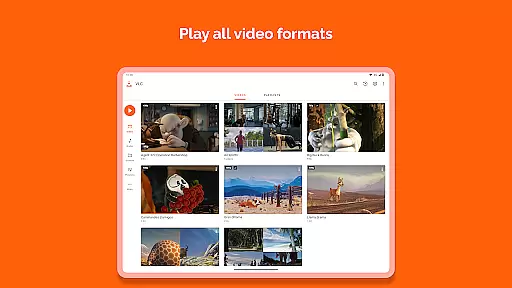
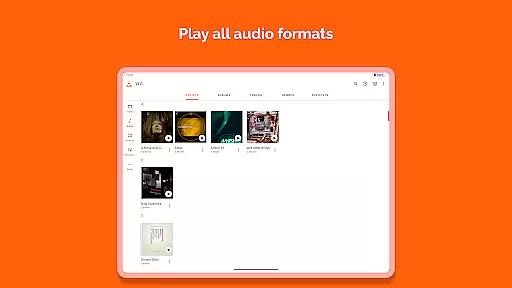
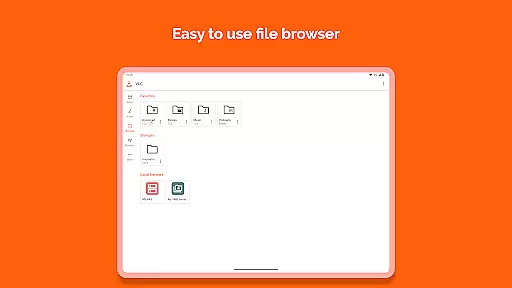
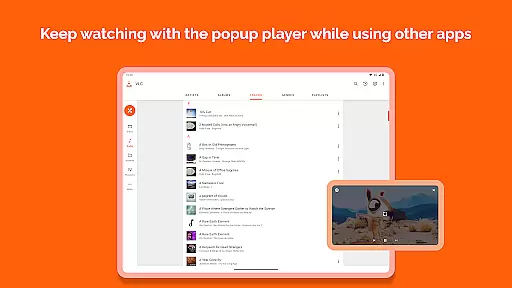
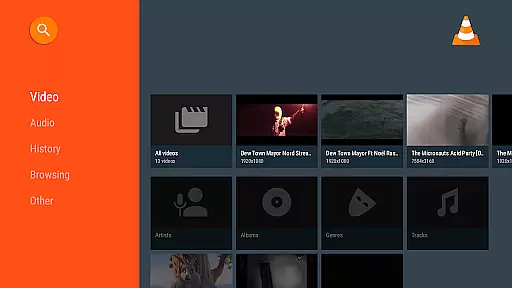
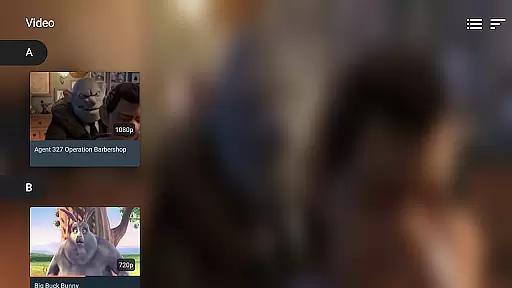

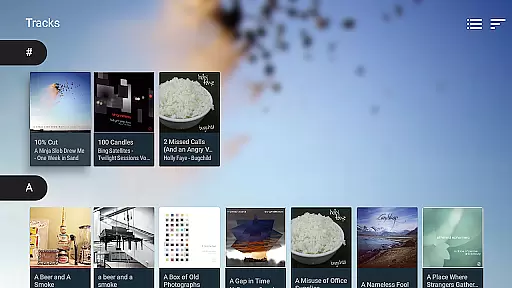
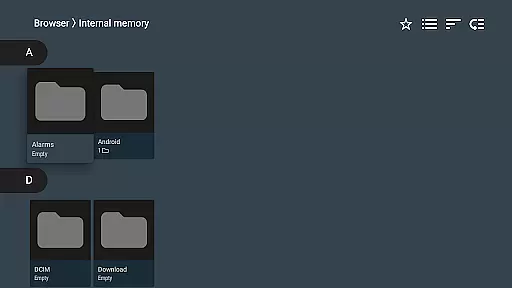
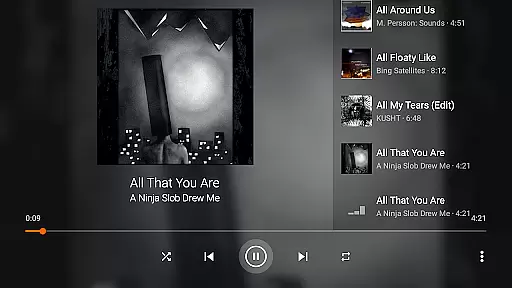
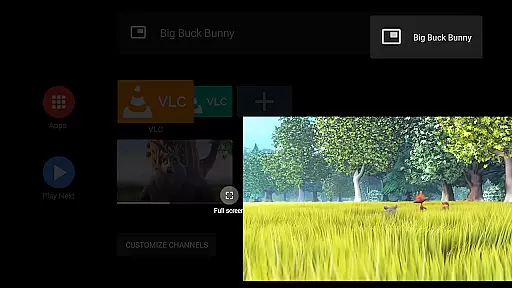
VLC for Android is a versatile, free, and open-source media player that brings the renowned VLC experience to mobile devices. This application supports an extensive range of video and audio formats, including network streams, DVD ISOs, and disk shares, without the need for separate codecs or downloads.
Designed with user convenience in mind, it features a comprehensive media library, multi-track audio support, and advanced playback controls through intuitive gestures. Whether you're streaming content online or managing local media files, VLC for Android offers seamless playback and navigation.
The app's commitment to privacy and freedom is evident as it contains no ads or in-app purchases and refrains from collecting user data. It stands out as an essential tool for anyone seeking a robust, flexible media player on their Android device.
VLC for Android distinguishes itself with its broad format compatibility, playing everything from MKV, MP4 to more niche formats like FLAC and M2TS. The inclusion of all necessary codecs ensures users won't face any playback issues.
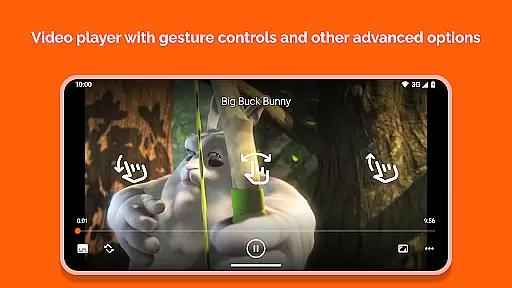
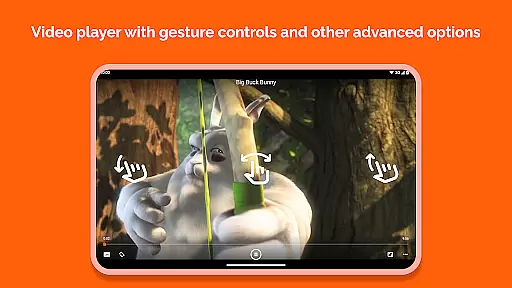
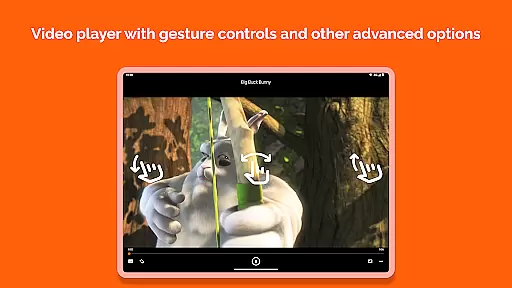
Beyond basic playback, the app provides sophisticated features such as subtitle support, multi-track audio, and adjustable aspect ratios. Playback can be finely controlled with gestures for volume, brightness, and seeking, enhancing the overall user experience.
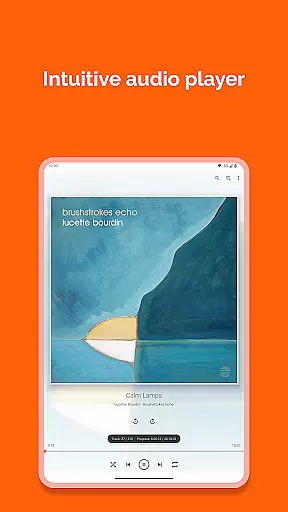
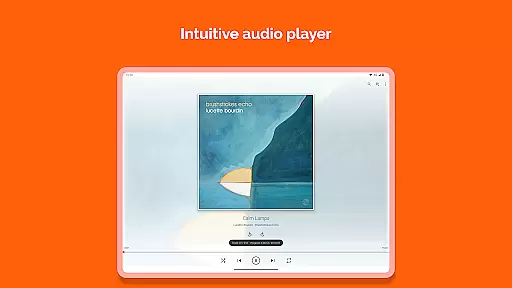
Additional functionalities include a widget for audio control, support for audio headsets, and cover art display. These features collectively ensure VLC for Android meets diverse user needs while maintaining ease of use and accessibility.
VLC for Android stands out in its exceptional support for a wide range of video formats, making it one of the most versatile video players available. The application is designed to eliminate the need for separate codec downloads, as it inherently supports virtually all video file types, including but not limited to MKV, MP4, AVI, MOV, and many others.
This comprehensive format compatibility ensures that users can play any video file regardless of its origin or encoding, without encountering the common frustration of format incompatibility. Whether it's a locally stored file, a network stream, or a DVD ISO, VLC for Android handles them all with ease.
Moreover, the player extends its capabilities to support advanced features such as subtitles, closed captions, and multi-track audio, enhancing the viewing experience by allowing users to personalize their playback preferences. This level of adaptability and user-centric design underscores VLC's commitment to delivering a seamless and inclusive media experience.
The significance of this feature cannot be overstated for users who engage with diverse multimedia content. By removing barriers related to format restrictions, VLC for Android empowers users to focus on enjoying their media, thus embodying the essence of true multimedia freedom.
While VLC for Android primarily serves as a powerful video player, it also incorporates AI-powered features that enhance the overall user experience. Although direct video editing capabilities are not its main focus, the app leverages artificial intelligence to optimize video playback settings automatically, ensuring the best possible quality based on the device's capabilities and network conditions.
One notable implementation of AI technology within VLC is its adaptive streaming functionality. This feature intelligently adjusts video quality in real-time, responding to changes in internet connectivity to maintain smooth playback without interruptions. Such intelligent adaptation demonstrates how AI can be effectively utilized to improve core functionalities beyond traditional editing aspects.
Additionally, VLC employs AI-driven algorithms to enhance audio-visual synchronization and improve subtitle timing accuracy. These subtle yet impactful enhancements contribute to a more polished and professional-grade viewing experience, even when dealing with less-than-perfect source materials.
The integration of these AI-powered features showcases VLC's dedication to innovation while maintaining its primary purpose as a robust media player. Users benefit from these technological advancements through improved performance and reliability, making their interaction with various media formats more enjoyable and hassle-free.
User-friendly interface
Comprehensive format support
No ads or in-app purchases
Regular updates by developers
Active community support
Occasional bugs in beta versions
Limited official customer support
Interface may seem outdated
Advanced settings can overwhelm new users
Consumes more storage space

KMPlayer Plus (Divx Codec) officially support Divx codec.
 4.30
4.30
Turn your phone into a wireless camera!
4.20
IPTV Player - Watch live TV from m3m & m3u8 playlist, stream IPTV on mobile
3.30
Powerful Video Editor & Photo Editing App —— Quick Edits & Stunning Effects!
4.30
Make your own Animations, Video and Photo Edits, Visual Effects, and more!
4.00
Watch IPTV on your Android device
4.60
This app is an emulator of some specific IPTV boxes
3.50
#1 Torrent App on Android ** No Ads Ever + Battery Saver **
4.80
Screen recorder with audio to take live videos & Screenshot in high quality!
4.70
Flud is a simple and beautiful BitTorrent client for Android.
4.80
Browser + Remote for Roku to stream webvideos, online movies and livestreams
4.60
KineMaster, Your Ultimate Video Editor!
4.40
Create & edit videos with AI
4.30
This app was created to edit the metadata of music files.
4.20
Your media, on your terms.
4.10
IPTV-Smarters Player Pro M3U - Watch Live Stream TV Channels with Chromecast
4.00
Stream Web Videos to Chromecast, Samsung, LG, Sony, Roku, Fire TV, DLNA + more
4.00
HD video & music player - All format support with floating & PIP mode!
3.80
All in one multi protocols stream receiver for AirPlay, Cast and DLNA.
3.60


User Reviews