
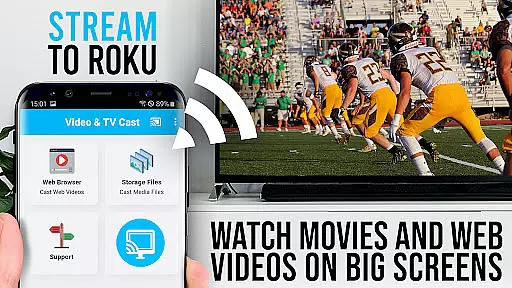
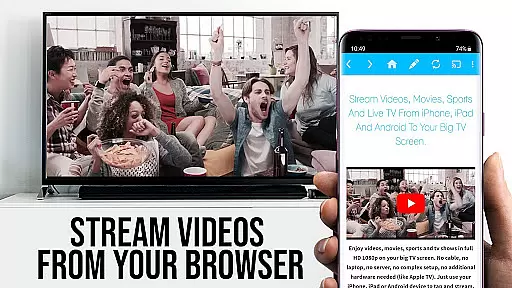
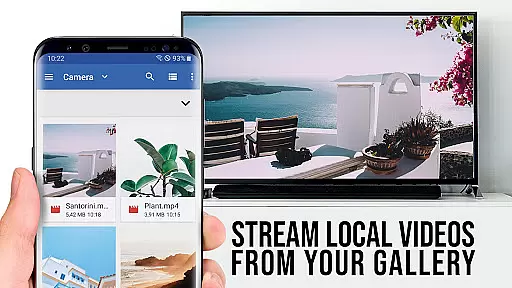
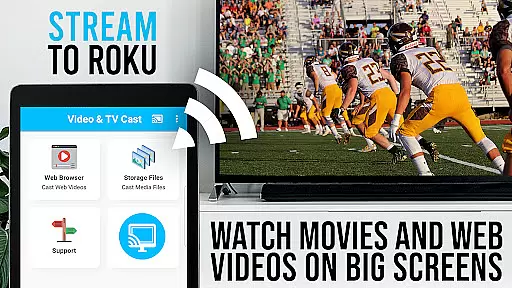
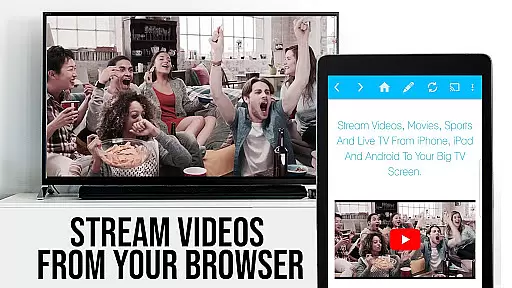
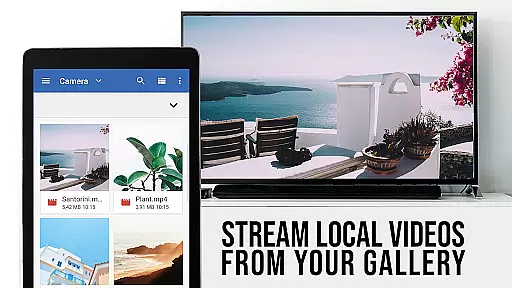
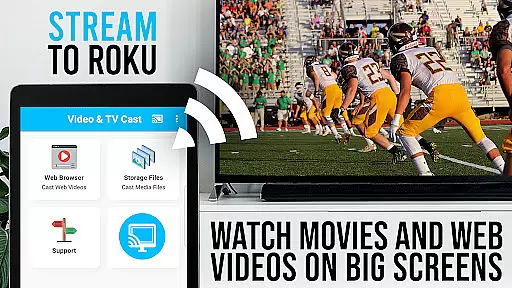
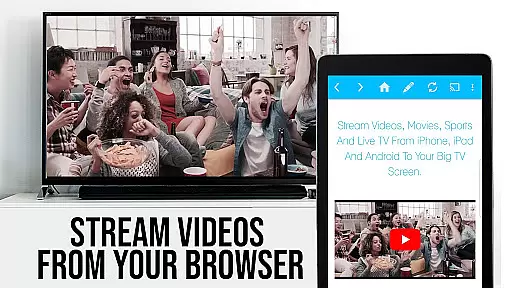
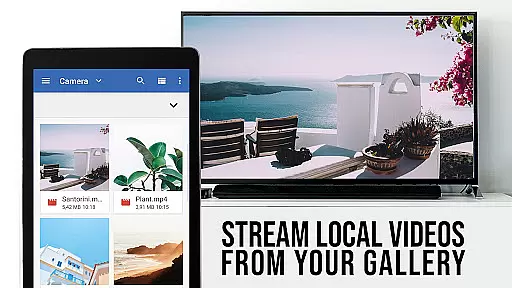
TV Cast Pro for Roku is a premier application designed to enhance your streaming experience by enabling you to cast a wide variety of web videos and live streams directly to your Roku devices. Supporting formats like MP4 M3U8 and HLS this app ensures high-quality Full HD streaming capabilities.
The app stands out with its integrated Roku remote control feature allowing users to effortlessly manage their streaming activities. It also offers advanced functionalities such as an ad-blocker desktop mode and customizable homepages making it a versatile tool for avid streamers.
Whether you're looking to enjoy online movies or follow live TV shows TV Cast Pro for Roku provides a seamless solution to access content on the largest screen in your home. Its user-friendly interface and powerful features cater to both casual viewers and tech-savvy users alike.
TV Cast Pro for Roku boasts an array of features tailored for an optimal streaming experience. One notable aspect is its ability to push web-embedded videos to your Roku with just a single tap. This functionality simplifies the process of discovering and casting videos enhancing user convenience.
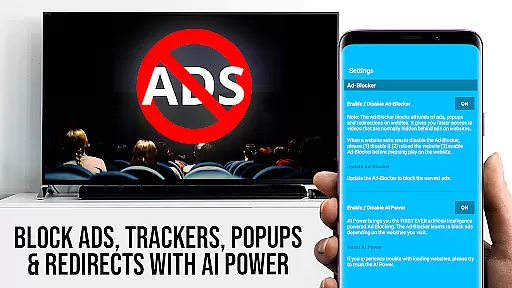
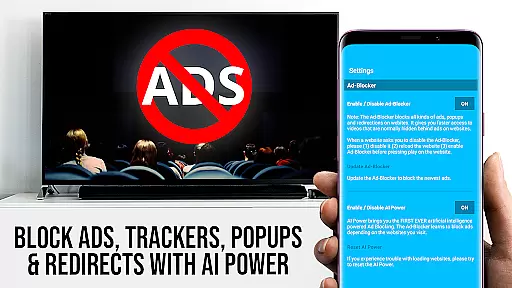
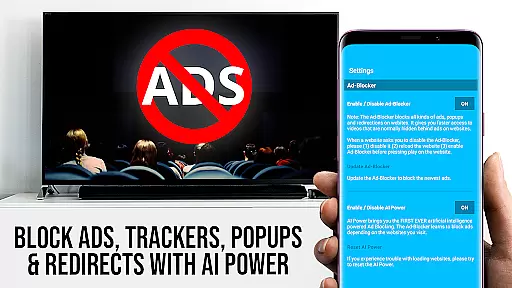
In its PRO version the app offers exclusive features including a remote control for video playback management an ad-blocker for an uninterrupted viewing experience and a bookmarking system for easy access to favorite sites. These features collectively contribute to a more personalized and enjoyable streaming session.
Additionally the desktop mode allows users to access desktop versions of websites broadening the range of content that can be streamed. With these comprehensive capabilities TV Cast Pro for Roku positions itself as a top choice for those seeking to elevate their streaming activities.
TV Cast Pro for Roku stands out in its ability to support a wide range of video formats, making it versatile for streaming needs. The app supports popular formats such as Mp4, m3u8, and HLS livestreams, ensuring that users can enjoy content without worrying about compatibility issues.
The inclusion of video over https further enhances the security and reliability of streams, allowing users to confidently access content from various sources. This feature is particularly beneficial for those who prioritize secure connections while streaming their favorite videos.
With Full HD support, TV Cast Pro ensures that users experience top-notch video quality on their biggest screens. Whether it's web videos, online movies, or live TV shows, the clarity and detail provided by Full HD significantly enhance the viewing experience.
By focusing on comprehensive video format compatibility, this app caters to diverse user preferences and technical requirements, positioning itself as an essential tool for Roku users seeking seamless streaming experiences.
While TV Cast Pro for Roku does not offer traditional AI-powered editing features found in video editing software, it provides unique functionalities that streamline the process of discovering and casting videos. Its integrated browser allows users to navigate websites and automatically detect embedded videos, simplifying the task of finding content to stream.
The app's ability to send discovered videos to your Roku with a single tap acts as an intelligent assistant, saving time and effort. This intuitive feature mimics the convenience of AI-driven tools by automating the detection and transmission of video links.
Additionally, the PRO version includes an Ad-Blocker that enhances the browsing experience by eliminating ads and popups on most websites. This feature indirectly supports smoother content discovery by reducing distractions and improving website load times.
Although it doesn't provide direct video editing capabilities, TV Cast Pro's smart features contribute to a more efficient and enjoyable streaming process, demonstrating innovation in how users interact with digital content on their Roku devices.
Easy to use
Wide format support
Integrated remote
No ads in PRO
Desktop mode available
No device mirroring
Limited Roku support
DRM video restrictions
Paid PRO features
Occasional connectivity issues

Video player, file manager for all formats, 4K/HD media player supports subtitle
 4.30
4.30
Connect 2 UVC devices for recording and broadcast video/audio stream
3.90
Watch a large amount of high-definition short drama content
4.60
Stream high quality video from your camera over NDI protocol
4.1
Live TV, anywhere in your home
3.80
Stream Web Videos to Chromecast, Samsung, LG, Sony, Roku, Fire TV, DLNA + more
4.00
Download videos and play them offline
4.70
Watch IPTV on your Android device
4.60
Browser for Fire TV to stream webvideos, online movies, livestreams in HD
4.40
#1 Torrent App on Android ** No Ads Ever + Battery Saver **
4.80
All in one HD video downloader & player for multiple formats with full privacy
4.70
Cast movies, tv shows and live streams to Chromecast, Roku, DLNA, Fire TV & more
4.60
Fast, private downloading, video saving, social media
4.50
Add date and time watermark to photos and videos
4.50
Fast & Private HD Video Downloader with Built-in Proxy Browser and Video Player.
4.50
Create & edit videos with AI
4.30
Powerful video player with advanced hardware acceleration and subtitle supports
4.20
Video player with 4K & 1080P support, popup play, background play and subtitle.
4.20
Browser for Samsung TV to stream webvideos, online movies and livestreams in HD
4.10


User Reviews