
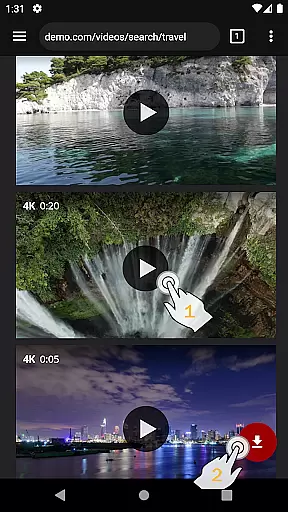
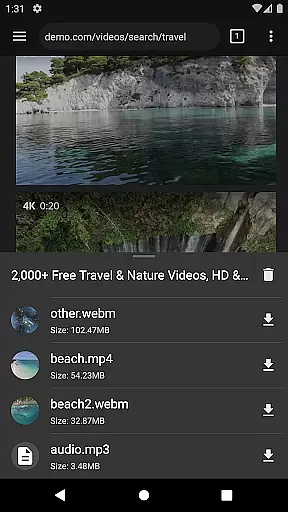
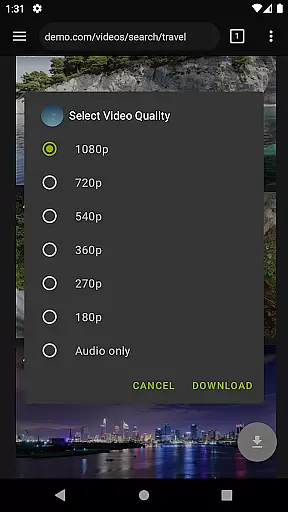
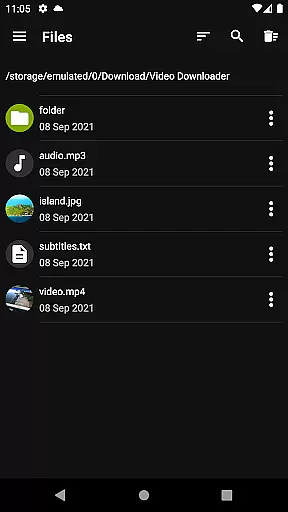
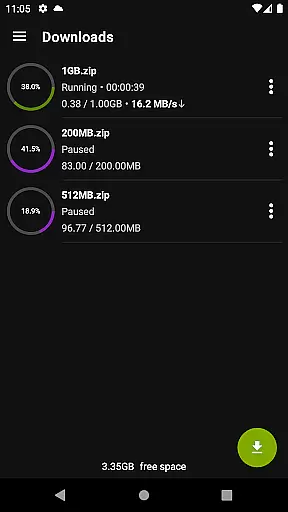

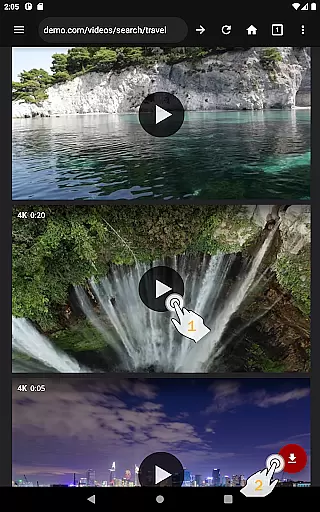
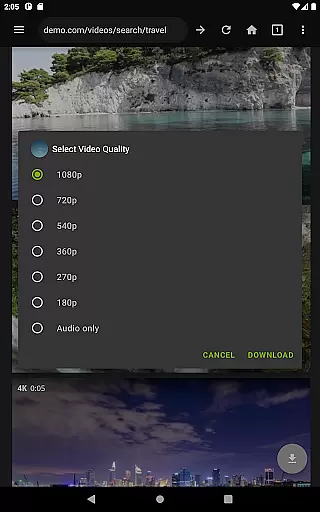
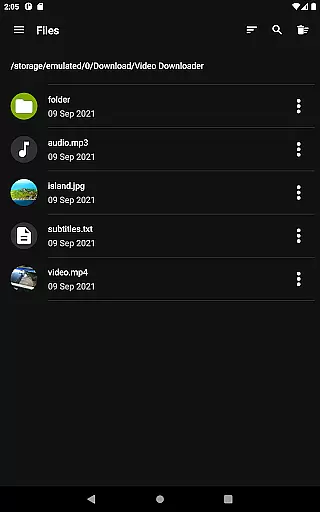
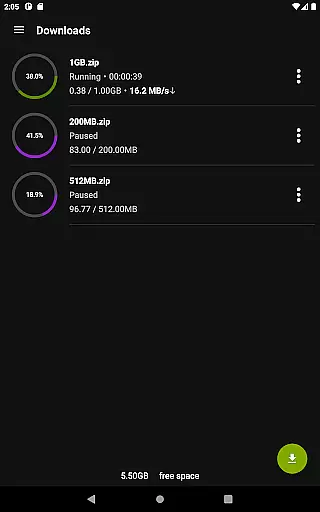
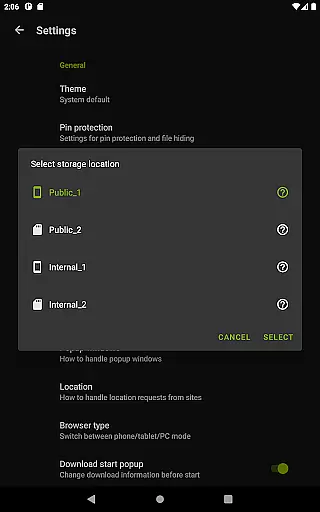
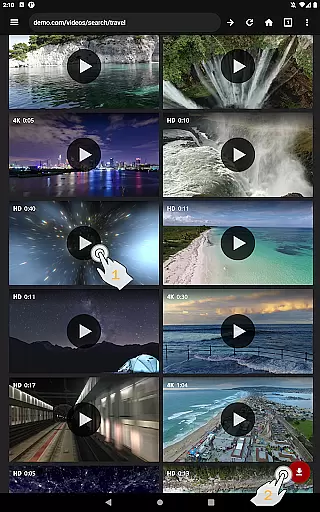
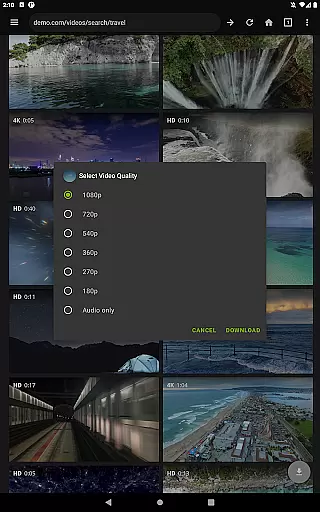
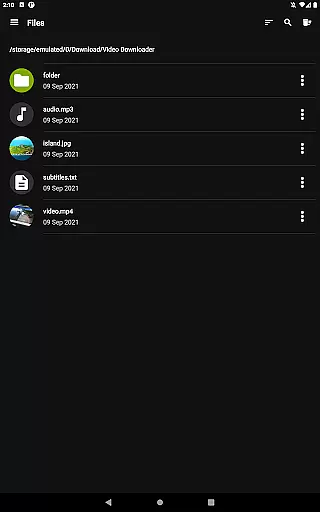
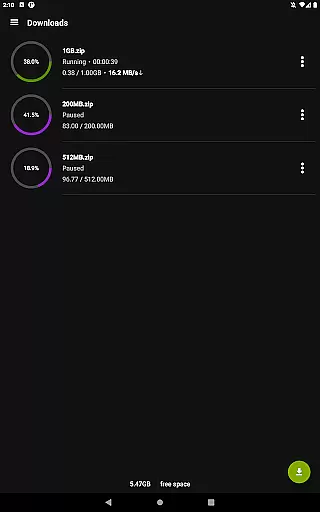
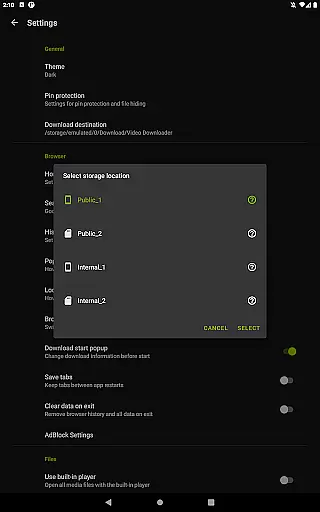
Video Downloader Pro is a premium video downloading application designed for users who need advanced functionality and an ad-free experience. The app allows users to download both static videos and live streams, making it convenient to watch content offline at any time. With features like multi-connection download acceleration, multiple SD card support, and private browsing, this tool offers a comprehensive solution for managing and storing downloaded media files efficiently.
In addition to its core downloading capabilities, Video Downloader Pro includes unique benefits such as lifetime access with a one-time payment, priority customer support, and automatic updates for new features. Whether you're looking to save videos for offline viewing or organize your favorite content seamlessly, this app provides the tools necessary to enhance your video management experience.
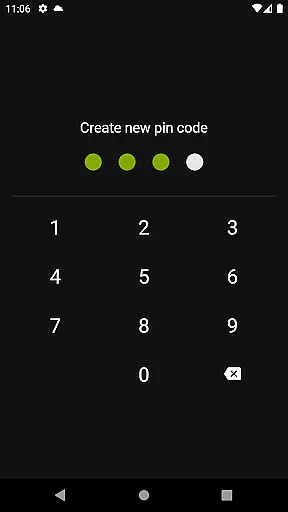
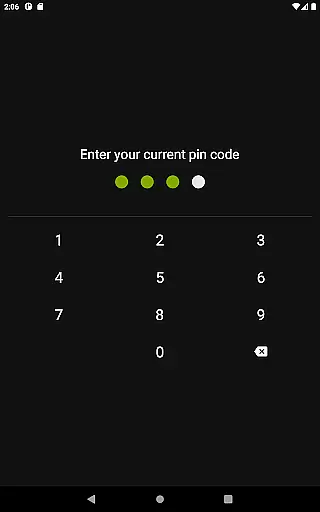
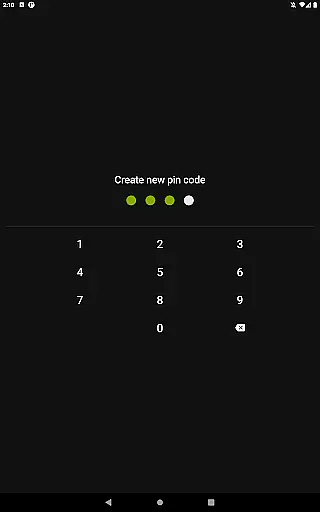
Video Downloader Pro stands out due to its robust feature set tailored for power users. One of its key highlights is the ability to download live video streams, which is not commonly found in standard downloaders. This functionality ensures that even time-sensitive content can be saved for later viewing. Additionally, the built-in private browser offers an incognito mode and PIN protection, ensuring your browsing history remains secure while using the app.
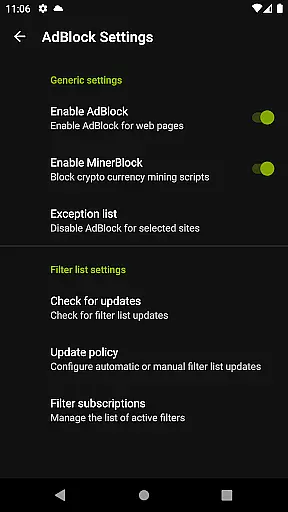
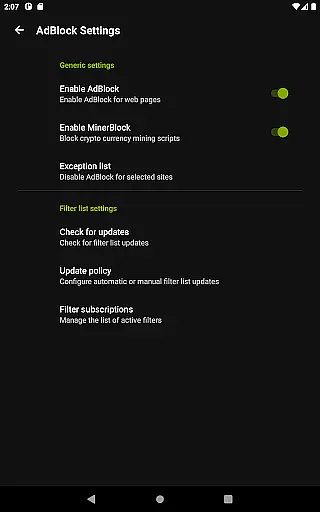
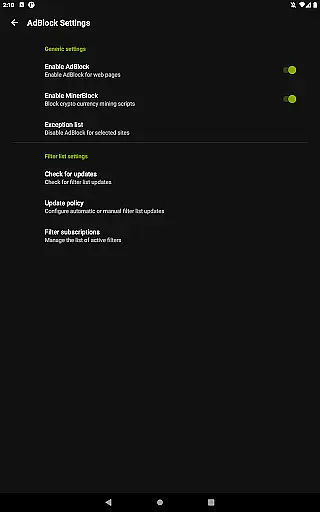
The app also integrates a fully featured AdBlocker, allowing users to customize filter lists for a smoother web experience. Its multi-connection download manager significantly boosts download speeds, while support for multiple SD cards makes storage management flexible and efficient. These innovations make Video Downloader Pro a versatile choice for anyone seeking a reliable way to manage their video downloads without interruptions or limitations.
Video Downloader Pro stands out with its extensive video format compatibility, ensuring users can download and enjoy videos in various formats without hassle. This feature is crucial for a seamless user experience, as it allows flexibility in video consumption across different devices and platforms.
The application supports a wide array of video formats, from common ones like MP4 and AVI to less frequently used formats such as MKV and FLV. This ensures that no matter the source of the video, users can download it without worrying about format support on their playback devices.
For users, this means an uninterrupted viewing experience. Whether downloading videos for offline viewing on a smartphone, tablet, or computer, Video Downloader Pro guarantees that all content is accessible in its original quality and format.
Moreover, the app's multi-connection download manager enhances the downloading process by accelerating download speeds several times over, making it not only versatile in format support but also efficient in performance.
Beyond just downloading, Video Downloader Pro incorporates AI-powered editing features that elevate the user's video management capabilities. These features are designed to streamline the editing process, making it accessible even to those without professional video editing skills.
With intelligent tools that assist in trimming, merging, and enhancing video clips, users can easily customize their downloaded content. The AI algorithms analyze video content to suggest optimal editing points, effects, and enhancements, significantly reducing the time and effort required for post-download modifications.
This functionality adds immense value for users looking to personalize their video content. Whether for social media sharing, personal archives, or professional use, the ability to quickly edit and enhance videos within the same application simplifies the workflow and boosts productivity.
Furthermore, the integration of these advanced editing features within Video Downloader Pro exemplifies the app's commitment to providing a comprehensive video management solution, setting it apart from conventional downloaders.
Ads removed
Live stream downloads
Lifetime license
Priority support
48-hour refund
Paid app
No free trial
Requires permission
Complex setup
Limited regions

Watch a large amount of high-definition short drama content
 4.60
4.60
All format media Player, no need video converter any more!
4.00
Explore the largest library of free GIFs, Stickers & Memes - or create your own!
3.90
Download website videos fast&privacy
4.40
Flud is a simple and beautiful BitTorrent client for Android.
4.80
Browser for Fire TV to stream webvideos, online movies, livestreams in HD
4.40
Powerful video player with advanced hardware acceleration and subtitle supports
4.20
Video&Drama Player All Format is a HD video player, music player
3.00
Create, Publish & Maximize
4.70
Download Hub, easy and private way to download and enjoy your videos offline
4.80
GENRAL PRO - General Pro is the best video player that fully supports all formats.
4.70
HD Video player all format, HD Videos, Cast & Subtitle. No annoying ads.
4.60
Seamlessly connect and control your smart devices, anytime, anywhere with ease.
4.60
IPTV Loader, loads your own Playlist. DOES NOT CONTAIN ANY LIST OR CHANNELS
4.60
Cast movies, tv shows and live streams to Chromecast, Roku, DLNA, Fire TV & more
4.60
Video Downloader, Multiple Resolution Options, Video Player
4.50
Video player with 4K & 1080P support, popup play, background play and subtitle.
4.20
Browser for Samsung TV to stream webvideos, online movies and livestreams in HD
4.10
Online Videos Player
3.90


User Reviews