
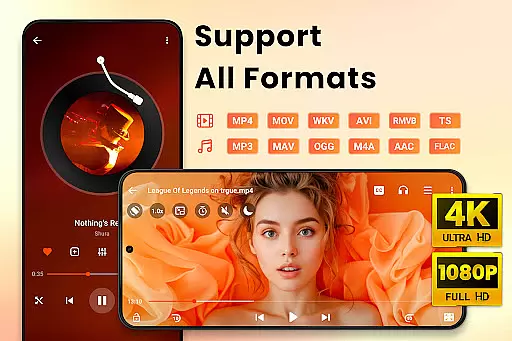
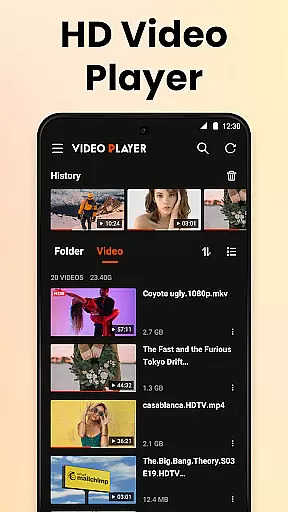
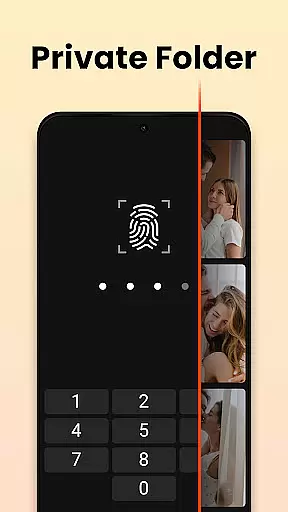
Video Player All Format HD is a versatile and feature-rich video player designed specifically for Android devices. This powerful yet lightweight application supports all major video formats including MKV, MP4, AVI, and more, ensuring seamless playback of 4K and 1080p videos with stunning clarity. The app's compact size belies its extensive functionality, making it an ideal choice for users seeking high-quality video playback without compromising device performance.
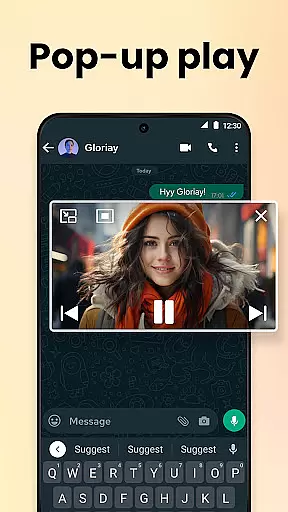
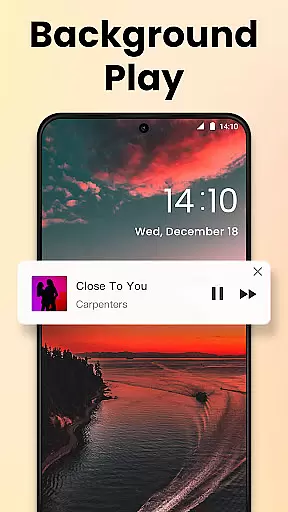
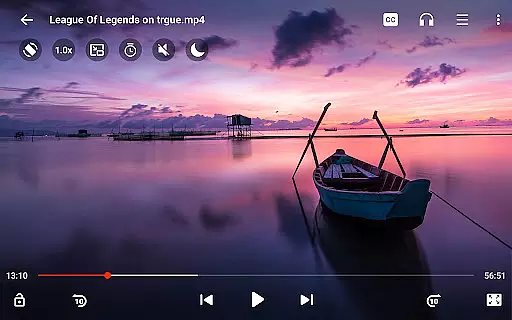
One of the standout features of this video player is its ability to provide an exceptional viewing experience through innovative functionalities such as popup play, background playback, and speed control. Users can enjoy videos in floating windows while multitasking, listen to media with the screen off, and adjust playback speeds from 0.5x to 2x. These capabilities make it particularly suitable for both entertainment and educational purposes, enhancing user engagement and convenience.
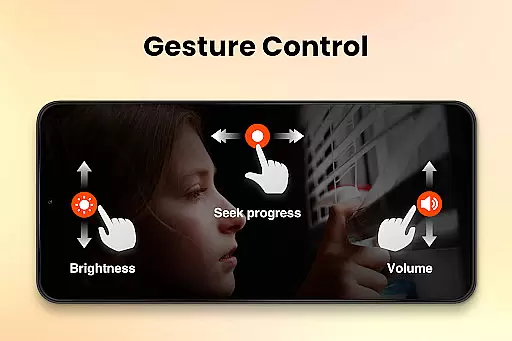
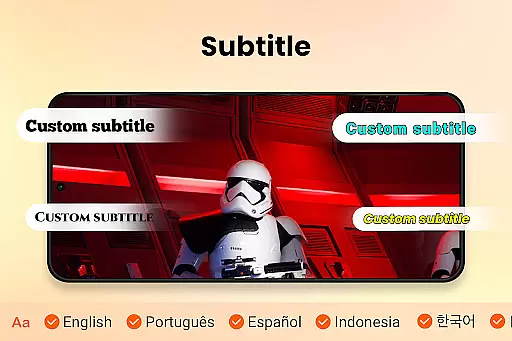
The application also offers practical tools for video management, including file organization, deletion, renaming, and subtitle integration. With additional features like night mode, equalizer settings, and gesture controls, Video Player All Format HD caters to diverse user preferences and environments. Whether commuting or relaxing at home, this app provides a comprehensive solution for all video playback needs on Android devices.
Video Player All Format HD distinguishes itself through a rich array of features that cater to both casual viewers and power users. One of its core strengths lies in universal format support, accommodating files in MKV, MP4, AVI, and other popular extensions without requiring additional codecs or conversions. This ensures that users can play any video file directly from their device storage or SD card without compatibility issues.
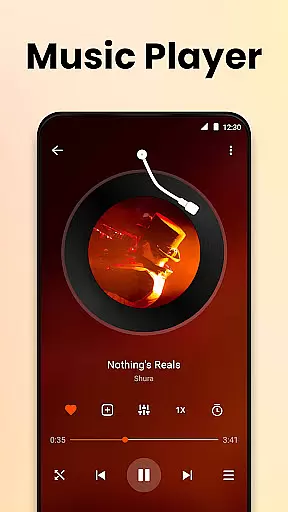
The app incorporates advanced playback options that significantly enhance user experience. Its popup play feature enables multitasking by allowing videos to continue playing in adjustable floating windows, perfect for simultaneous browsing or chatting. Background playback transforms the app into a makeshift audio player, enabling users to listen to video content with the screen off. Furthermore, precise speed control from 0.5x to 2x allows for customized viewing experiences, whether for careful study of tutorial content or quick review of lengthy recordings.
Additional notable features include comprehensive file management tools, automatic video detection across storage locations, and customizable viewing options. The five-band equalizer with bass boost delivers superior audio quality, while gesture controls facilitate intuitive navigation. Practical functions like sleep timer, night mode, and subtitle support demonstrate the app's attention to detail in addressing various user scenarios. These carefully implemented features collectively establish Video Player All Format HD as a robust solution for modern video playback needs.
Video Player All Format HD stands out for its exceptional video format compatibility, supporting an extensive range of formats including MKV, MP4, M4V, AVI, MOV, 3GP, FLV, WMV, RMVB, and TS. This ensures that users can play virtually any video file without the need for conversion or additional software.
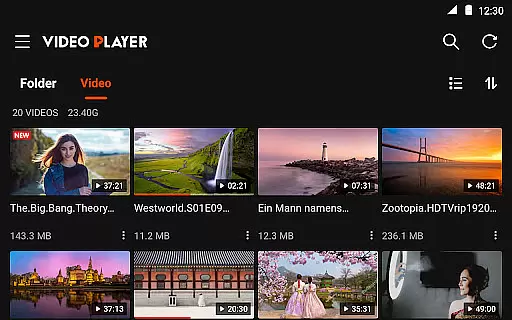
The application's auto-detection feature scans both internal storage and SD cards to locate all compatible video files and folders, streamlining media management. With this comprehensive format support, users are granted the freedom to manage their video library with ease, including options to delete or rename files directly within the app.
By offering both Grid View and List View options, the app enhances user experience by allowing quick navigation and organization of video files. The inclusion of a Quick Search function further empowers users to instantly find specific videos in their collection, regardless of size or format.
While Video Player All Format HD is primarily a video player, it incorporates AI-powered features that enhance the viewing experience. One notable feature is the five-band equalizer with bass boost, which uses intelligent algorithms to optimize audio output based on the video content being played.
The app also supports speed control from 0.5x to 2x, utilizing smart processing to maintain smooth playback even at altered speeds. This functionality is particularly beneficial for educational content or tutorials where users may want to slow down or speed up the video without losing clarity.
Additionally, the built-in subtitle downloader and audio track switcher demonstrate the app's commitment to providing a personalized viewing experience. These features use advanced recognition techniques to synchronize subtitles and audio tracks accurately, ensuring an uninterrupted and engaging viewing session.
User-friendly interface
Wide format support
Lightweight design
Advanced playback options
Comprehensive file management
Limited iOS availability
No cloud integration
Basic editing tools
Occasional ads
Interface customization limited

Fast, private downloading, video saving, social media
 4.50
4.50
Powerful, professional, versatile teleprompter. Developed by an active film crew
4.00
HD video & music player - All format support with floating & PIP mode!
3.80
Cast Videos from Web Browser, IPTV to Roku, Chromecast, DLNA, Smart TV +more
4.60
?100% FREE! Download & save videos? safely in this app. All formats supported.
4.60
Turn your phone into a wireless camera!
4.20
Add date and time watermark to photos and videos
4.50
LumaFusion: The Ultimate Storytelling Experience for Video Editing
4.10
Browser for Fire TV to stream webvideos, online movies, livestreams in HD
4.40
Flud is a simple and beautiful BitTorrent client for Android.
4.80
Browser + Remote for Roku to stream webvideos, online movies and livestreams
4.60
KineMaster, Your Ultimate Video Editor!
4.40
This app was created to edit the metadata of music files.
4.20
Your media, on your terms.
4.10
Fast private browser with secure, seamless access & supported video downloads!
4.00
Connect 2 UVC devices for recording and broadcast video/audio stream
3.90
Manage your IPTV live channels and VOD playlists (no playlist included)
3.80
Livestream, news, & gaming content. Watch, chat, and upload. Join Rumble today!
3.80
Watch full episodes of your favorite Cartoon Network and Cartoonito shows!
3.50


User Reviews