
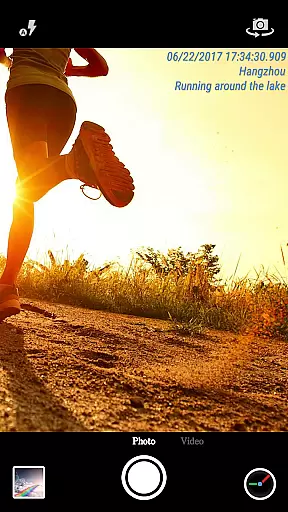
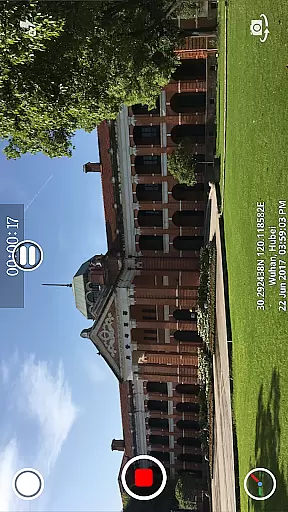
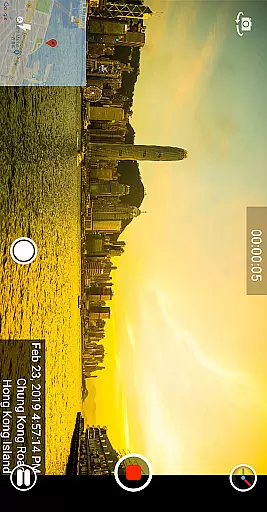
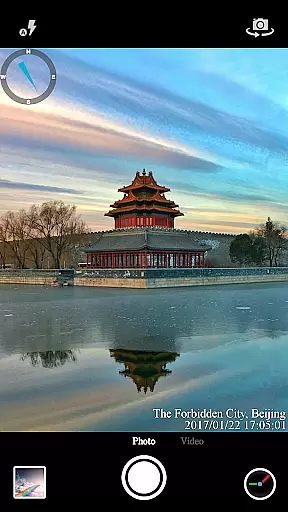
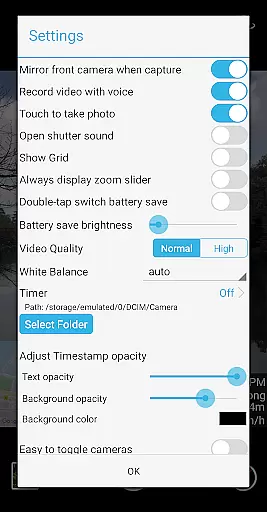
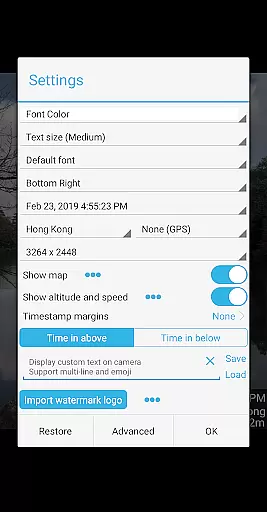

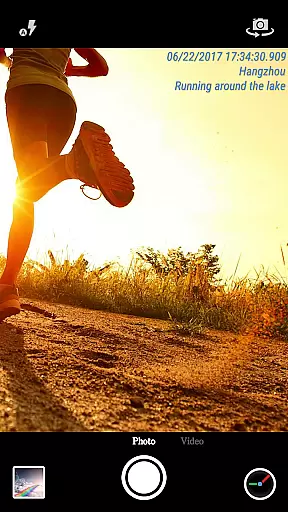
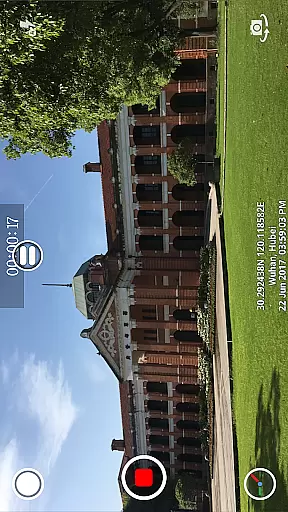
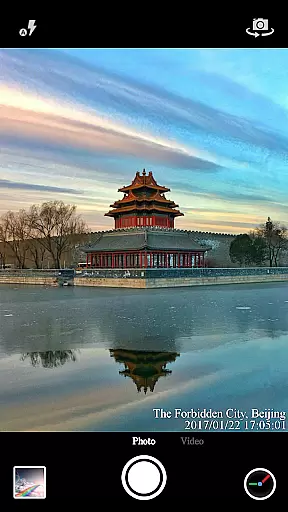
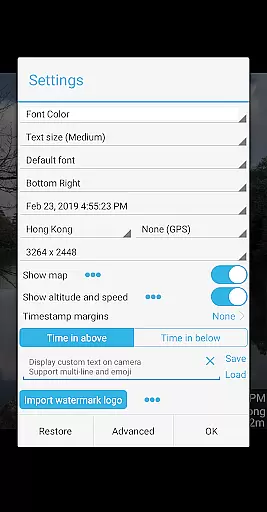
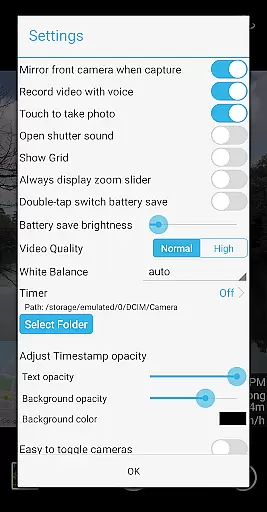

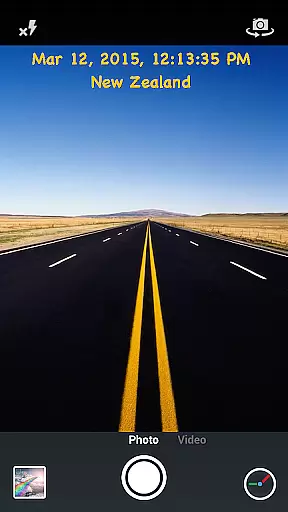
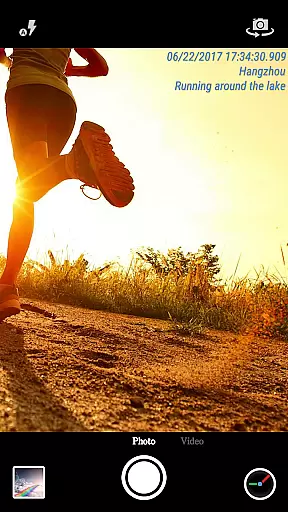
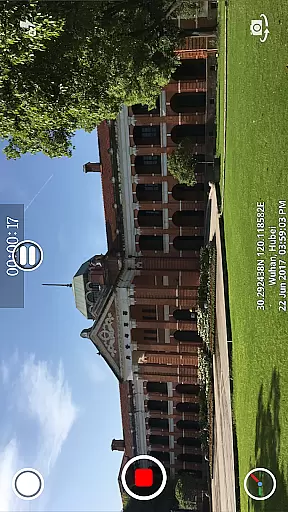
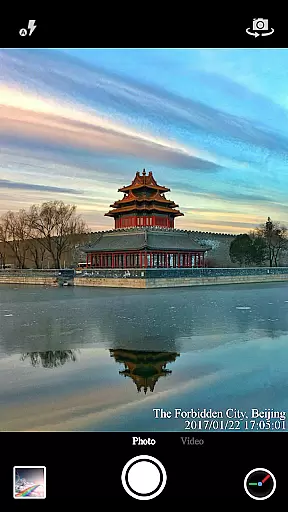
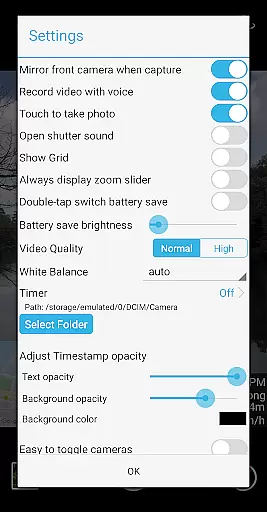
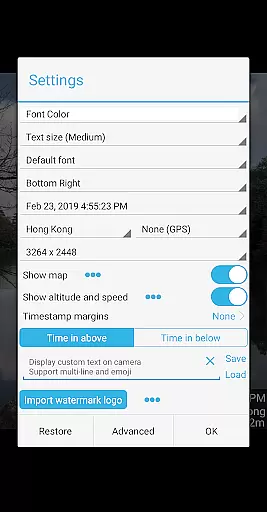

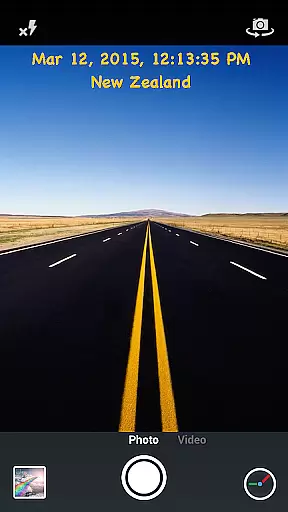
Timestamp Camera Pro is a powerful video and photo editing application that allows users to add real-time timestamp watermarks while recording. The app supports 61 timestamp formats and offers precise time tracking up to milliseconds. Users can customize the font, color, size, and position of the timestamp, as well as add location data, altitude, and speed.
In addition to its core functionality, Timestamp Camera Pro provides creative features such as custom text overlays, emoji support, map displays with adjustable scale and transparency, and the ability to include custom logo images. It also includes practical options like battery saver mode, audio toggle for videos, and resolution adjustments. Whether you're documenting events or creating content, this app ensures every detail is captured with accuracy and style.
One of the standout features of Timestamp Camera Pro is its ability to record videos with millisecond-accurate timestamps, making it ideal for professional use cases requiring precision. The app offers extensive customization options, including seven timestamp positions, multiple font styles, and adjustable opacity levels for the watermark background.
Beyond timestamps, the app supports advanced functionalities such as adding custom text, emojis, and even interactive maps on your camera view. Users can toggle between front and rear cameras during recording, capture photos while shooting videos, and save files directly to an SD card. With support for both portrait and landscape modes, Timestamp Camera Pro caters to diverse user needs across various devices.
Timestamp Camera Pro stands out with its extensive video format compatibility, ensuring that users can work with a wide array of file types without any hitches. The app supports popular formats such as MP4, AVI, and MOV, making it versatile for various devices and platforms.
Beyond just basic playback, the app allows real-time effects to be applied to videos regardless of their format. This includes the unique feature of adding timestamp watermarks accurate to the millisecond, which is preserved across different video formats.
Users benefit from customizable video resolutions and the ability to save videos directly to an SD card, streamlining the process for both casual and professional use. Whether capturing memories or working on detailed video projects, this compatibility ensures that your work remains flexible and accessible.
The AI-powered editing features in Timestamp Camera Pro revolutionize how users interact with their media. By leveraging advanced algorithms, the app offers real-time customization options like time formatting, font adjustments, and positioning, all while maintaining optimal performance.
One standout feature is the automatic addition of location data and GPS coordinates onto videos and photos. This not only enhances the metadata but also provides valuable context to the captured moments, all processed seamlessly through AI technology.
Additionally, the app's intelligent system allows for dynamic changes during recording, such as toggling effects or switching cameras, without interrupting the session. These smart capabilities ensure that users have unprecedented control over their content creation, enhancing both efficiency and creativity.
Real-time timestamping
Highly customizable settings
Millisecond accuracy
Supports custom logos and maps
User-friendly interface
No free version available
Occasional bugs reported
Limited customer support
Advanced features may overwhelm beginners
Requires significant storage space

Save photos and videos from social apps in one tap.
 3.60
3.60
IPTV-Smarters Player Pro M3U - Watch Live Stream TV Channels with Chromecast
4.00
Your media, on your terms.
4.10
Video player with powerful streaming playback and various convenient features.
2.10
Download videos easily & play them all in one smart, powerful video manager.
3.40
Find, download, and play torrents with the official BitTorrent® Pro app
4.70
Browser for Fire TV to stream webvideos, online movies, livestreams in HD
4.40
Powerful video player with advanced hardware acceleration and subtitle supports
4.20
Make videos you’re proud to share with Edits, a video editor for creators.
4.70
Tik & Story Saver-Download ALL social media videos, photos & reels no watermark.
4.80
IPTV Loader, loads your own Playlist. DOES NOT CONTAIN ANY LIST OR CHANNELS
4.60
Auto video maker with music & exclusive filters. Video editing made simple.
4.50
Web Browser for LG TV to stream webvideos, online movies and livestreams in HD
4.20
Video player with 4K & 1080P support, popup play, background play and subtitle.
4.20
Fast private browser with secure, seamless access & supported video downloads!
4.00
Online Videos Player
3.90
Cast to Smart TV, Fire TV. Cast video, photo - Fast & Stable!
3.90
Capture images & record videos for USB Camera, Webcam, Microscopes, Endoscopes
3.80
Connect EasyCap or UVC devices for recording and broadcast video/audio stream
3.60


User Reviews