
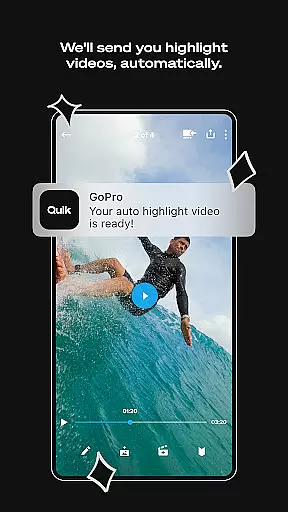
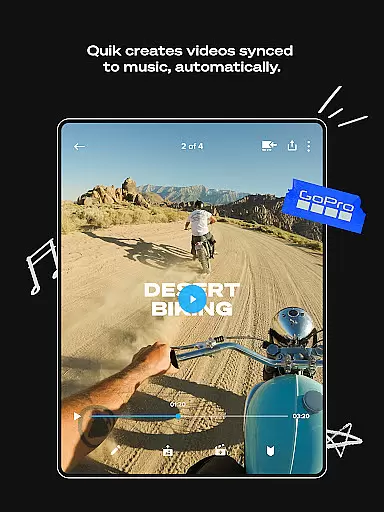
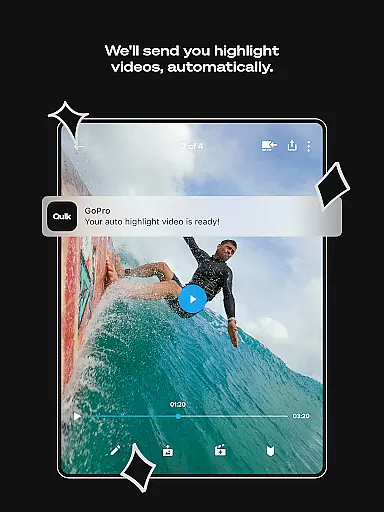
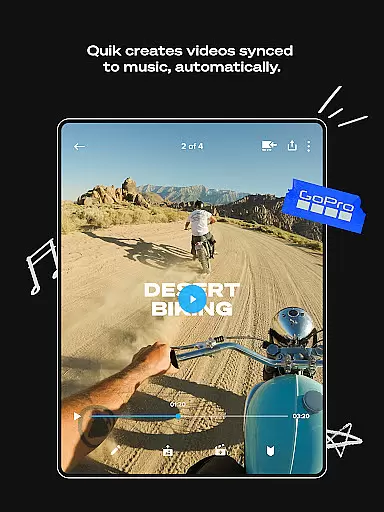
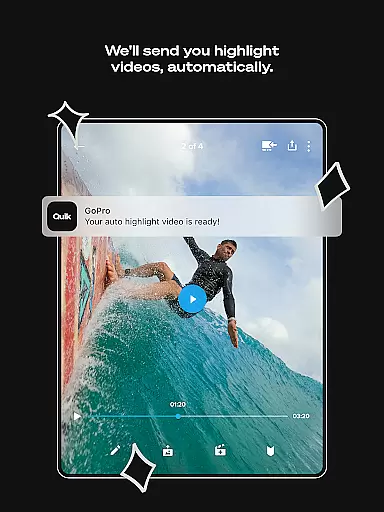
GoPro Quik is a powerful video editing application designed to simplify the process of creating professional-quality videos. The app's standout feature is its automatic highlight video generation, which intelligently selects your best moments, adds music synchronization, and incorporates smooth transitions to produce engaging shareable content. With seamless integration into the GoPro ecosystem, users can enjoy unlimited cloud storage at original quality with a Premium subscription, ensuring their footage is safely backed up and accessible across devices.
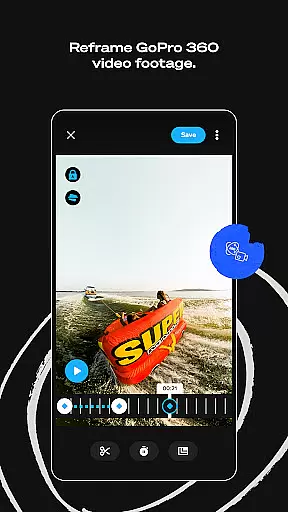
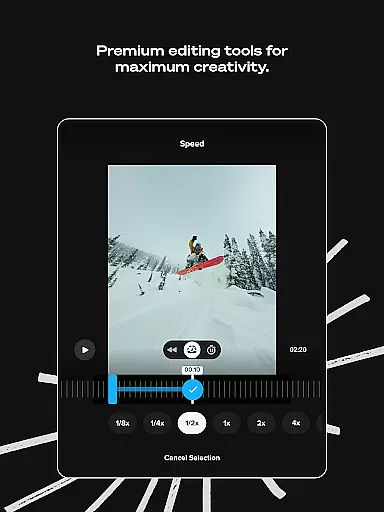
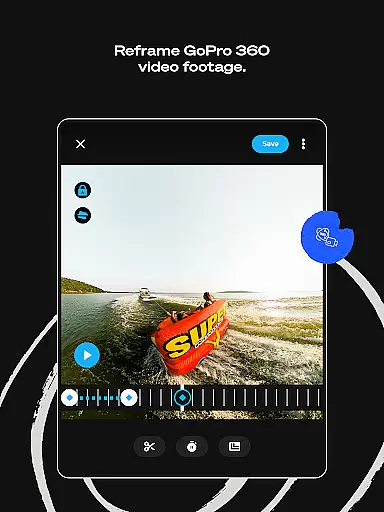
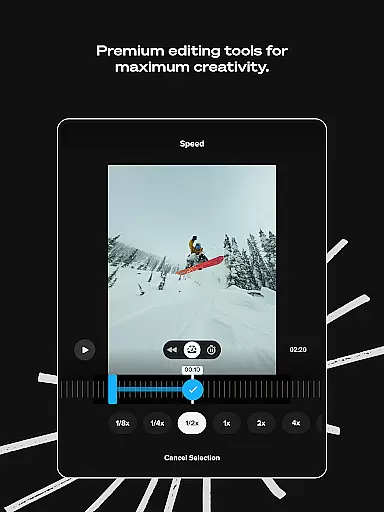
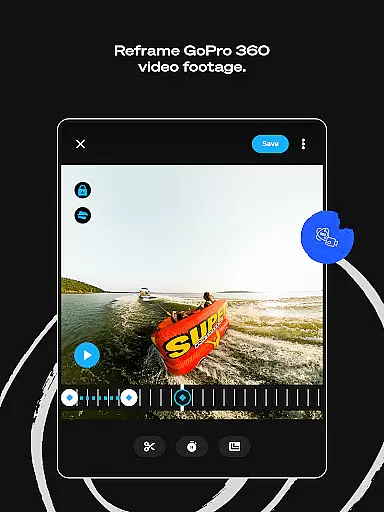
Beyond basic editing, GoPro Quik offers advanced tools for creative control. Users can experiment with color grading, trim clips, add custom text overlays, and apply specialized filters optimized for various environments. The innovative Reframe tool allows 360-degree footage to be transformed into traditional video formats while maintaining cinematic perspectives. These features make the app particularly valuable for action sports enthusiasts and content creators who need reliable, high-quality editing capabilities on the go.
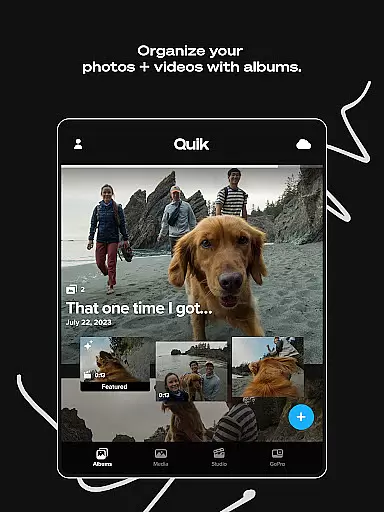
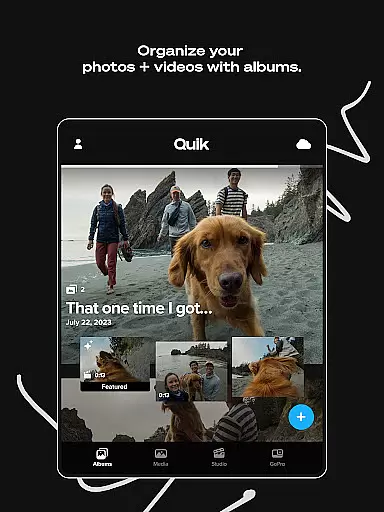
The app's cross-platform syncing ensures that all edits, photos, and videos are automatically uploaded to the cloud, enabling effortless content management from any device. This functionality is especially beneficial for GoPro camera owners, who can take advantage of automatic media detection and transfer, preview shots directly on their mobile devices, and organize both local and cloud-stored media through an intuitive interface. Whether you're a casual user or a professional creator, GoPro Quik provides the tools needed to turn raw footage into compelling visual stories.
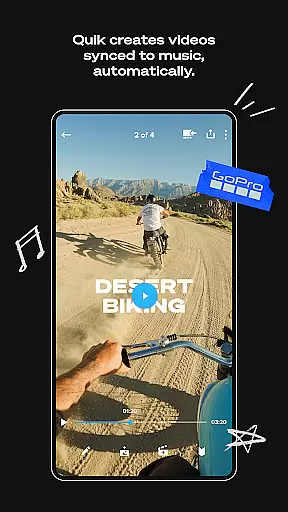
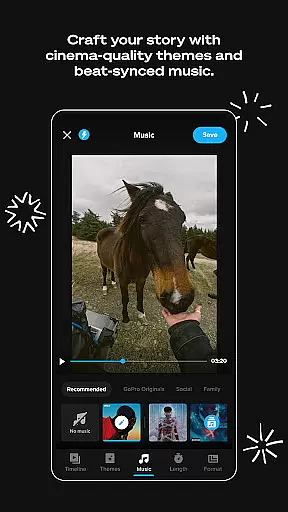
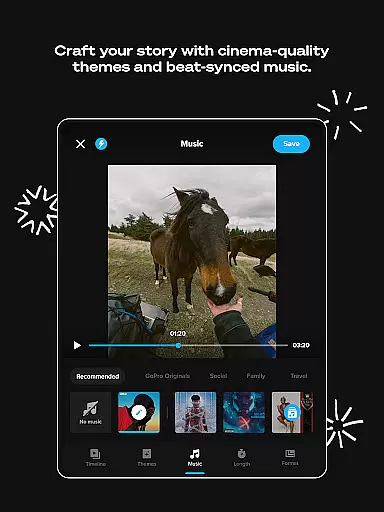
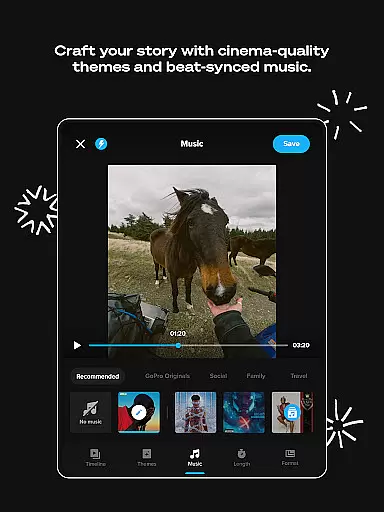
GoPro Quik distinguishes itself through a comprehensive suite of intelligent editing features. At its core, the Automatic Highlight function uses advanced algorithms to identify and compile the most captivating moments from your footage. It then applies dynamic transitions and synchronizes everything to the beat of your chosen music track, resulting in professional-looking videos without manual editing. This feature is particularly useful for users who want quick, high-quality results without spending hours in post-production.
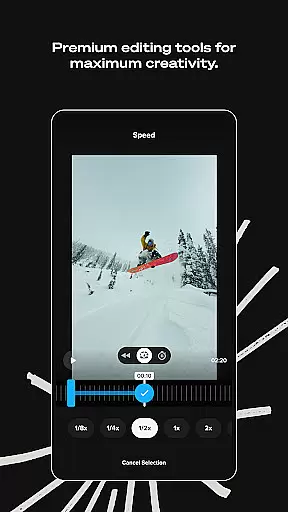
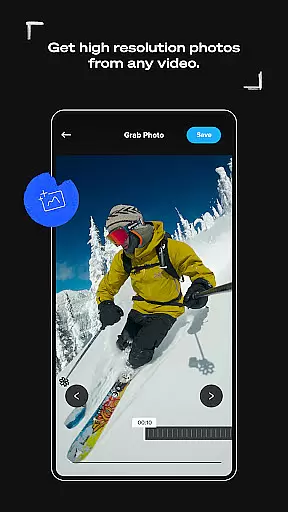
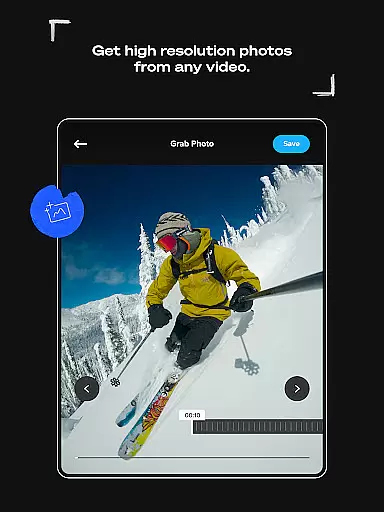
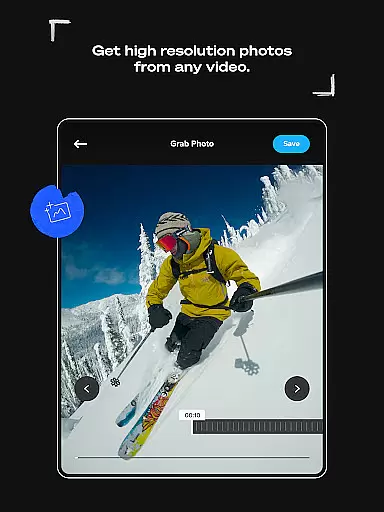
The app's premium editing toolkit includes sophisticated options for creative enhancement. Users can precisely adjust color settings, experiment with different aspect ratios using Frame Adjust, and capture high-resolution stills from video footage. The Beat Sync technology ensures that all visual elements align perfectly with audio tracks, while customizable themes and filters help establish distinct visual styles. For 360-degree camera users, the Reframe tool enables the creation of traditional video formats by selecting optimal viewing angles and applying cinematic transitions through simple keyframe selections.
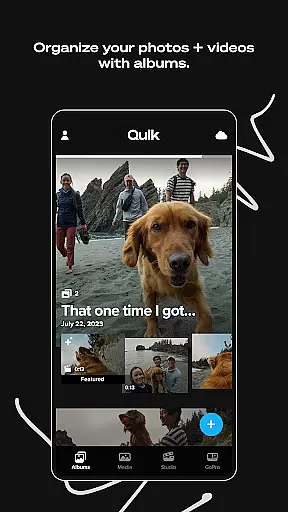
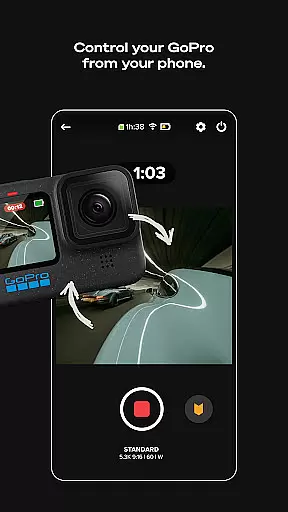
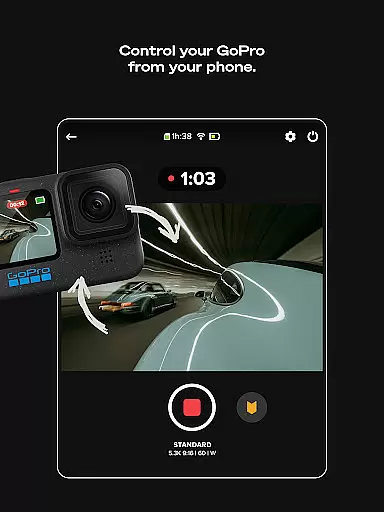
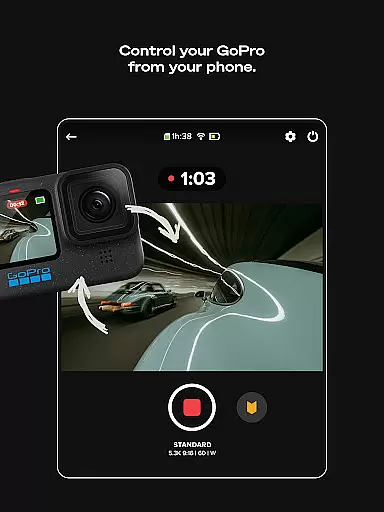
For GoPro camera owners, the app provides specialized features that streamline the content management workflow. The Auto GoPro Detection system facilitates rapid media transfer through wired connections, while the integrated preview function allows users to review and selectively delete shots directly from their camera's SD card. The unified media management interface organizes both local and cloud-stored content, complete with search filters and icon overlays for efficient navigation. These features collectively create a robust ecosystem that supports professional-grade video production and management across multiple devices.
GoPro Quik supports a wide range of video formats, ensuring that users can import and edit footage from various devices seamlessly. The app is optimized to handle files captured by GoPro cameras as well as other popular camera models and smartphones.
The application's versatility in format compatibility allows creators to focus on their content without worrying about conversion issues. Whether it's MP4, MOV, or other common formats, the app processes them efficiently while maintaining 100% original quality through its cloud backup system.
For users with Premium or Premium+ subscriptions, this flexibility extends even further, accommodating up to 500GB of non-GoPro footage. This feature makes GoPro Quik not just a powerful editor but also a comprehensive content management solution across different devices and sources.
At the heart of GoPro Quik lies its advanced AI-powered editing capabilities. The app automatically scans through user footage to identify compelling moments, creating Automatic Highlight videos that save significant editing time.
These intelligent features extend beyond simple clip selection. The Beat Sync functionality analyzes audio tracks and precisely aligns video cuts, transitions, and effects to match the music tempo. This creates professional-grade edits that would typically require extensive manual work.
Additional premium tools like smart color correction, automated reframing for 360-degree videos, and intelligent filter application demonstrate how GoPro Quik leverages artificial intelligence to make sophisticated editing accessible to all users, regardless of their experience level.
User-friendly interface
Powerful editing tools
Seamless cloud integration
Automatic video creation
Cross-device sync
Premium features locked
Subscription required
Limited free storage
Advanced tools complex
Occasional sync issues

Fast, private downloading, video saving, social media
 4.50
4.50
IPTV-Smarters Player Pro M3U - Watch Live Stream TV Channels with Chromecast
4.00
A Quick and Pro Video Editor
4.70
Video Trimmer, Video to MP3 Converter. Extract music from video, Easy & Fast.
4.80
KineMaster, Your Ultimate Video Editor!
4.40
Powerful HD video player with support for all formats & subtitles.
4.3
1)AirPlay/DLNA Mirroring/Streaming, up to 4 connections; 2)Samba/NAS/DMS Player.
4.00
Flud is a simple and beautiful BitTorrent client for Android.
4.80
Make videos you’re proud to share with Edits, a video editor for creators.
4.70
Download Hub, easy and private way to download and enjoy your videos offline
4.80
Add date and time watermark to photos and videos
4.50
Browser for Fire TV to stream webvideos, online movies, livestreams in HD
4.40
KMPlayer Plus (Divx Codec) officially support Divx codec.
4.30
Movie maker & video editing app with AI effects and green screen
4.30
Powerful Video Editor & Photo Editing App —— Quick Edits & Stunning Effects!
4.30
Explore the largest library of free GIFs, Stickers & Memes - or create your own!
3.90
HD video & music player - All format support with floating & PIP mode!
3.80
Mix with Virtual DJ directly from your phone or tablet !
3.10
You can play SWF format file!
2.50


User Reviews