
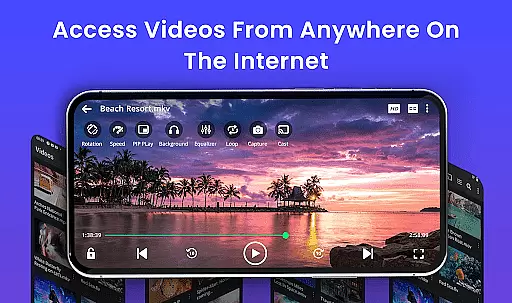
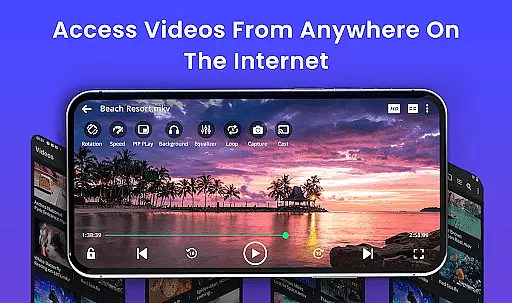
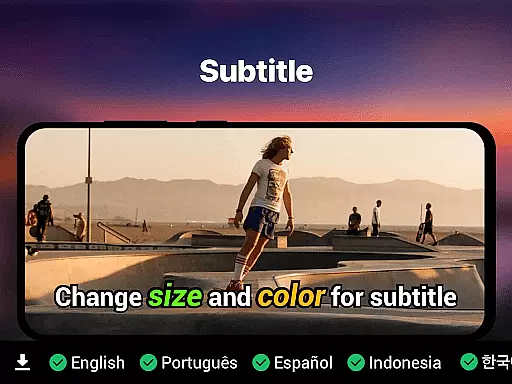
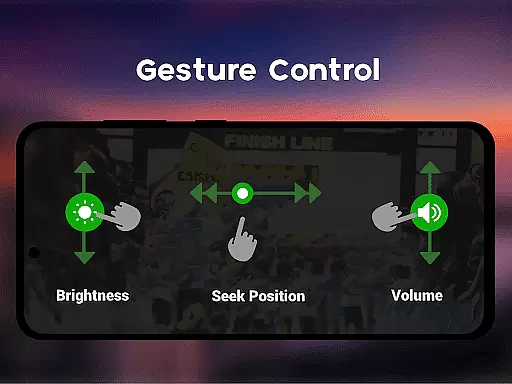
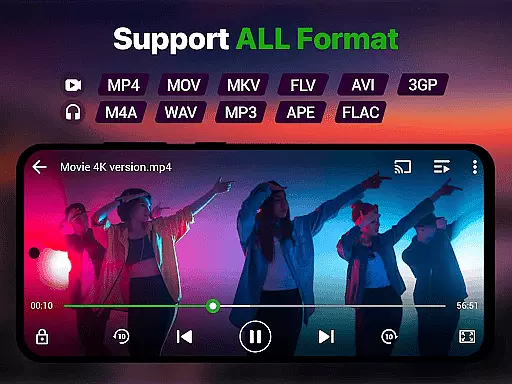
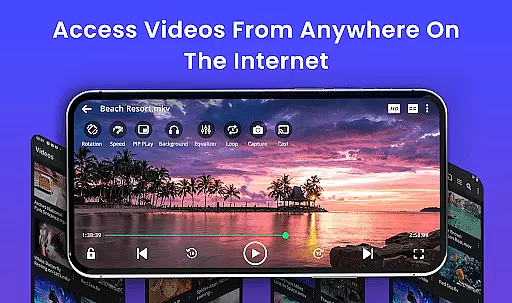
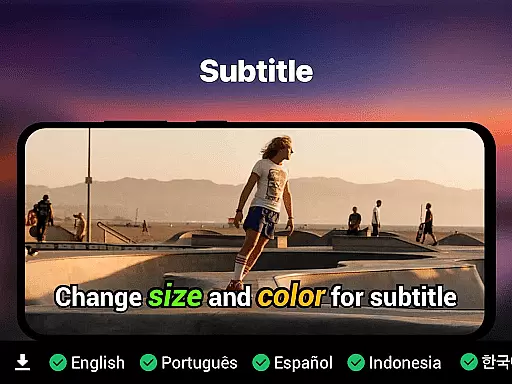
Video Player is a feature-rich application designed for seamless video playback on Android devices. Supporting all major formats including MP4, MKV, AVI, and 4K resolution, it ensures smooth performance with advanced decoding technology. The app offers smart gesture controls, subtitle support, and background play options, making it versatile for various viewing needs.
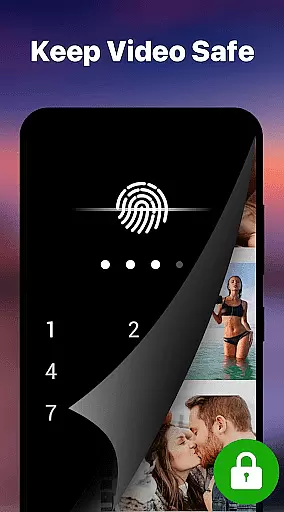
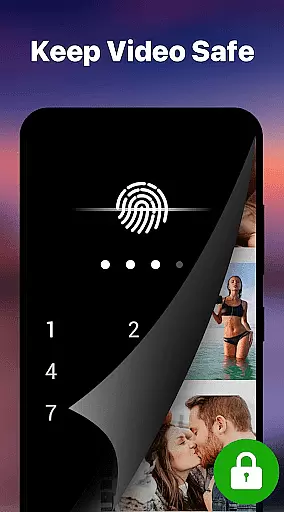
With Chromecast integration, speed control, and a private folder feature, Video Player caters to both entertainment and privacy-conscious users. Whether watching movies, tutorials, or managing media collections, this app provides a cinema-grade experience while maintaining simplicity and speed.
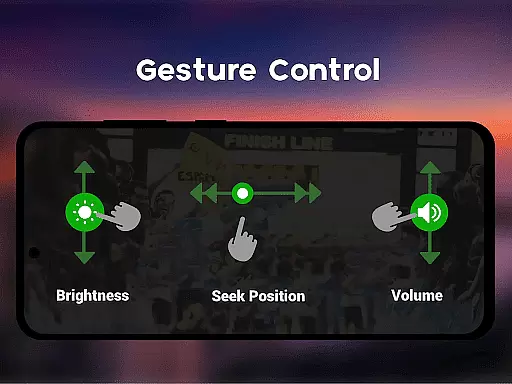
Video Player stands out with its comprehensive feature set tailored for diverse user needs. It supports Ultra HD and 4K playback, ensuring premium video quality even for high-resolution files. Smart gesture controls allow intuitive adjustments of volume, brightness, and seeking, enhancing the overall user experience.
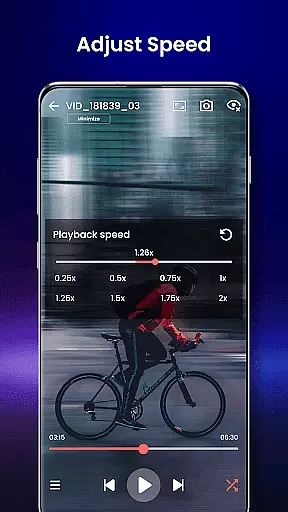
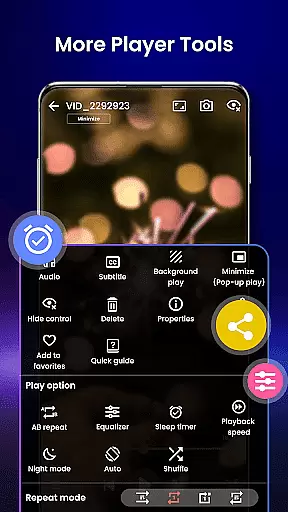
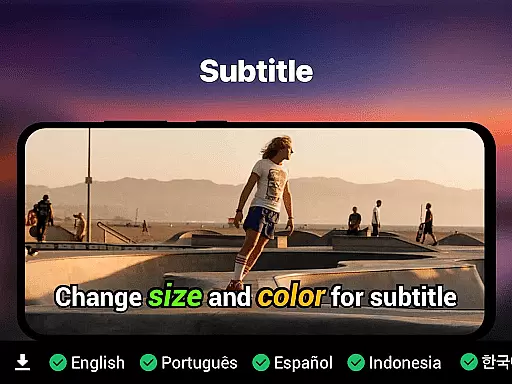
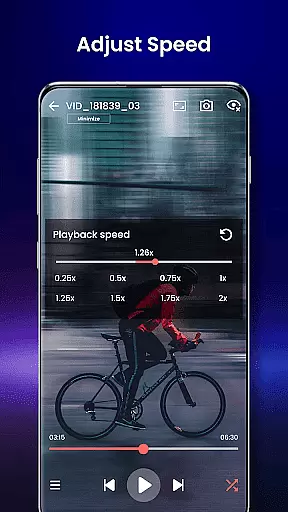
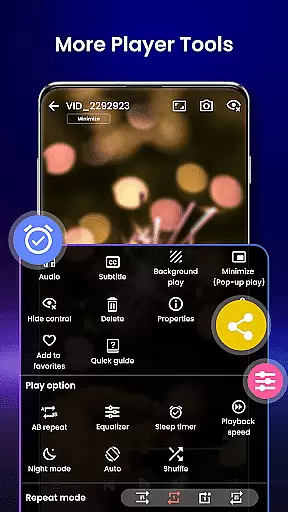
The app includes advanced subtitle support (SRT, SSA, ASS, VTT), speed control from 0.25x to 4x, and pop-up window mode for multitasking. Its AI-enhanced rendering optimizes video clarity, while the integrated file manager auto-detects and organizes videos. Additional features like night mode, resume playback, and PIN-protected private folders make it a complete solution for modern video consumption.
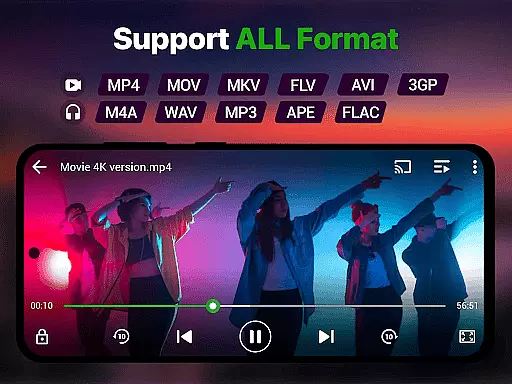
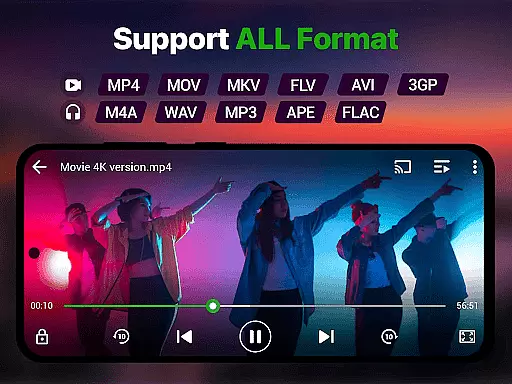
Video format compatibility is a crucial feature for any video player, ensuring that users can play videos in various formats without the need for conversion. Our Video Player app supports an extensive range of video formats including MP4, MKV, AVI, MOV, FLV, 3GP, WMV, and more. This wide compatibility ensures that no matter what type of video file you have, our app will handle it seamlessly.
The importance of this feature lies in its ability to save time and effort for users who would otherwise need to convert files into a playable format. With our app, you can directly play your videos right after downloading or transferring them to your device. The implementation of advanced decoding technology further enhances the playback experience by optimizing video quality and performance.
Users benefit greatly from this feature as they enjoy uninterrupted access to their media library. Whether it's high-definition movies, recorded lectures, or personal video clips, the Video Player app delivers smooth and high-quality playback every time. This versatility makes our app an indispensable tool for anyone looking to manage and enjoy a diverse collection of video content on their Android device.
AI-powered editing features represent the cutting-edge advancement in video player applications, providing users with tools that enhance their viewing experience through intelligent processing. Our Video Player app incorporates AI-enhanced rendering to boost clarity and optimize frames, ensuring a seamless and visually stunning presentation of high-resolution videos. This technology not only improves picture quality but also stabilizes playback, reducing lag and enhancing overall performance.
This innovative approach to video playback sets our app apart from traditional players by offering dynamic enhancements that adapt to the content being played. For instance, AI algorithms can detect scenes requiring extra detail and adjust settings accordingly, delivering an optimized visual experience tailored to each video. Such capabilities are particularly beneficial when watching action-packed sequences or fast-paced footage where maintaining clarity is essential.
By integrating these sophisticated AI-powered features, we provide users with a premium entertainment companion that goes beyond basic playback functionality. Whether enjoying downloaded movies, streaming online content, or managing extensive media libraries, our app ensures that every viewing session is enhanced by smart technology designed to elevate your cinematic experience on Android devices.
Supports all video formats
Smooth 4K playback
Smart gesture controls
Advanced subtitle options
Private folder security
No iOS version available
Limited editing tools
Occasional bugs reported
Heavy on older devices
Interface not customizable

Powerful, professional, versatile teleprompter. Developed by an active film crew
 4.00
4.00
Your media, on your terms.
4.10
Video Downloader is an utility that can save videos and music from web sites
4.20
Watch a large amount of high-definition short drama content
4.60
AirMirror is Receiver for Screen Mirroring and Casting from Apple Devices.
3.60
The essential companion to your Blue Iris PC software
2.50
Video player with 4K & 1080P support, popup play, background play and subtitle.
4.20
Video&Drama Player All Format is a HD video player, music player
3.00
Create, Publish & Maximize
4.70
A Simple app to download Video & Music from the Internet.
4.70
Cast Videos from Web Browser, IPTV to Roku, Chromecast, DLNA, Smart TV +more
4.60
Support 1000+ Video Format, Subtitle Download, mp3 & Background Play, Cast On TV
4.60
IPTV Loader, loads your own Playlist. DOES NOT CONTAIN ANY LIST OR CHANNELS
4.60
Fast & Private HD Video Downloader with Built-in Proxy Browser and Video Player.
4.50
Viddo: Generate Action Figure, AI Anime, AI kiss, AI hug Video from image & text
4.40
This app was created to edit the metadata of music files.
4.20
Turn your phone into a wireless camera!
4.20
Fast private browser with secure, seamless access & supported video downloads!
4.00
Capture images & record videos for USB Camera, Webcam, Microscopes, Endoscopes
3.80


User Reviews