
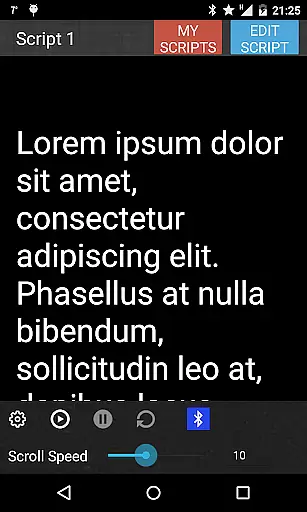
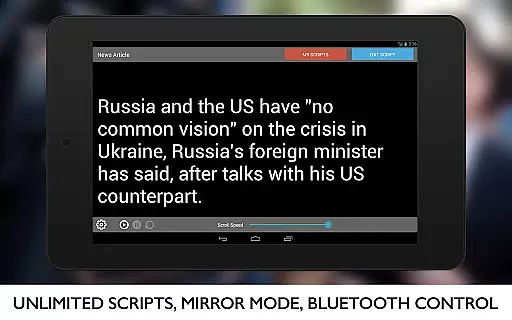
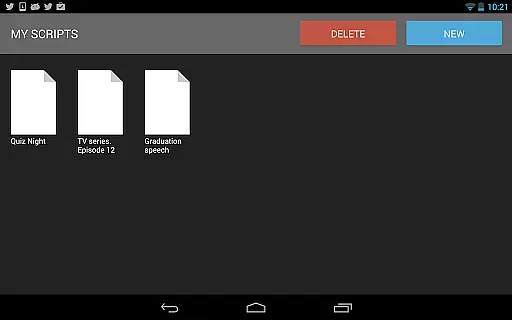
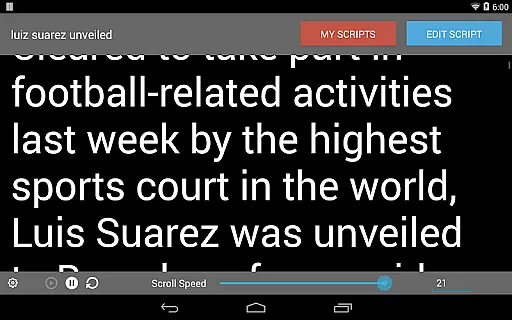

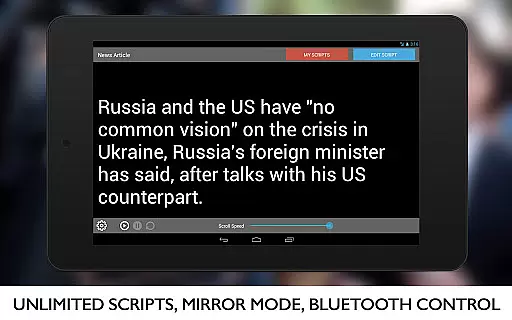
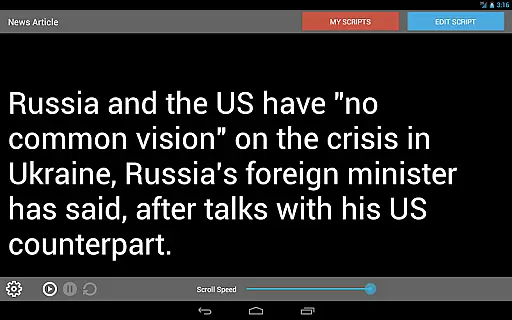
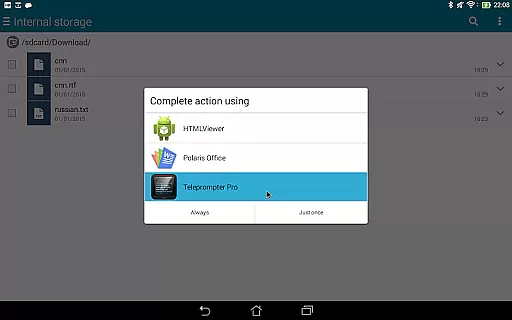
Teleprompter Pro is a professional teleprompter system designed for Android devices, offering users an efficient solution for presentations, lectures, and public speaking. The app allows users to manage unlimited scripts with ease, import text files, and adjust scrolling speed and text size to suit their needs. Its mirror mode and full-screen functionality make it ideal for use in teleprompter rigs, while the remote control feature via Bluetooth keyboard adds convenience.
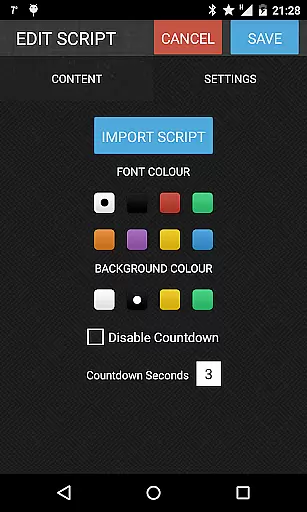
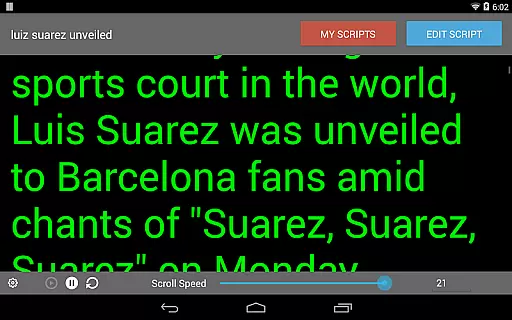
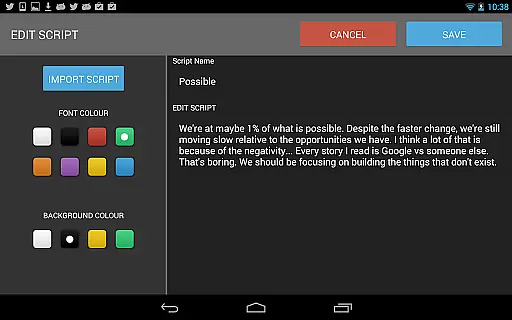
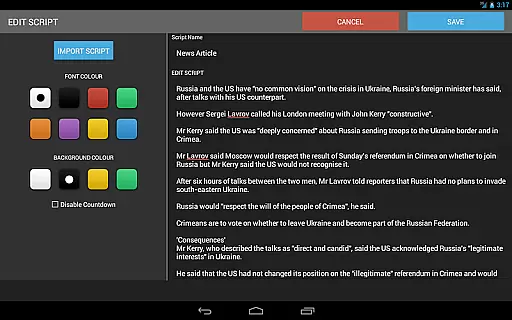
In addition to its core features, Teleprompter Pro provides customization options such as font and background color selection, in-app brightness control, and script deletion. Whether you're a broadcaster, filmmaker, musician, or business professional, this app ensures a seamless teleprompting experience that enhances your performance during critical moments.
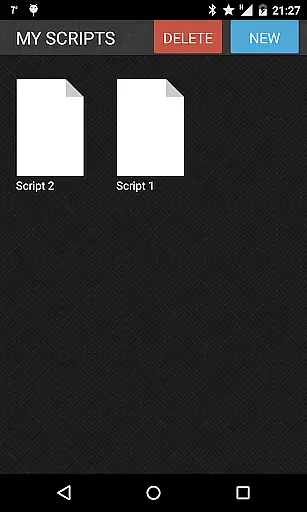
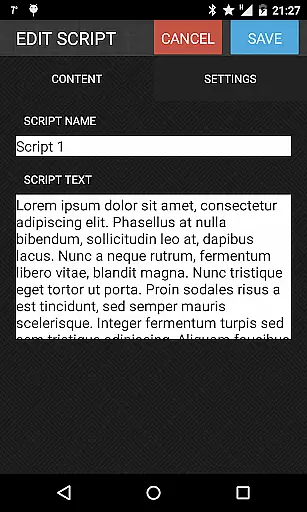
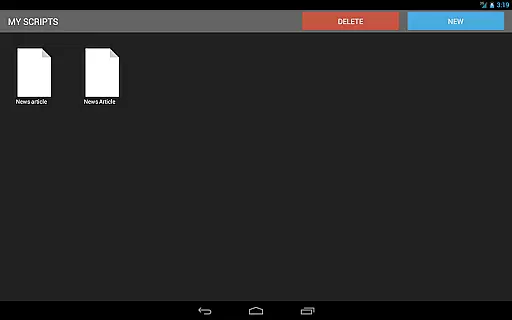
Teleprompter Pro stands out with its comprehensive set of features tailored for professional use. One of its key strengths is the ability to handle unlimited scripts, allowing users to store and access all their content within a single platform. The app supports script imports from text files, making it easy to transfer existing material without manual input. Its mirror mode is specifically designed for teleprompter rigs, ensuring compatibility with professional setups.
Another notable feature is the remote control functionality via Bluetooth keyboard, which provides hands-free operation during live presentations. Users can also customize their experience by adjusting font styles, background colors, and brightness levels directly within the app. With adjustable scrolling speeds and text sizes, Teleprompter Pro caters to individual preferences while maintaining usability across various scenarios, from lectures to filmmaking projects.
Video format compatibility is crucial for any video player or editor, ensuring that users can work with a wide range of file types without conversion hassles. Teleprompter Pro supports various script formats, allowing users to import scripts directly from text files.
The app's design focuses on flexibility, enabling users to handle unlimited scripts efficiently. With additional features like mirror mode and full-screen display, it caters to professional teleprompter system requirements.
Users benefit from the ability to adjust text size, speed, and colors, making it adaptable to different presentation environments. These customization options ensure that content creators can tailor their experience to match specific video production needs.
AI-powered editing features are transforming how users interact with video content by providing intelligent tools that enhance productivity. Teleprompter Pro incorporates smart functionalities such as remote control via Bluetooth keyboard and in-app brightness control.
These features offer convenience and precision, particularly useful for presentations, lectures, and public speaking scenarios. The app's intuitive controls allow users to focus on delivery rather than technical adjustments.
By integrating advanced settings for font and background color selection, Teleprompter Pro ensures optimal readability and visual comfort. Such innovations not only streamline the editing process but also elevate the overall quality of video projects.
User-friendly interface
Comprehensive customization
Remote control support
Unlimited script storage
Cross-device compatibility
Limited advanced formatting
No cloud sync feature
Premium price point
Occasional bugs reported
Requires Bluetooth hardware

Video Downloader is an utility that can save videos and music from web sites
 4.20
4.20
Video Trimmer, Video to MP3 Converter. Extract music from video, Easy & Fast.
4.80
Full HD Video mp3 Player, MP4 player play 1080p, File manager, Video Downloader
4.40
AirMirror is Receiver for Screen Mirroring and Casting from Apple Devices.
3.60
An easy-to-use and all-round screen recorder with audio
4.80
Fast & easy HD video downloader for all formats, support 4K playback & download.
4.60
All in one HD video downloader & player for multiple formats with full privacy
4.70
Fast & Private Video Downloader App. Save all videos easily from the Internet.
4.40
Livestream, news, & gaming content. Watch, chat, and upload. Join Rumble today!
3.80
Tik & Story Saver-Download ALL social media videos, photos & reels no watermark.
4.80
?100% FREE! Download & save videos? safely in this app. All formats supported.
4.60
Seamlessly connect and control your smart devices, anytime, anywhere with ease.
4.60
Fast video downloader & private browser. Save HD clips to watch offline.
4.40
Viddo: Generate Action Figure, AI Anime, AI kiss, AI hug Video from image & text
4.40
Create & edit videos with AI
4.30
LumaFusion: The Ultimate Storytelling Experience for Video Editing
4.10
Connect 2 UVC devices for recording and broadcast video/audio stream
3.90
Manage your IPTV live channels and VOD playlists (no playlist included)
3.80
You can play SWF format file!
2.50


User Reviews