
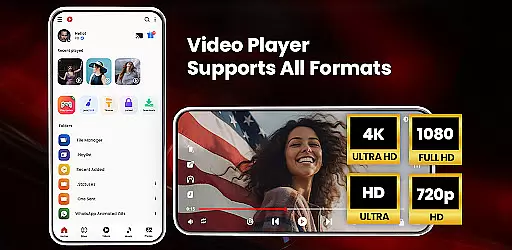

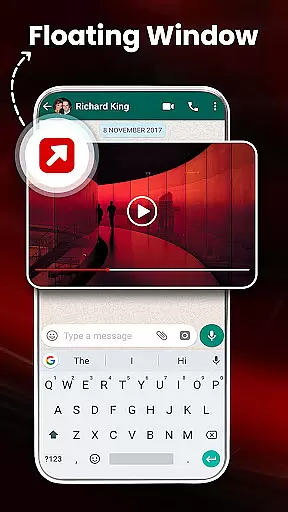
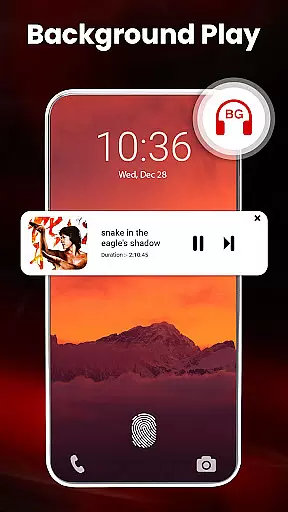
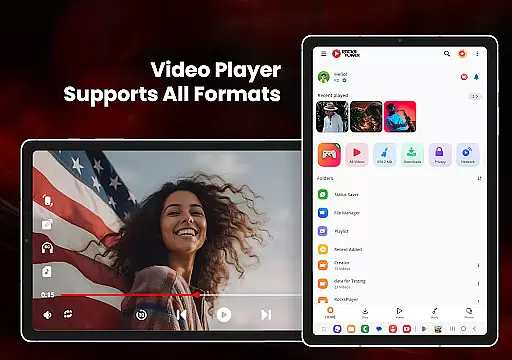
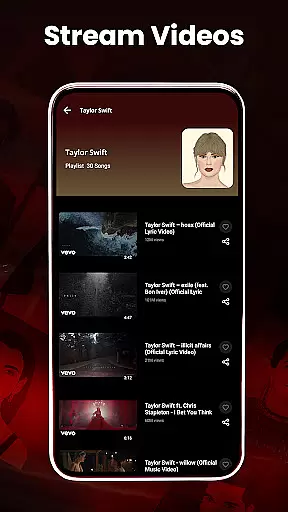
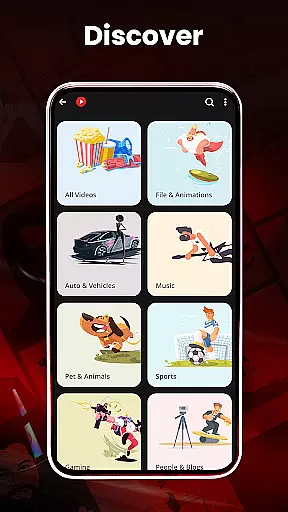
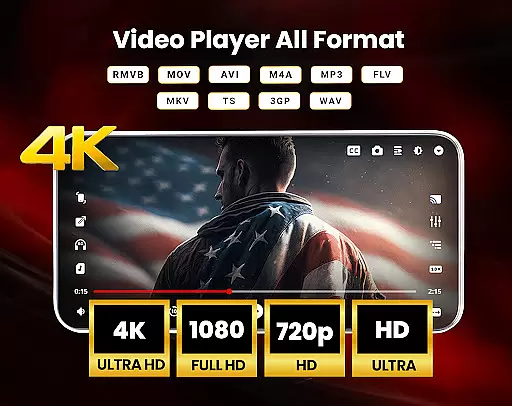
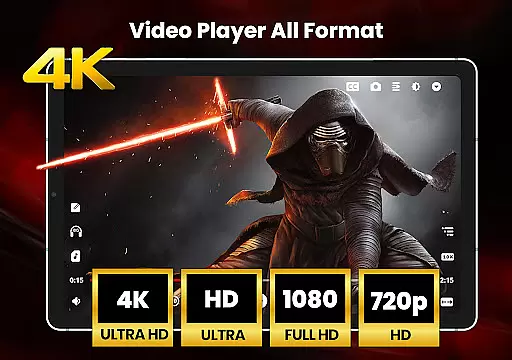
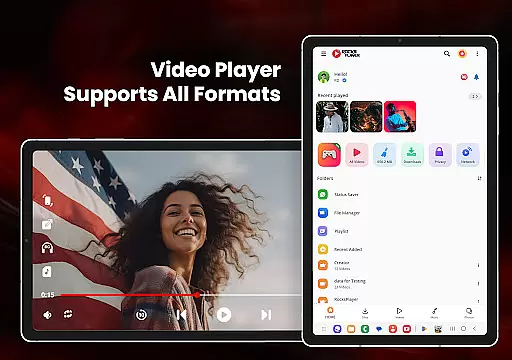
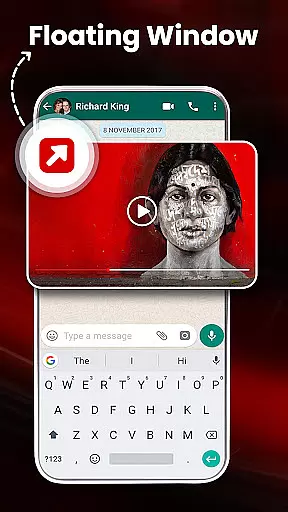

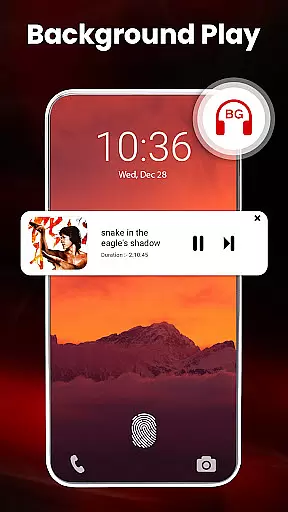
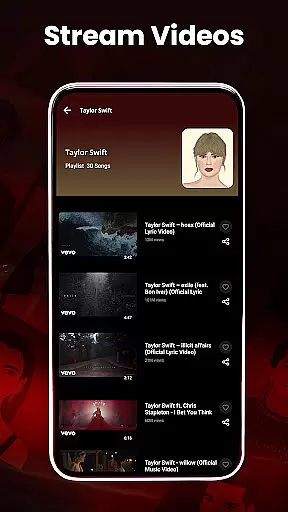
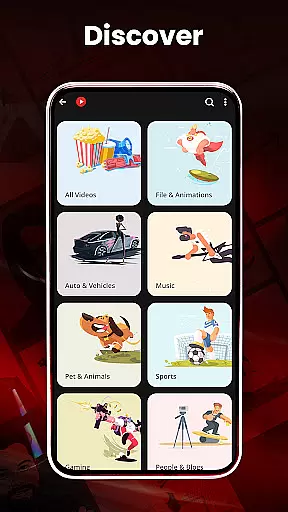
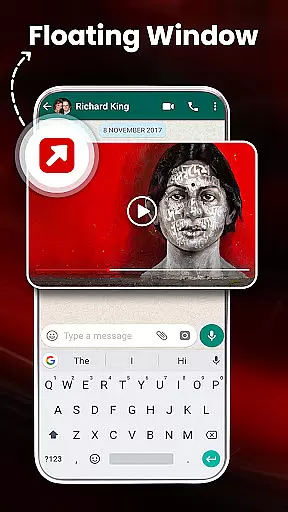
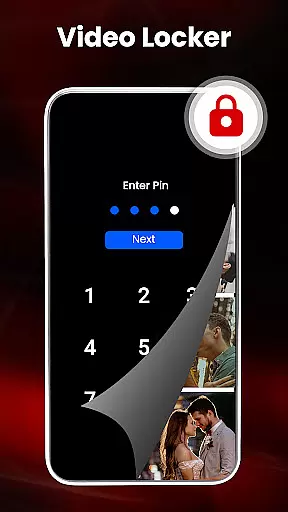
HD Video Player All Formats is a versatile media player designed for Android users who need comprehensive support for various video and audio formats. This app not only plays HD, Full HD, 4K, and Ultra HD videos smoothly but also offers advanced features like casting to TV, pop-up video playback, and background audio mode.
The application stands out with its powerful file management capabilities, including duplicate file scanning, video hiding, and cleaning functionalities. Whether you're managing playlists, downloading videos from social media, or customizing themes, this app provides an all-in-one solution for your media needs.
Ideal for users who require both high-quality playback and efficient media management, HD Video Player All Formats ensures a seamless experience across different types of media files while offering practical tools to organize and protect your content.
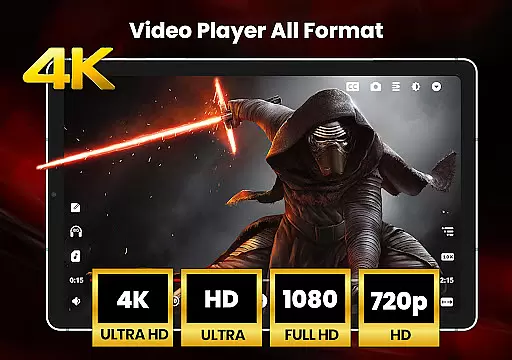
One of the standout features of HD Video Player All Formats is its extensive format support, accommodating popular video and audio types such as MKV, MP4, M4V, MOV, and MP3. The inclusion of hardware acceleration through the new HW+ decoder ensures smooth playback even for demanding formats like 4K and Ultra HD.
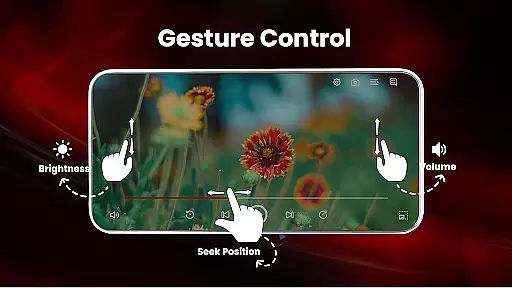
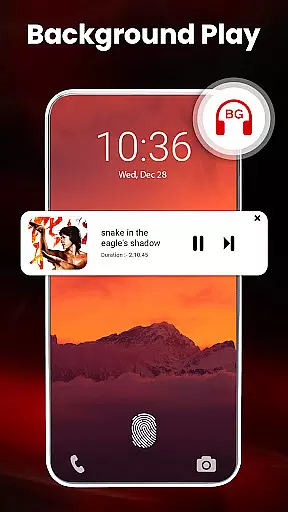
Beyond basic playback, the app offers innovative functionalities such as video casting to TV, picture-in-picture mode, and background audio play. These features are complemented by smart gestures that allow intuitive control over volume, brightness, and playback progress, enhancing user interaction.
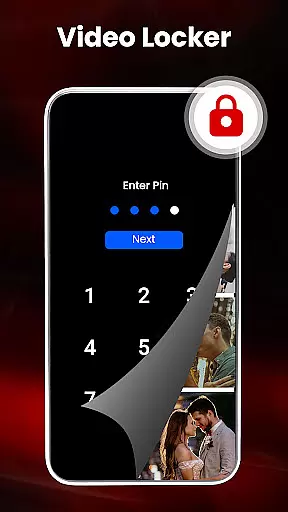
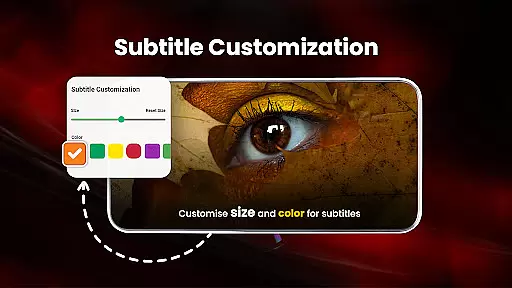
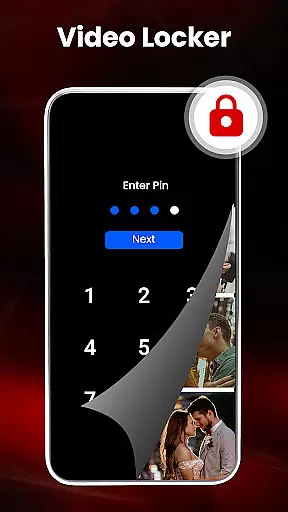
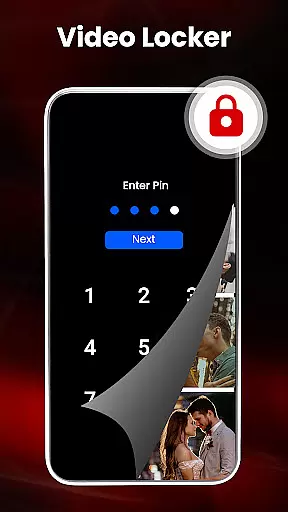
Security and customization are also prioritized, with options like video locking, night mode, and customizable themes. Users can manage their media efficiently using the built-in file explorer, create personalized playlists, and even encrypt sensitive files, making it a robust tool for both casual viewing and advanced media management.
Video format compatibility is a crucial feature for any video player, ensuring that users can enjoy their media files without restrictions. HD Video Player All Formats supports an extensive range of formats including MKV, MP4, M4V, MOV, 3GP, FLV, WMV, TS, MP3, and MPG. This versatility allows users to play videos and songs in various resolutions, from standard definition to Ultra HD 4K content.
The application's comprehensive codec support eliminates the need for additional software or conversions, making it convenient for users to access their media library. Whether you're watching Full HD movies or listening to MP3 tracks, this player ensures smooth playback across all file types. The inclusion of specialized formats like 3GP and FLV demonstrates the app's commitment to catering to diverse user needs.
Moreover, the player's ability to handle high-resolution files up to 4K ensures that users can take full advantage of modern display technologies. This feature is particularly beneficial for those who work with professional video content or simply appreciate the highest quality visuals. By supporting both legacy and contemporary formats, the application provides a future-proof solution for video playback.
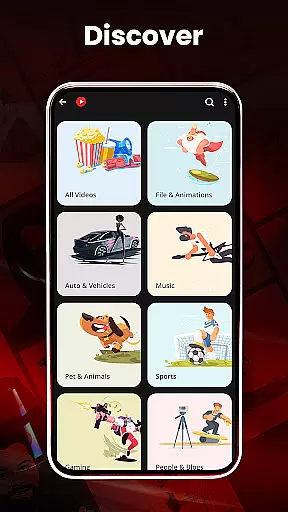
Users benefit from seamless integration with their existing media collections, as the player automatically scans and organizes files across their device and SD card. This automatic detection system saves time and effort while ensuring that no compatible files are overlooked. The combination of broad format support and intelligent file management makes this video player a versatile tool for managing and enjoying digital media.
While primarily a video player, HD Video Player All Formats incorporates AI-powered editing features that enhance the user's media management experience. The application utilizes artificial intelligence to optimize file organization and improve playback performance through its hardware acceleration and new HW+ decoder. These smart features ensure that videos play smoothly regardless of their resolution or format complexity.
The player's AI capabilities extend to its smart gesture controls, allowing users to intuitively adjust volume, playback progress, and brightness with simple touch movements. This innovative approach to media control creates a more engaging and user-friendly interface. Additionally, the application's automatic duplicate file detection uses intelligent algorithms to identify and filter redundant media files, helping users maintain an organized library.
Advanced playback options powered by AI include features such as pinch-to-zoom functionality, automatic aspect ratio adjustment, and intelligent screen rotation. These features adapt to user preferences and viewing conditions, providing an optimized viewing experience. The player's night mode, which reduces blue light emission, demonstrates how AI can be used to enhance both usability and viewer comfort during extended viewing sessions.
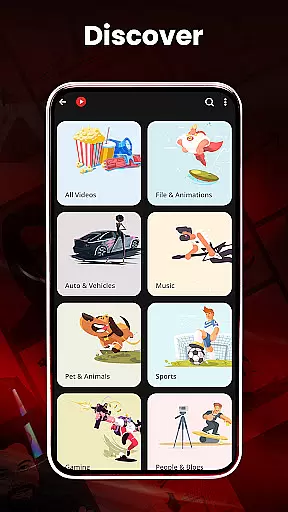
Furthermore, the application's file management system employs AI to categorize and present media files in meaningful ways. From creating playlists to managing photo albums, these intelligent features help users maintain control over their growing media collections. The combination of traditional video playback capabilities with modern AI-powered enhancements makes this application a sophisticated tool for both casual viewers and media enthusiasts alike.
User-friendly interface
Extensive format support
Advanced security features
Efficient file management
Customizable playback options
Occasional ads in free version
Large app size
Limited iOS compatibility
Some features require permissions
Premium features locked behind paywall

Kodi media center, a free and open source cross-platform entertainment hub
 3.60
3.60
Cast to Chromecast, Xbox, Fire Stick, Roku, DLNA, Smart TV & No Feature Limited!
4.50
Fast video downloader & private browser. Save HD clips to watch offline.
4.40
GENRAL PRO - General Pro is the best video player that fully supports all formats.
4.70
AI Video Editor:AI Music, Text to Video,Text to Speech,Auto Caption,Video Effect
4.00
Download videos and play them offline
4.70
Cast movies, tv shows and live streams to Chromecast, Roku, DLNA, Fire TV & more
4.60
Livestream, news, & gaming content. Watch, chat, and upload. Join Rumble today!
3.80
Download Hub, easy and private way to download and enjoy your videos offline
4.80
A Quick and Pro Video Editor
4.70
A Simple app to download Video & Music from the Internet.
4.70
VLC Remote lets you control your VLC Media Player on Mac, PC or Linux.
4.60
Auto video maker with music & exclusive filters. Video editing made simple.
4.50
Create & edit videos with AI
4.30
KMPlayer Plus (Divx Codec) officially support Divx codec.
4.30
All format media Player, no need video converter any more!
4.00
Live TV, anywhere in your home
3.80
All in one multi protocols stream receiver for AirPlay, Cast and DLNA.
3.60
Play and download HD videos from all sources — fast, simple, and all-in-one.
4.0


User Reviews