

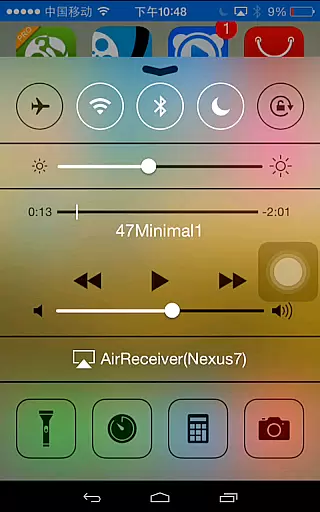
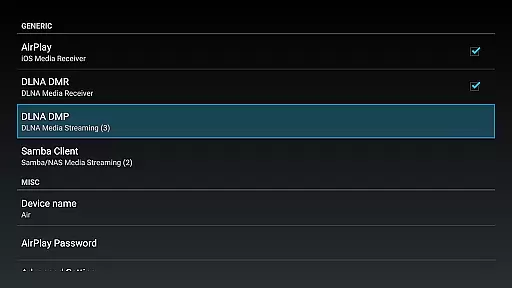
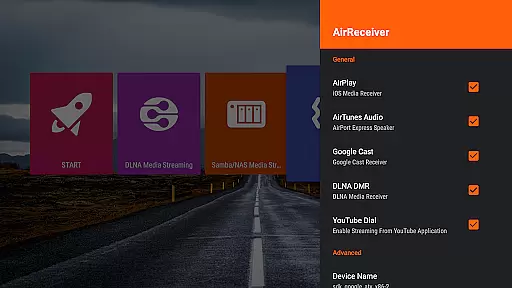
AirReceiver is a versatile multi-protocol streaming receiver that supports AirPlay, Cast, Wireless Display, and DLNA. It enables seamless screen sharing of photos, music, and videos from mobile devices or laptops to TVs. The app operates in the background, making it ideal for Android TV/Box users who want uninterrupted media streaming.
Key features include support for YouTube video streaming, audio sync with AirExpress devices, and compatibility with AirParrot for PC screen mirroring. It also fully supports iOS 16 and offers slideshow functionality. With its robust performance in third-party AirPlay applications, AirReceiver ensures high-quality streaming experiences across various devices.
This app is particularly useful for users looking to enhance their multimedia experience by connecting multiple devices within a home network. Its ability to run as a background service and configurable network settings make it a reliable choice for both casual viewers and tech enthusiasts alike.
AirReceiver stands out with its comprehensive feature set tailored for seamless multimedia streaming. One notable feature is its support for AirMirror, which delivers exceptional performance among third-party AirPlay applications. This allows users to mirror their screens without noticeable lag, providing an immersive viewing experience.
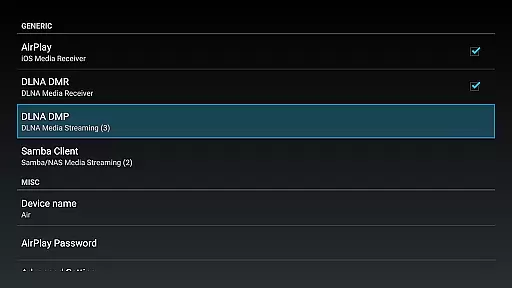
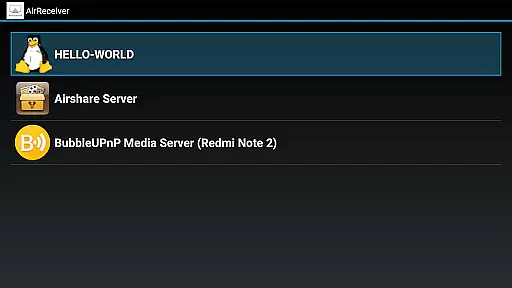
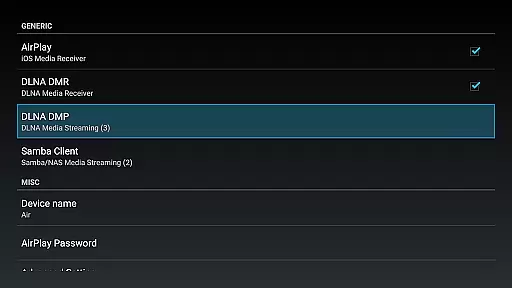
The app also supports streaming audio, video, and photos from various clients such as iTunes, iOS devices, WMP12, and AirShare. Additionally, it runs efficiently in the background as a service, ensuring continuous connectivity. Users can customize network names and configure the app to start on boot, enhancing convenience and accessibility.
For those using Windows PCs, AirReceiver offers a unique solution through AirSender tools. By downloading and installing AirSender on a PC, users can easily mirror their screens onto devices running AirReceiver. These advanced capabilities make AirReceiver a top choice for individuals seeking a flexible and powerful streaming solution.
Video format compatibility is a crucial feature for any video player or editor, ensuring that users can enjoy a wide range of media without technical hindrances. AirReceiver AirPlay Cast DLNA supports multiple streaming protocols including AirPlay, Cast, Wireless Display, and DLNA, making it versatile for different user needs.
This application allows you to stream screen, photos, music, and videos from your phones and laptops directly to your TV. It is optimized for Android TV/Box, functioning seamlessly in the background as a service dedicated to enhancing your multimedia experience.
AirReceiver stands out with its support for YouTube video streaming, slideshow features, and compatibility with AirParrot for PC screen mirroring. Whether you're using iTunes, iOS devices, or DLNA clients like WMP12 and AirShare, this app ensures your audio, video, and photo streams are smooth and uninterrupted.
While AirReceiver AirPlay Cast DLNA focuses primarily on streaming capabilities, AI-powered editing features are revolutionizing how users interact with their multimedia content. Although direct AI editing tools aren't its main highlight, the app offers functionalities that indirectly benefit content customization and enhancement.
The app's support for AirMirror provides an exceptional performance among third-party AirPlay applications, allowing users to mirror screens with high fidelity. This feature is particularly beneficial for real-time presentations and collaborative work environments where screen sharing is essential.
Additionally, AirReceiver fully supports IOS16 and offers audio sync with other AirExpress devices, ensuring that all your multimedia files play in perfect harmony. With options for configurable network names and the ability to start on boot, users have comprehensive control over their streaming service, tailoring it to fit seamlessly into their digital ecosystem.
Multi-protocol support
Background operation
Customizable settings
Seamless screen mirroring
Wide device compatibility
High CPU usage
Limited free version
Requires powerful hardware
Port conflicts possible
Complex setup process

Online Videos Player
 3.90
3.90
Save photos and videos from social apps in one tap.
3.60
Create photo video with music & template. AI video maker for stunning slideshow.
4.60
VLC Remote lets you control your VLC Media Player on Mac, PC or Linux.
4.60
KMPlayer Plus (Divx Codec) officially support Divx codec.
4.30
Video player with 4K & 1080P support, popup play, background play and subtitle.
4.20
Video&Drama Player All Format is a HD video player, music player
3.00
Create, Publish & Maximize
4.70
Capture the moment and Cut
3.40
Tik & Story Saver-Download ALL social media videos, photos & reels no watermark.
4.80
Cast Videos from Web Browser, IPTV to Roku, Chromecast, DLNA, Smart TV +more
4.60
?100% FREE! Download & save videos? safely in this app. All formats supported.
4.60
Support 1000+ Video Format, Subtitle Download, mp3 & Background Play, Cast On TV
4.60
Fast & Private HD Video Downloader with Built-in Proxy Browser and Video Player.
4.50
Photo and Music Video Creator into Stunning Videos—Effortlessly
4.40
Download website videos fast&privacy
4.40
Movie maker & video editing app with AI effects and green screen
4.30
1)AirPlay/DLNA Mirroring/Streaming, up to 4 connections; 2)Samba/NAS/DMS Player.
4.00
Connect EasyCap or UVC devices for recording and broadcast video/audio stream
3.60


User Reviews