
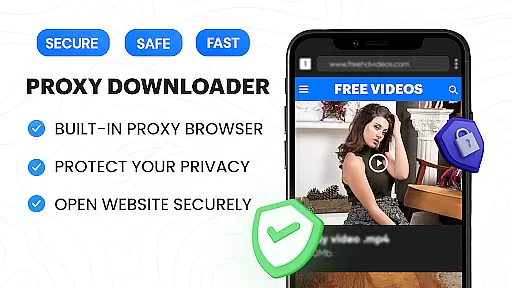
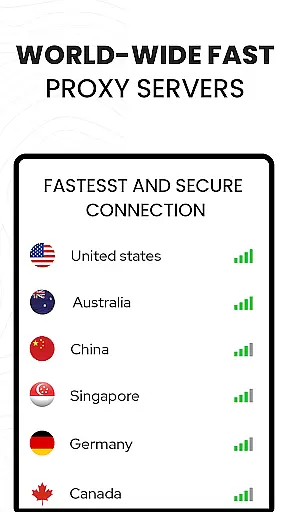

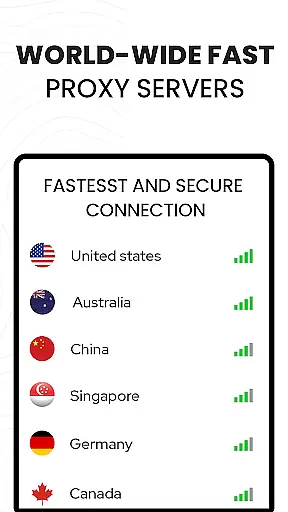

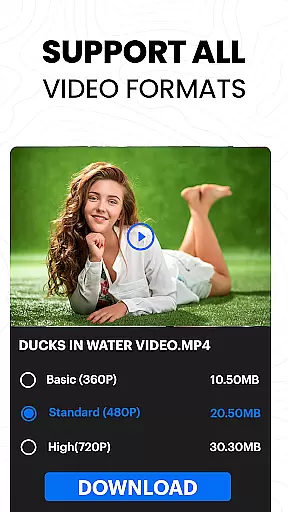
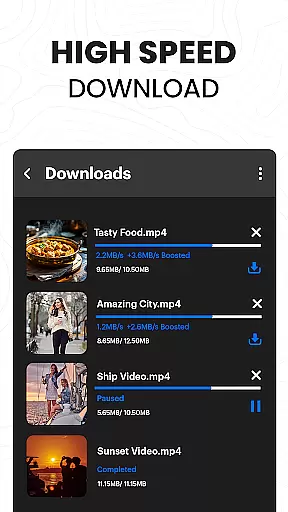
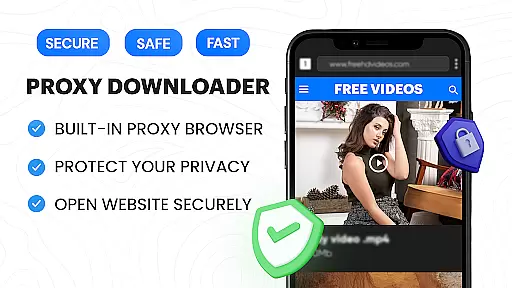
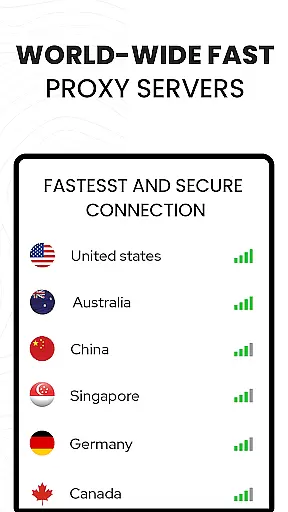

Video Downloader Proxy Browser is a comprehensive video management app designed for Android users who need fast, secure, and reliable tools to download, manage, and watch videos. The app features an integrated proxy browser that ensures privacy protection while browsing, even on public WiFi networks. With its powerful download manager, users can save videos in various resolutions, including HD and 4K quality, directly from popular websites and social media platforms.
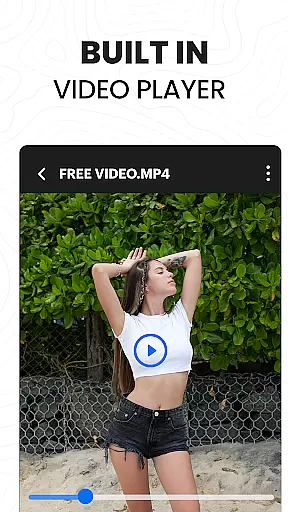
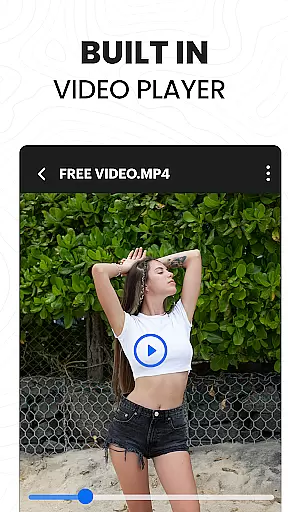
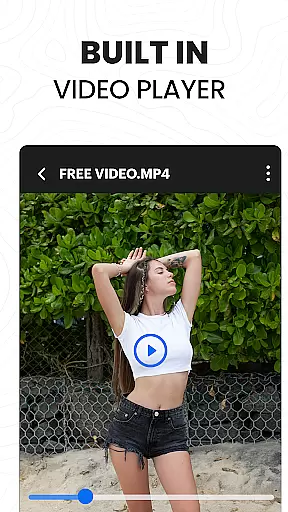
In addition to downloading capabilities, the app offers a built-in ultra HD video player that supports multiple formats and allows smooth playback. Its intuitive interface makes it easy to use for both casual viewers and power users. Whether you're looking to download content for offline viewing or stream videos online securely, this app provides a complete solution for all your video needs.
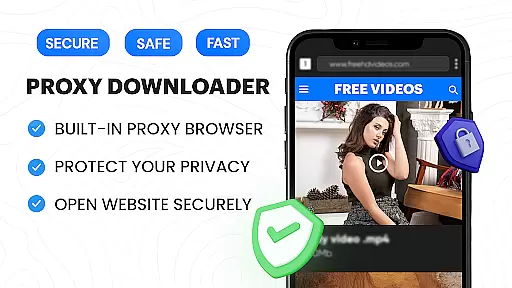
The Video Downloader Proxy Browser stands out with its advanced feature set tailored for efficiency and security. One of the key highlights is the built-in proxy browser, which not only blocks ads and trackers but also encrypts your connection to ensure safe browsing. This feature is particularly useful when accessing the internet via unsecured networks, providing peace of mind while enjoying unlimited access to content.
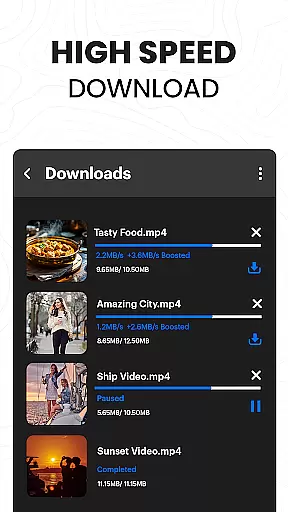
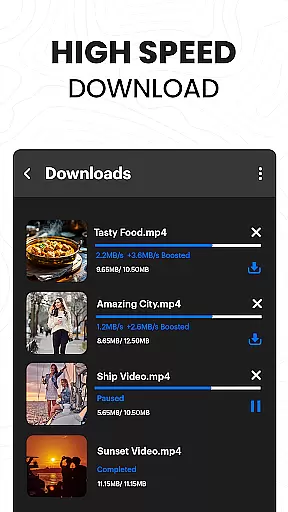
Another significant aspect is the app's robust download manager, capable of handling multiple simultaneous downloads. It supports background downloading and allows users to pause and resume downloads as needed. Additionally, the one-click download option simplifies the process of saving videos. Users can store downloaded files in password-protected folders, adding an extra layer of security. These features collectively enhance user experience by combining speed, convenience, and safety.
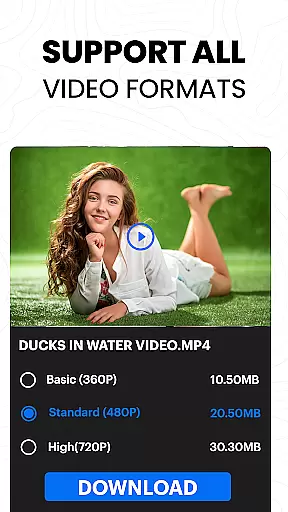
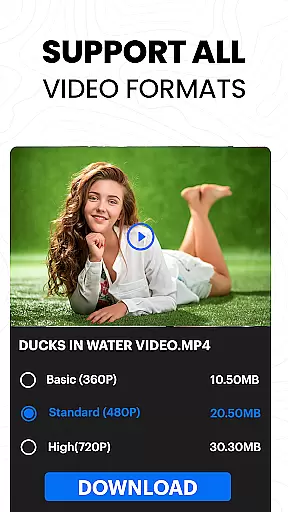
Video format compatibility is a crucial feature for any video player and editor, ensuring that users can enjoy content across various file types without technical barriers. The Video Downloader Proxy Browser supports an extensive range of formats, including but not limited to MP4, AVI, MKV, and MOV. This versatility allows users to play videos from different sources seamlessly.
The application's built-in ultra HD video player takes compatibility a step further by supporting high-resolution files up to 4K. Whether you're downloading videos for offline viewing or streaming them online, the assurance of format support means uninterrupted entertainment. Users no longer need to worry about converting files or encountering playback issues due to unsupported codecs.
Moreover, this app simplifies the process of managing media libraries with its one-click download functionality. By enabling quick saves in multiple formats, it caters to both casual viewers and professional editors who require specific file types for their projects. With password-protected folders, downloaded videos are not only accessible but also secure from unauthorized access.
In today's digital age where content comes in all shapes and sizes, having a reliable tool like the Video Downloader Proxy Browser ensures that you're prepared for whatever format comes your way. Its comprehensive format support empowers users to focus on what truly matters: enjoying high-quality video experiences without limitations.
AI-powered editing features represent the cutting edge of video player and editor technology, offering users unprecedented ease and efficiency in content creation. The Video Downloader Proxy Browser incorporates advanced AI tools that automate complex tasks such as video enhancement, format conversion, and quality optimization. These intelligent features ensure that even novice users can produce professional-grade results with minimal effort.
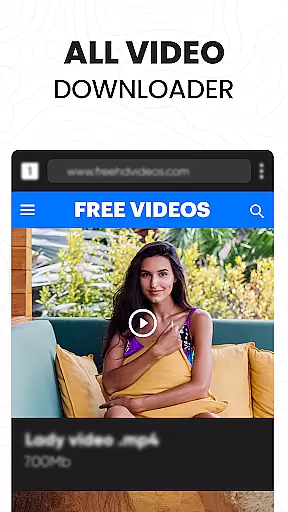
One standout capability is the app's smart auto-detect function for video downloads. This feature intelligently identifies downloadable content across various websites and social media platforms, streamlining the acquisition process. When combined with the built-in proxy browser's ad-blocking capabilities, users experience faster download speeds and cleaner source material for their editing projects.
The application's AI extends beyond mere convenience, providing substantial improvements in video quality through automated enhancement algorithms. These tools can automatically adjust brightness, contrast, and color balance while removing unwanted artifacts from compressed files. Such sophisticated processing would typically require specialized software, yet here it's integrated directly into the downloader interface.
For users seeking efficient workflow solutions, these AI-powered features significantly reduce the time required for post-processing while maintaining exceptional output quality. The combination of intelligent detection, automated enhancements, and seamless integration creates a powerful ecosystem for both consuming and creating video content, making the Video Downloader Proxy Browser an indispensable tool for modern digital enthusiasts.
User-friendly interface
Fast download speeds
Secure proxy browsing
Supports 4K video playback
Blocks ads and trackers
No YouTube support
Limited legal uses
Requires stable internet
Privacy concerns
Ads in free version

Fast, private downloading, video saving, social media
 4.50
4.50
Watch full episodes of your favorite Cartoon Network and Cartoonito shows!
3.50
Stream high quality video from your camera over NDI protocol
4.3
Support 1000+ Video Format, Subtitle Download, mp3 & Background Play, Cast On TV
4.60
An easy-to-use and all-round screen recorder with audio
4.80
IPTV Player - Watch live TV from m3m & m3u8 playlist, stream IPTV on mobile
3.30
Download videos and play them offline
4.70
Browser for Fire TV to stream webvideos, online movies, livestreams in HD
4.40
VLC for Android is the best open source video and music player, fast and easy!
4.10
Play ALL formats in 4K & HD. Video downloader, MP3 player, Chromecast & more.
4.80
AI Video Editor with Music, Filter, Slideshow, Effect, Merge & Trim Video.
4.80
All in one HD video downloader & player for multiple formats with full privacy
4.70
Search & download videos from net with all video downloader, auto-detect & safe.
4.60
AirMirror Receiver - Screen mirroring/cast web videos to Android TV by AirPlay.
4.40
HD video & music player - All format support with floating & PIP mode!
3.80
Manage your IPTV live channels and VOD playlists (no playlist included)
3.80
This app is an emulator of some specific IPTV boxes
3.50
Mix with Virtual DJ directly from your phone or tablet !
3.10
Video player with powerful streaming playback and various convenient features.
2.10


User Reviews