
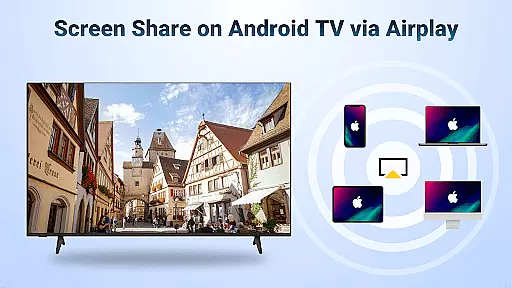
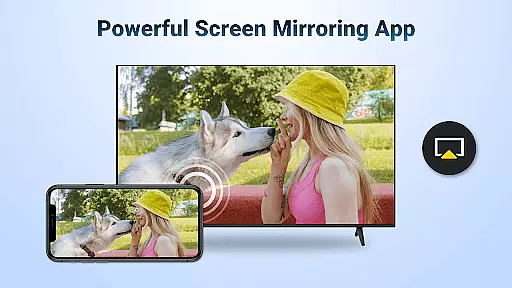
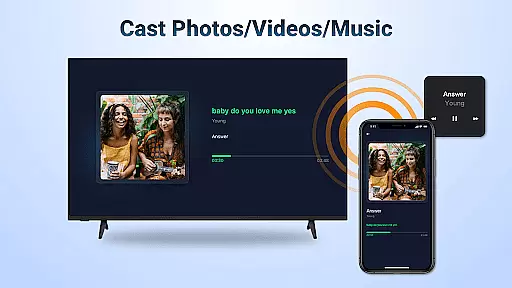
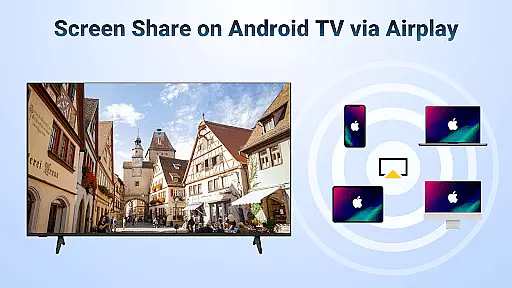
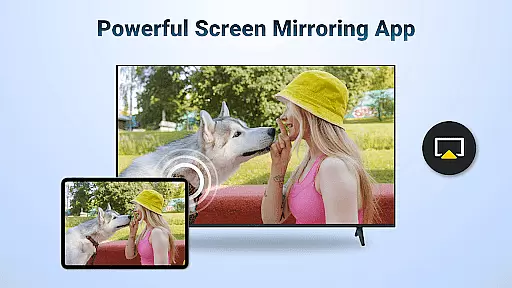
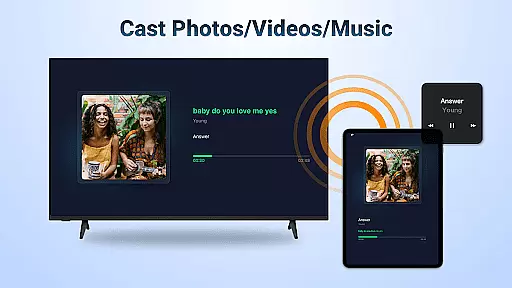
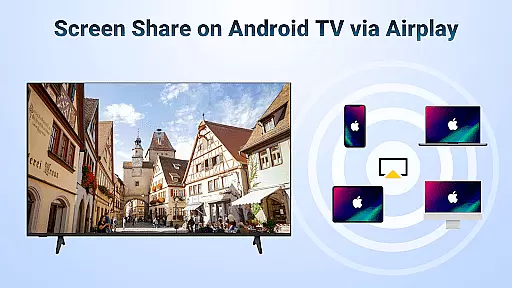
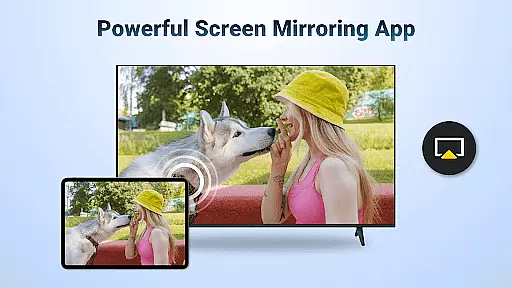
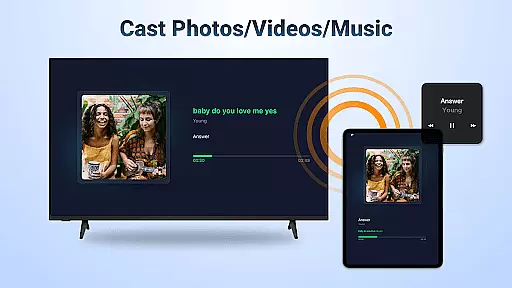
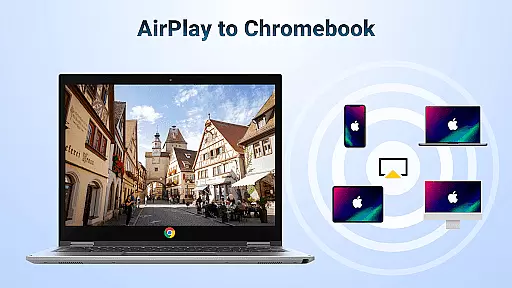
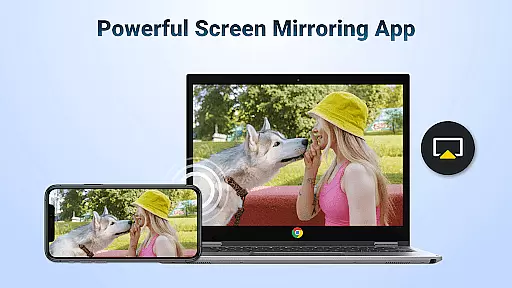
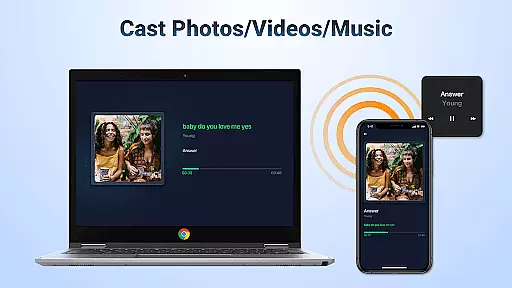
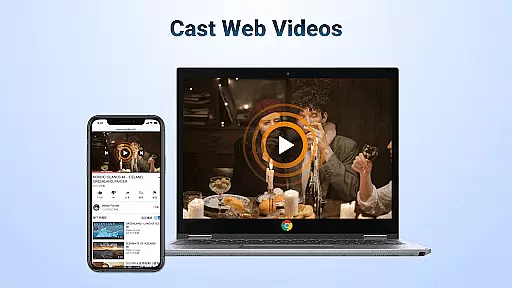
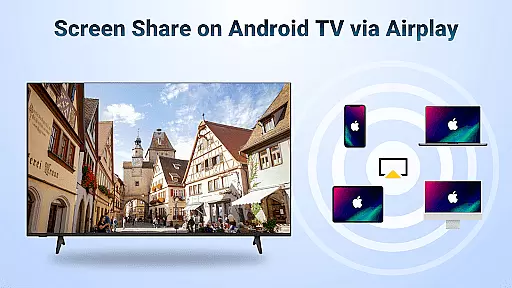
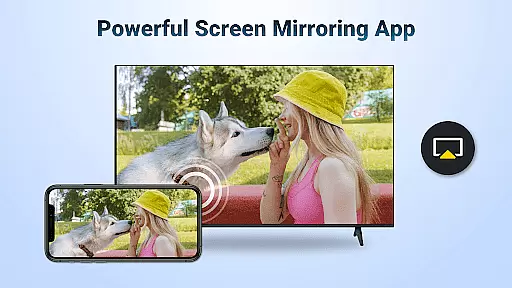
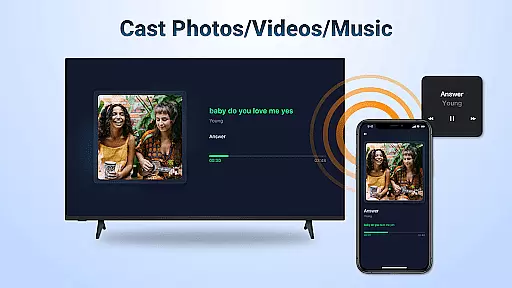
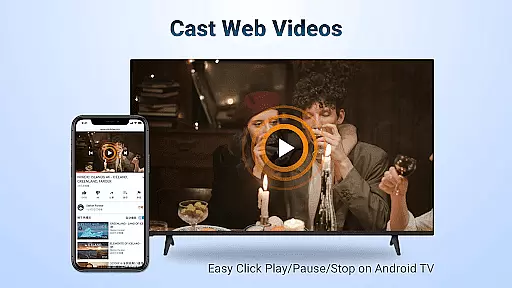
AirMirror is a specialized wireless streaming receiver application designed to enable seamless screen mirroring and content casting from Apple devices to Android TV. This innovative solution allows users to directly mirror their iOS device screens or cast photos, web videos, and audio content to Android TV without the need for additional converters or frequent device switching.
The app's core functionality lies in its ability to facilitate various sharing scenarios - from educational content during teaching sessions to business presentations on larger displays, multiplayer gaming experiences, photo sharing of travel memories, fitness video streaming, and even movie nights with friends. The application ensures stable connectivity and smooth transmission while maintaining excellent audio-visual quality.
Particularly useful for both personal entertainment and professional settings, AirMirror eliminates compatibility barriers between different ecosystems, making cross-platform content sharing more accessible and convenient than ever before.
AirMirror distinguishes itself through several key features that enhance the user experience across different platforms. First, it supports comprehensive AirPlay functionality, allowing users to stream audio, video, and photos from any AirPlay-enabled device, including iTunes and iOS devices. The application maintains smooth and fast transmission speeds, especially when casting web videos.
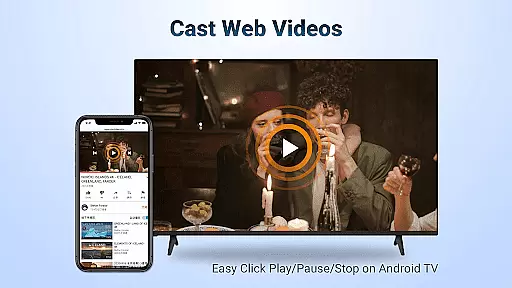
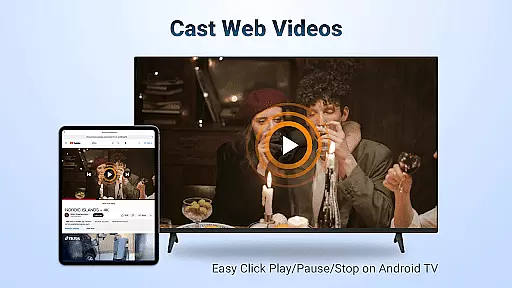
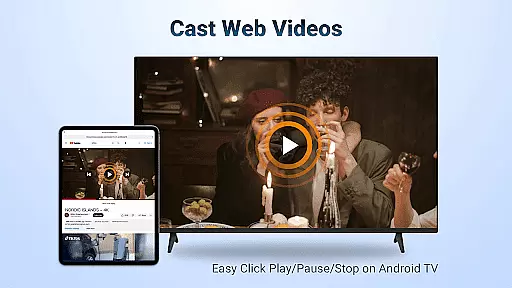
One notable feature is the ability to control playback directly on the receiving end - users can conveniently play, pause, or stop content directly from their Android TV interface. Additionally, the app offers flexible orientation options, enabling users to switch between landscape and portrait modes according to their preference. The simple connectivity process ensures stable mirroring and screen casting sessions.
These features collectively create a versatile and reliable solution for various use cases, from casual entertainment to professional presentations, while maintaining high-quality transmission standards and user-friendly operation.
Video format compatibility is a crucial feature for any video player and editor, ensuring that users can access and play their desired content without restrictions. AirMirror: TV Cast via AirPlay supports a wide range of audio and video formats, allowing seamless streaming from AirPlay-enabled devices like iTunes, iOS, and others.
This application facilitates the casting of web videos through AirPlay with smooth and super-fast transmission speeds. Whether you're looking to stream personal media or online content where DRM allows, AirMirror handles it effortlessly. The ability to click Play, Pause, or Stop directly on the receiving end adds an extra layer of convenience.
Users benefit significantly from this broad compatibility as they no longer need to convert files into specific formats before streaming them to their Android TV. This saves time and effort while enhancing the overall user experience by providing uninterrupted entertainment options.
AI-powered editing features are revolutionizing how we interact with multimedia content by offering intelligent tools that simplify complex tasks. While AirMirror: TV Cast via AirPlay focuses primarily on screen mirroring and casting capabilities, its integration of smart functionalities enhances user interaction during presentations or shared experiences.
For instance, users can switch between landscape and portrait modes at will, tailoring the display orientation according to their preferences or needs. This flexibility ensures optimal viewing angles whether sharing teaching content in educational settings, presenting business reports on large displays, or enjoying multiplayer games with friends.
The simplicity of connectivity combined with stable mirroring makes AirMirror stand out among similar applications. By eliminating frequent device switches and reducing reliance on additional converters, it provides a streamlined solution for both casual viewers and professionals seeking efficient ways to share visual information across platforms.
User-friendly interface
Stable connectivity
Excellent audio quality
Flexible orientation
Wide compatibility
No DRM support
WiFi dependency
Limited troubleshooting
Occasional lags
Device restrictions

Fast, private downloading, video saving, social media
 4.50
4.50
Video Downloader is an utility that can save videos and music from web sites
4.20
High-Quality USB Camera Viewer & HDMI Display
4.70
Fast & Private Video Downloader App. Save all videos easily from the Internet.
4.40
Cast to Smart TV, Fire TV. Cast video, photo - Fast & Stable!
3.90
Watch IPTV on your Android device
4.60
Browser for Samsung TV to stream webvideos, online movies and livestreams in HD
4.10
#1 Torrent App on Android ** No Ads Ever + Battery Saver **
4.80
Video player with 4K & 1080P support, popup play, background play and subtitle.
4.20
Video Trimmer, Video to MP3 Converter. Extract music from video, Easy & Fast.
4.80
Powerful Video Editor & Photo Editing App —— Quick Edits & Stunning Effects!
4.30
Powerful video player with advanced hardware acceleration and subtitle supports
4.20
VLC for Android is the best open source video and music player, fast and easy!
4.10
All format media Player, no need video converter any more!
4.00
Capture images & record videos for USB Camera, Webcam, Microscopes, Endoscopes
3.80
Manage your IPTV live channels and VOD playlists (no playlist included)
3.80
Connect EasyCap or UVC devices for recording and broadcast video/audio stream
3.60
Client application for NextPVR software
3.00
Video player with powerful streaming playback and various convenient features.
2.10


User Reviews