
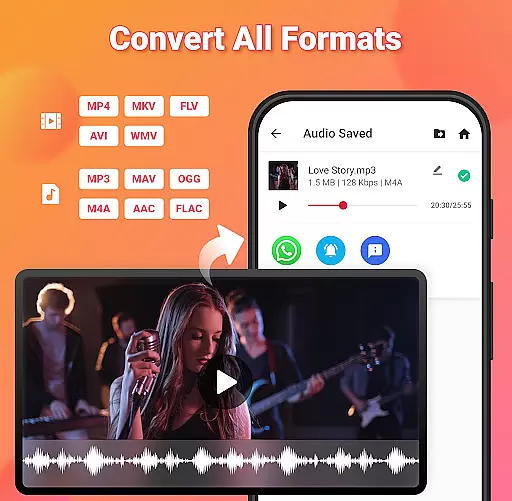
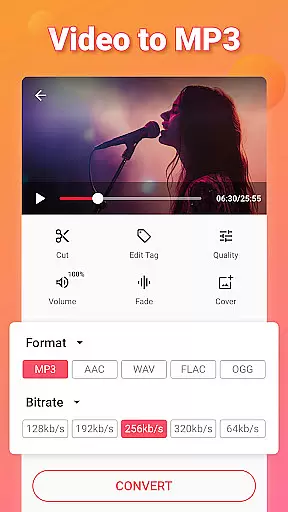
Video to MP3 is a versatile media converter tool that allows users to convert video files to high-quality audio formats. With support for multiple file types including MP4, MKV, and AVI, this app makes it easy to extract music from videos and save them as MP3 files. The intuitive interface ensures smooth navigation while providing powerful features like batch conversion and sound boosting.
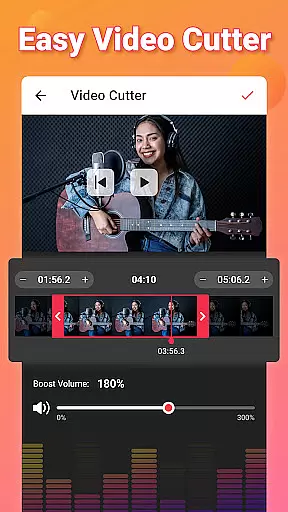
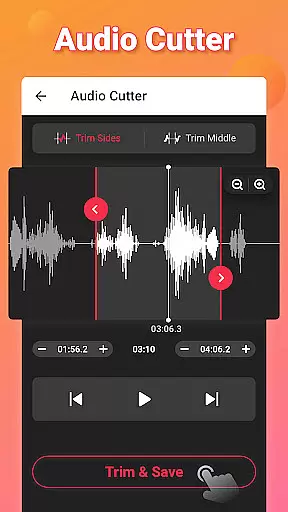
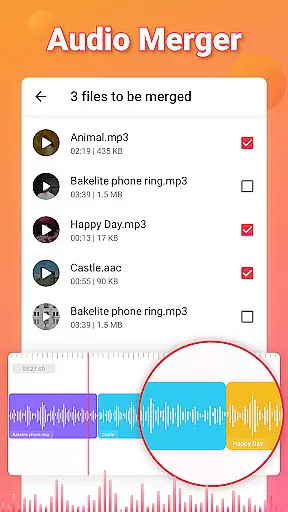
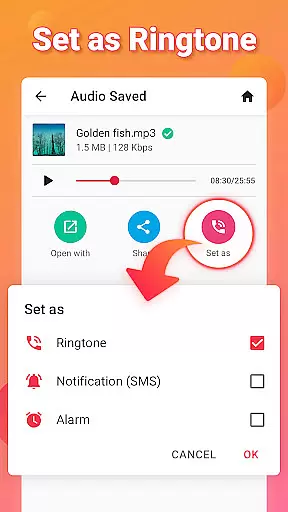
Beyond basic conversion, the app offers advanced editing capabilities such as trimming videos, merging audio tracks, and adjusting fade-in/fade-out effects. Users can also edit metadata tags, add music covers, and customize bitrates according to their preferences. Whether you're creating personalized ringtones or managing large media libraries, Video to MP3 delivers exceptional performance across various use cases.
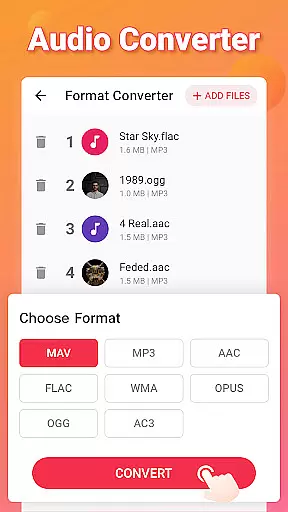
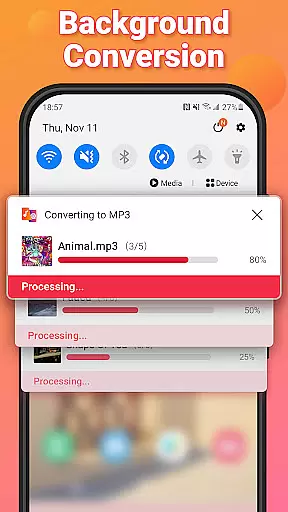
One of the standout features of Video to MP3 is its ability to handle up to 15 simultaneous conversions, making it ideal for users with extensive media collections. The app supports not only video-to-audio conversion but also format switching between MOV, MP4, M4A, and FLAC files. This versatility ensures compatibility with most devices and platforms.
In addition to conversion, the app includes robust editing tools. Users can trim both video and audio clips, merge multiple audio tracks, and apply effects like fade-ins and fade-outs. Advanced options such as sound boosting and bitrate customization provide further control over output quality. These features make Video to MP3 an indispensable tool for content creators and casual users alike.
Video to MP3 stands out with its extensive video format compatibility, ensuring users can convert nearly any video file to audio. The app supports a wide array of video formats including MP4, MKV, FLV, AVI, and WMV.
This broad compatibility is crucial for users who work with various video sources, allowing them to extract audio without worrying about format restrictions. Whether it's a MOV file that needs converting to MP4 or an AVI to MP3, Video to MP3 handles it effortlessly.
The importance of this feature lies in its ability to cater to both casual users and professionals. By supporting high-quality conversions, the app ensures that audio extracted from videos retains its clarity and richness.
Ultimately, the comprehensive video format support positions Video to MP3 as an indispensable tool for anyone looking to convert video content into accessible audio files, enhancing multimedia project flexibility.
Beyond basic conversion, Video to MP3 incorporates AI-powered editing features that elevate the user experience. These include smart tools for cutting and trimming videos, merging audio files, and adjusting sound levels with precision.
The integration of AI enables intuitive fade-in and fade-out effects, automatic bitrate optimization, and even the ability to edit metadata such as title, album, and artist information. This makes organizing and personalizing media libraries straightforward and efficient.
Users benefit from these advanced features by achieving professional-grade edits without needing specialized knowledge. The AI simplifies complex tasks, saving time while delivering high-quality results.
By leveraging artificial intelligence, Video to MP3 not only simplifies video-to-audio conversion but also empowers users to enhance their creations with sophisticated editing capabilities, setting a new standard in media conversion apps.
User-friendly interface
Batch processing support
High-quality audio output
Wide format compatibility
Free to use
Limited advanced features
Occasional ads
No cloud integration
Basic UI design
Few customer support options

Cast to Chromecast, Xbox, Fire Stick, Roku, DLNA, Smart TV & No Feature Limited!
 4.50
4.50
VLC Remote lets you control your VLC Media Player on Mac, PC or Linux.
4.60
KMPlayer Plus (Divx Codec) officially support Divx codec.
4.30
An easy-to-use and all-round screen recorder with audio
4.80
This app is an emulator of some specific IPTV boxes
3.50
Screen recorder with audio to take live videos & Screenshot in high quality!
4.70
Create, Publish & Maximize
4.70
convenient, safe and fast at Video Downloader & Player
4.60
Capture the moment and Cut
3.40
Viddo: Generate Action Figure, AI Anime, AI kiss, AI hug Video from image & text
4.40
AirMirror Receiver - Screen mirroring/cast web videos to Android TV by AirPlay.
4.40
Create & edit videos with AI
4.30
Turn your phone into a wireless camera!
4.20
VLC for Android is the best open source video and music player, fast and easy!
4.10
Powerful, professional, versatile teleprompter. Developed by an active film crew
4.00
IPTV-Smarters Player Pro M3U - Watch Live Stream TV Channels with Chromecast
4.00
Livestream, news, & gaming content. Watch, chat, and upload. Join Rumble today!
3.80
All in one multi protocols stream receiver for AirPlay, Cast and DLNA.
3.60
Download videos easily & play them all in one smart, powerful video manager.
3.40


User Reviews