
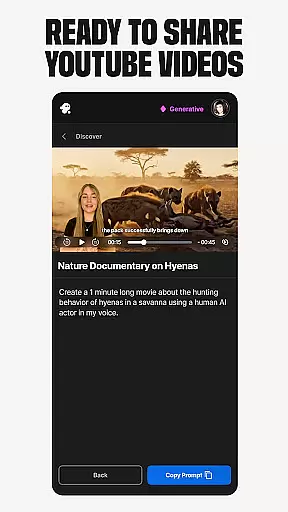
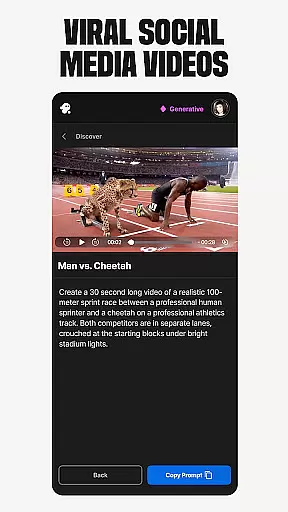
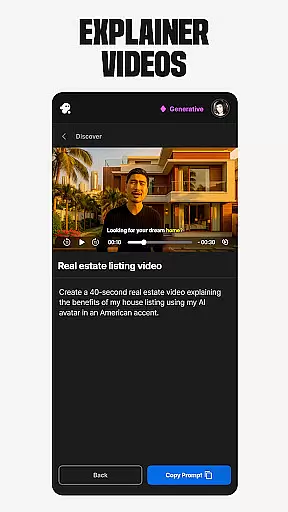
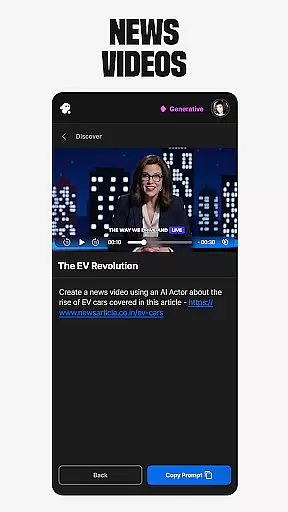
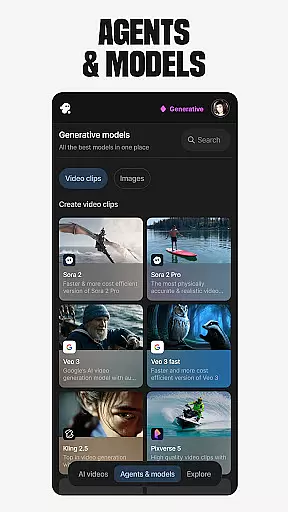
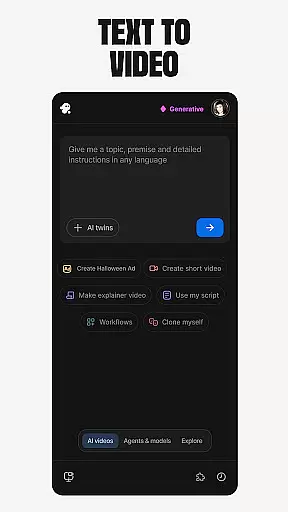
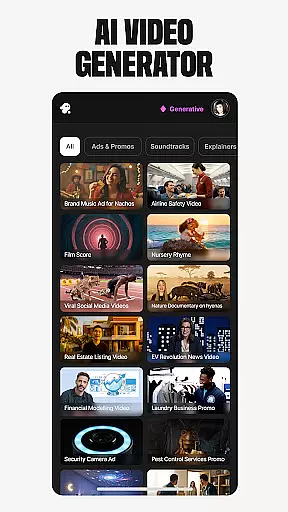
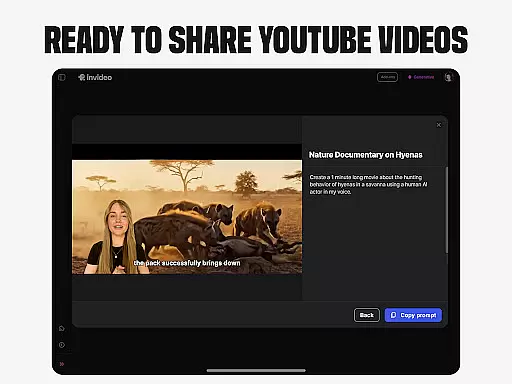
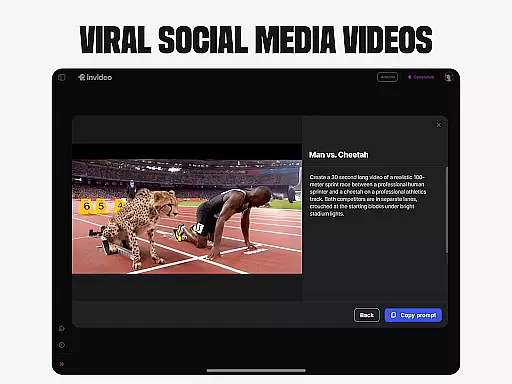
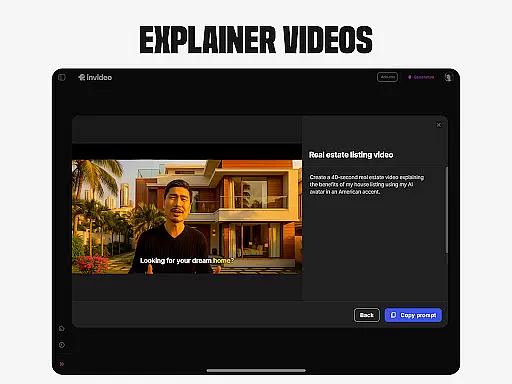
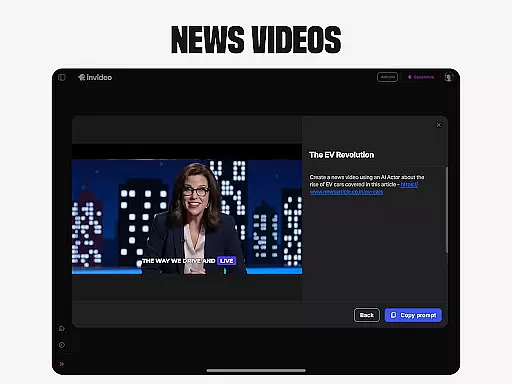
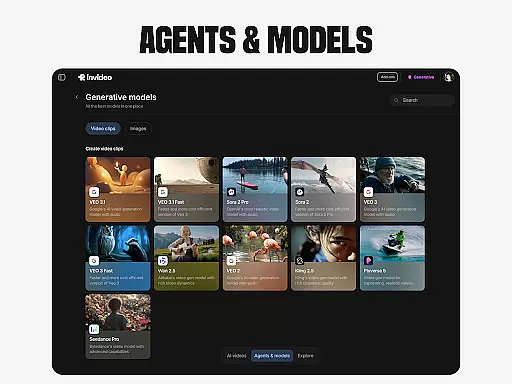
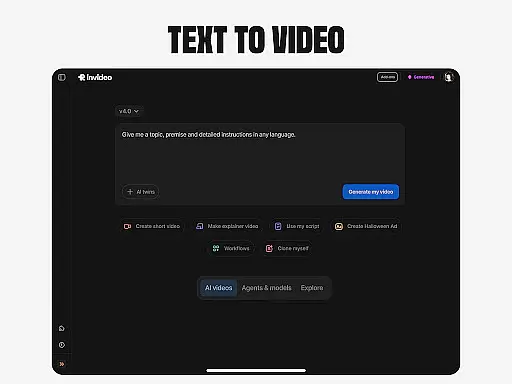
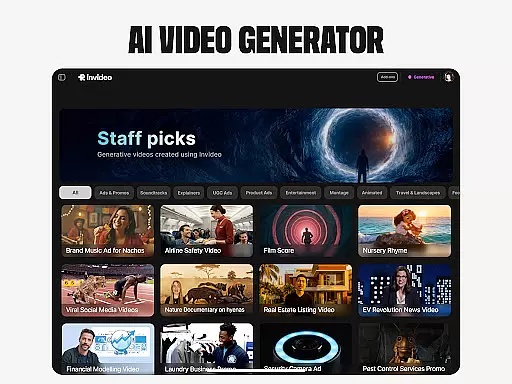
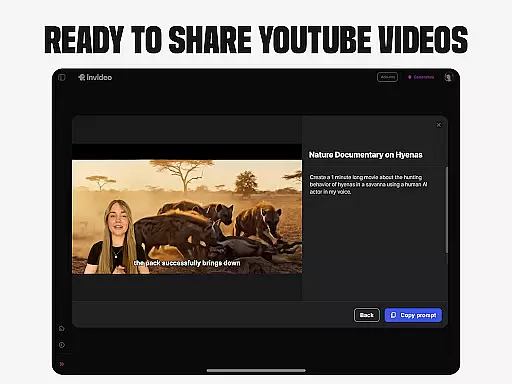
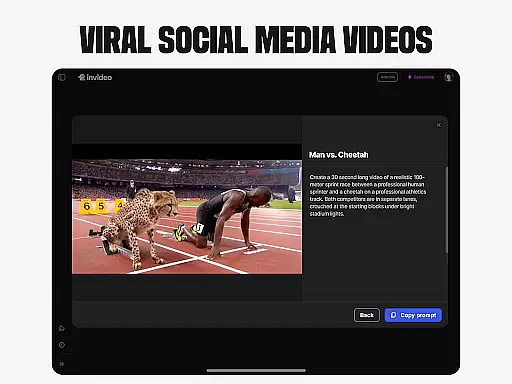
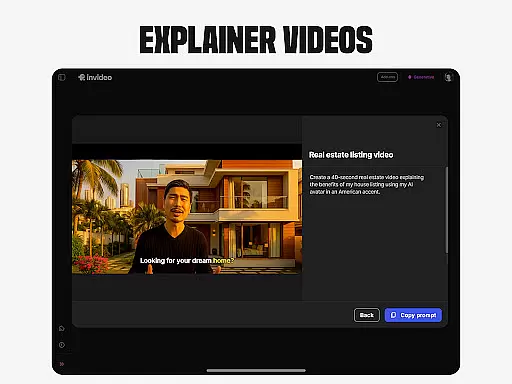
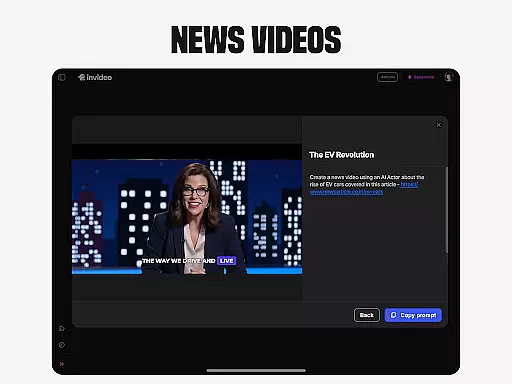
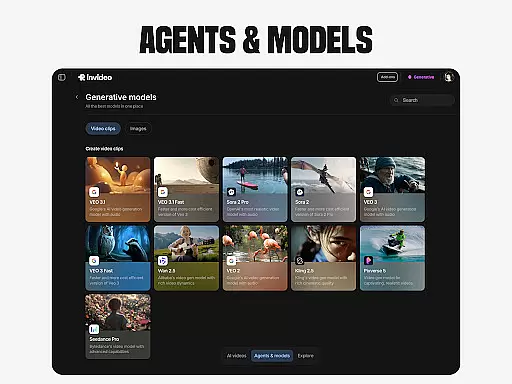
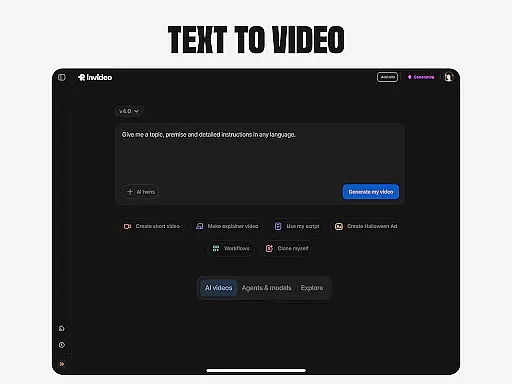
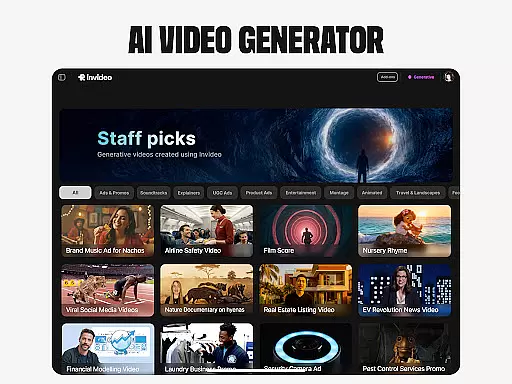
Invideo AI is a revolutionary video creation platform that empowers users to generate professional-quality videos using artificial intelligence. The app offers a comprehensive suite of tools for creating various types of AI-powered videos, including explainers, promos, ads, and documentaries.
With support for over 50 languages, Invideo AI enables users to produce full-length videos complete with scripts, generative media, captions, voiceovers, music, and effects. Its standout features include AI avatars, voice cloning, image-to-video conversion, and virtual product try-ons, making it an ideal solution for content creators, marketers, and e-commerce businesses.
The application's intuitive interface and powerful AI capabilities make it suitable for both beginners and professionals, allowing users to create engaging video content without requiring extensive technical skills or video production experience.
Invideo AI distinguishes itself through its diverse range of innovative features designed to streamline video creation. The platform's AI video generator allows users to create multiple video formats, from short social media clips to full-length films and documentaries in various creative styles.
One of the most remarkable features is the AI avatar creation tool, which enables users to generate digital twins for producing training videos and product explainers. The AI voice cloning technology lets users create faceless videos while maintaining their unique vocal identity across different languages.
Additional notable features include AI-powered text-to-video conversion, photo-to-video transformation, and an advanced AI video editor that simplifies post-production tasks through simple text commands. These features collectively provide users with unprecedented flexibility and efficiency in video content creation.
Video format compatibility is a crucial feature for any video editing tool, ensuring that users can work with a wide range of video files without the need for conversion. Invideo AI supports over 50 languages and various video formats, making it versatile for international and diverse multimedia projects.
The application's extensive format support allows creators to import videos from different sources seamlessly. Whether you're working with files from a professional camera or smartphone recordings, Invideo AI maintains the original quality while providing editing capabilities.
For users, this means less time worrying about technical limitations and more focus on creative expression. The ability to handle multiple formats also facilitates collaboration, as team members can contribute content from various devices and platforms without compatibility issues.
Ultimately, Invideo AI's broad video format compatibility empowers creators to produce high-quality AI-generated videos efficiently. This flexibility not only saves time but also expands the creative possibilities, allowing users to experiment with different media types in their video projects.
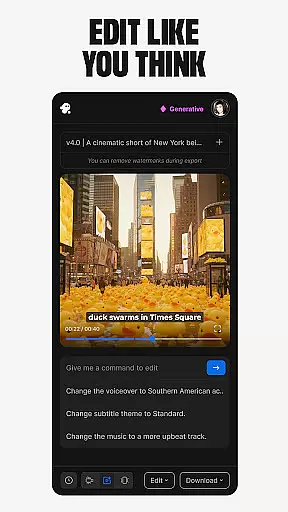
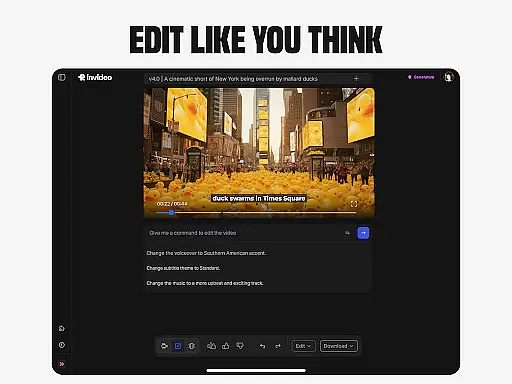
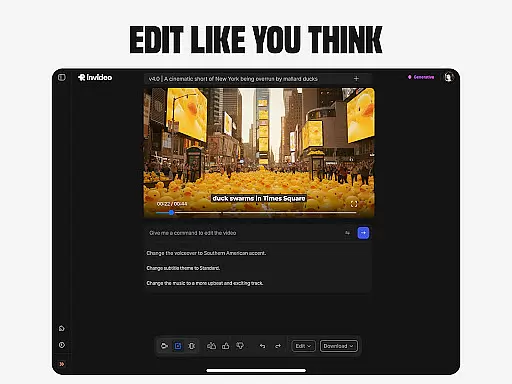
AI-powered editing features represent the cutting-edge advancement in video editing technology, enabling users to make sophisticated modifications with minimal effort. Invideo AI incorporates these intelligent tools to change scenes, edit music, refine tone, and swap voiceovers effortlessly.
This innovative approach eliminates the steep learning curve associated with traditional timeline-based editing applications. Users can execute complex edits through simple text commands, streamlining the creative process and allowing even beginners to achieve professional-grade results.
With Invideo AI, creators benefit from consistent output quality and time savings. The AI assistance ensures that every edit aligns with the intended artistic vision, while automated adjustments reduce manual tweaking and potential human error.
In summary, Invideo AI's AI-powered editing features democratize video production by simplifying advanced editing tasks. This empowers creators to focus on storytelling and visual artistry, transforming their ideas into compelling narratives with unprecedented ease and efficiency.
User-friendly interface
Multi-language support
Comprehensive feature set
Professional output quality
Time-saving automation
Subscription costs may be high
Learning curve for advanced features
Limited free tier options
Occasional rendering delays
Resource-intensive processing

The smartest M3U IPTV Player your playlists have ever seen.
 4.1
4.1
Client application for NextPVR software
3.00
Tik & Story Saver-Download ALL social media videos, photos & reels no watermark.
4.80
VLC Remote lets you control your VLC Media Player on Mac, PC or Linux.
4.60
Powerful Video Editor & Photo Editing App —— Quick Edits & Stunning Effects!
4.30
Video Downloader, Multiple Resolution Options, Video Player
4.50
Make your own Animations, Video and Photo Edits, Visual Effects, and more!
4.00
Web Browser for LG TV to stream webvideos, online movies and livestreams in HD
4.20
Viddo: Generate Action Figure, AI Anime, AI kiss, AI hug Video from image & text
4.40
Video Trimmer, Video to MP3 Converter. Extract music from video, Easy & Fast.
4.80
#1 Torrent App on Android ** No Ads Ever + Battery Saver **
4.80
AI Video Editor with Music, Filter, Slideshow, Effect, Merge & Trim Video.
4.80
A Quick and Pro Video Editor
4.70
High-Quality USB Camera Viewer & HDMI Display
4.70
Cast movies, tv shows and live streams to Chromecast, Roku, DLNA, Fire TV & more
4.60
Auto video maker with music & exclusive filters. Video editing made simple.
4.50
Full HD Video mp3 Player, MP4 player play 1080p, File manager, Video Downloader
4.40
Live TV, anywhere in your home
3.80
Stream high quality video from your camera over NDI protocol
4.4


User Reviews