
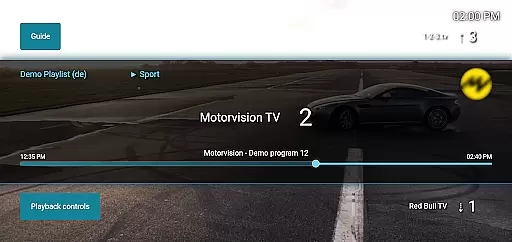
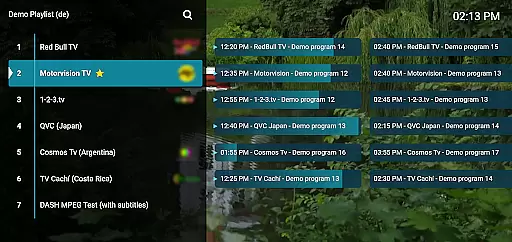
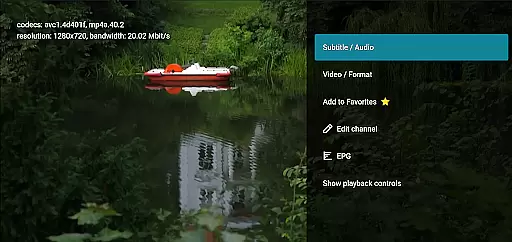
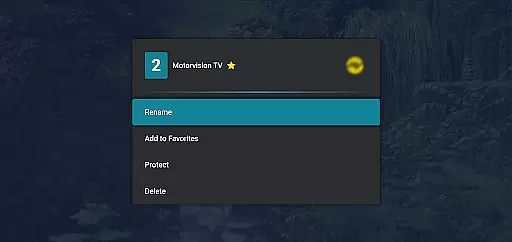
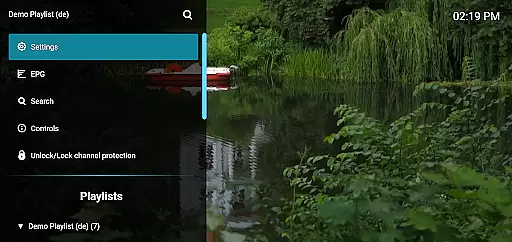
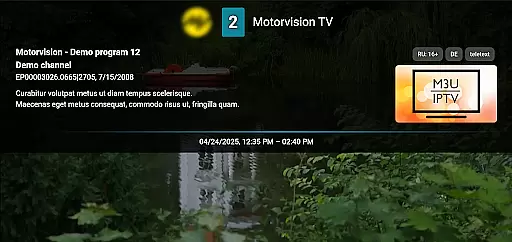
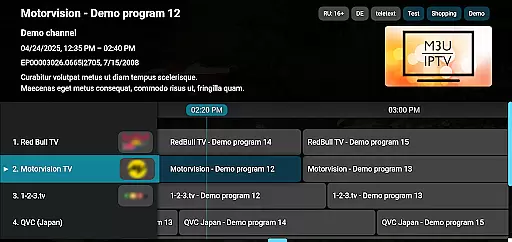
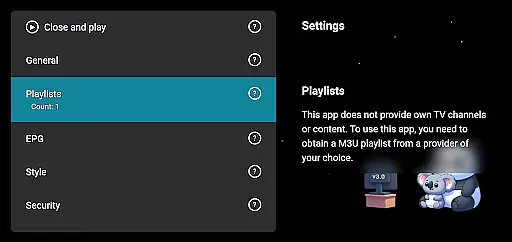
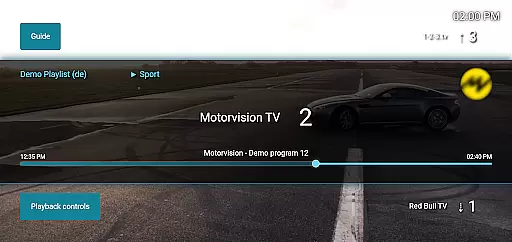
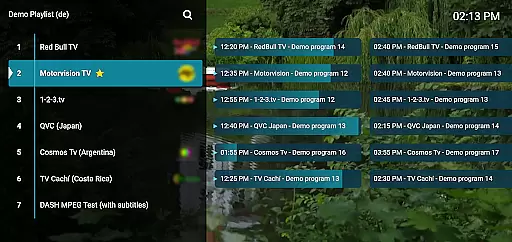
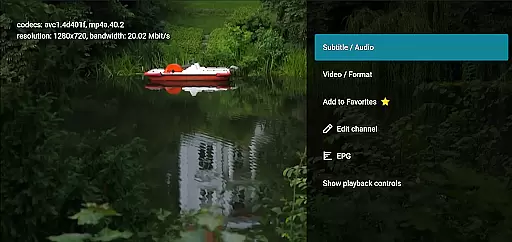
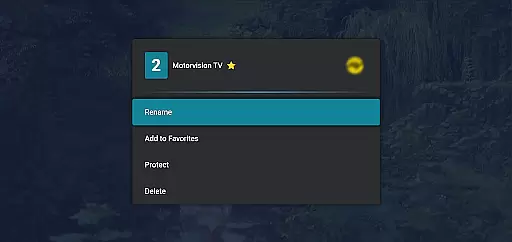
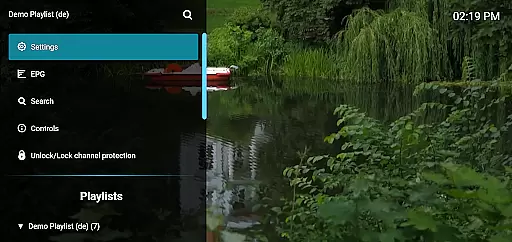
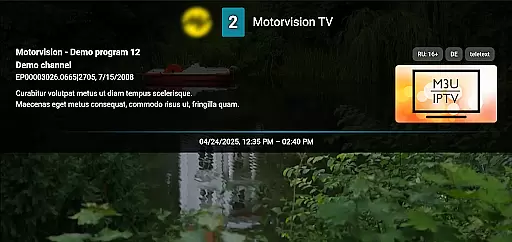
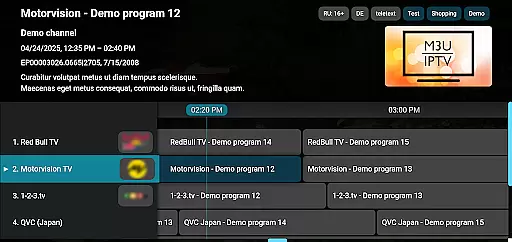
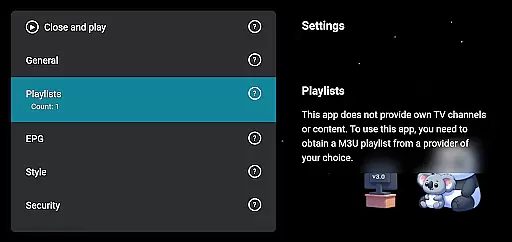
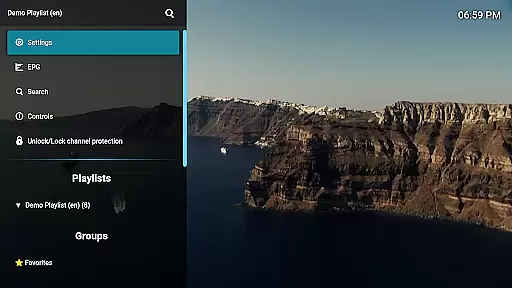
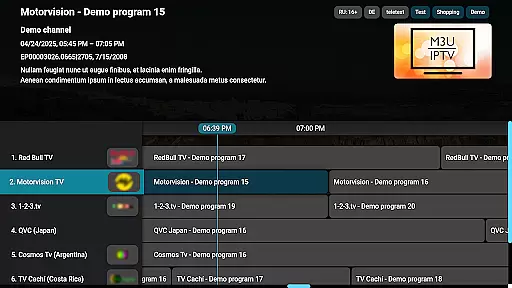
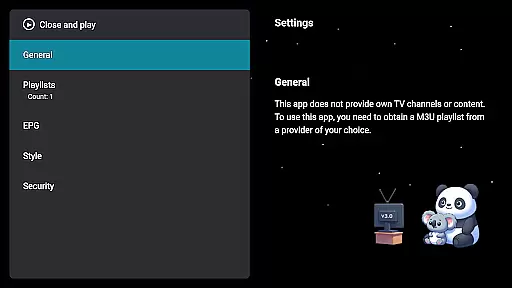
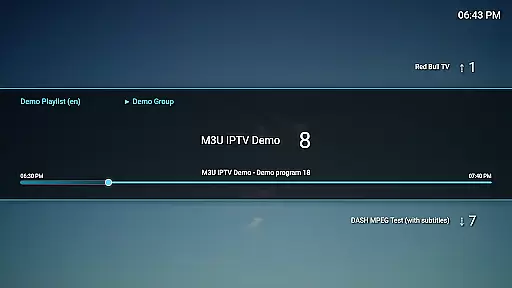
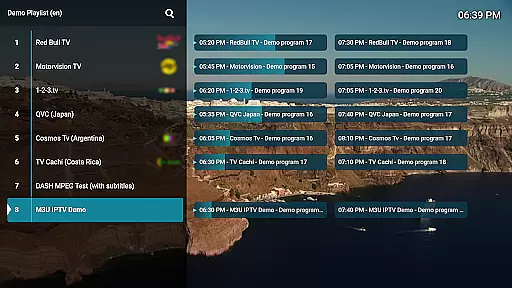
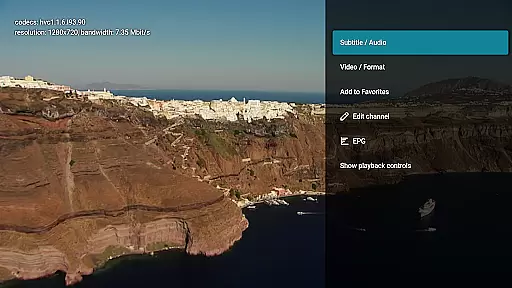
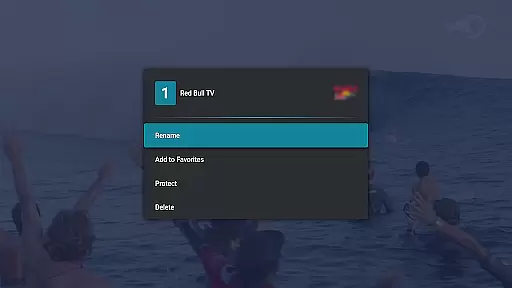
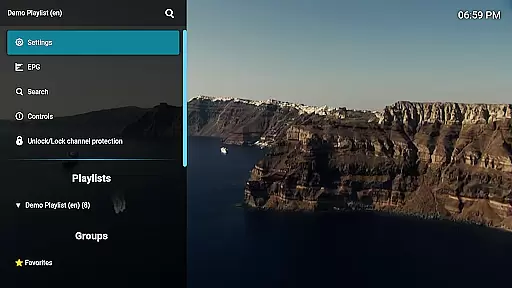
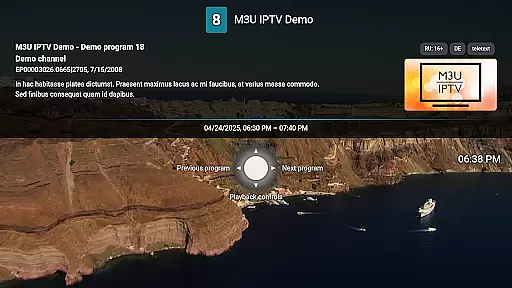
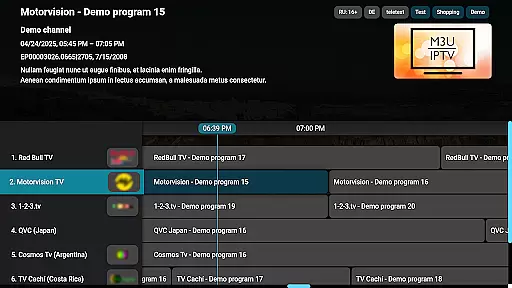
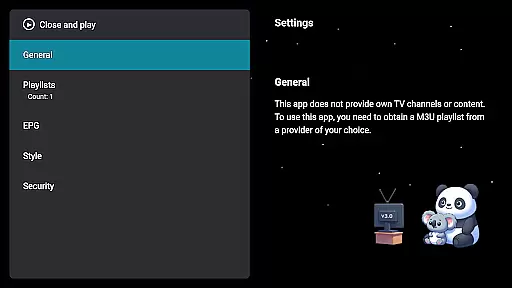
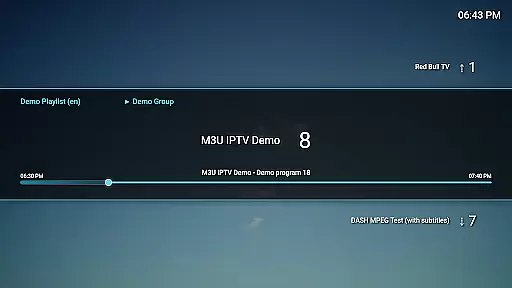
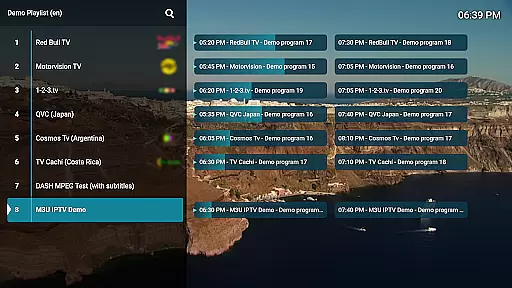
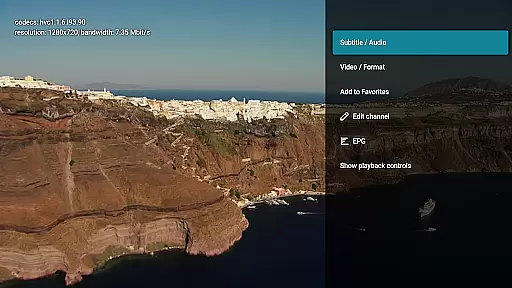
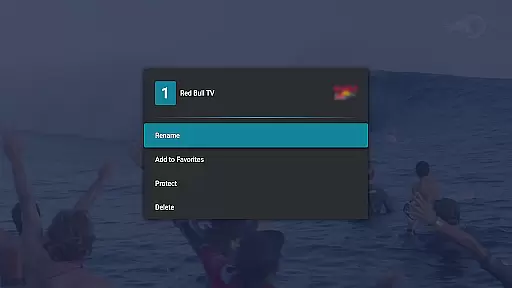
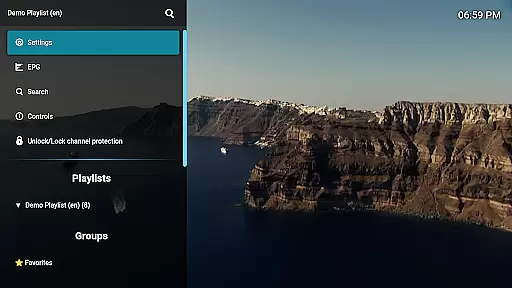
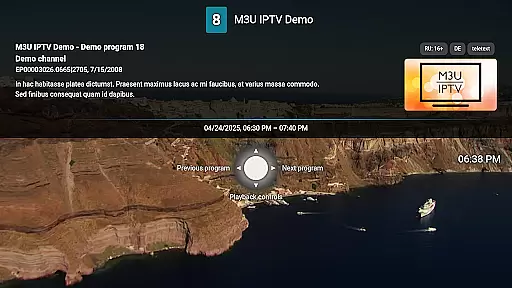
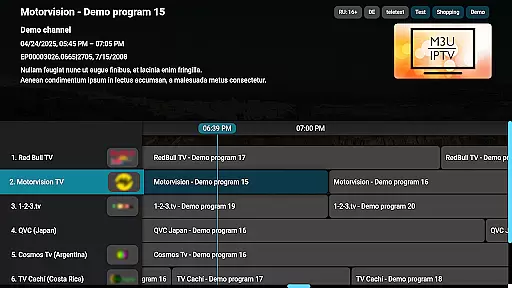
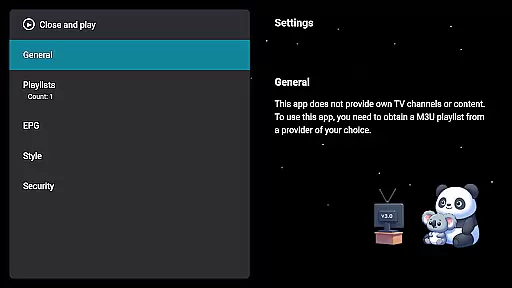
M3U IPTV Premium is a top-tier IPTV player designed for users seeking an ad-free, customizable streaming experience. This premium version builds upon the popular free edition by unlocking advanced features and enhanced performance.
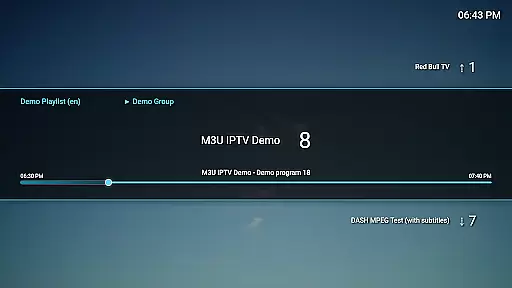
With support for M3U playlists, EPG integration, and advanced playback controls, the app offers power users full control over their IPTV content. The intuitive interface allows for seamless navigation while features like channel protection and catch-up functionality provide added convenience and security.
Ideal for IPTV enthusiasts, this app is perfect for those who want to stream their personal playlists with professional-grade tools and uninterrupted viewing.
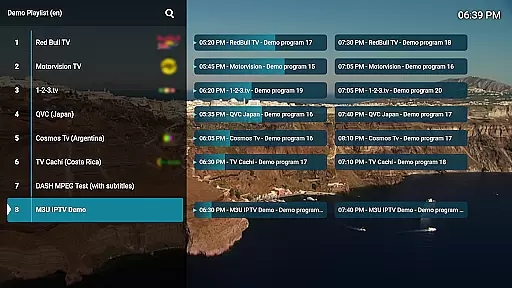
M3U IPTV Premium stands out with its comprehensive feature set tailored for IPTV enthusiasts. The app supports unlimited M3U playlists, enabling users to organize and switch between multiple streams effortlessly.
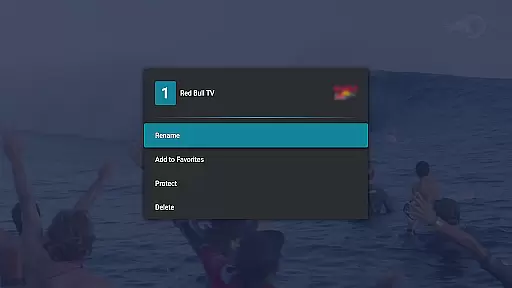
Advanced functionalities include EPG integration for TV schedule views, customizable UI for personalized aesthetics, and advanced playback controls for precise stream management. Catch-up and archive playback allow users to revisit missed content, while channel protection ensures privacy through PIN locking.
The app's clean design and robust performance make it a reliable choice for power users seeking a seamless streaming experience without interruptions or limitations.
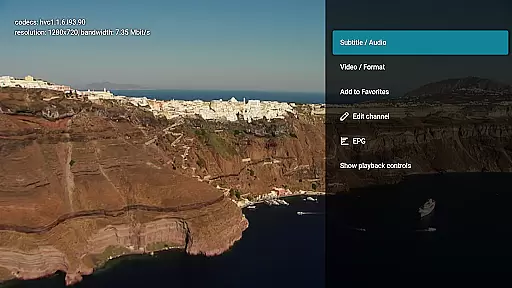
Video format compatibility is a crucial feature for any video player, ensuring that users can enjoy content in various formats without technical hindrances. M3U IPTV Premium excels in this area by supporting an extensive range of video formats commonly used in IPTV streaming.
The application's advanced decoding capabilities allow it to handle both standard and high-definition streams seamlessly. This ensures that whether you're watching live TV or on-demand content, the playback remains smooth and buffer-free.
By supporting widely-used codecs and container formats, M3U IPTV Premium provides users with the flexibility to stream content from different sources. This versatility makes it an ideal choice for viewers who want to customize their IPTV experience without worrying about format restrictions.
Ultimately, the app's robust format compatibility translates into a hassle-free viewing experience. Users can focus on enjoying their favorite shows and channels, knowing that M3U IPTV Premium will deliver consistent performance across all supported formats.
While primarily an IPTV player, M3U IPTV Premium incorporates AI-powered features that enhance the overall viewing and management experience. These intelligent tools help users optimize their channel lineup and streamline their IPTV management tasks.
The application's AI algorithms assist in automatic channel categorization and organization, making it easier for users to navigate through their extensive channel lists. The system intelligently groups similar channels together, creating a more intuitive browsing experience.
Advanced recommendation features leverage viewing patterns to suggest relevant channels and programs. This personalized approach helps users discover new content while maintaining quick access to their favorite channels.
Additionally, the AI-powered EPG integration automatically updates and organizes program schedules, ensuring users always have accurate information about upcoming shows. These smart features combine to create a more efficient and enjoyable IPTV management experience.
Ad-free experience
Unlimited playlists
EPG integration
Catch-up functionality
Customizable UI
No included playlists
Requires technical setup
Premium cost
Limited beginner support
Device-specific

Connect 2 UVC devices for recording and broadcast video/audio stream
 3.90
3.90
Save photos and videos from social apps in one tap.
3.60
This app was created to edit the metadata of music files.
4.20
Stream Web Videos to Chromecast, Samsung, LG, Sony, Roku, Fire TV, DLNA + more
4.00
Pro video editor app for Instagram, edit video with song, AI, effect & slowmo.
4.80
All in one multi protocols stream receiver for AirPlay, Cast and DLNA.
3.60
Connect EasyCap or UVC devices for recording and broadcast video/audio stream
3.60
Livestream, news, & gaming content. Watch, chat, and upload. Join Rumble today!
3.80
Photo editor & video maker with music and slideshows.
4.10
Tik & Story Saver-Download ALL social media videos, photos & reels no watermark.
4.80
Screen recorder with audio to take live videos & Screenshot in high quality!
4.70
Fast, private downloading, video saving, social media
4.50
HD video maker with no watermark, no ads & vlog maker with music, PIP, text
4.50
KMPlayer Plus (Divx Codec) officially support Divx codec.
4.30
Browser for Samsung TV to stream webvideos, online movies and livestreams in HD
4.10
Make your own Animations, Video and Photo Edits, Visual Effects, and more!
4.00
Cast to Smart TV, Fire TV. Cast video, photo - Fast & Stable!
3.90
Watch full episodes of your favorite Cartoon Network and Cartoonito shows!
3.50
Stream high quality video from your camera over NDI protocol
4.1


User Reviews