
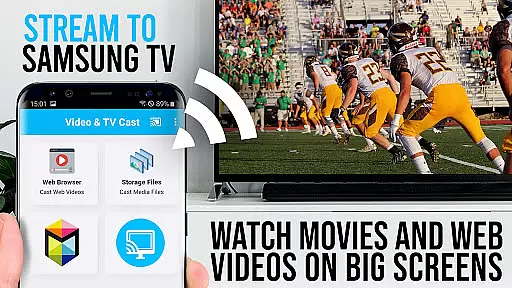
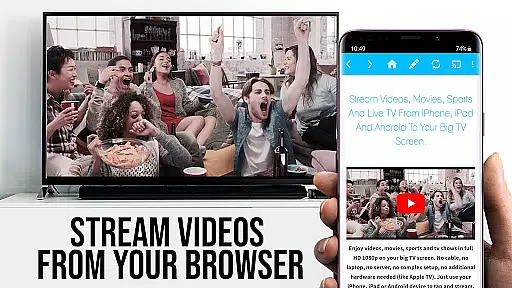
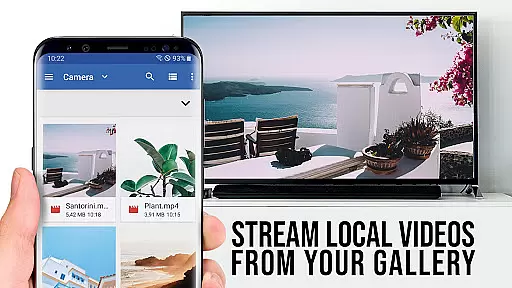
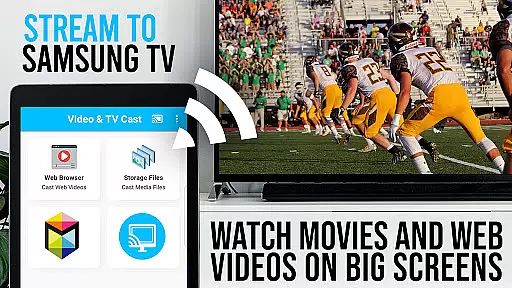
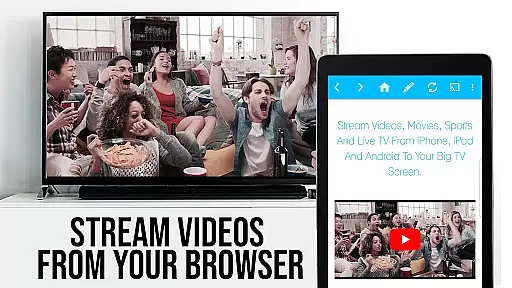
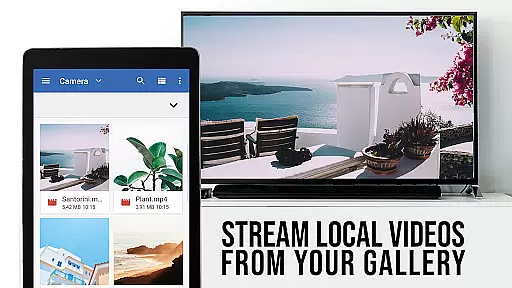
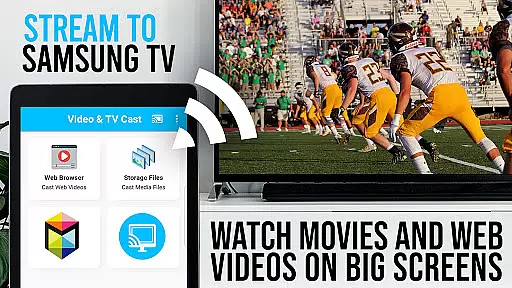
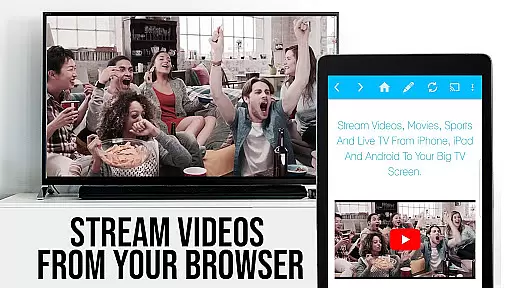
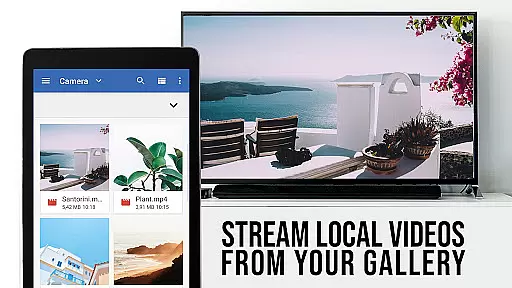
TV Cast Pro for Samsung TV is a premier application designed to enhance your home entertainment experience by streaming web videos, online movies, livestreams, and live TV shows directly to your Samsung Smart TV or Blu-ray Player. This app eliminates the need for additional streaming hardware, supporting formats like mp4, m3u8, hls livestreams, and video over https, with Full HD quality. Compatible with Samsung Smart TV models from 2010 (C series) to 2017 (new M/MU/Q series), it allows users to browse the web and cast any video content to their TV effortlessly.
The PRO edition of this app includes all premium features unlocked, offering advanced functionalities such as remote playbar control, an ad-blocker, bookmarks management, desktop mode, and customizable homepage settings. With its user-friendly interface, Video & TV Cast Pro transforms your TV into a versatile media hub, providing seamless access to a vast array of online content without DRM restrictions.
TV Cast Pro stands out with its comprehensive feature set tailored for Samsung TV users. The app's core functionality lies in its ability to cast web-based videos directly to your TV screen, supporting a wide range of video formats including mp4, m3u8, and hls livestreams. Its compatibility spans across multiple Samsung TV models, ensuring that users can enjoy high-quality streaming regardless of their TV's production year.
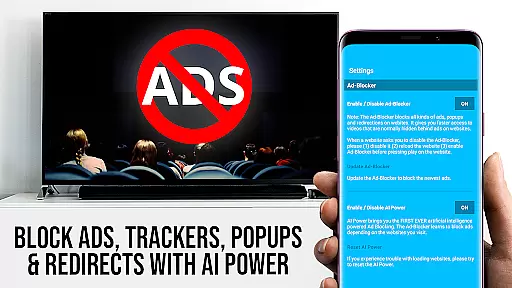
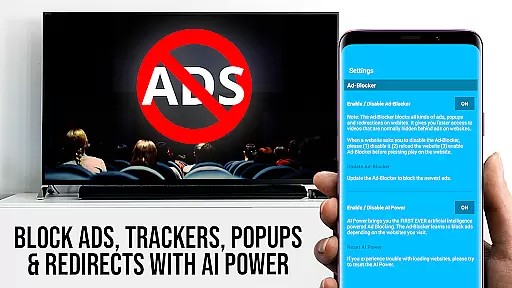
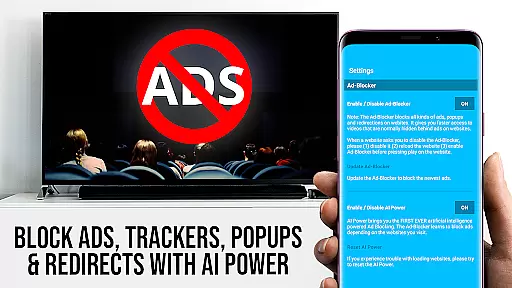
Among its standout features are the Remote Playbar, which provides advanced video controls such as scrubbing, forward, rewind, play, pause, and stop functions. The built-in Ad-Blocker enhances viewing pleasure by eliminating ads and popups on most websites. Additionally, the app offers a Desktop Mode that allows users to view desktop versions of websites, and a Bookmarks feature for easy access to favorite sites. These features collectively create a robust platform for enjoying web content on the big screen.
TV Cast Pro for Samsung TV stands out with its extensive video format compatibility, ensuring users can stream a wide variety of content without technical hindrances. The app supports popular formats such as Mp4, m3u8, and HLS livestreams, making it versatile for different types of web videos, online movies, and live TV shows.
The importance of this feature lies in its ability to eliminate the need for additional streaming devices or format conversions. Whether you're watching high-definition content or standard videos, the app ensures smooth playback directly on your Samsung Smart TV or Blu-ray Player.
This application achieves seamless compatibility through smart detection and adaptive streaming technologies. When users browse websites and encounter embedded videos, the app detects these links and optimizes them for casting, regardless of their original format.
For users, this means unprecedented convenience and flexibility in content consumption. They can enjoy their favorite web videos, livestreams, and personal media files without worrying about format restrictions, enhancing the overall entertainment experience on the biggest screen in their home.
While TV Cast Pro focuses primarily on video streaming, its intelligent features bring a new dimension to content management that resembles AI-powered editing capabilities. The app's advanced detection algorithms work similarly to AI systems, automatically identifying video content within websites and preparing them for casting to your Samsung TV.
This innovative approach to content processing is crucial for modern streaming applications. The system intelligently analyzes web pages, recognizes playable video content, and extracts relevant streaming information, much like how AI-powered editors would process and prepare media files.
The implementation of these smart features includes an automatic video link detection system and format optimization processes. When users encounter videos during their browsing sessions, the app's intelligent engine immediately identifies and prepares these videos for casting, often requiring just a single tap to begin streaming.
Users benefit from this streamlined process by experiencing faster access to desired content with minimal manual intervention. This smart approach not only saves time but also enhances the overall usability of the application, making it more intuitive and responsive to user needs compared to traditional streaming solutions.
User-friendly interface
Wide format support
No additional hardware required
Advanced remote control options
Effective ad-blocking solution
Limited to Samsung TVs
Doesn't support all video formats
Requires companion app installation
Occasional connectivity issues
No full device mirroring capability

Video player, file manager for all formats, 4K/HD media player supports subtitle
 4.30
4.30
Powerful, professional, versatile teleprompter. Developed by an active film crew
4.00
Your media, on your terms.
4.10
KineMaster, Your Ultimate Video Editor!
4.40
All format media Player, no need video converter any more!
4.00
Pro video editor app for Instagram, edit video with song, AI, effect & slowmo.
4.80
Download website videos fast&privacy
4.40
Fast & Private Video Downloader App. Save all videos easily from the Internet.
4.40
AI Video Editor:AI Music, Text to Video,Text to Speech,Auto Caption,Video Effect
4.00
Video Trimmer, Video to MP3 Converter. Extract music from video, Easy & Fast.
4.80
Tik & Story Saver-Download ALL social media videos, photos & reels no watermark.
4.80
HD Video player all format, HD Videos, Cast & Subtitle. No annoying ads.
4.60
Seamlessly connect and control your smart devices, anytime, anywhere with ease.
4.60
Fast & easy HD video downloader for all formats, support 4K playback & download.
4.60
AirMirror Receiver - Screen mirroring/cast web videos to Android TV by AirPlay.
4.40
Browser for Fire TV to stream webvideos, online movies, livestreams in HD
4.40
Movie maker & video editing app with AI effects and green screen
4.30
Turn your phone into a wireless camera!
4.20
All in one multi protocols stream receiver for AirPlay, Cast and DLNA.
3.60


User Reviews