
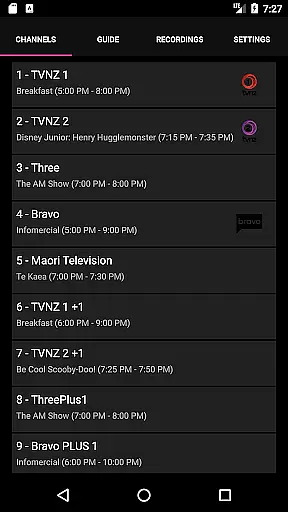
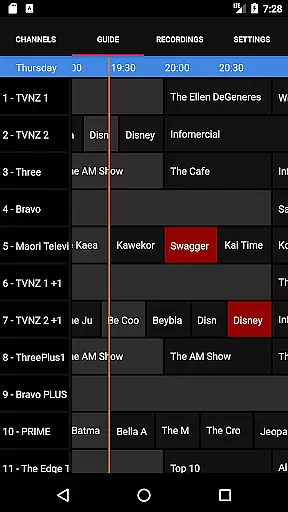
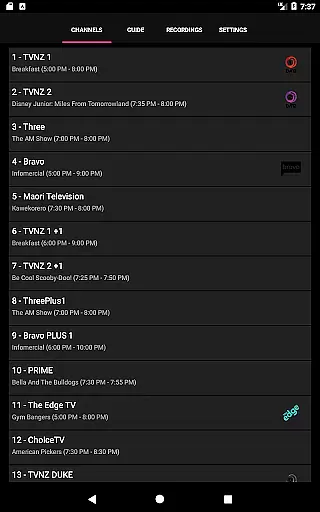
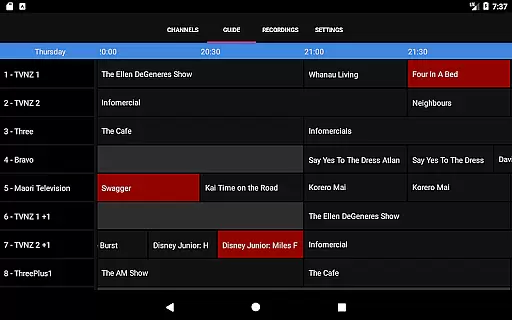
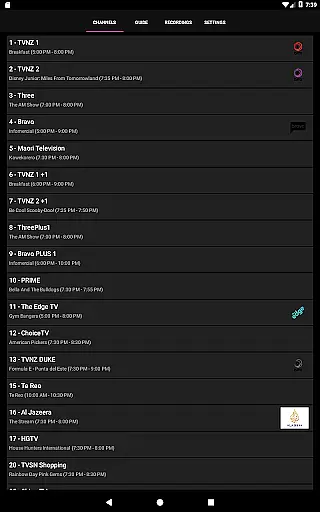
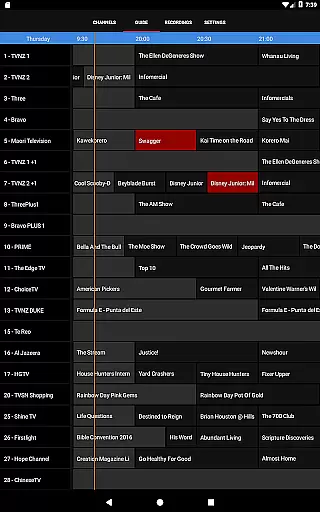
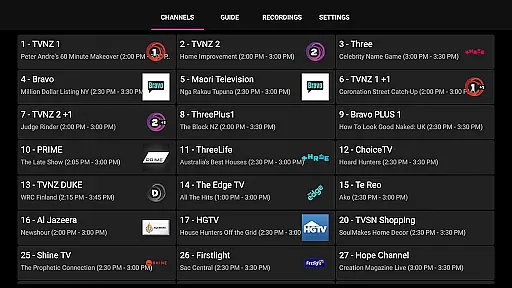
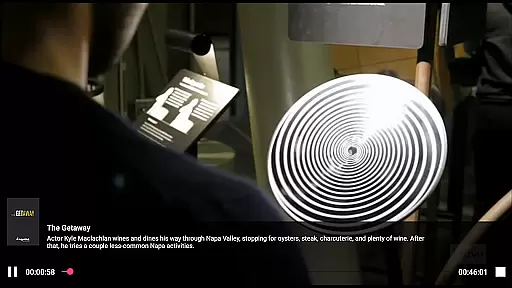
NextPVR is a versatile client application designed for users who want to extend their NextPVR media center experience to mobile devices. This app allows you to seamlessly interact with your NextPVR setup, which must be version 4.1.0 or higher, installed on a Windows PC within the same network. With this app, you can watch Live TV, browse through an intuitive TV Guide, manage recording schedules, and access recorded content from anywhere in your home. The app bridges the gap between your mobile device and your home media server, providing a convenient way to control and enjoy your television content.
The true value of NextPVR lies in its ability to integrate various video capture sources such as ATSC, DVB, and Analog TV tuners into one cohesive platform. Whether you're looking to catch up on live broadcasts or schedule recordings for later viewing, this app ensures that you have full control over your media library. Its compatibility with multiple devices makes it an essential tool for anyone invested in a home entertainment system, allowing you to manage your content without being tied to the physical location of your PC.
NextPVR offers a comprehensive set of features tailored for managing and enjoying multimedia content. One of its standout capabilities is the seamless integration with NextPVR software, enabling users to stream live TV directly to their mobile devices. The app provides an interactive TV Guide that updates in real-time, giving you a clear overview of what's currently airing and what's coming up next. Additionally, the scheduling feature lets you set up recordings with just a few taps, ensuring you never miss your favorite shows.
Beyond basic viewing, NextPVR includes advanced functionalities like remote management of your recording library. You can browse through previously recorded content, delete unwanted files, and even initiate playback from any connected device. The app also supports streaming recorded videos, making it easy to revisit your favorite moments. These features collectively enhance user engagement by offering a flexible and powerful way to interact with your media collection, all optimized for smooth performance on mobile platforms.
NextPVR offers extensive video format compatibility, ensuring users can enjoy a wide range of media content without worrying about format restrictions.
The app supports popular file types such as MP4, AVI, MKV, and more, allowing seamless playback of videos recorded from ATSC/DVB/Analog TV tuners or other capture sources.
This flexibility enables users to watch live TV, manage recordings, and view previously saved content with consistent quality across devices.
By supporting multiple formats, NextPVR ensures that users have a hassle-free experience when accessing their favorite shows or managing their media library.
While primarily a media player, NextPVR incorporates AI-powered tools to enhance the video management experience.
These features include intelligent recording schedules, where the system learns user preferences and suggests optimal recording times based on viewing habits.
Additionally, the app provides smart search capabilities, utilizing AI algorithms to quickly locate specific content within the TV guide or recorded library.
Such innovations streamline the user experience, making it easier to organize and access media while saving time and effort.
User-friendly interface
Live TV streaming
Remote recording management
Comprehensive TV guide
Cross-device compatibility
Requires NextPVR setup
Network dependency
Limited to Windows PCs
No standalone functionality
Premium features need subscription

You can play SWF format file!
 2.50
2.50
Watch full episodes of your favorite Cartoon Network and Cartoonito shows!
3.50
Cast to Chromecast, Xbox, Fire Stick, Roku, DLNA, Smart TV & No Feature Limited!
4.50
Turn your phone into a wireless camera!
4.20
IPTV Loader, loads your own Playlist. DOES NOT CONTAIN ANY LIST OR CHANNELS
4.60
Watch IPTV on your Android device
4.60
Fast & Private HD Video Downloader with Built-in Proxy Browser and Video Player.
4.50
Download Hub, easy and private way to download and enjoy your videos offline
4.80
Capture the moment and Cut
3.40
All in one HD video downloader & player for multiple formats with full privacy
4.70
Cast Videos from Web Browser, IPTV to Roku, Chromecast, DLNA, Smart TV +more
4.60
VLC Remote lets you control your VLC Media Player on Mac, PC or Linux.
4.60
Support 1000+ Video Format, Subtitle Download, mp3 & Background Play, Cast On TV
4.60
Add date and time watermark to photos and videos
4.50
Photo and Music Video Creator into Stunning Videos—Effortlessly
4.40
Powerful Video Editor & Photo Editing App —— Quick Edits & Stunning Effects!
4.30
Powerful video player with advanced hardware acceleration and subtitle supports
4.20
Browser for Samsung TV to stream webvideos, online movies and livestreams in HD
4.10
Download videos easily & play them all in one smart, powerful video manager.
3.40


User Reviews