

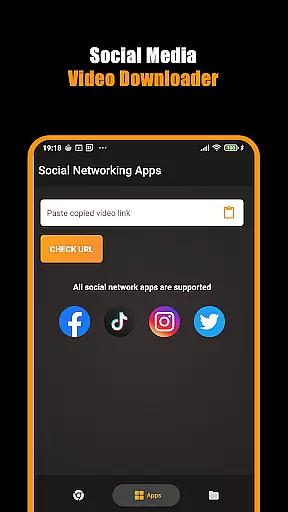
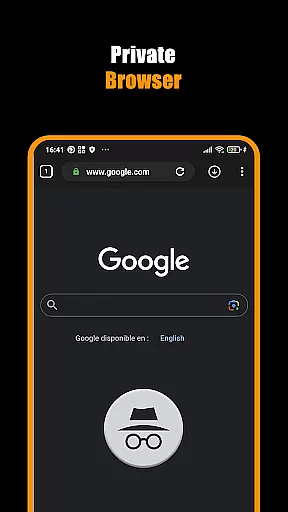
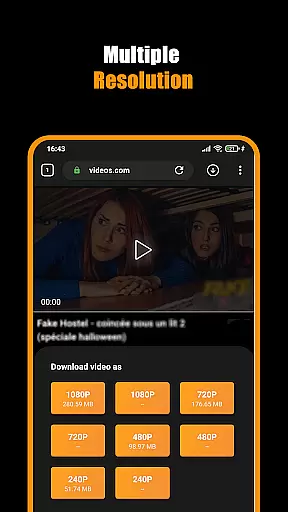
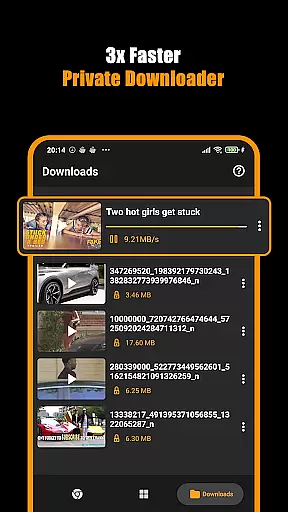

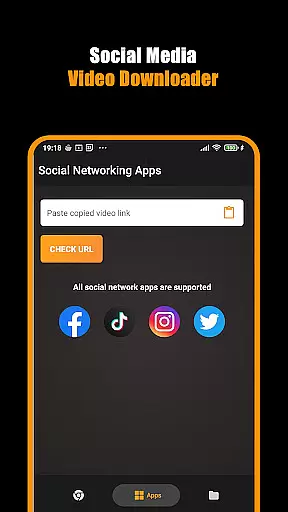
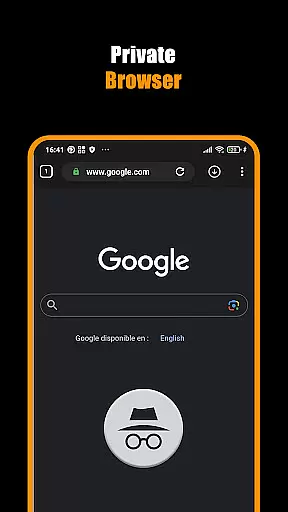
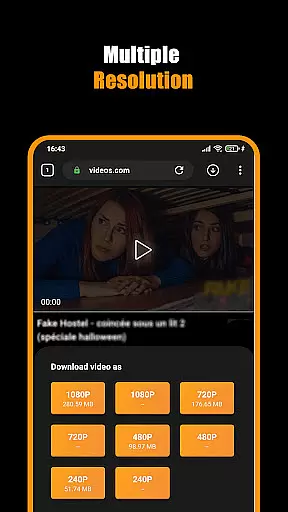
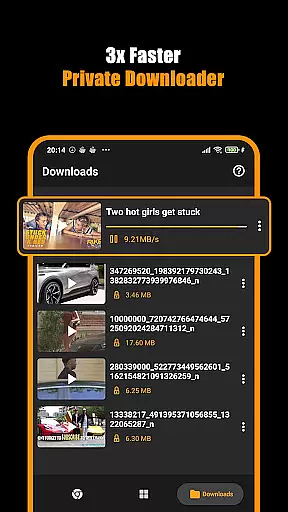

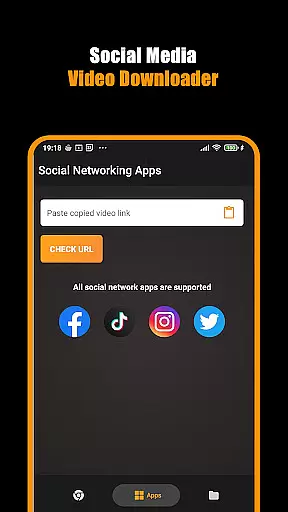
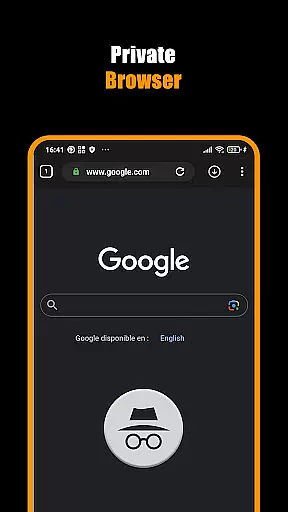
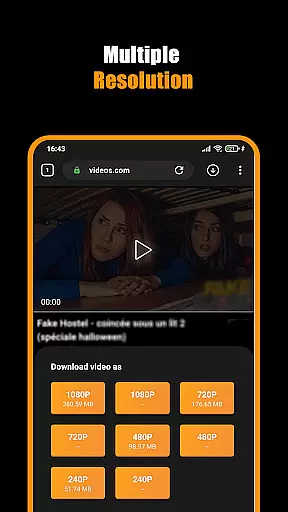
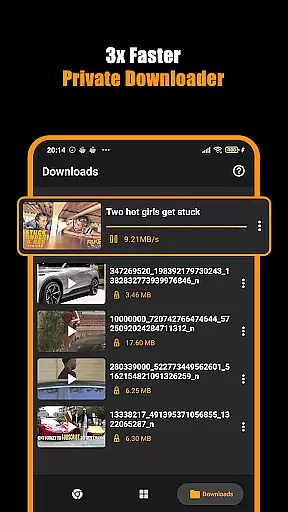

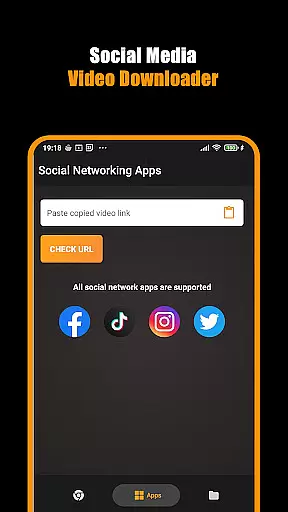
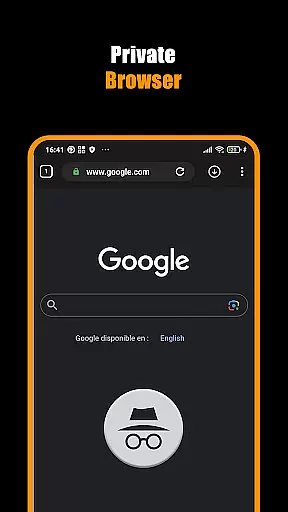
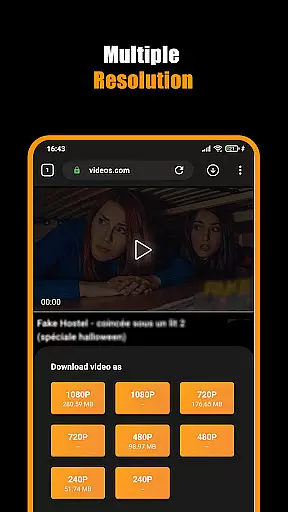
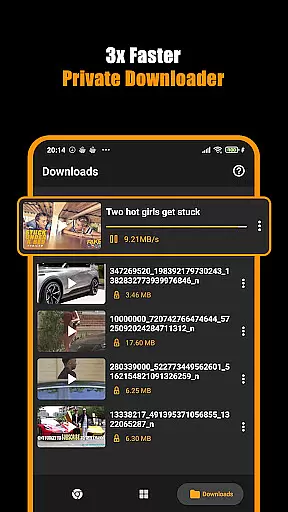

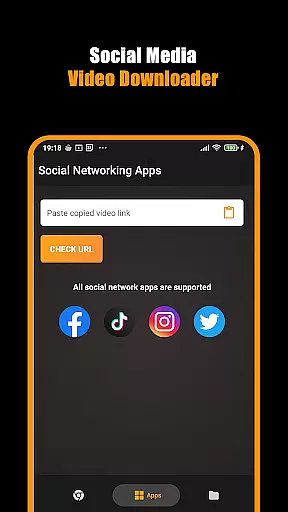
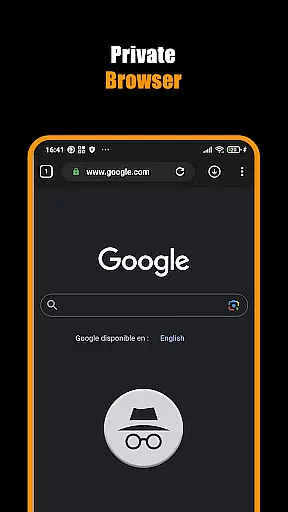
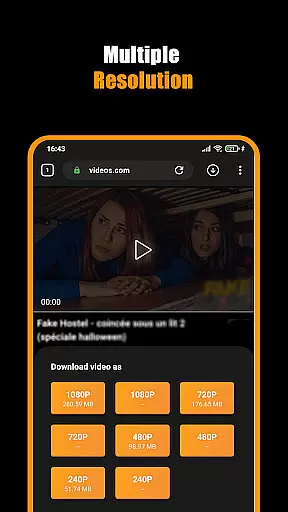
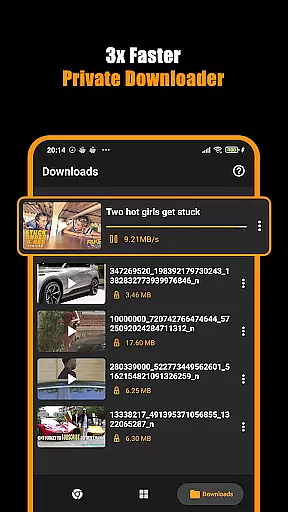
Hub Video Downloader is a versatile video downloading tool designed for users who want to save online videos directly to their devices while maintaining privacy. This app features a built-in private browser that allows users to browse the web securely and download videos in various resolutions, including 2K and 4K quality.
The application supports multitasking downloads, enabling users to manage multiple video downloads simultaneously. With options to pause, resume, and cancel downloads, users have complete control over their downloading activities. Additionally, the app ensures that all downloaded videos are automatically stored in the user's gallery for easy access.
Whether you're looking to download short clips or full-length movies, Hub Video Downloader provides a seamless experience with its fast and efficient download capabilities. The app is suitable for anyone wanting to keep their favorite videos offline and enjoy them anytime, anywhere, without compromising on quality or privacy.
Hub Video Downloader stands out with its comprehensive set of features tailored for video enthusiasts. One of its key features is the automatic video detection technology, which identifies downloadable videos as soon as users visit a website. This makes the process of acquiring desired content quick and effortless.
Another notable feature is the unlimited tab browsing capability within the private downloader app. Users can open multiple tabs and download several videos at once, streamlining the downloading process. The app also includes a Download Hub tool that ensures smooth and uninterrupted downloads, even for large movie files.
For those concerned about privacy, the built-in private browser offers enhanced security by blocking intrusive sites and clearing all download and search history upon closing the app. Furthermore, the ability to bookmark favorite sites adds convenience, allowing users to revisit and download content with just one click.
Video format compatibility is a crucial feature for any video player and editor, ensuring that users can access their content in various formats without restrictions. Hub Video Downloader supports an extensive range of video formats, allowing you to download and play videos from different sources seamlessly. This flexibility means you're not limited by specific file types and can enjoy content from across the web.
The app's built-in browser automatically detects downloadable video content, regardless of its original format. Whether it's MP4, AVI, or more specialized codecs, the downloader tool processes them efficiently. This ensures that your favorite movies, tutorials, or clips are available in the highest possible quality on your device.
Moreover, the ability to save videos directly to your gallery in 2K and 4K resolutions showcases the app's commitment to delivering premium visual experiences. By supporting high-definition formats, Hub Video Downloader caters to users who demand top-notch clarity and detail in their video content. Such comprehensive format coverage enhances user satisfaction and widens the scope of usable media.
Ultimately, this versatility empowers users to build a diverse video library tailored to their preferences. With background downloading features and automatic storage options, managing large files becomes hassle-free. The combination of broad format support and advanced saving capabilities makes Hub Video Downloader an indispensable tool for anyone looking to curate a personal collection of digital media.
AI-powered editing features represent the cutting edge of video processing technology, enabling users to enhance their content with minimal effort. Hub Video Downloader incorporates intelligent tools that streamline the editing process, making professional-grade adjustments accessible to everyone. These AI-driven capabilities ensure that even novice editors can produce polished results without requiring extensive technical knowledge.
One standout feature is the automatic video optimization function, which analyzes footage to improve visual quality dynamically. This includes adjusting brightness, contrast, and color balance to create vibrant, eye-catching videos. Additionally, smart cropping and resizing algorithms help maintain aspect ratios while adapting content for different platforms or devices, ensuring consistent presentation everywhere.
Furthermore, the app offers automated tagging and categorization powered by machine learning. As you download videos, the system intelligently labels content based on its characteristics, facilitating easier organization and retrieval later. This saves time when managing large libraries and enhances discoverability within your collection. Such thoughtful integration of AI simplifies complex tasks and boosts overall productivity.
By leveraging these advanced editing tools, Hub Video Downloader positions itself as more than just a downloaderu2014it's a complete multimedia solution. Users benefit from enhanced creative control over their projects while enjoying streamlined workflows that prioritize efficiency and quality. Whether you're preparing clips for social media or archiving personal memories, the app's AI-powered features provide invaluable assistance every step of the way.
User-friendly interface
Fast download speeds
High-definition video support
Private browsing mode
Multi-tasking downloads
No YouTube support
Limited to non-copyrighted material
Requires manual operation
Occasional bugs reported
Ads may appear

You can play SWF format file!
 2.50
2.50
Search & download videos from net with all video downloader, auto-detect & safe.
4.60
Support 1000+ Video Format, Subtitle Download, mp3 & Background Play, Cast On TV
4.60
Video player with powerful streaming playback and various convenient features.
2.10
An easy-to-use and all-round screen recorder with audio
4.80
IPTV Player - Watch live TV from m3m & m3u8 playlist, stream IPTV on mobile
3.30
Add date and time watermark to photos and videos
4.50
All in one multi protocols stream receiver for AirPlay, Cast and DLNA.
3.60
Create, Publish & Maximize
4.70
Flud is a simple and beautiful BitTorrent client for Android.
4.80
AI Video Editor with Music, Filter, Slideshow, Effect, Merge & Trim Video.
4.80
GENRAL PRO - General Pro is the best video player that fully supports all formats.
4.70
Seamlessly connect and control your smart devices, anytime, anywhere with ease.
4.60
KineMaster, Your Ultimate Video Editor!
4.40
Fast video downloader & private browser. Save HD clips to watch offline.
4.40
Video player, file manager for all formats, 4K/HD media player supports subtitle
4.30
Online Videos Player
3.90
AirMirror is Receiver for Screen Mirroring and Casting from Apple Devices.
3.60
Stream high quality video from your camera over NDI protocol
4.4


User Reviews