
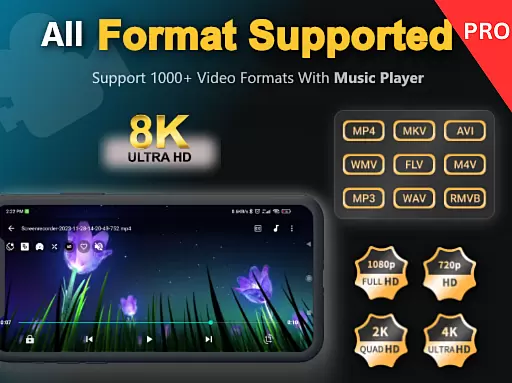
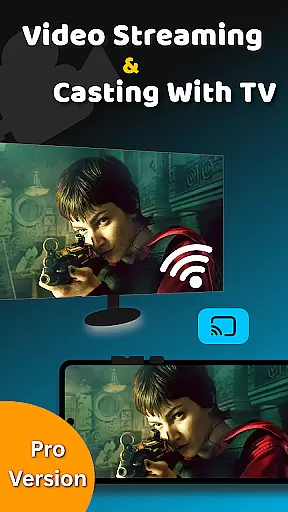
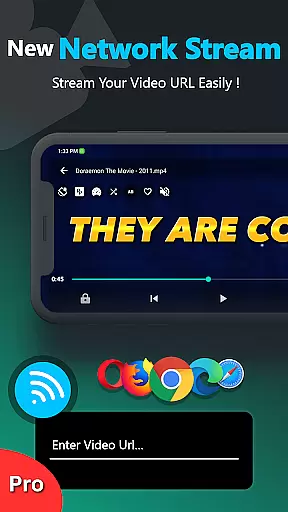
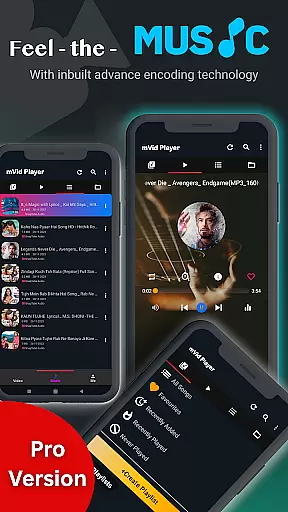
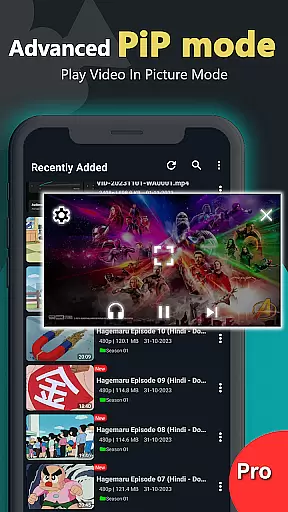
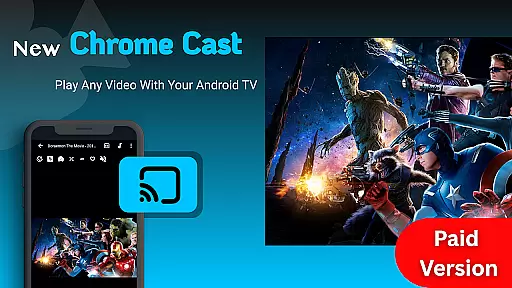
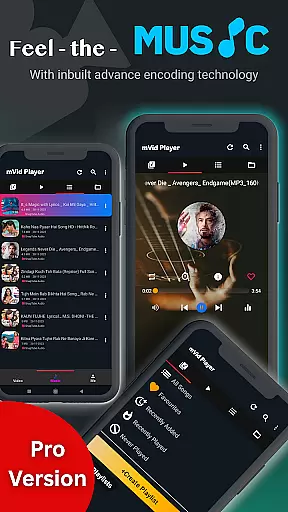
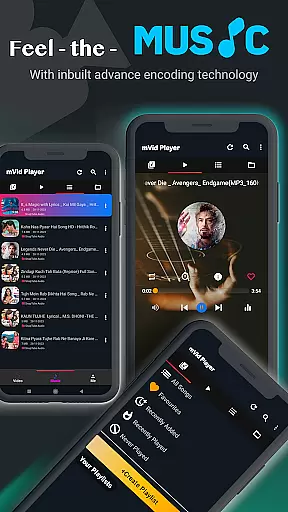
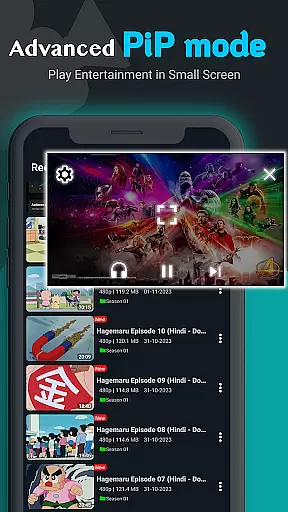
Zea Player Pro is a premium video player designed for Android devices, offering an ad-free experience with support for all major video and audio formats. This includes high-resolution 4K and 8K videos, MKV, MP4, AVI, and more. It stands out as the ultimate media playback tool for movie enthusiasts and audio lovers.
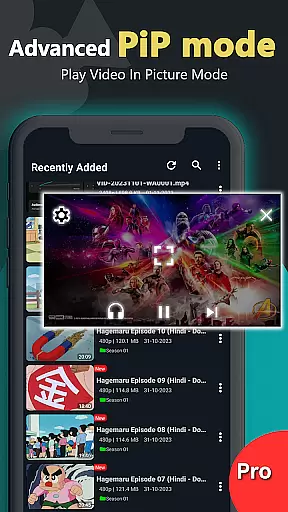
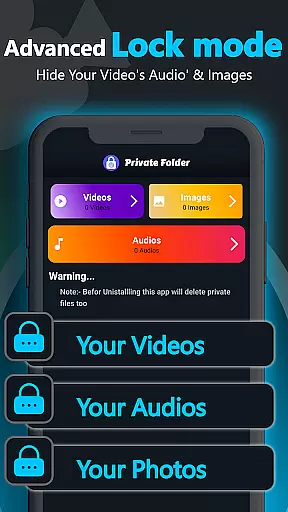
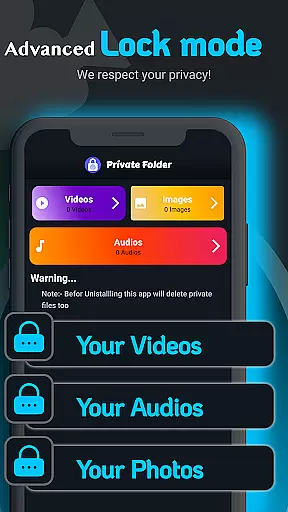
The application provides advanced features such as dual audio tracks, online subtitle downloads, background play, and URL streaming. With its private folder functionality, users can protect personal media files from unauthorized access. Zea Player Pro ensures smooth, high-quality playback for both local and streaming content, making it an indispensable app for any Android user seeking a professional-grade media experience.
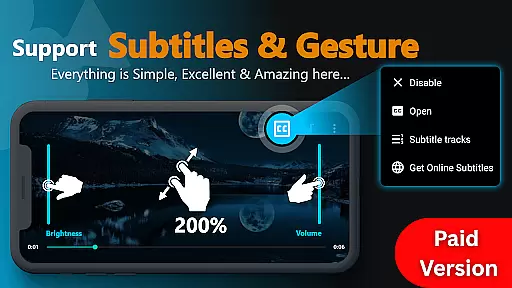
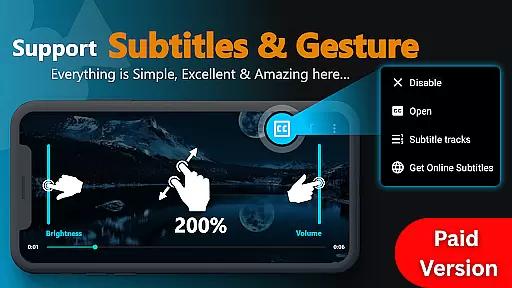
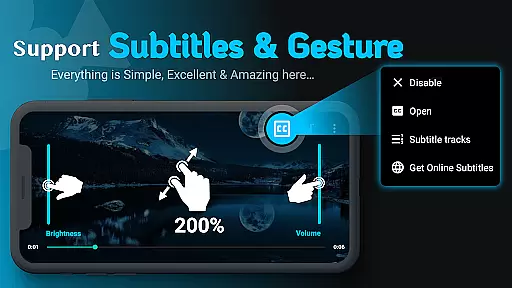
Zea Player Pro boasts an impressive array of features that cater to diverse media consumption needs. The app supports all popular video and audio formats, including ultra HD 4K and 8K resolutions, ensuring no file is unplayable. Its intuitive interface allows users to zoom in on videos with a simple pinch gesture and control volume, brightness, and playback progress effortlessly.
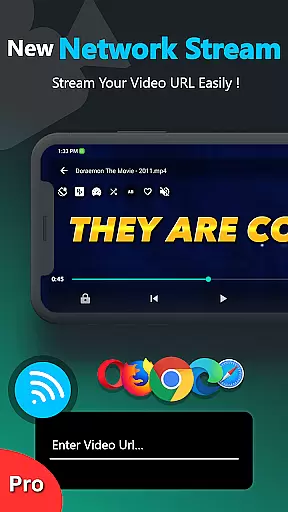
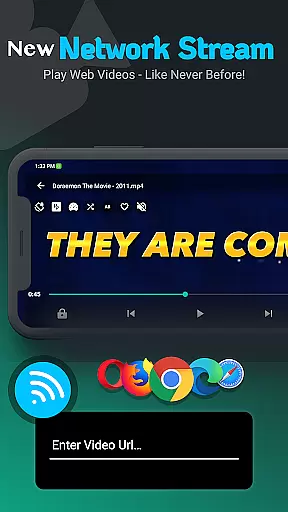
One standout feature is the ability to stream videos via URL, enabling seamless playback of online content. Additionally, the dual audio track support and subtitle integration enhance accessibility and user engagement. With background play functionality and a built-in volume booster, Zea Player Pro delivers a complete multimedia experience that prioritizes user convenience and satisfaction.
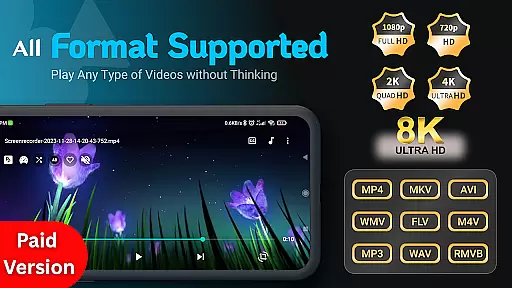
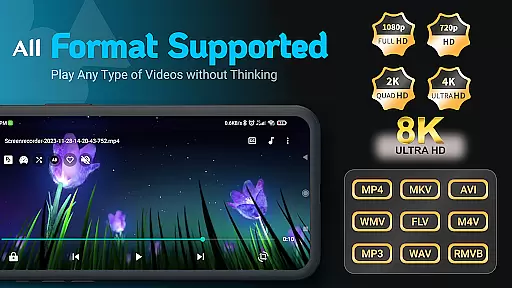
Video Player Pro Version stands out for its exceptional video format compatibility, making it a versatile tool for all media playback needs. The app supports an extensive range of formats including MKV, FLV, M4V, MP3, AVI, MOV, 3GP, and WMV, ensuring that users can play virtually any video file without conversion.
The inclusion of ultra HD 4K and 8K resolution support demonstrates the app's commitment to high-quality video playback. This feature is particularly beneficial for users who demand the best visual experience, whether they are watching movies or streaming content directly from URLs.
With Video Player Pro Version, users can enjoy seamless playback of local files as well as streaming videos. The ability to handle dual audio tracks and online subtitle downloads further enhances the viewing experience, catering to a global audience with diverse language needs.
While primarily a video player, Video Player Pro Version incorporates AI-powered editing features that add significant value for users looking to enhance their media. The app includes advanced functionalities such as automatic subtitle downloading and synchronization, which utilizes AI algorithms to ensure accurate timing and positioning of subtitles.
The implementation of smart volume control and brightness adjustment demonstrates the app's use of AI to optimize viewing conditions based on environmental factors and user preferences. These intelligent features automatically adapt to different scenarios, providing optimal audio-visual settings without manual intervention.
Additionally, the app's background play capability and dual audio track support showcase its sophisticated handling of media files. These features, combined with the AI-enhanced playback controls, create a comprehensive media experience that goes beyond basic video playback, offering users professional-grade tools in a user-friendly interface.
Ad-Free Playback
All Format Support
Private Media Protection
Background Audio Play
Subtitle Integration
Paid Application
No Free Version
Advanced Features Locked
Occasional Bugs
Limited Customization

Kodi media center, a free and open source cross-platform entertainment hub
 3.60
3.60
Live TV, anywhere in your home
3.80
AirMirror Receiver - Screen mirroring/cast web videos to Android TV by AirPlay.
4.40
IPTV Loader, loads your own Playlist. DOES NOT CONTAIN ANY LIST OR CHANNELS
4.60
Add date and time watermark to photos and videos
4.50
Browser + Remote for Roku to stream webvideos, online movies and livestreams
4.60
Fast private browser with secure, seamless access & supported video downloads!
4.00
VLC for Android is the best open source video and music player, fast and easy!
4.10
Create, Publish & Maximize
4.70
Pro video editor app for Instagram, edit video with song, AI, effect & slowmo.
4.80
Screen recorder with audio to take live videos & Screenshot in high quality!
4.70
Snaptubè Video Downloader app allows to download videos and music in Snaptube. .
4.60
Fast & Private HD Video Downloader with Built-in Proxy Browser and Video Player.
4.50
Powerful Video Editor & Photo Editing App —— Quick Edits & Stunning Effects!
4.30
This app was created to edit the metadata of music files.
4.20
Web Browser for LG TV to stream webvideos, online movies and livestreams in HD
4.20
1)AirPlay/DLNA Mirroring/Streaming, up to 4 connections; 2)Samba/NAS/DMS Player.
4.00
AI Video Editor:AI Music, Text to Video,Text to Speech,Auto Caption,Video Effect
4.00
AirMirror is Receiver for Screen Mirroring and Casting from Apple Devices.
3.60


User Reviews