
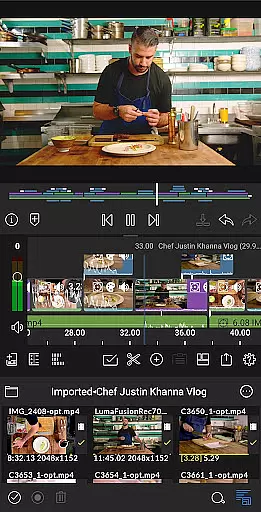
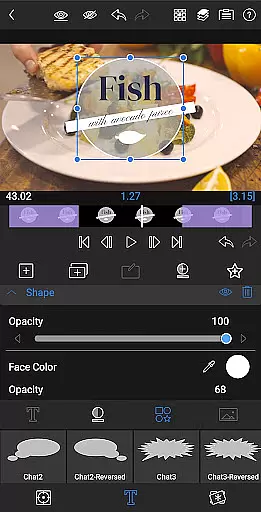
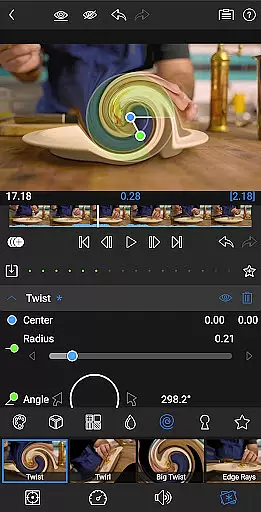
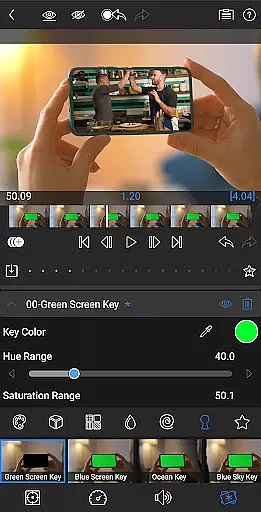
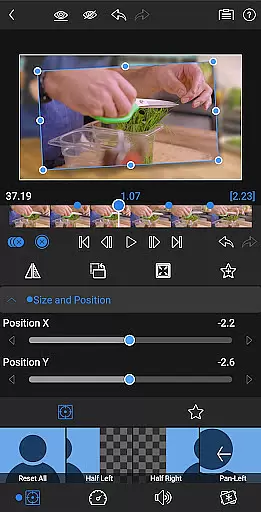
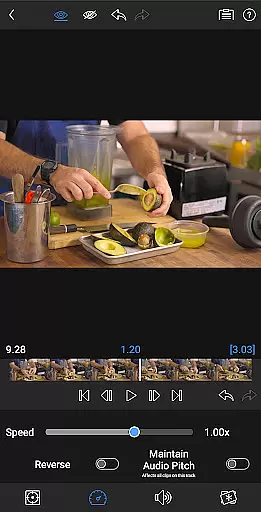
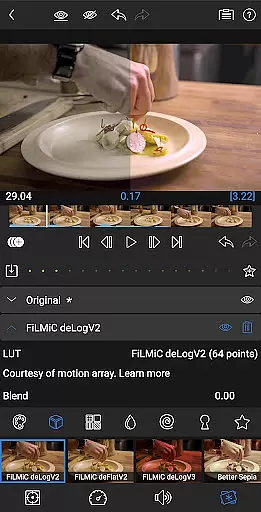
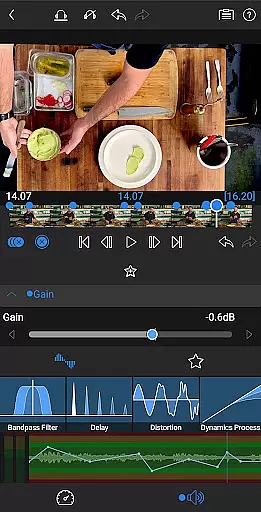
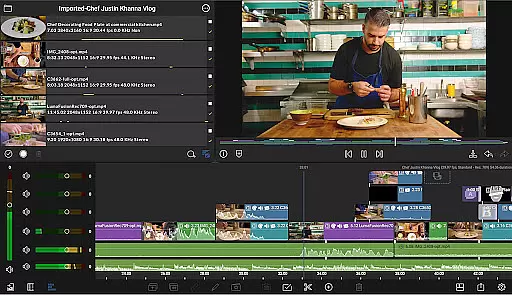
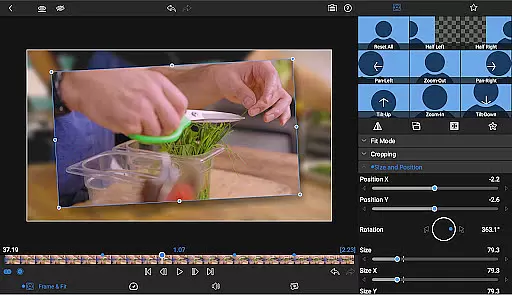
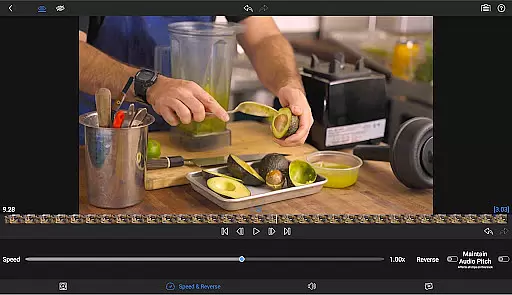
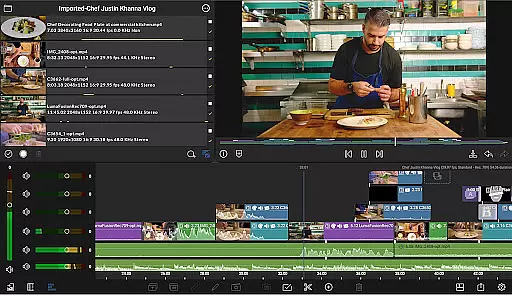
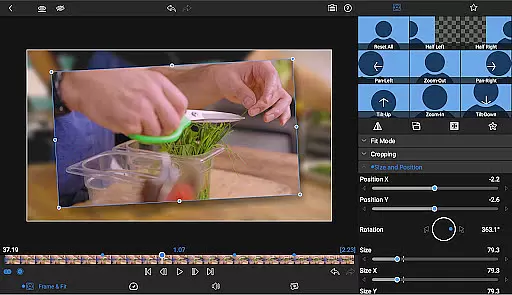
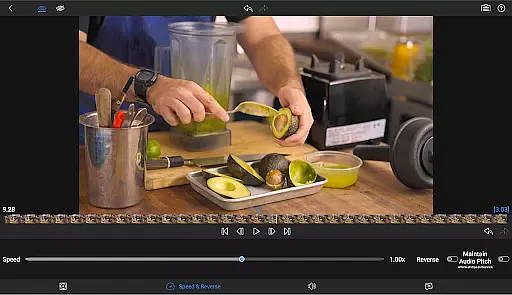
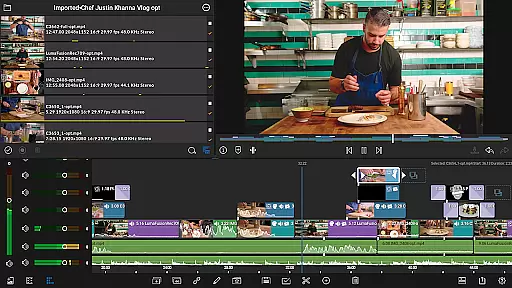
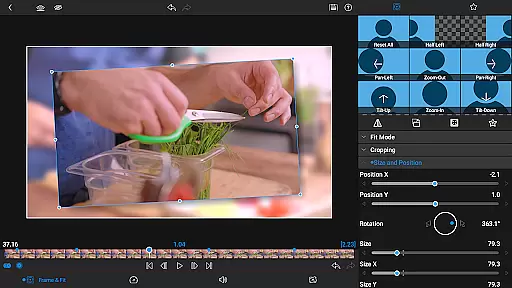

LumaFusion stands as the premier video editing application for storytellers, offering a seamless and intuitive touch-screen editing experience. With professional-grade features, it enables users to create complex multi-layer edits with up to six video-with-audio or graphic tracks and six additional audio-only tracks, handling media smoothly up to 4K resolution.
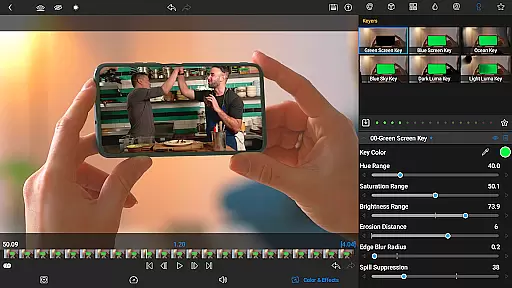
The app provides an advanced timeline with magnetic and track-based editing, green screen capabilities, powerful color correction tools, and layered effects. It also includes comprehensive audio controls, creative title options, and flexible project settings suitable for various aspect ratios and frame rates. LumaFusion is designed for both mobile devices and professional editors seeking robust functionality on-the-go.
Whether crafting documentaries, social media content, or cinematic masterpieces, LumaFusion empowers creators with precise control over their projects while maintaining ease of use. Its integration with cloud storage and external drives ensures that users can access and edit their media from anywhere, making it ideal for collaborative workflows and remote editing.
LumaFusion distinguishes itself through its extensive feature set tailored for professional video editors. The app supports up to six video and six audio tracks, enabling intricate compositions and soundscapes. Editors can utilize advanced transitions, markers, tags, and notes to organize their workflow efficiently, alongside voiceover recording capabilities directly within the app.
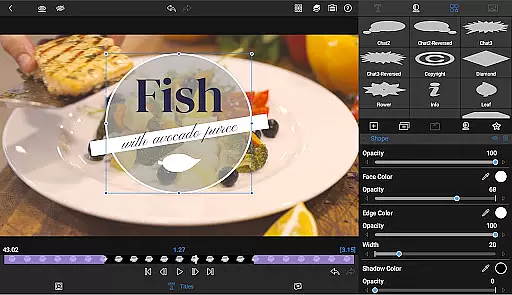
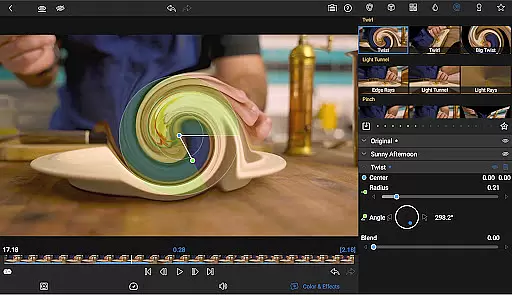
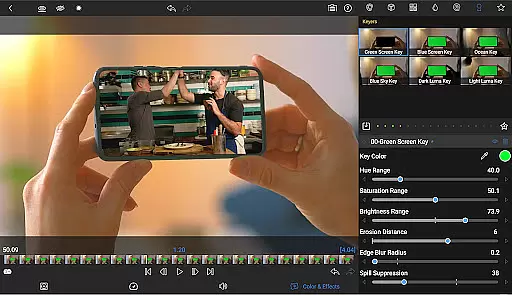
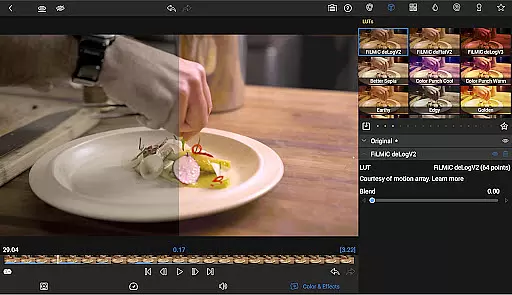
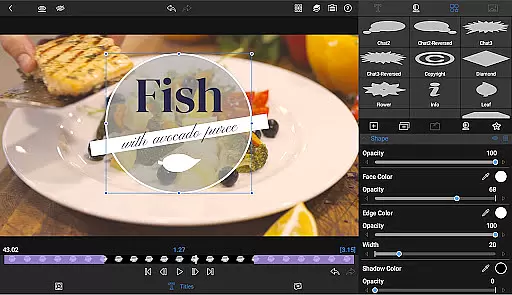
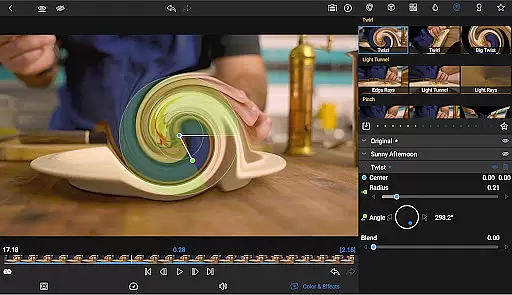
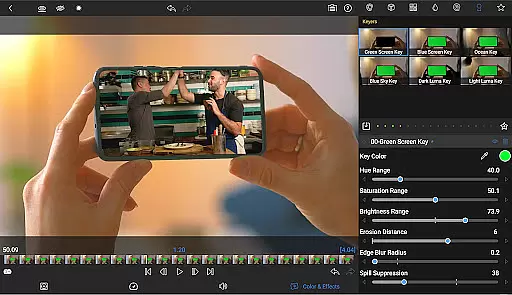
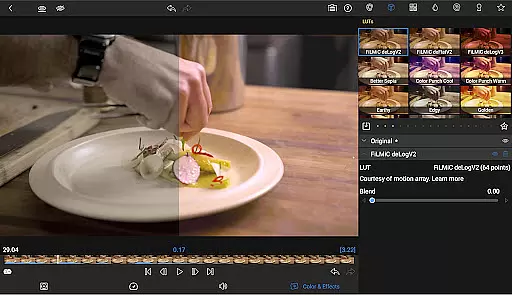
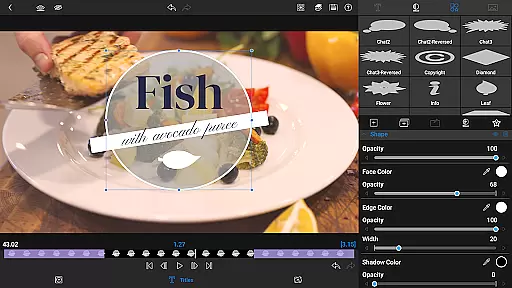
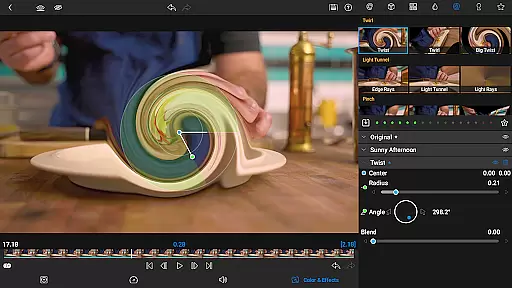
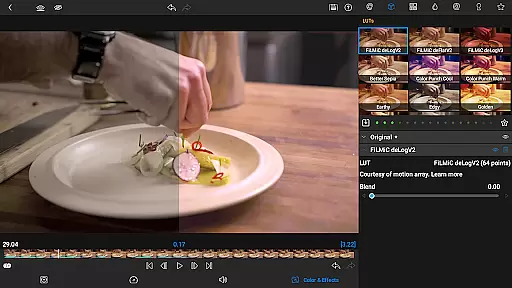
For visual effects, LumaFusion offers green screen, luma, and chroma keying, along with sophisticated color correction tools including waveform, vector, and histogram scopes. Users can import LUTs for professional-grade color grading and animate effects using unlimited keyframes. Additionally, customizable text presets allow for consistent branding across projects.
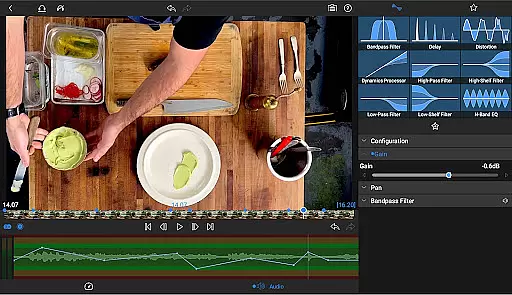
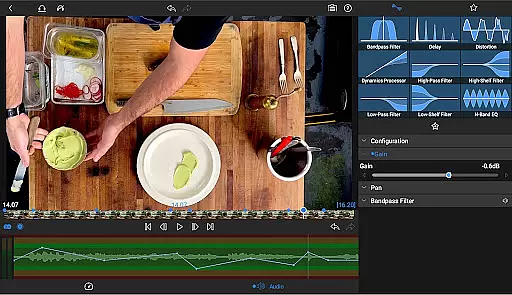
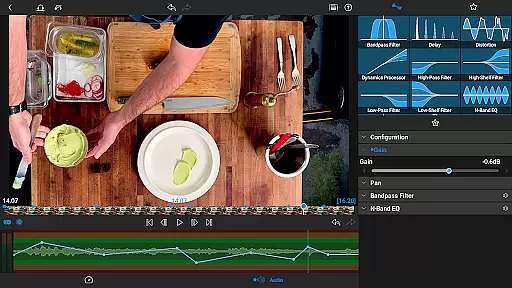
Audio editing is equally robust, featuring graphic and parametric EQs, keyframeable audio levels, panning, and EQ adjustments. The app supports stereo and dual-mono audio setups, crucial for interviews and multi-mic scenarios. Enhanced by speed ramping and Bézier curve animations available via in-app purchase, LumaFusion delivers unparalleled creative control, ensuring polished final outputs ready for any platform.
Video format compatibility is a crucial feature for any video editing application, ensuring that users can work with a wide range of video files without conversion hassles. LumaFusion excels in this area by supporting multiple video formats up to 4K resolution.
The app allows creators to import and edit videos directly from various sources, including cloud storage and USB-C drives. This versatility ensures that no matter where your media is stored, you can access and edit it seamlessly within the app.
With support for different aspect ratios and frame rates ranging from 18fps to 240fps, LumaFusion provides flexibility for diverse video projects. Whether you're creating content for widescreen cinema or social media platforms, the app adapts to your needs.
AI-powered editing features are transforming the way we create and edit videos, making the process faster and more intuitive. LumaFusion incorporates several AI-driven tools that enhance the creative workflow.
One standout feature is the ability to apply advanced color correction using imported LUTs (.cube or .3dl files), which helps users achieve professional-grade color grading effortlessly. Additionally, the app offers audio ducking, which automatically adjusts music levels when dialogue is present.
For those looking to add dynamic effects, LumaFusion includes speed ramping and enhanced keyframing options (available via in-app purchase or Creator Pass subscription). These tools allow for smooth transitions and natural motion paths, elevating the overall production quality.
Intuitive interface
Professional-grade tools
Flexible timeline editing
Advanced color correction
Comprehensive audio controls
Subscription required
High learning curve
Additional in-app purchases
Resource-intensive
Limited free features

Kodi media center, a free and open source cross-platform entertainment hub
 3.60
3.60
Connect 2 UVC devices for recording and broadcast video/audio stream
3.90
Tik & Story Saver-Download ALL social media videos, photos & reels no watermark.
4.80
Stream Web Videos to Chromecast, Samsung, LG, Sony, Roku, Fire TV, DLNA + more
4.00
Turn your phone into a wireless camera!
4.20
Movie maker & video editing app with AI effects and green screen
4.30
Manage your IPTV live channels and VOD playlists (no playlist included)
3.80
All in one multi protocols stream receiver for AirPlay, Cast and DLNA.
3.60
A Simple app to download Video & Music from the Internet.
4.70
AI Video Editor with Music, Filter, Slideshow, Effect, Merge & Trim Video.
4.80
Download videos and play them offline
4.70
Watch a large amount of high-definition short drama content
4.60
Browser for Fire TV to stream webvideos, online movies, livestreams in HD
4.40
KMPlayer Plus (Divx Codec) officially support Divx codec.
4.30
This app was created to edit the metadata of music files.
4.20
Powerful, professional, versatile teleprompter. Developed by an active film crew
4.00
1)AirPlay/DLNA Mirroring/Streaming, up to 4 connections; 2)Samba/NAS/DMS Player.
4.00
Capture images & record videos for USB Camera, Webcam, Microscopes, Endoscopes
3.80
Download videos easily & play them all in one smart, powerful video manager.
3.40


User Reviews