
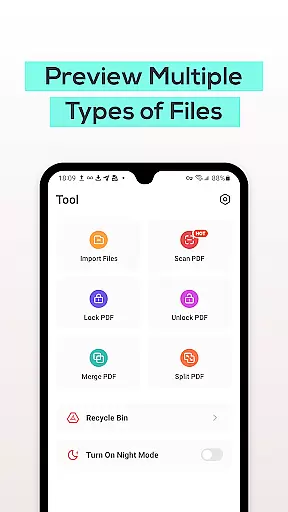
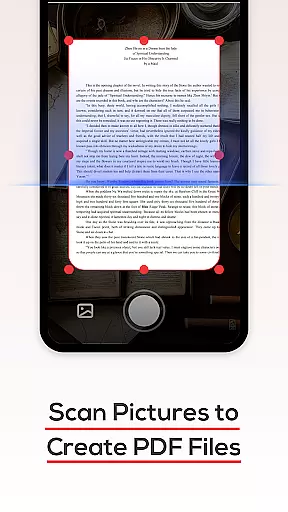
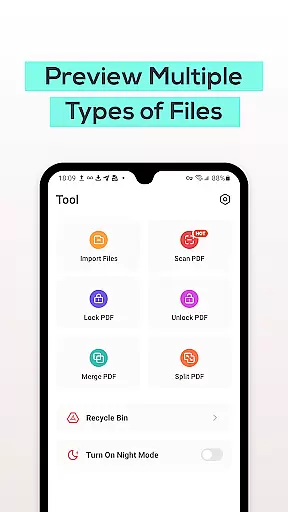
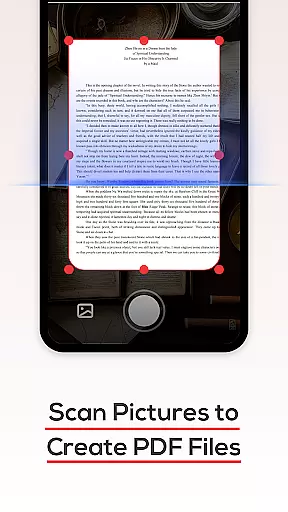
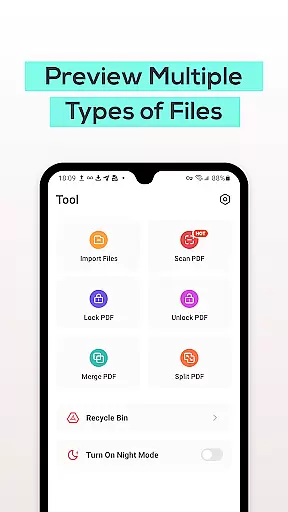
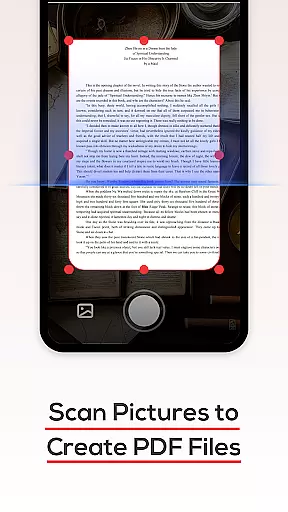
PDF File Reader is a productivity-focused application designed to help users efficiently manage PDF files on their mobile devices. The app's core functionality revolves around viewing, editing, and organizing PDF documents, making it an essential tool for professionals and students alike.
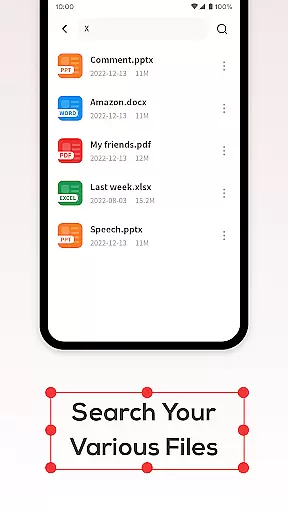
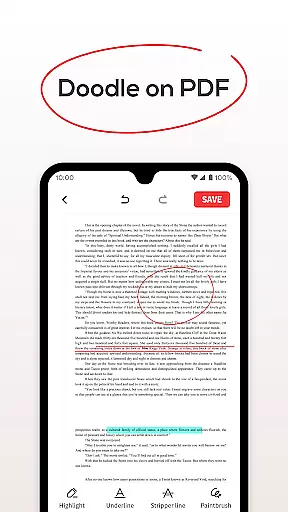
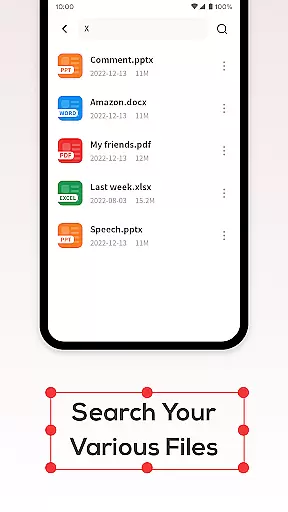
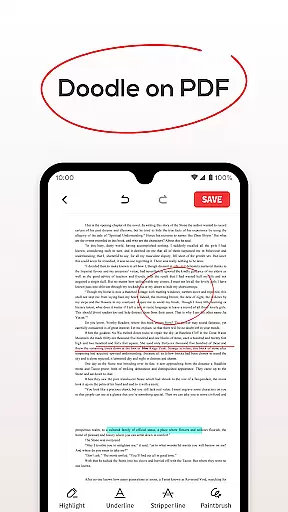
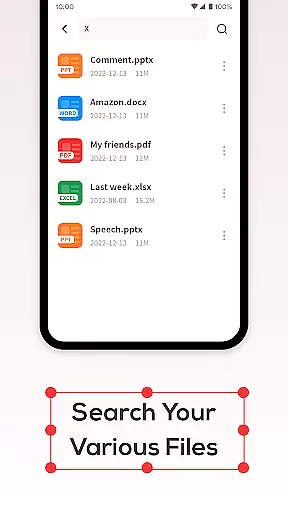
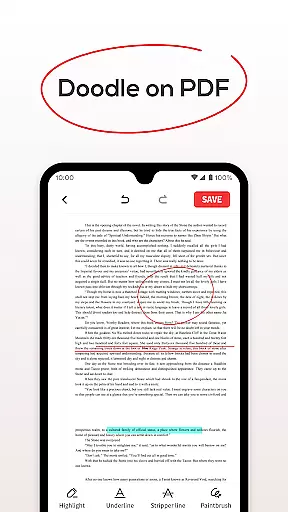
Beyond basic PDF viewing, the app offers advanced features such as text highlighting, underlining, and quick document search. These capabilities ensure users can easily navigate through their files while performing essential document management tasks. Whether you need to review work reports or study materials, this app provides a seamless experience across different document types including Word, PowerPoint, and Excel files.
The inclusion of a Recycle Bin feature demonstrates the app's commitment to user-friendly design. This safety net allows users to recover accidentally deleted files within seven days, providing peace of mind when managing important documents. The app's comprehensive approach to PDF management makes it particularly valuable for business professionals who frequently handle multiple document formats.
PDF File Reader distinguishes itself through its comprehensive feature set tailored for efficient document management. The app's primary capability lies in its robust PDF viewing engine, which supports not only standard PDF files but also enables users to view Word, PowerPoint, and Excel documents without requiring additional software.
A key differentiator is the app's implementation of advanced text manipulation tools. Users can apply highlight fills and underlines to important passages, create annotations, and perform searches across documents with remarkable speed. The integrated file search function operates independently of device storage size, delivering results quickly regardless of the number of stored documents.
The Recycle Bin functionality showcases innovative thinking in document management. Unlike typical deletion processes, this feature provides users with a safety mechanism that retains deleted files for seven days before permanent removal. This thoughtful design element, combined with the app's cross-format compatibility, positions PDF File Reader as a versatile solution for modern document handling needs.
PDF File Reader excels in core task management by offering a suite of features that streamline document handling. The app allows users to open PDF files and perform essential operations such as highlighting, underlining, and adding text fills. These functions are crucial for efficient document review and annotation.
The application's design focuses on productivity by enabling quick access to tools that manage PDF content effectively. Users can easily navigate through documents, ensuring that important information is marked and readily accessible for future reference.
By integrating simple yet powerful editing capabilities, the app ensures that users can manage their tasks without unnecessary complexity. This approach not only saves time but also enhances the overall efficiency of document processing.
Ultimately, the core task management features of PDF File Reader empower users to handle their PDF files with precision and ease, making it an indispensable tool for anyone who frequently works with digital documents.
Cross-device synchronization is a vital feature for users who operate in multi-device environments. PDF File Reader addresses this need by ensuring reliable synchronization across different platforms. This means that whether you're using a phone, tablet, or computer, your PDF files and annotations remain consistent and up-to-date.
The app employs robust cloud-based technology to guarantee that all changes made on one device are promptly reflected on others. This seamless integration provides peace of mind, knowing that your work is always synchronized and backed up, reducing the risk of data loss.
Moreover, the reliability of this synchronization process is enhanced by the app's intelligent conflict resolution system. In cases where changes are made simultaneously on different devices, the system intelligently merges these updates to maintain document integrity.
With PDF File Reader, users can confidently switch between devices, assured that their documents are reliably synchronized, thus supporting a flexible and dynamic workflow.
User-friendly interface
Multi-format support
Quick search functionality
Recycle Bin protection
Text annotation tools
Limited advanced editing
No cloud integration
Basic security features
Seven-day recycle limit
Occasional performance lag

Client for Nextcloud Deck
 4.60
4.60
Seamlessly integrate data and reports to build your presentation to impress
4.80
Smart PDF reader & editor to view, organize and manage PDF documents easily.
3.70
Absolutely the best CNC machinist speed and feed calculator around. fswizard.com
4.60
Secure, fast, open-source, Remote Desktop Client for Windows and Linux with SSH
4.60
Cloud storage, automatic phone backup, and more.
4.10
Docker, Kubernetes management over Portainer Mobile
4.40
A beautiful digital clock with autostart and many other functions
4.70
Experience and share your SolidWorks designs on your Android® phone and tablet.
2.50
Best Tool for the professionals Electrician, Electrical contractors, etc.
4.90
We're working to become the best machining app on the market! www.cncdirt.com
4.80
QuickBooks Workforce lets teams view pay info and track time in one place.
4.70
The AI assistant that thinks with you - write, code, and solve complex tasks
4.60
Secure your apps with lock screens, use custom themes and different features.
4.40
Total remote control for your Android device, PC and cloud services (IFTTT)!
4.20
Create and edit presentations with Google Slides, part of Google Workspace.
4.00
⏰ Finally a timer app which can run multiple timers simultaneously on your watch
3.90
Remotely view listen control and record cameras.
3.70
Simple and reliable communication between inmates, friends and family
3.20


User Reviews