
Google Sheets is a powerful productivity application that allows users to create, edit, and collaborate on spreadsheets directly from their Android devices. The app provides a comprehensive set of features including real-time collaboration, offline access, and automatic saving. With its intuitive interface, users can easily format cells, enter data, and insert formulas while benefiting from smart suggestions that help with chart creation and formatting.
The application is particularly useful for teams who need to work together on projects regardless of location. Google Sheets ensures that all changes are saved automatically, providing peace of mind when working on important documents. Additionally, the app supports Excel file compatibility, making it a versatile tool for both personal and professional use.
Google Sheets offers an impressive array of features designed to enhance productivity. Users can create new spreadsheets or edit existing ones, share documents with others, and collaborate in real time. The app supports advanced functionalities such as adding comments, sorting data, and using find/replace tools. One standout feature is the ability to work offline, ensuring that productivity doesn't suffer due to lack of internet connectivity.
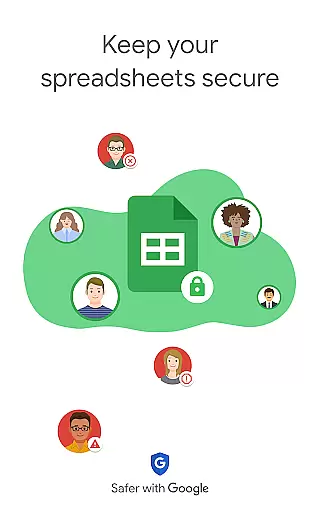
For Google Workspace subscribers, there are additional benefits like AI-powered insights, seamless integration between Sheets and Excel, and enterprise-grade security controls. These features allow businesses to maintain control over sensitive information while still leveraging the collaborative power of cloud-based document management. The app also enables custom solutions development, catering to specific business needs.
Task management is a cornerstone of productivity applications, and Google Sheets excels in this area by providing users with robust tools to organize and track their work efficiently. The app allows for the creation of structured spreadsheets that can be used to manage tasks, projects, and deadlines effectively.
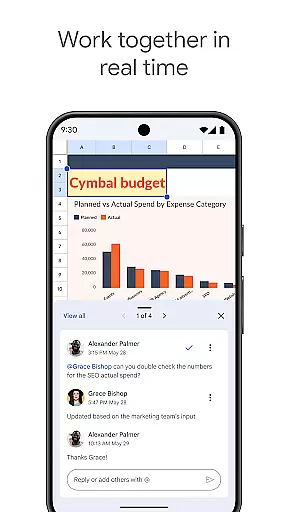
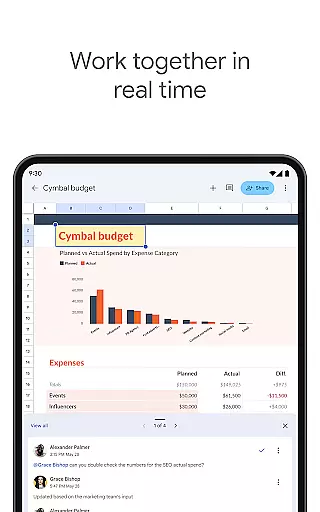
Google Sheets offers real-time collaboration features, enabling teams to work together seamlessly on task management. Multiple users can edit the same spreadsheet simultaneously, add comments, and respond to feedback, ensuring that everyone stays aligned and informed about project progress and priorities.
With smart suggestions and AI-powered insights, users can quickly gain perspectives on their data, insert charts, and apply formatting to highlight key information. This functionality helps streamline task tracking and decision-making processes, making it easier for teams to stay productive and focused on their objectives.
Cross-device synchronization is vital for maintaining workflow continuity, and Google Sheets ensures reliable and automatic updates across all devices. Whether you're switching from a phone to a tablet or a computer, your work is saved instantly as you type, allowing you to pick up right where you left off without missing a beat.
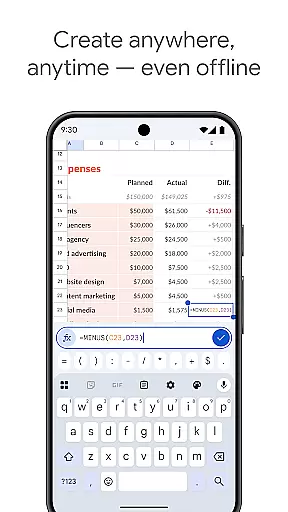
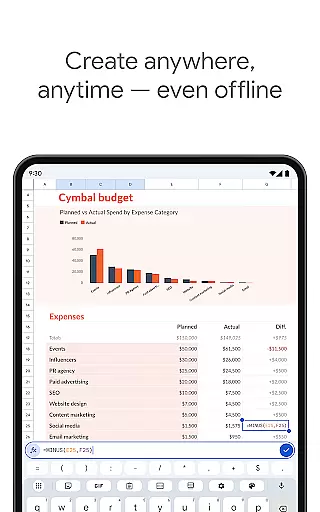
The application supports offline access, which means you can create, view, and edit files even without an internet connection. Once you're back online, all changes sync automatically, ensuring that your documents are always up-to-date and accessible from any device.
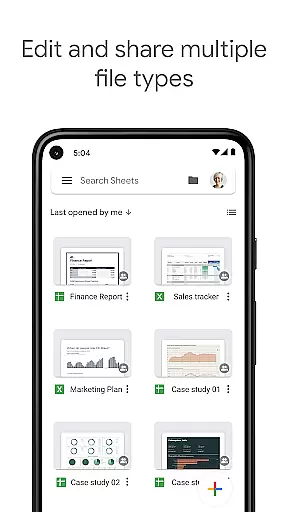
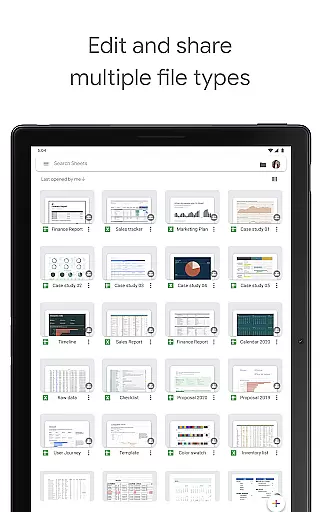
This seamless integration extends to compatibility with other productivity tools like Excel, enhancing cross-platform workflows. Users can open, edit, and save Excel files directly within Google Sheets, promoting a fluid exchange of information and bolstering productivity regardless of the working environment.
User-friendly interface
Real-time collaboration
Automatic saving
Offline access
Excel compatibility
Limited advanced features
Requires Google account
Occasional sync issues
Basic formula support
Ads in free version

Client for Nextcloud Deck
 4.60
4.60
Mega cloud explorer plugin for Solid Explorer
3.80
Wake up & get tasks done! Add alarms & reminders on the Clock Launcher.
4.00
Planet Free VPN - The best Fast Unlimited and Secure VPN Without Logs
4.50
The Pro Version of Android's tiniest Notepad app. Just 0.3MB but feature-packed!
4.60
Todo reminder
4.10
Tally and goal counter for Wear OS & mobile
4.50
Secure your apps with lock screens, use custom themes and different features.
4.40
Scan paperwork into PDF/JPG, generate your own e-signature and send fax or email
4.70
Use powerful, industry-leading AI tools to generate visual charts from any data
4.80
We're working to become the best machining app on the market! www.cncdirt.com
4.80
Quickly and easily keep track of your work shifts
4.70
Secure, fast, open-source, Remote Desktop Client for Windows and Linux with SSH
4.60
Functional QR scanner and barcode reader that requires little storage space.
4.60
The AI assistant that thinks with you - write, code, and solve complex tasks
4.60
Lightweight PDF, Word, Excel reader.
4.60
Fill, sign & send docs, forms, agreements & contracts via electronic signature.
4.50
Share files & memories safely. Keep your photos and videos secure.
4.40
A Revolutionary All-in-One Artificial Intelligence Tools
3.80


User Reviews