
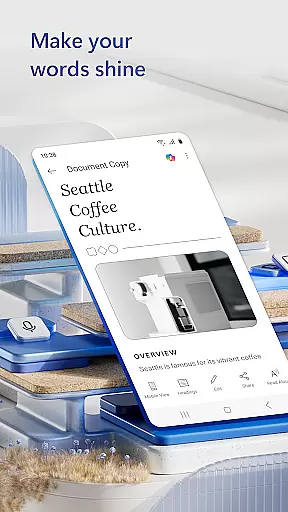
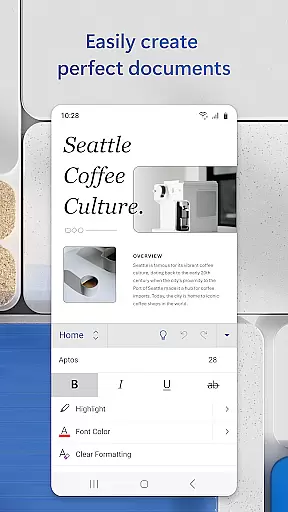
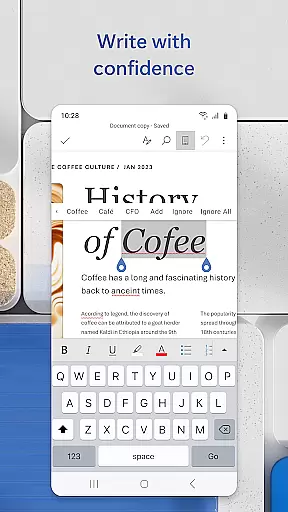
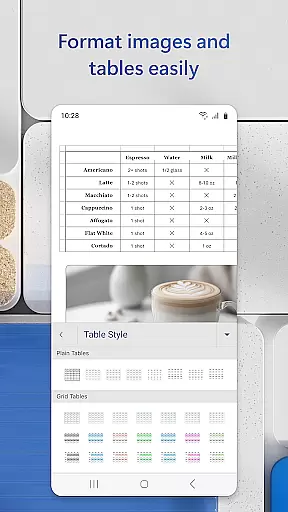
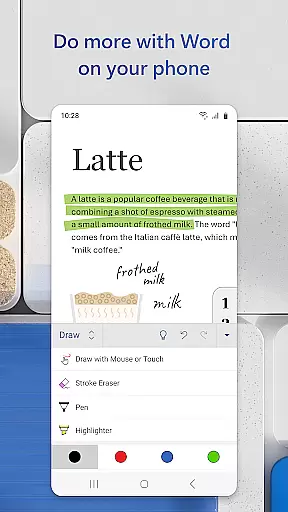
Microsoft Word is the quintessential mobile document editor that empowers users to create, edit, and collaborate on documents directly from their mobile devices. With capabilities mirroring the desktop version, this app allows for seamless document management on the go. Users can write and edit text, convert files to PDF, craft cover letters, and work collaboratively with others in real-time.
The app simplifies document collaboration and editing through its intuitive features. Whether you're drafting a resume, designing a brochure, or jotting down notes, Microsoft Word's template gallery and expert editing tools provide the resources needed for any writing task. Its compatibility with various file formats, including PDFs, ensures that users can access and modify their documents without constraints.
For professionals such as bloggers, writers, and project managers, Microsoft Word offers a versatile platform that supports a multitude of document types and templates. The ability to proofread, leave comments, and track changes makes it an indispensable tool for anyone who needs to manage documents efficiently while maintaining high-quality standards.
Microsoft Word stands out with its comprehensive set of features tailored for productivity enthusiasts. One of its core strengths lies in the rich formatting options and layout controls, which ensure that documents retain their intended appearance across different devices. This attention to detail extends to specialized functions like the PDF converter, enabling users to switch between Word and PDF formats effortlessly.
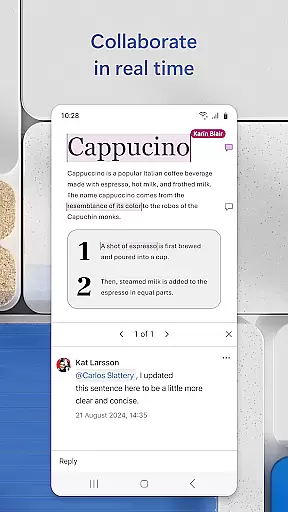
Collaboration is at the heart of Microsoft Word's functionality. The app facilitates teamwork by allowing multiple users to edit documents simultaneously. Integrated commenting tools and editor history support dynamic interaction, letting collaborators communicate effectively and maintain document integrity throughout the editing process. Furthermore, sharing options are diverse, accommodating links, emails, or attachments, thus catering to various user preferences.
Additional features enhance the overall user experience. File sharing is simplified with permission management and format-preserving copy-pasting into emails. The inclusion of a built-in docs viewer and easy access to beautifully designed modern templates means that whether you're crafting a newsletter or revising a script, Microsoft Word provides both the flexibility and power needed to produce professional-grade documents anytime, anywhere.
Microsoft Word exemplifies core task management by offering a comprehensive suite of tools designed to handle various document-related tasks efficiently. The app allows users to create, edit, and manage documents with ease, ensuring that all writing, editing, and formatting tasks are seamlessly integrated into one platform.
The application provides powerful features such as real-time collaboration, which enables multiple users to work on the same document simultaneously. This feature is crucial for team projects where task delegation and progress tracking are essential. Additionally, Microsoft Word supports task-specific templates for resumes, cover letters, and forms, streamlining the creation process and enhancing productivity.
Users benefit from intuitive task management through easy access to document history and version control. This ensures that any changes can be tracked and previous versions can be restored if needed. With these capabilities, Microsoft Word not only simplifies individual task management but also enhances team productivity by keeping everyone aligned and informed.
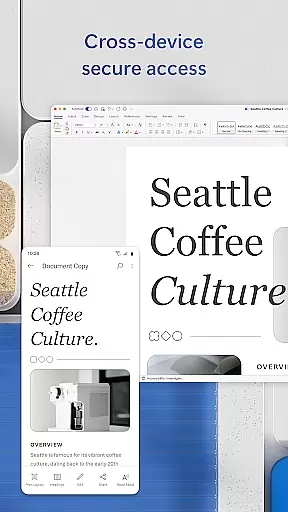
Cross-device synchronization is a cornerstone of Microsoft Word's reliability, allowing users to access their documents from any device without losing formatting or data integrity. Whether switching between a mobile phone, tablet, or PC, users can expect consistent performance and seamless transitions.
The app leverages cloud technology to ensure that all changes are automatically saved and synced across devices. This means that users can start editing a document on their mobile device during a commute and continue working on it from a desktop at home, with all updates accurately reflected. Such reliability is vital for professionals who need constant access to their work regardless of location.
Moreover, Microsoft Word's synchronization extends to collaborative efforts, enabling teams to work together in real time. Document permissions and editor history are maintained across devices, ensuring transparency and accountability. By providing dependable cross-device functionality, Microsoft Word empowers users to manage their workflow effectively, no matter where they are or what device they use.
User-friendly interface
Extensive template library
Real-time collaboration
Cross-device compatibility
Robust editing tools
Requires account sign-in
Limited free features
Heavier on system resources
Occasional sync issues
Premium subscription cost

 4.20
4.20
A Revolutionary All-in-One Artificial Intelligence Tools
3.80
Wake up & get tasks done! Add alarms & reminders on the Clock Launcher.
4.00
We're working to become the best machining app on the market! www.cncdirt.com
4.80
aCalendar+ makes your day, week and month
4.70
Easiest event planning, volunteer signups & parent teacher conference scheduling
2.20
Calendar 2023 widget for Android. Appointment scheduler, planner, and reminder
4.60
Great calculator for Android named one of USA TODAY's "25 Essential Apps".
4.90
A comprehensive suite of tools designed specifically for Lactation Consultants
4.5
Seamlessly integrate data and reports to build your presentation to impress
4.80
Android Wallet Password Manager
4.80
App Lock with fingerprint, password: Lock apps & hide photos with lock screens
4.60
When you Focus, so will your Bean in this cozy focus timer
4.30
Pwnagotchi companion app
4.20
Intelligent AI Assistant
4.10
Customizable calendar widget for seamless event sync, planning & scheduling.
4.00
Access your phone's notifications, calls, apps, photos & texts on your PC
3.90
Make your handwriting beautiful, even more than pen on paper.
3.60
ID.me Authenticator is a simple and free Two Factor Authentication solution
3.50


User Reviews