
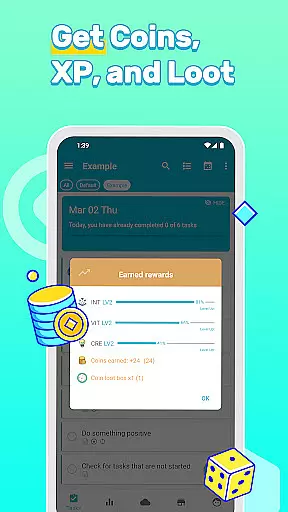
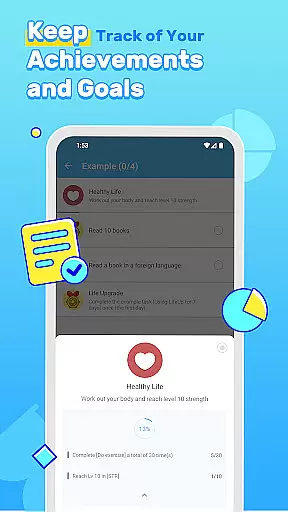
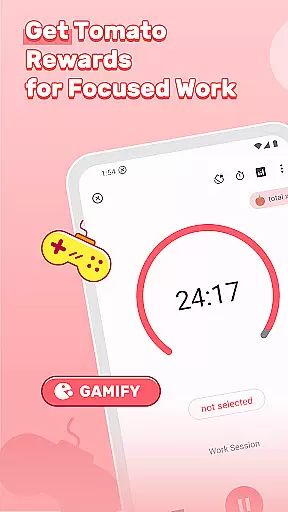
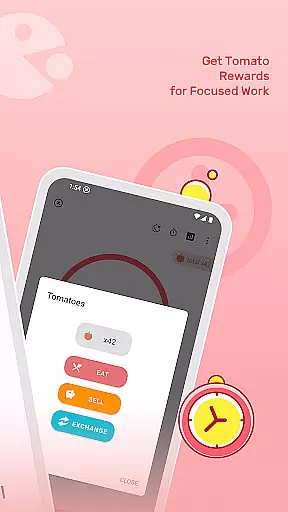
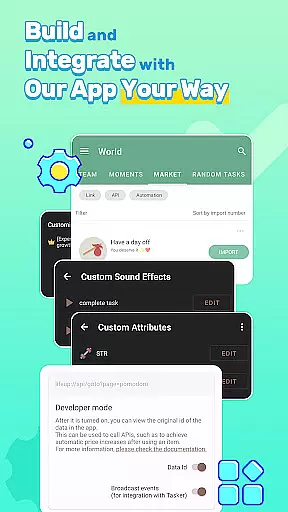

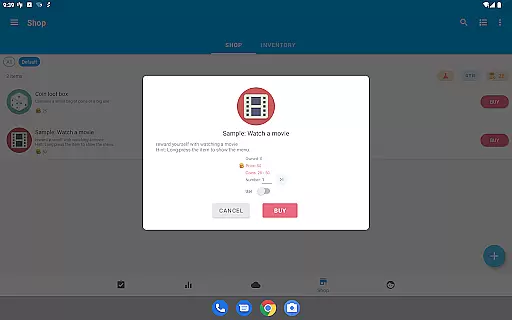
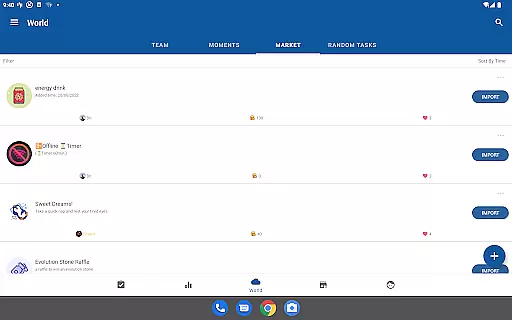

LifeUp is a revolutionary productivity app that transforms your daily tasks and habits into an engaging role-playing game (RPG). This hyper-customizable system allows users to create their own rules, earning experience points (EXP) for completed goals and virtual coins for real-life rewards. The app offers a unique approach to productivity by enabling users to design their skills, build personal shops, set milestones, and invent crafting recipes.
The application's offline-first and privacy-focused design ensures user data remains secure on their device, with optional cloud syncing through Google Drive, Dropbox, or WebDAV. LifeUp combines powerful productivity tools such as to-do lists, habit trackers, and world modules with customizable themes and widgets, making it the ultimate sandbox for personal development and task management.
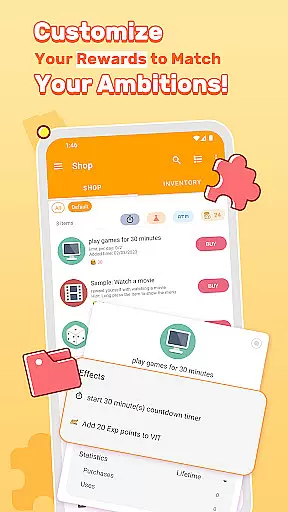
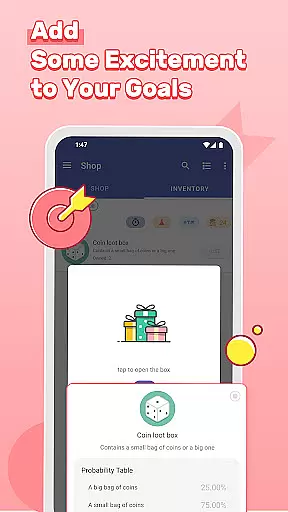
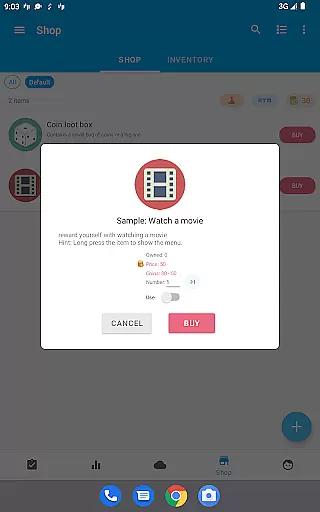
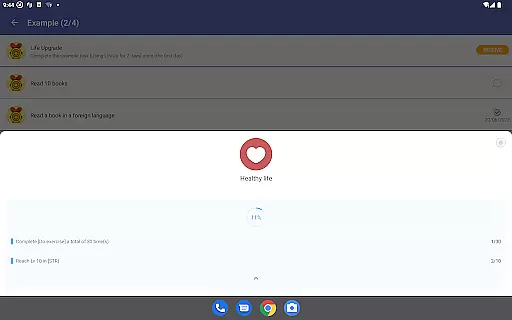
LifeUp stands out with its extensive customization options that cater to individual productivity styles. Users can design personalized skill trees, linking tasks to real-life abilities like 'Coding' or 'Fitness', and level them up through consistent practice. The app's personal shop feature lets users define motivating rewards, while milestone achievements provide long-term goal setting.
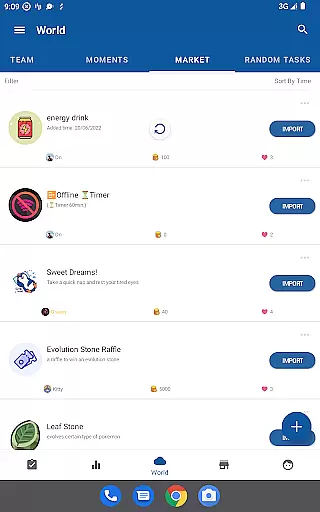
Beyond gamification, LifeUp incorporates comprehensive productivity tools. These include advanced to-do functions with repeats and reminders, habit tracking with streak building, and community engagement through the world module. With additional features like feelings trackers, detailed statistics, and regular updates, LifeUp delivers a complete package for those seeking to enhance their productivity through gaming mechanics.
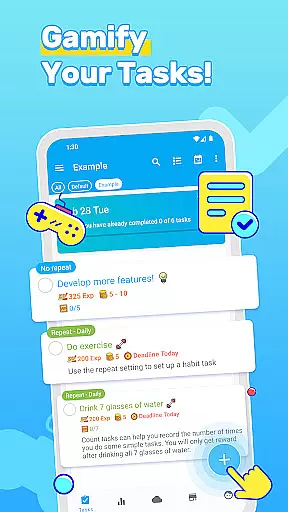
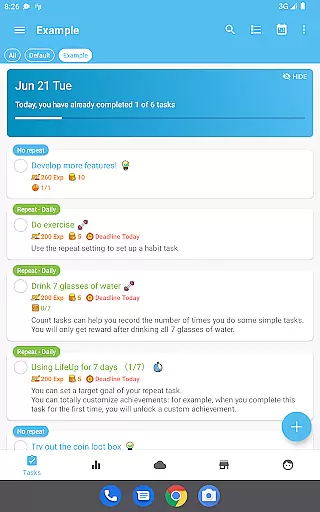
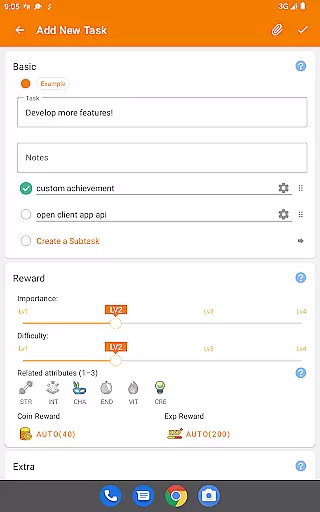
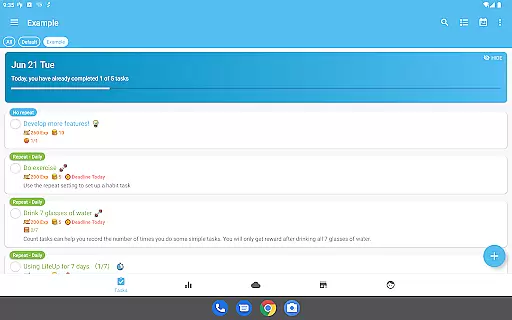
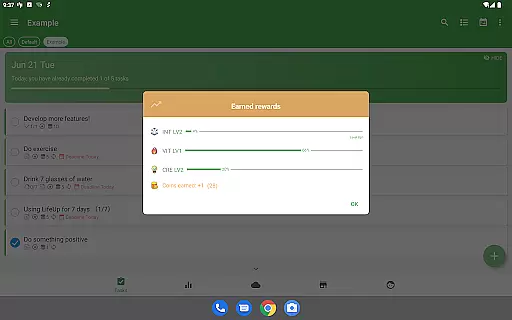
At the heart of LifeUp lies its robust core task management system, designed to transform how users approach productivity. This feature allows individuals to create, organize, and track tasks with remarkable flexibility and control.
The app supports a comprehensive suite of task management tools including repeats, reminders, deadlines, and checklists. Users can attach relevant files and maintain a history of their completed tasks, ensuring that nothing falls through the cracks.
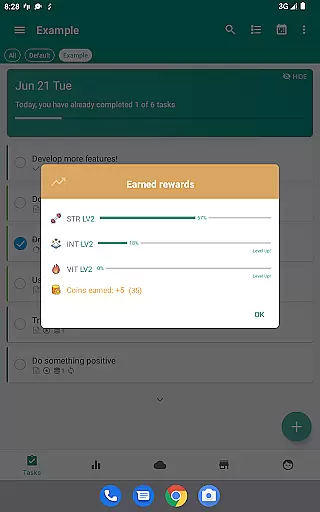
By integrating gamification elements such as earning EXP for completing goals, LifeUp motivates users to stay on top of their responsibilities while enjoying the process. This unique blend of productivity and play makes task management not only efficient but also engaging.
Ultimately, this system empowers users to take charge of their daily activities, enhancing both personal and professional productivity. With LifeUp, managing tasks becomes an epic quest tailored by the user, for the user.
In today's interconnected world, reliable cross-device synchronization is crucial for maintaining productivity. LifeUp excels in this area by ensuring that all user data is seamlessly synced across multiple devices.
The app offers optional synchronization via Google Drive, Dropbox, or WebDAV. This means users can access their tasks, habits, and game progress from any device, anywhere, without missing a beat.
Despite its powerful syncing capabilities, LifeUp prioritizes user privacy and data security. The offline-first approach ensures that user data remains on their devices by default, providing peace of mind.
This reliable and secure synchronization feature enables users to transition smoothly between their phone, tablet, and computer, making LifeUp a versatile tool for anyone looking to boost their productivity across different platforms.
User-driven customization
Comprehensive productivity tools
Secure offline functionality
Regular feature updates
Active community support
Steep learning curve
Initial setup time
Limited built-in templates
No free version available
Premium price point

A customizable calendar for your Wear OS watch
 4.20
4.20
Experience Reading - Night Mode for Documents
4.40
Cloud storage, automatic phone backup, and more.
4.10
Translate text/voice/photos in 150+ languages. Offline & fast translator app.
4.50
Great calculator for Android named one of USA TODAY's "25 Essential Apps".
4.90
Quickly and easily keep track of your work shifts
4.70
Ultimate Virtual AI Character for immersive Roleplay Chat. Perfect Companion
3.90
AI Chatbot and AI writing assistant powered by ChatGPT.
4.60
Browse and view your photos and videos from the phone with photo & video hide.
4.10
Mind Map and brainstorm, note taking and idea collection
4.80
Secure, fast, open-source, VNC and SSH Remote Desktop for Windows, Linux and Mac
4.70
aCalendar+ makes your day, week and month
4.70
A beautiful digital clock with autostart and many other functions
4.70
Docker, Kubernetes management over Portainer Mobile
4.40
Secure your apps with lock screens, use custom themes and different features.
4.40
Create and edit presentations with Google Slides, part of Google Workspace.
4.00
Access your phone's notifications, calls, apps, photos & texts on your PC
3.90
Remotely view listen control and record cameras.
3.70
IP Camera Viewer - Android TV : RTSP Surveillance camera viewer for Android TV
4.5


User Reviews