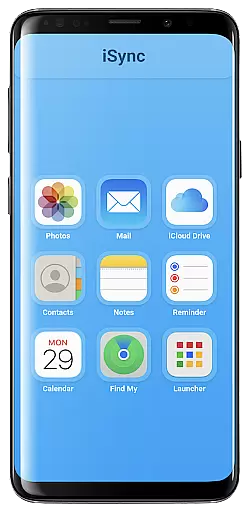
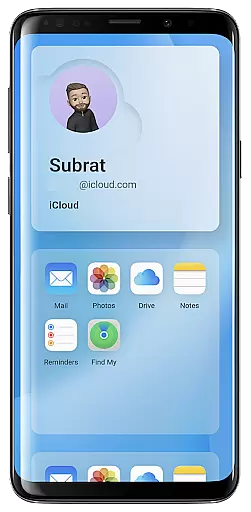
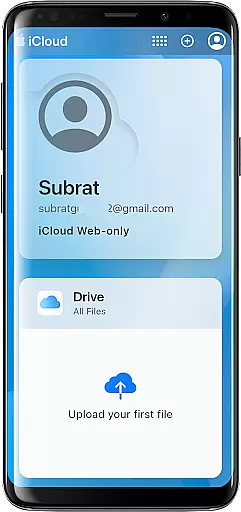
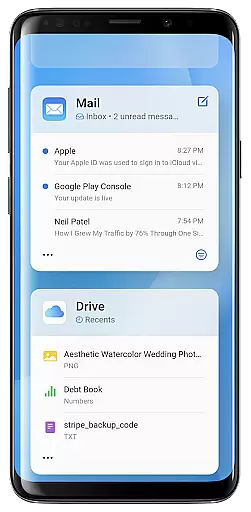
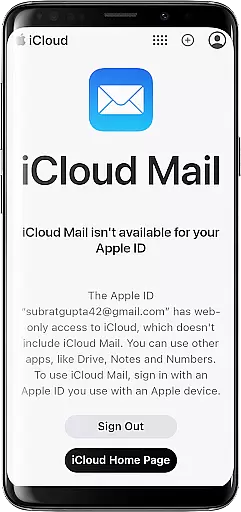
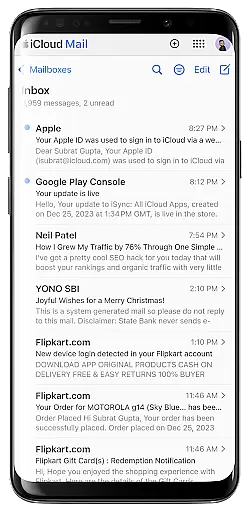
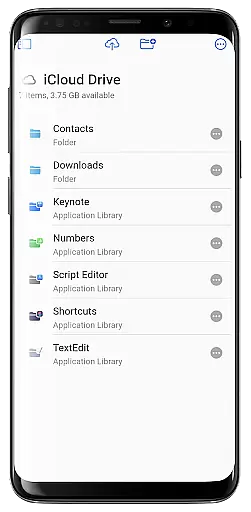
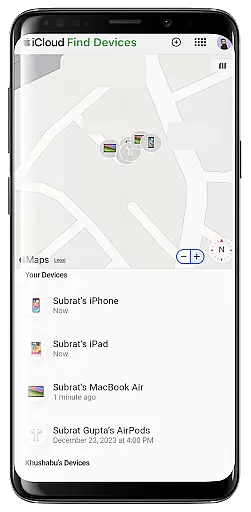
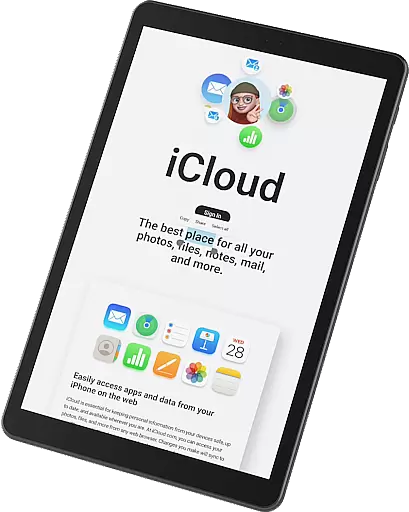
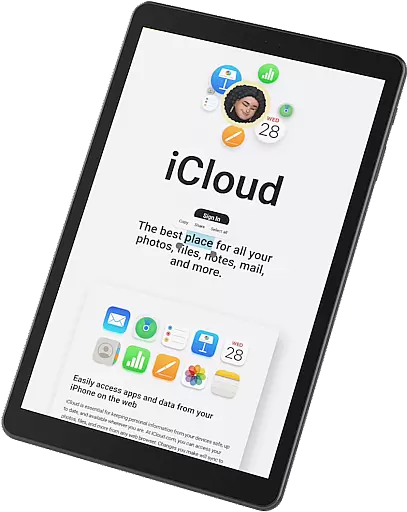
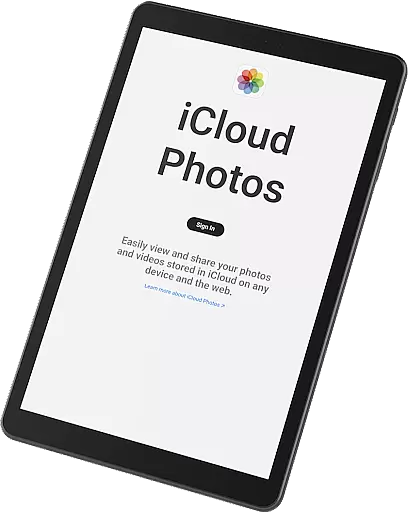
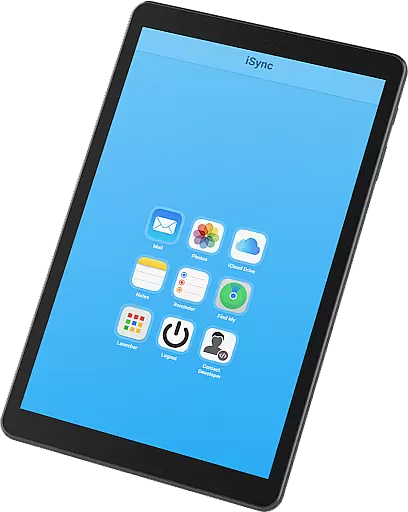
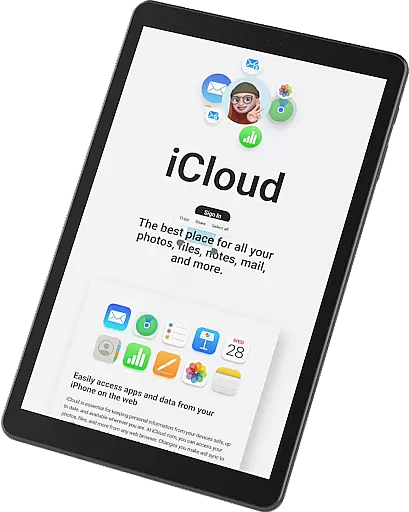
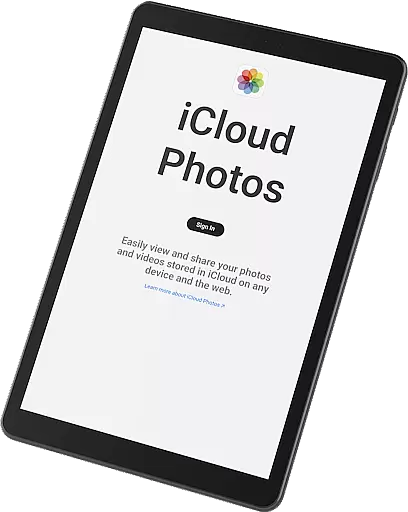
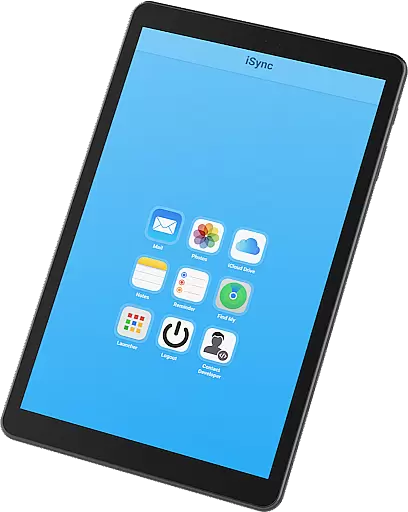
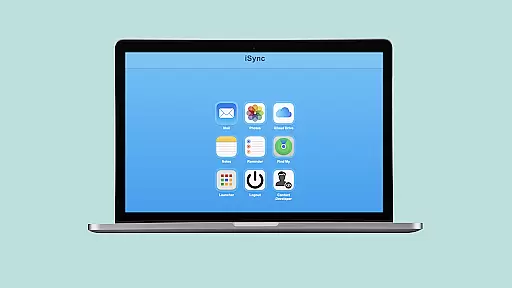
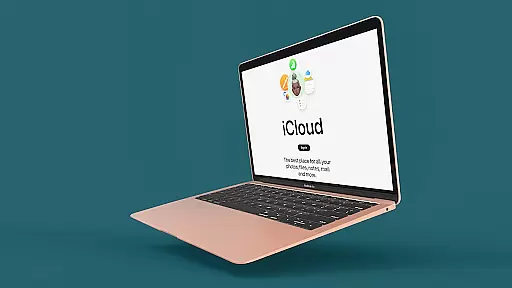
iSync Premium is a productivity-focused application that bridges the gap between Android and Apple ecosystems. It enables users to access their iCloud account and its various applications directly from an Android device. The app offers seamless integration with essential iCloud services such as Mail, Photos, iCloud Drive, Notes, Reminders, and Find My.
With iSync Premium, users can stay connected through their iCloud Mail, carry memories by accessing photos, manage files via iCloud Drive, jot down thoughts using Notes, organize tasks with Reminders, and locate lost devices through Find My. Additionally, the app features a user-friendly Launcher for one-touch access to favorite iCloud apps.
This application is particularly useful for individuals who operate within both Android and Apple environments, providing them with secure and reliable access to their Apple ecosystem while ensuring privacy protection.
iSync Premium stands out with its comprehensive set of features tailored for productivity. One key feature is the ability to send, receive, and manage emails from iCloud Mail directly on an Android device. Users can also view, download, and share their iCloud photos effortlessly, ensuring that precious memories are always accessible.
The app provides easy access to iCloud Drive, allowing users to retrieve files and documents on the go. With integrated support for Notes and Reminders, staying organized becomes hassle-free. Furthermore, the inclusion of Apple's Find My service ensures peace of mind when devices go missing.
A standout feature is the intuitive Launcher, which allows one-touch access to favorite iCloud apps. Designed with a user-friendly interface, iSync Premium ensures a smooth experience while maintaining security and reliability, making it an indispensable tool for those navigating both Android and iOS platforms.
At the heart of iSync Premium lies its robust core task management system, designed to streamline productivity for users bridging Android and Apple ecosystems. This feature allows seamless access to iCloud Reminders, ensuring that your tasks are organized and manageable from any device.
The app's architecture supports real-time synchronization across devices, meaning updates to your reminders on one platform instantly reflect on another. This ensures that whether you're at work on your Android phone or transitioning to an Apple device at home, your tasks remain consistent and up-to-date.
Users benefit from a unified task management experience that eliminates the need for manual updates or cross-referencing between devices. With intuitive controls and straightforward navigation, managing daily tasks has never been easier or more efficient.
This functionality underscores iSync Premium's commitment to enhancing user productivity by providing tools that ensure tasks are accessible, updated, and manageable across different platforms effortlessly.
Cross-device synchronization is a pivotal feature of iSync Premium, offering reliable and secure access to iCloud services such as Mail, Photos, iCloud Drive, Notes, and Reminders. This synchronization ensures that all your essential data is mirrored accurately across your Android and Apple devices.
The reliability of this synchronization process stems from advanced algorithms that prioritize data integrity and consistency. By leveraging these technologies, iSync Premium guarantees that changes made in one location are promptly and accurately reflected everywhere else, maintaining coherence across your digital life.
For users, this means unparalleled peace of mind knowing their information remains consistent regardless of the device they use. Whether it's accessing important documents on iCloud Drive or viewing cherished memories stored in iCloud Photos, everything is synchronized seamlessly.
Ultimately, iSync Premium's dedication to dependable cross-device synchronization empowers users with a fluid and cohesive experience when interacting with their iCloud content, reinforcing its position as an indispensable tool for productivity-minded individuals.
Seamless cross-platform
User-friendly interface
Comprehensive iCloud access
Secure data protection
Efficient task management
Limited to Android
Premium version cost
Occasional sync issues
No offline functionality
Dependent on internet

Client for Nextcloud Deck
 4.60
4.60
All in one sketching tool. Technical and General drawing. Online Maps support.
3.70
Protect and view your important info on your phone and tablet with eWallet®
4.80
Make apps & sites with natural language prompts
4.10
Access, manage and transfer files on Android, PC, Mac, NAS and cloud storages.
4.30
A Pixel Art watchface inspired by other iconic 90s designs for Wear OS devices!
4.40
The ultimate file manager for rooted devices. The original and still the best.
4.00
Secure your apps with lock screens, use custom themes and different features.
4.40
Use powerful, industry-leading AI tools to generate visual charts from any data
4.80
QuickBooks Workforce lets teams view pay info and track time in one place.
4.70
All document reader, all in one file viewer read PDF, DOCX, XLS, PPT, TXT files.
4.60
All in One PDF Reader: Manage, Read and Edit your Documents
4.20
Cloud storage, automatic phone backup, and more.
4.10
Activate Two Factor Authentication (2FA or Multi OTP), Password manager and more
4.10
Unlock AutoNotification
4.00
Find and delete junk files & block unwanted notifications & manage files
3.70
Auto-shutoff Alarm with Sunrise, Sunset & Fixed Options.
3.50
Simple and reliable communication between inmates, friends and family
3.20
Create study competitions, track your hours, and stay consistent with friends
4.3


User Reviews