
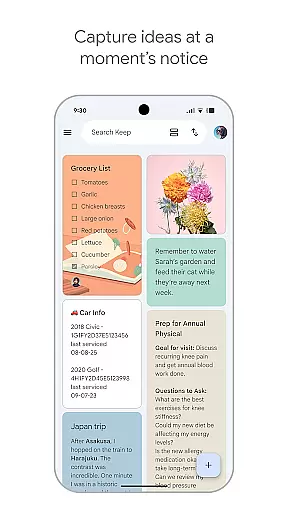
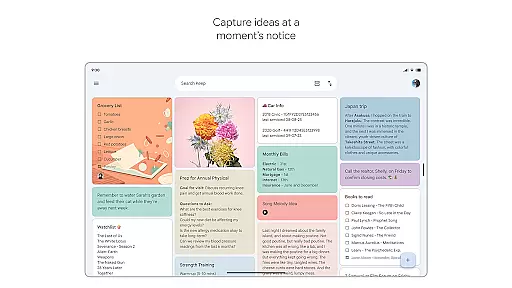
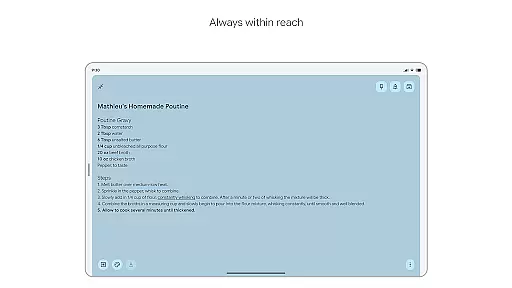
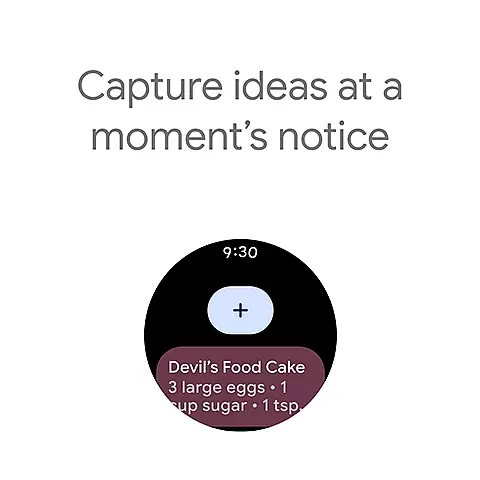
Google Keep is a versatile note-taking application designed specifically for Android Wear and other Android devices. This app allows users to quickly capture thoughts, manage to-do lists, and stay organized through various methods such as text notes, voice memos, and photos. With advanced security measures, your data remains protected while you enjoy the convenience of accessing it across multiple devices including phones, tablets, computers, and Wear OS devices.
One standout feature of Google Keep is its seamless integration with Android Wear. Users can take advantage of widgets on their mobile devices and add tiles or complications on their Wear OS gadgets to capture ideas instantly. Whether you need to jot down a quick note or set a reminder for later, Google Keep ensures that your information is always at your fingertips, making it an essential tool for both personal and professional use.
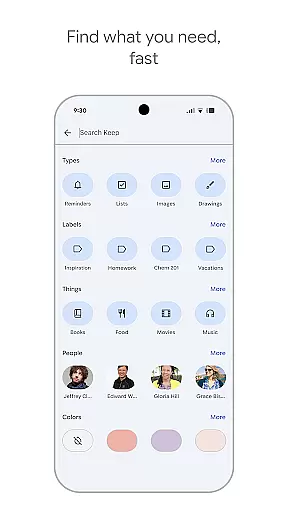
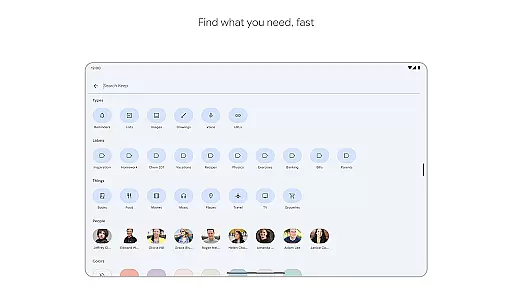
Google Keep offers a comprehensive suite of features tailored to enhance productivity and organization. The app supports multiple note-taking formats, including text, voice memos, and images, allowing users to capture information in the most convenient way possible. Its intuitive interface enables users to color-code notes, add labels, and pin important notes to their device's home screen for easy access.
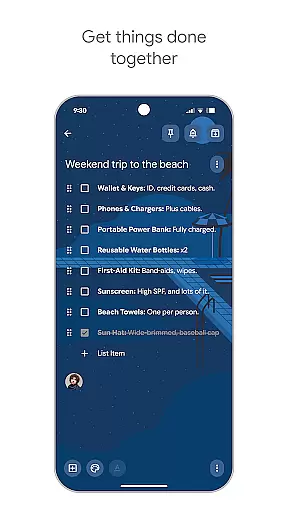
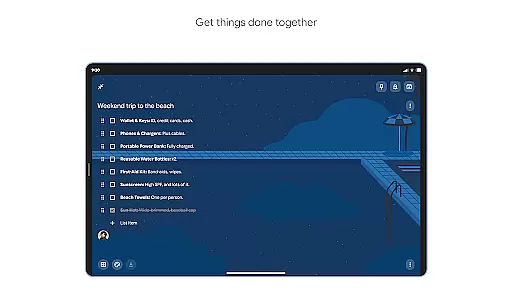
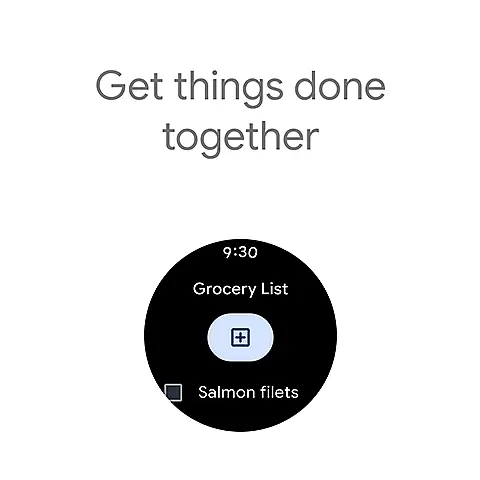
Collaboration is another key aspect of Google Keep. Users can share their notes with friends and family, making it ideal for managing shared tasks like grocery lists or planning trips. The app also integrates with Wear OS, providing quick access to notes through complications and tiles. Additionally, reminders can be set to ensure you never miss an important task or event. With everything syncing seamlessly across all your devices, Google Keep keeps you organized and efficient no matter where you are.
For users of Google Keep, the seamless companion app integration is a standout feature. Companion app integration refers to how well an application works across different platforms and devices, ensuring that your data is accessible wherever you are.
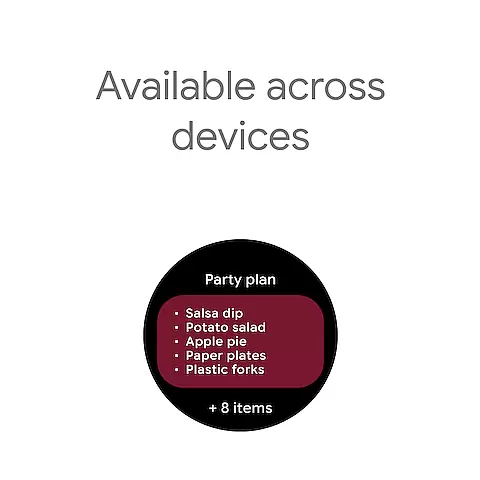
Google Keep excels in this area by offering a unified experience on your phone, tablet, computer, and Wear OS device. Everything syncs across all of your devices so your thoughts are always with you. This means you can start a note on your phone during your commute and finish it on your computer when you get to work.
The benefit of such integration is immense. Users can take advantage of widgets on their phones and tablets, add tiles and complications to their Wear OS devices, and quickly capture their thoughts no matter where they are or what device they are using.
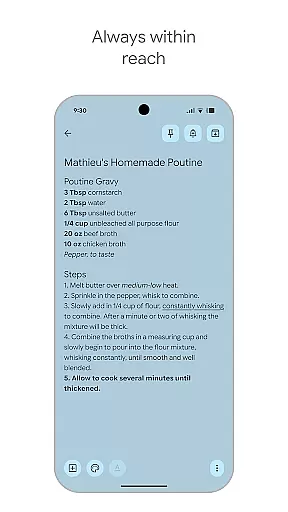
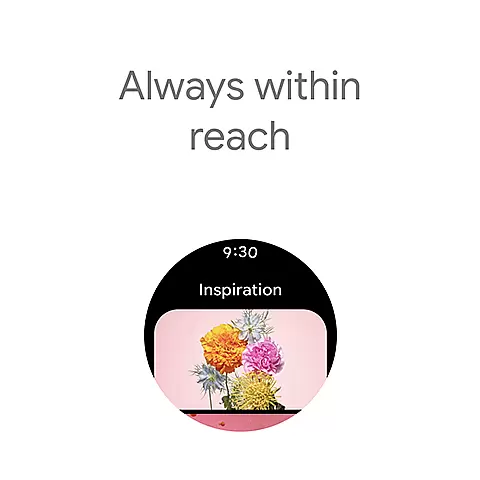
This level of synchronization ensures that whether you're at home, in the office, or on the move, your notes are always up-to-date and within reach, enhancing both productivity and convenience.
Another crucial aspect of Google Keep is its Wear OS and device compatibility. This compatibility ensures that regardless of the device you're using, Google Keep functions smoothly and maintains consistent performance.
Google Keep supports a wide range of devices including smartphones, tablets, computers, and Wear OS devices. This extensive compatibility allows users to access their notes and to-do lists from virtually any device they own, making it incredibly versatile.
Users will appreciate the ability to pin notes to their phone or tablet homescreen with widgets and add shortcuts to their notes with tiles on a Wear OS device. This flexibility ensures that important notes are always just a tap away.
By providing robust support across various platforms, Google Keep ensures that users can manage their tasks and notes efficiently, without being tied to a single device. This adaptability significantly enhances user satisfaction and engagement.
User-friendly interface
Voice memo capability
Seamless cross-device sync
Advanced security features
Efficient collaboration tools
Limited formatting options
No offline mode support
Basic drawing tools
Fewer integrations compared to competitors
Occasional sync delays

"PER27 Galaxy Digital" is a digital Wear OS watch face designed by PERSONA
 4.10
4.10
Highly customizable hybrid watch face for Wear OS, perfect for everyday use.
4.60
Christmas Theme Watch Face for Wear Os
5.00
Christmas and New Year - Themed Watchface
4.4
Watch face designed for Thanksgiving Day. 7 Background Styles included.
3.20
Premium hybrid watch face with many customizations for Wear OS devices.
4.40
Simple, helpful messaging by Google
4.60
Track your active life in one place and share the journey with friends.
4.40
Toyota app currently supports 2010 or newer vehicles (2018 or newer for Hawaii).
4.50
Period, ovulation & pregnancy tracker. Fertility insights & menstrual calendar.
4.90
A modern hybrid informative watch face for Wear OS designed by BALLOZI
4.80
Walking app for weight loss: walk & step tracker, pedometer, indoor treadmill
4.60
MyNISSAN® lets you remotely control your car from your phone.*
4.50
Ideal for surviving in the wasteland left after nuclear fallout
4.50
Beautiful artistic animated digital watch face, with a customizable layout!
4.40
A digital watch face that celebrates Christmas.
4.00
Viewer for Wyze/Yi/Eufy/Arlo/ONVIF/RTSP/P2P IP cams w/ adv. features & DIY DVR
4.00
Get helpful reminders, take progress photos and find answers to your questions.
3.90
Watch the sharpness of the sky on your wrist..
3.70


User Reviews