
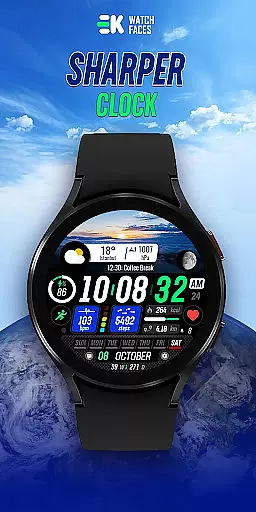
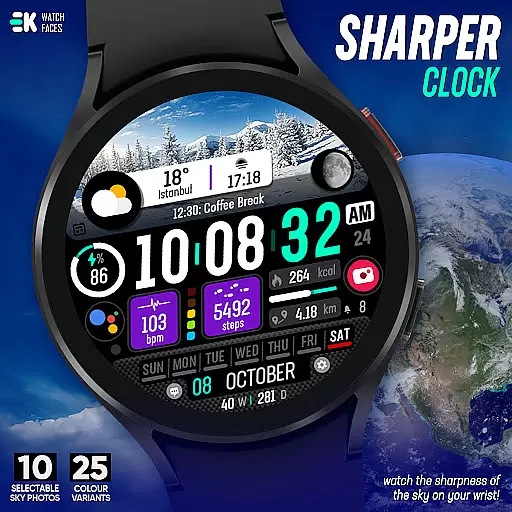
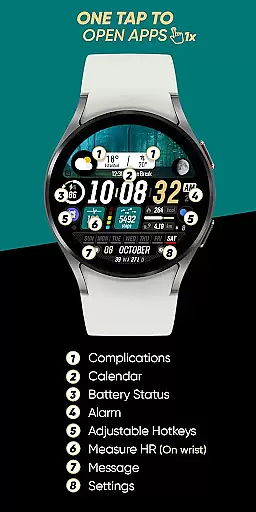
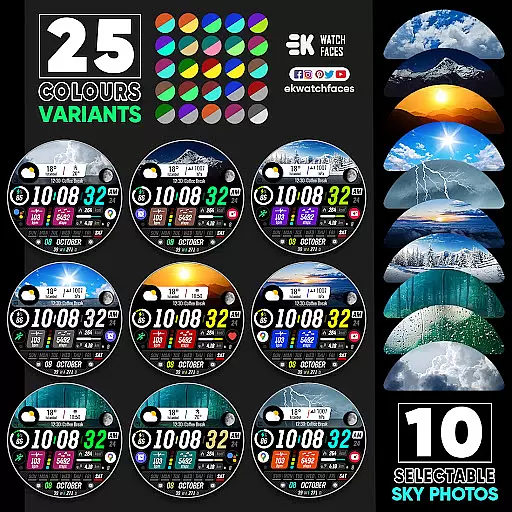
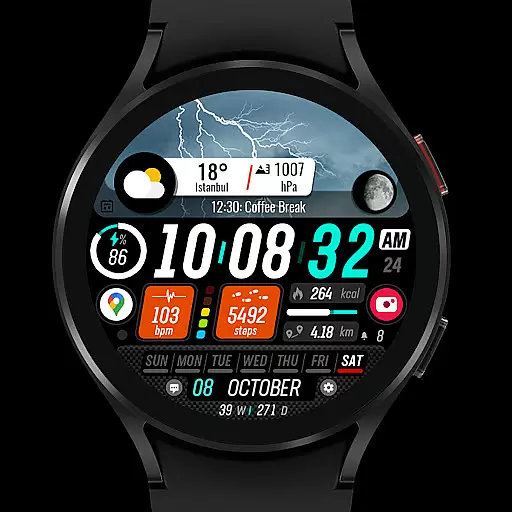
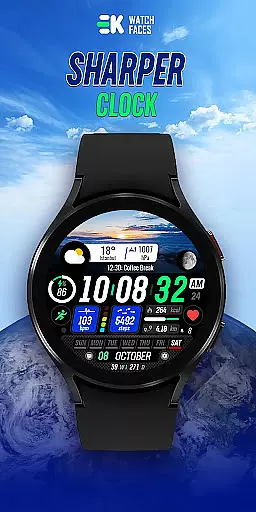
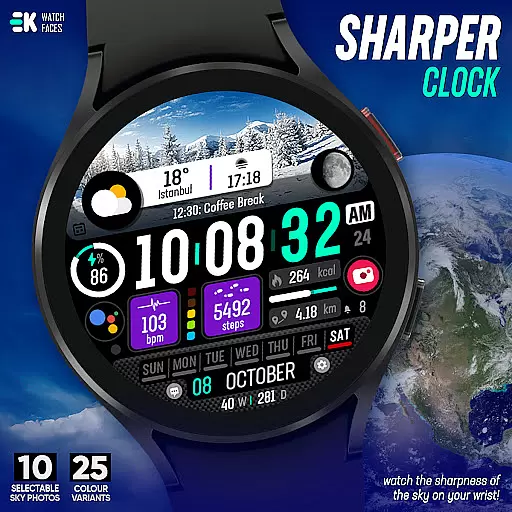
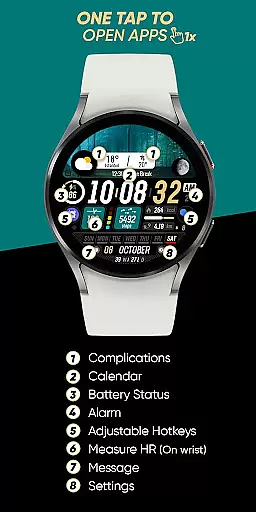
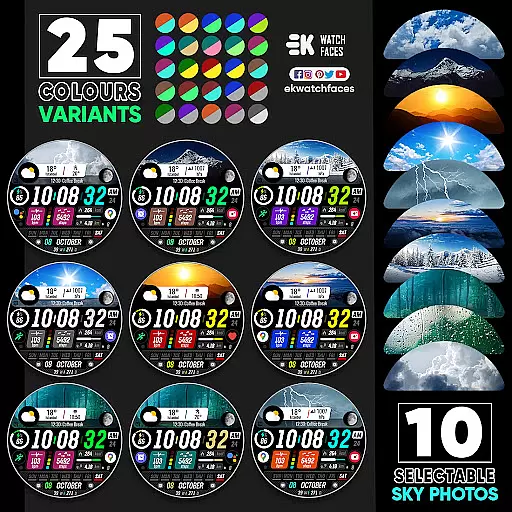
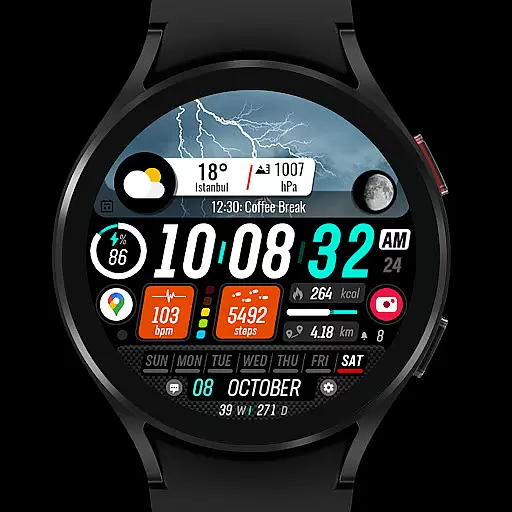
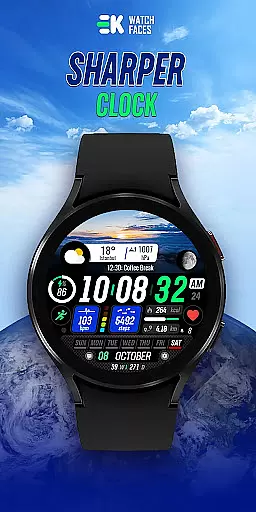
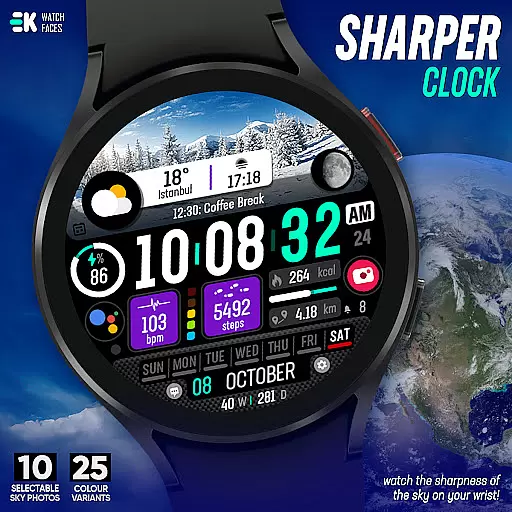
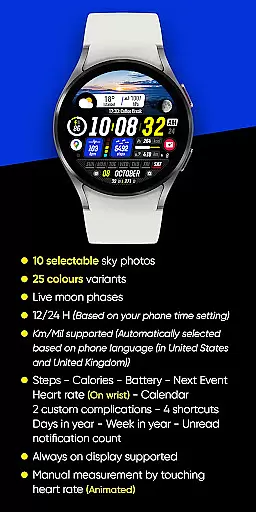
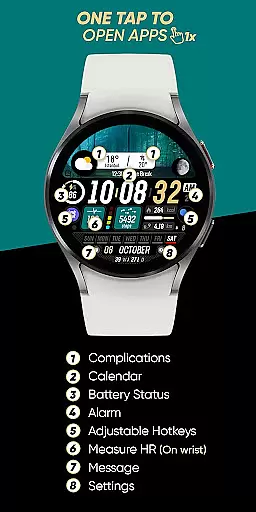
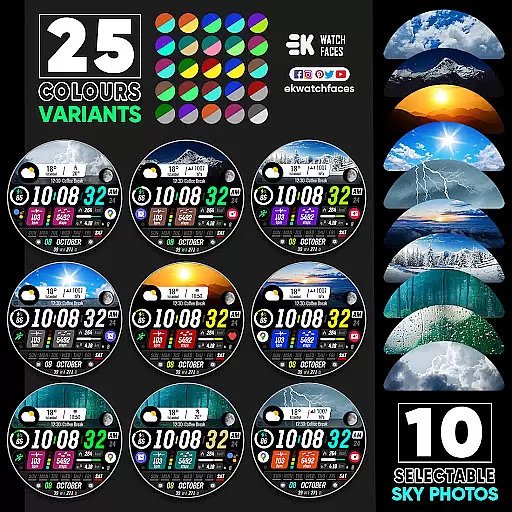
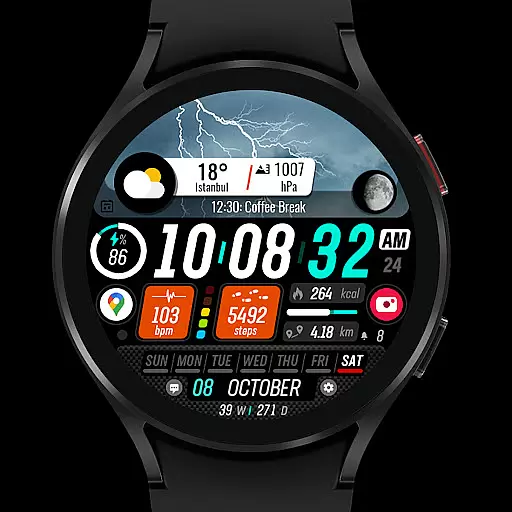
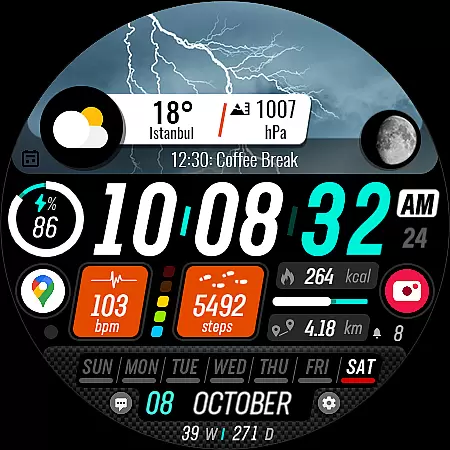
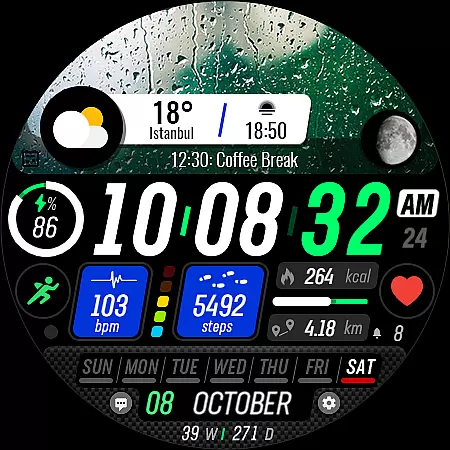
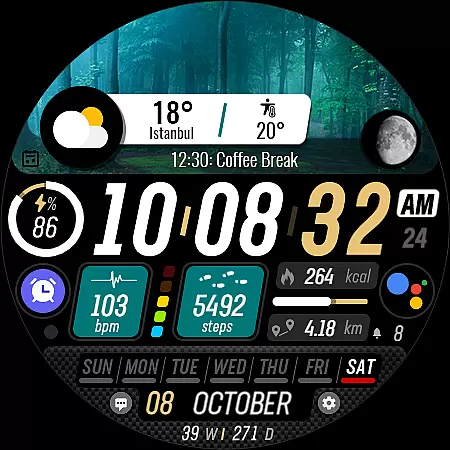
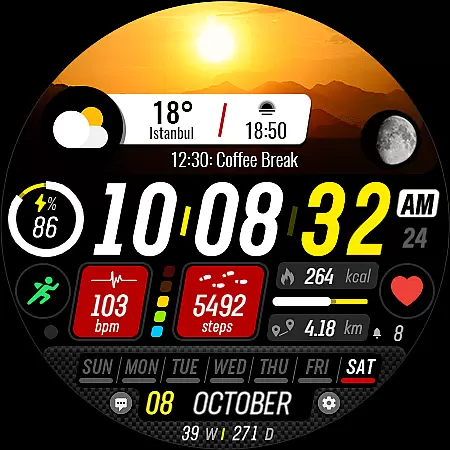
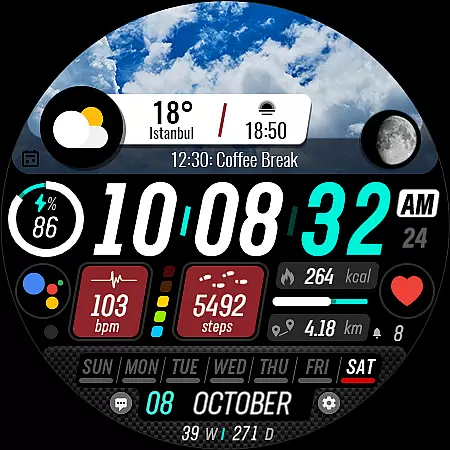
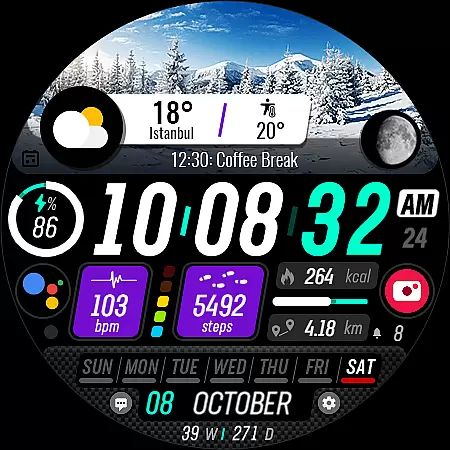
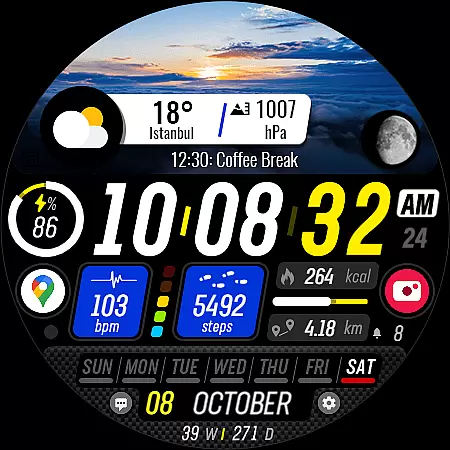
Sharper Clock is a premium watch face app designed exclusively for Wear OS devices, offering users a unique and visually stunning timekeeping experience. The app features 10 selectable sky photos with 25 color variants, creating a sharp and dynamic display on your smartwatch.
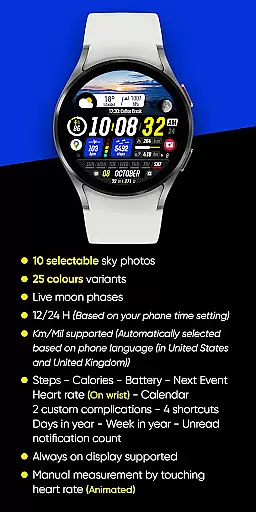
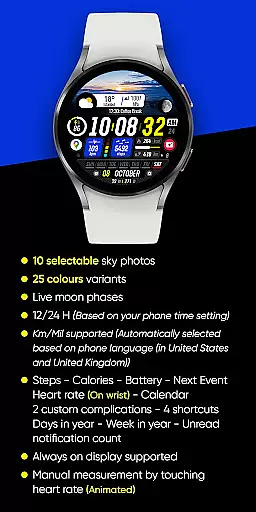
In addition to its aesthetic appeal, Sharper Clock provides practical functionality with live moon phases, 12/24-hour time formats, and automatic metric/imperial unit selection. It also includes essential health and productivity metrics like step tracking, heart rate monitoring, calendar integration, and customizable complications.
This application is ideal for users who want both style and substance in their smartwatch faces, delivering accurate timekeeping alongside personalized information display.
Sharper Clock stands out with its rich feature set tailored for Wear OS users. The app's signature feature is its collection of high-resolution sky photos that transform your watch face into a miniature window to the heavens. With 25 color variations, users can customize their preferred aesthetic.
The app integrates seamlessly with device sensors, displaying real-time data including live moon phases, fitness metrics, battery status, and upcoming calendar events. Its intelligent system automatically adjusts time format and measurement units based on user preferences and location.
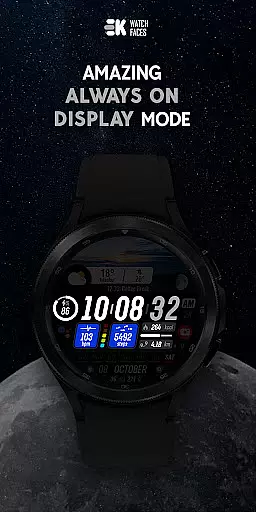
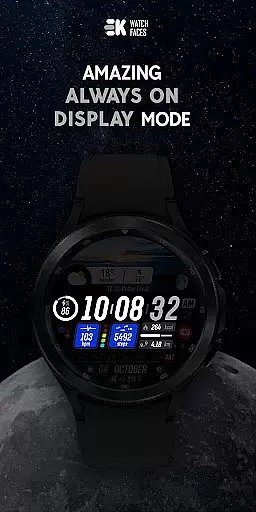
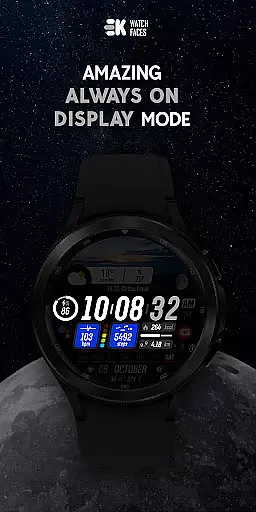
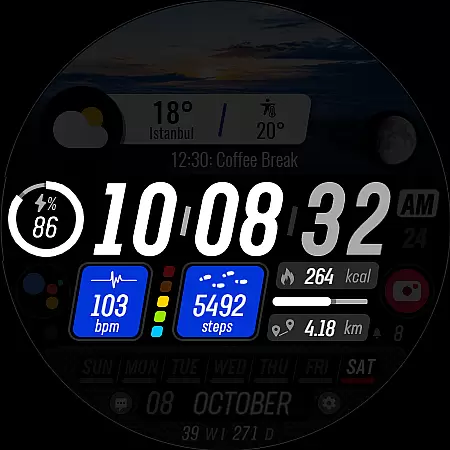
Advanced functionality includes always-on display support, multiple customizable complications, and quick-access shortcuts. These features create a comprehensive wearable experience that combines beauty with practical utility.
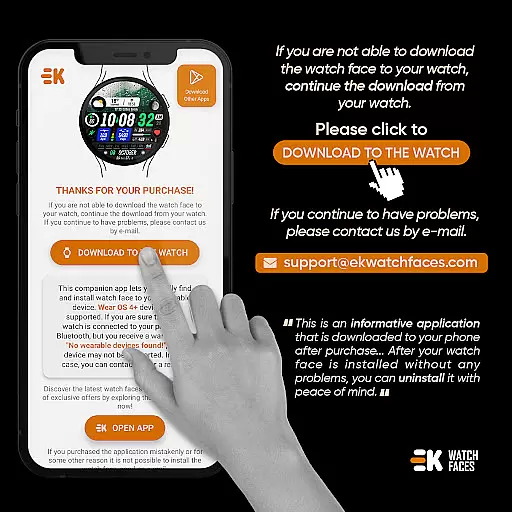
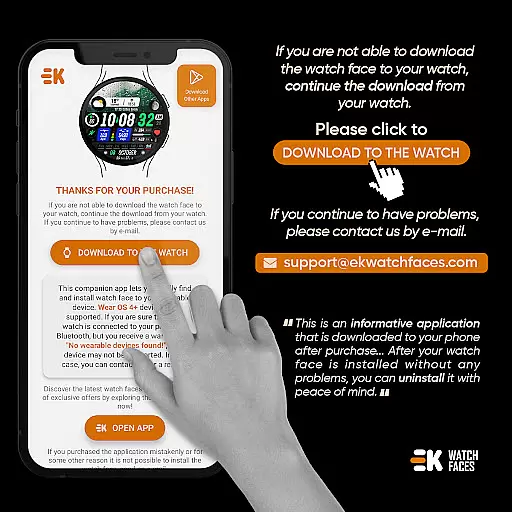
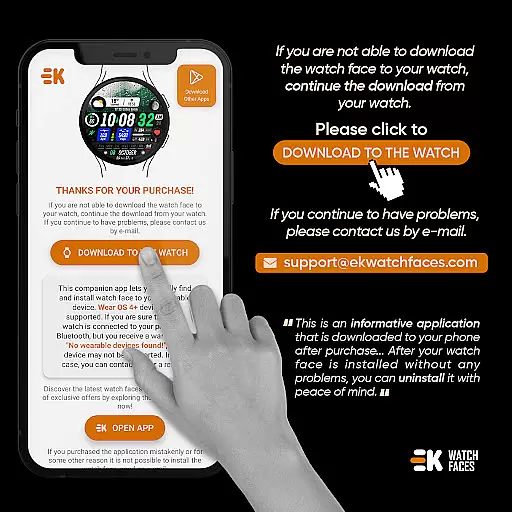
In the realm of wearable technology, seamless integration between devices is paramount. Sharper Clock - Watch Face excels in companion app integration by ensuring that your phone and Wear OS device communicate effectively. This connection allows for effortless installation and management of watch faces directly from your phone.
The application provides clear instructions for users to download the watch face to their Wear OS device. By tapping on the designated install button within the phone app, users can initiate a process that culminates in the appearance of a new, visually striking watch face on their smartwatch. This streamlined approach eliminates confusion and enhances user satisfaction.
Moreover, the phone app acts as more than just an installer; it serves as a central hub where users can easily locate and manage their watch faces. This functionality ensures that even if issues such as payment loops arise, they are merely hiccups rather than obstacles, with straightforward solutions like waiting or restarting the watch.
Sharper Clock's commitment to smooth companion app integration means that users enjoy a hassle-free experience when personalizing their Wear OS devices, making daily interactions with their smartwatches both enjoyable and efficient.
Compatibility is key when it comes to wearable applications, and Sharper Clock - Watch Face shines in its ability to work seamlessly with Wear OS devices running API 33+. This ensures that users with newer smartwatches can take full advantage of the app's features without worrying about outdated software causing issues.
The watch face boasts an array of functionalities tailored specifically for Wear OS, including live moon phases, customizable complications, and always-on display support. These features are designed to work harmoniously with the operating system, providing a rich user experience that leverages the latest advancements in wearable tech.
Furthermore, the application automatically adapts to user preferences based on phone settings, such as time format and distance measurement units. This intelligent adaptation demonstrates the app's dedication to providing a personalized experience that feels native to each individual's device configuration.
With comprehensive compatibility across supported devices, Sharper Clock guarantees that whether you're tracking steps, monitoring heart rate, or simply admiring the sky on your wrist, every interaction with your smartwatch will be smooth, responsive, and visually captivating.
Visually stunning design
Customizable features
Live moon phases
Health tracking integration
Always-on display
Wear OS only
Installation complex
Premium cost
Device specific
Sync issues

Analog watch face with 8 complications and expedition styling
 4.3
4.3
A watch face that fuses motorsport precision with contemporary smartwatch design
4.0
Easy Voice Recorder is your everyday companion to record important moments.
4.70
A modern premium sporty hybrid watch face for Wear OS by Ballozi
4.70
Structured watch face with seven complications and modular UI elements
3.90
Reliable phone calls with spam protection, caller ID and more helpful features
4.40
Viewer for Wyze/Yi/Eufy/Arlo/ONVIF/RTSP/P2P IP cams w/ adv. features & DIY DVR
4.00
A realistic hybrid watch face with many customization options.
4.60
Want to take charge of your health? Let Google Fit help you reach your goals.
3.50
To-Do List: daily schedule planner, task organizer, to do reminder app, calendar
4.60
Fast and smart typing with Emojis, GIFs, and more
4.50
Christmas watch face. For Wear OS devices.
4.30
Your music, your playlists, and more—offline and unlimited.
4.20
Snowflake Rose Gold Watch Face - Digital, modern, & sleek with GYRO effect.
4.10
Embrace the festive spirit with our Christmas Countdown watchface for Wear OS
4.10
sleep, alarm, snoring, stress, healing, focus, sound therapy, circadian rhythm
4.10
A digital watch face that celebrates Christmas.
4.00
Christmas and New Year - Themed Watchface
4.2
3 Complications. All shadow on/off. 30 Themes color palette...
4.5


User Reviews