
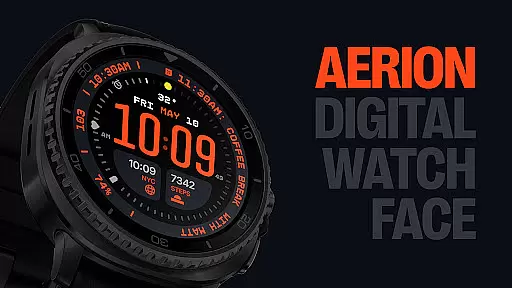
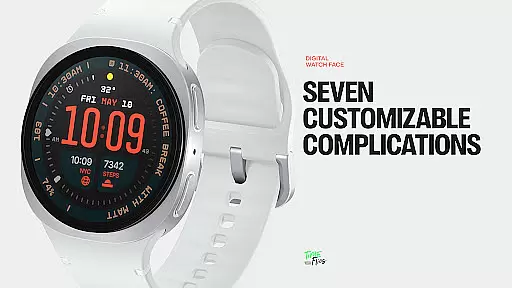
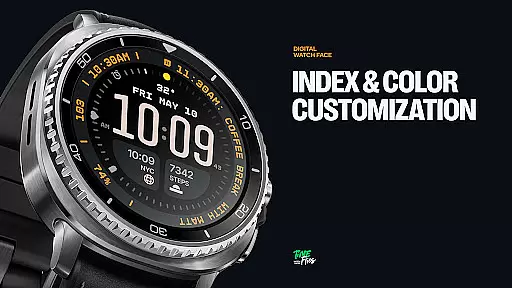
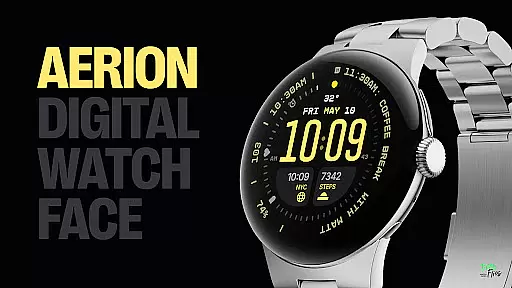
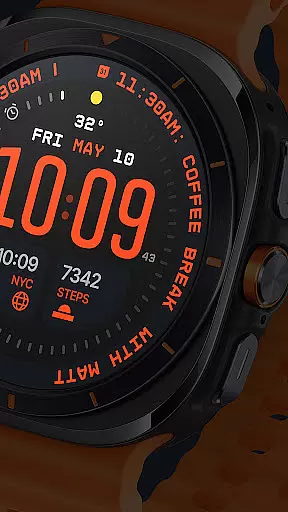
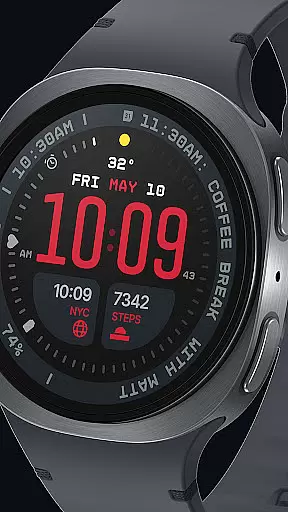
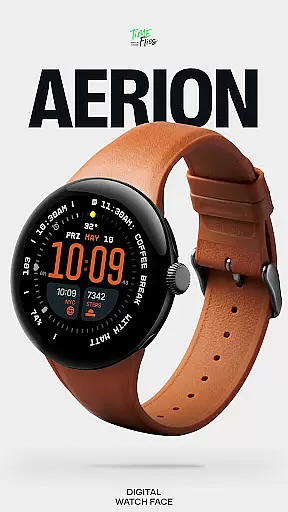
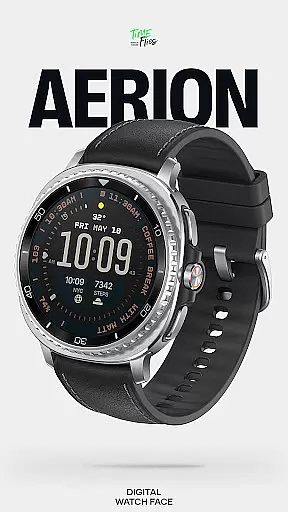
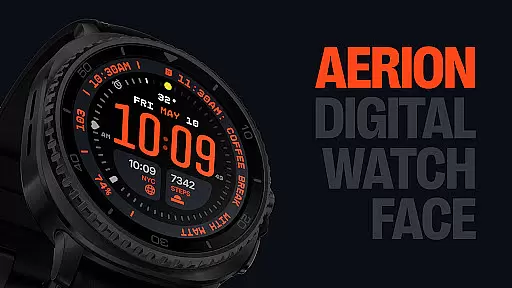
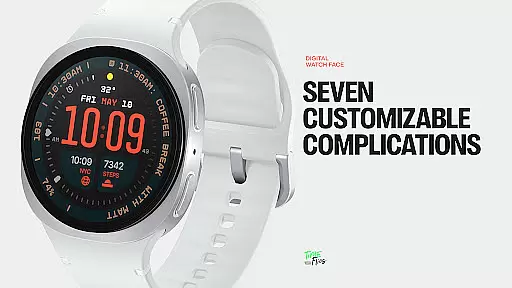
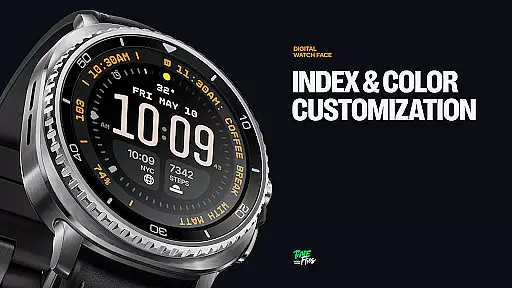
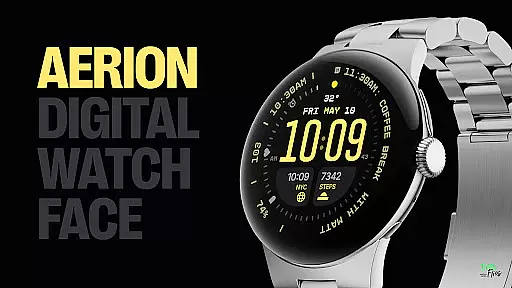
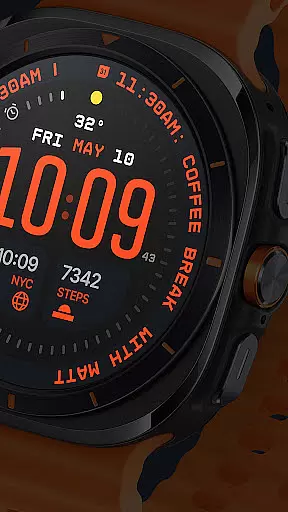
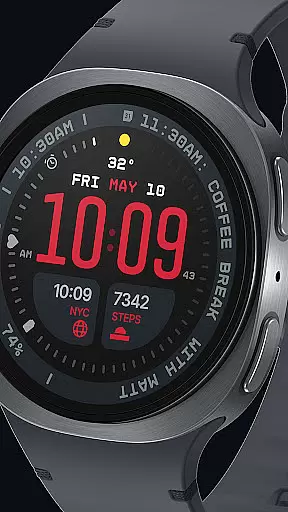
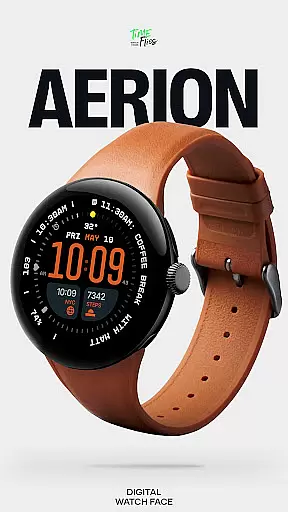
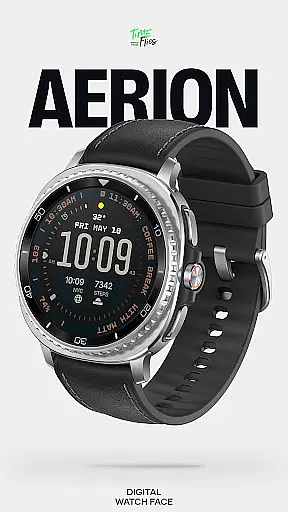
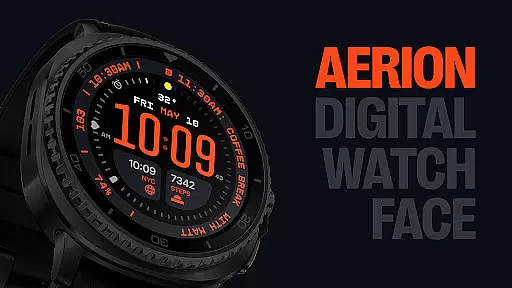
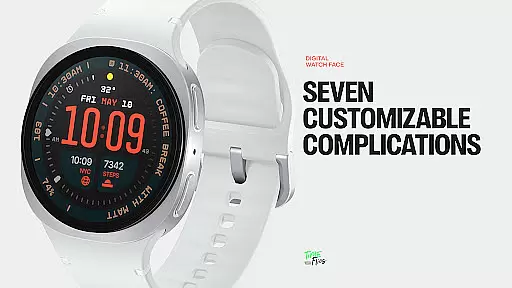
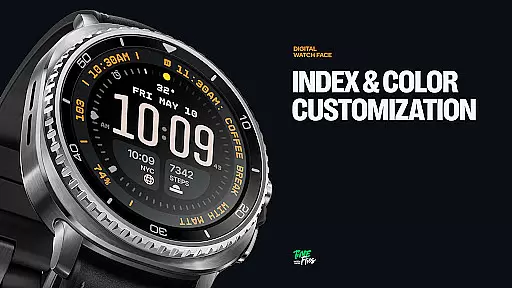
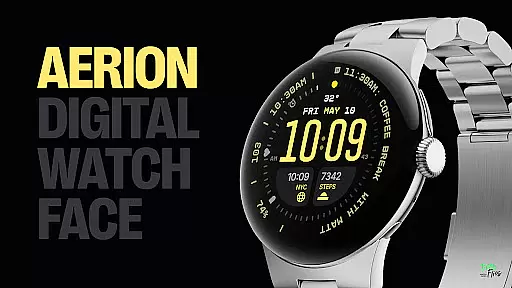
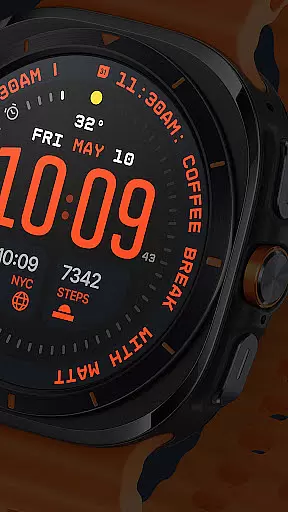
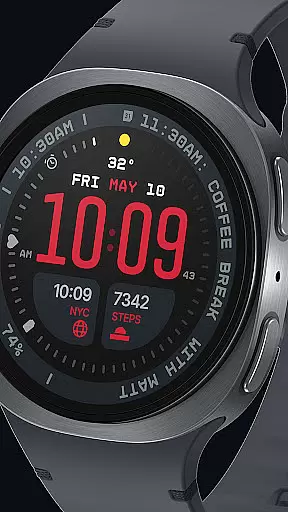
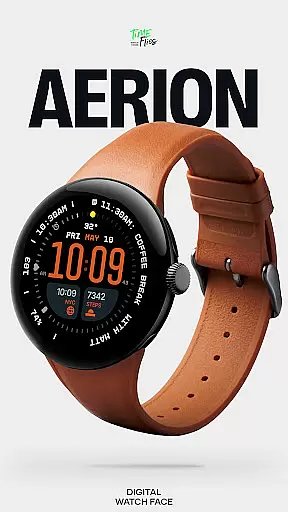
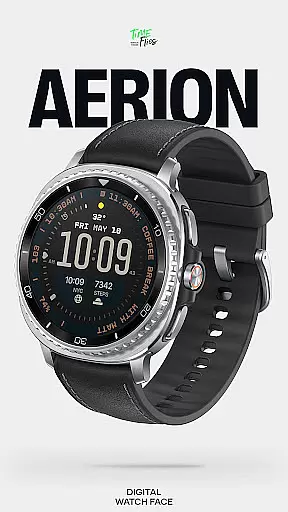
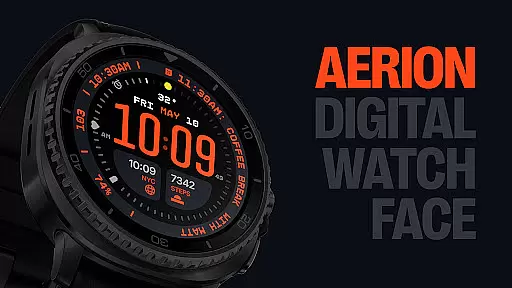
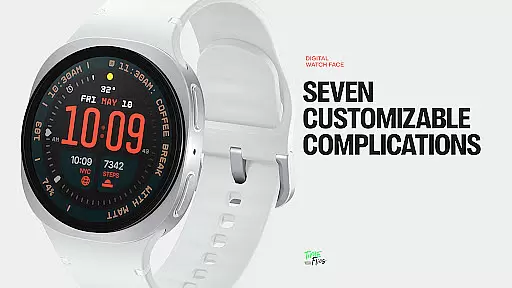
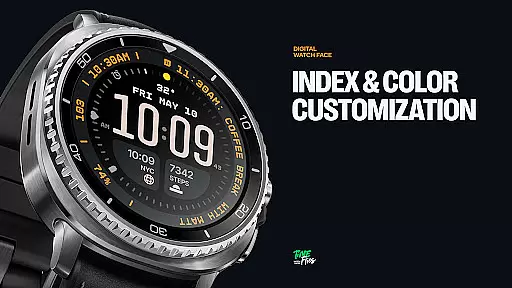
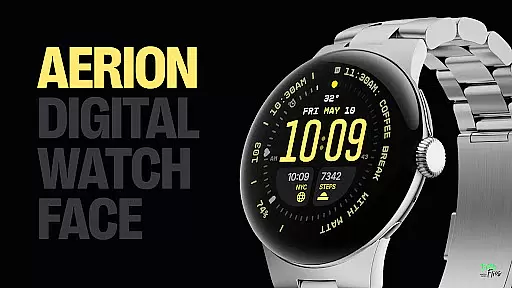
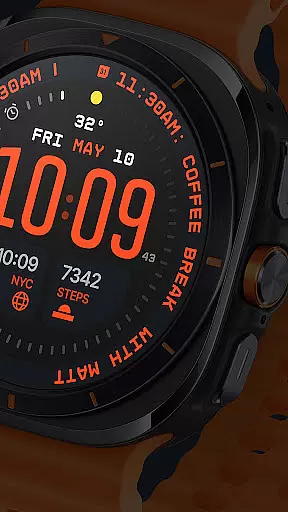
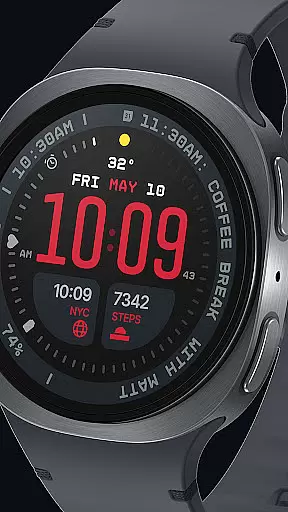
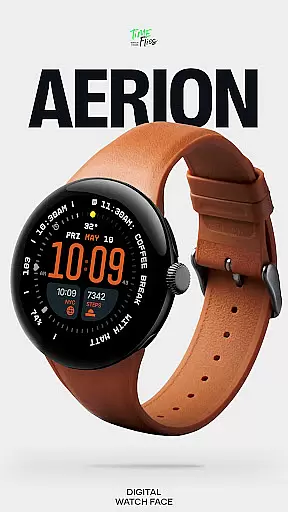
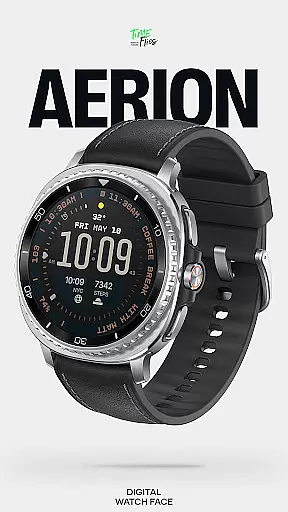
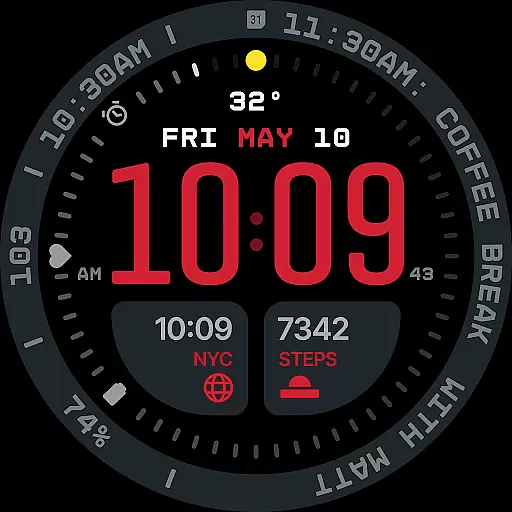
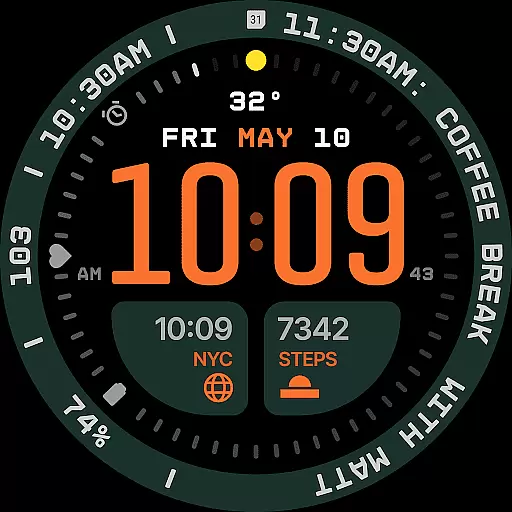
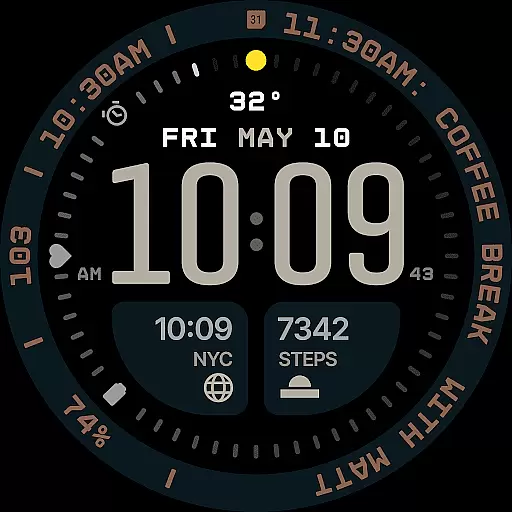
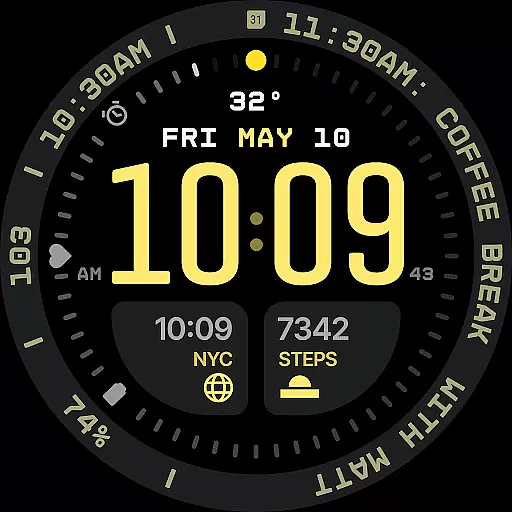
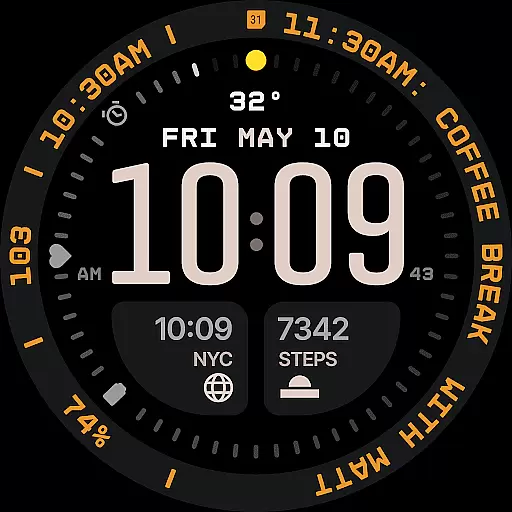
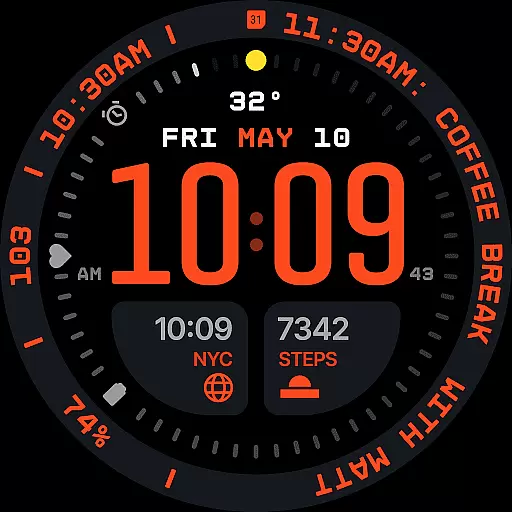
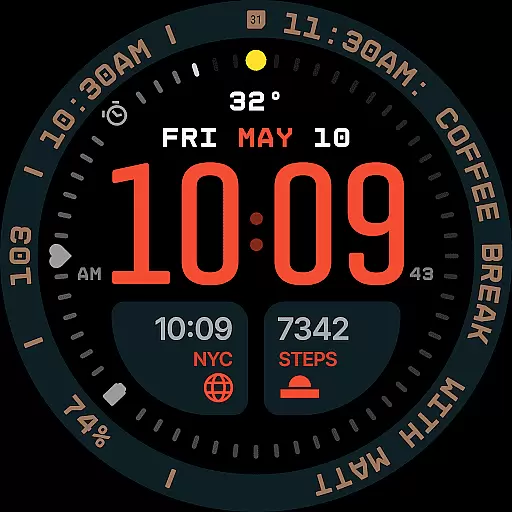
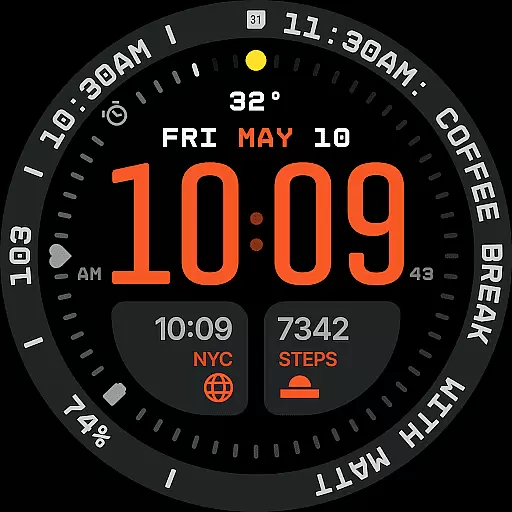
Aerion Digital Watch Face redefines digital timekeeping for Wear OS with its modern design philosophy. The watch face emphasizes structured spacing, integrated complication zones, and balanced typography to create an intelligent visual rhythm. At its core, the time is displayed prominently in a carefully weighted font, while customizable complications provide additional utility.
Key features include seven unique complication slots that support various data types, from calendar events to voice assistant content. A built-in day and date display ensures essential information is always accessible. With 30 curated color schemes, optional bezel and background layers, and four Always-on Display (AoD) modes, Aerion offers both style and functionality. Designed for optimal performance, it uses the modern Watch Face File format to ensure smooth operation and battery efficiency.
Ideal for users seeking a blend of technical precision and aesthetic control, Aerion suits those who value readability, customization, and a clean modern look on their smartwatch.
Aerion Digital Watch Face stands out through its meticulously designed features tailored for Wear OS users. One of its defining characteristics is the inclusion of seven fully customizable complication slots. These include universal slots, short-text options above the time, and a long-text slot perfect for contextual data like calendar events or voice assistant notifications. This flexibility allows users to personalize their watch face to suit their specific needs.
The integration of a subtle yet functional day and date display demonstrates Aerion's attention to detail. Positioned in logical alignment with the overall structure, this feature enhances usability without compromising aesthetics. Additionally, the watch face supports 30 curated color schemes, offering users a wide range of options to enhance readability and match personal preferences.
Performance optimization is another hallmark of Aerion. Built using the modern Watch Face File format, it ensures smooth system performance while prioritizing battery efficiency. Four distinct Always-on Display (AoD) modes—full, dimmed, and two minimal configurations—provide energy-conscious options without sacrificing style. Optional bezel and background layers further enhance customization possibilities, making Aerion a versatile choice for digital watch enthusiasts.
Companion app integration is essential for enhancing the functionality of wearable devices like smartwatches. The Aerion Digital Watch Face offers an optional Android companion app that allows users to conveniently access other watch faces from Time Flies. This seamless connection between the smartphone and the smartwatch enriches user experience by providing easy management and customization options directly from their mobile device.
The integration with a companion app ensures that users can switch between different watch faces, adjust settings, and manage preferences without hassle. By leveraging the larger interface of a smartphone, the companion app provides intuitive controls and detailed configurations that might be challenging to execute on the smaller screen of a smartwatch. This results in a more personalized and satisfying user experience tailored to individual tastes and needs.
Furthermore, the companion app serves as a hub for updates and new content, ensuring that users always have access to the latest features and designs. This ongoing support enhances the longevity and versatility of the Aerion Digital Watch Face, making it a reliable choice for tech-savvy individuals who demand both style and substance from their digital accessories.
Ensuring compatibility with Wear OS and various devices is crucial for any digital watch face. The Aerion Digital Watch Face is engineered specifically for Wear OS, guaranteeing smooth system performance and optimal battery efficiency. Its design leverages the modern Watch Face File format, which not only supports a wide range of smartwatches but also maintains high standards of reliability and speed.
Device compatibility extends beyond just operating systems; it includes adapting to different screen sizes, resolutions, and hardware capabilities. Aerion addresses these needs by offering flexible customization options such as 30 color schemes and optional bezel and background layers. These features ensure that the watch face looks great and functions well on any compatible device, regardless of its specifications.
Moreover, Aerion's support for four Always-on Display stylesu2014including full, dimmed, and minimal configurationsu2014demonstrates its commitment to universal compatibility. Users can enjoy uninterrupted service while conserving power, thanks to intelligent design choices that prioritize both aesthetics and energy-conscious operation. This makes Aerion a versatile and future-proof option for anyone invested in the Wear OS ecosystem.
Modern design
Customizable
Battery efficient
Clear typography
Versatile AoD
Limited analog
Premium cost
Complex setup
Few animations
OS dependent

Diet tracker for weight loss - track calories, food and macros. Simple and easy!
 4.70
4.70
Embrace the festive spirit with our Christmas Countdown watchface for Wear OS
4.10
Stunning modern digital watch face with 7 complications and strong contrast
4.2
Simple Analog-Digital Watchface For Wear OS 3.0 and Up Smartwatches
4.3
Be an elegant and classy secret agent, with this carefully detailed watch face
4.70
Locate your family members by GPS phone location tracker everywhere and anytime
4.30
Get helpful reminders, take progress photos and find answers to your questions.
3.90
A digital watch face that celebrates Christmas.
4.00
A white realistic classic analog watch face with many customization options.
4.40
The most customizable hybrid watch face. For Wear OS 5.0, API 34+ and later
4.70
Real-time results, stats, schedules and player profiles for all leagues
4.60
Nutrition, Macro tracker: Food, fitness & healthy diet tracking for weight loss
4.60
Simple, helpful messaging by Google
4.60
Deck out your Wear OS Watch face with a beautifully decorated pine wreath!
4.50
Digital watch face. For Wear OS devices.
4.40
Bold, Modern Hybrid Watch Face for Wear OS. 10 Colors, Rich Info Display.
4.30
Animated Watch Face and Customizable with 24 Backgrounds. Perfect for Christmas!
3.90
A full-featured Amazon Alexa voice assistant that can show you things.
3.70
Your local weather forecast, storm tracker, radar maps & live weather news
3.40


User Reviews