
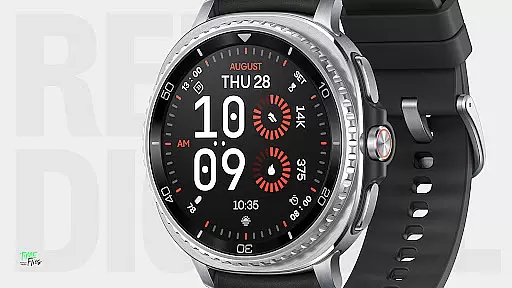
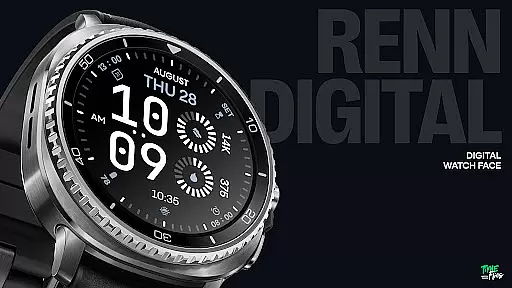
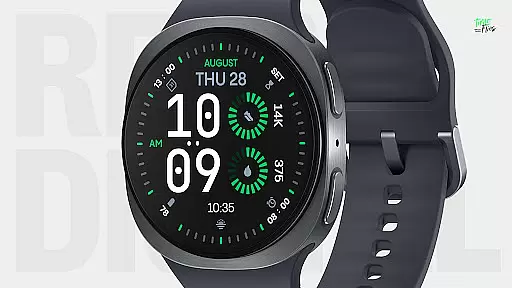
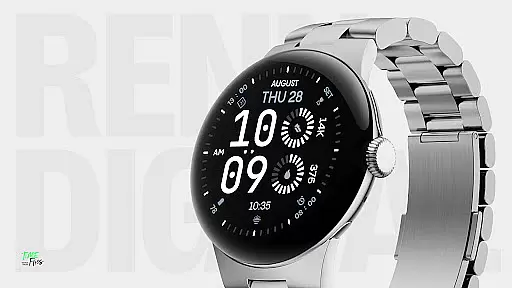
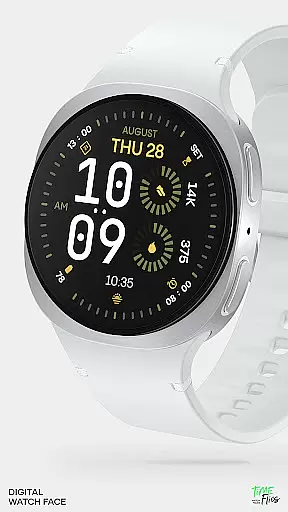
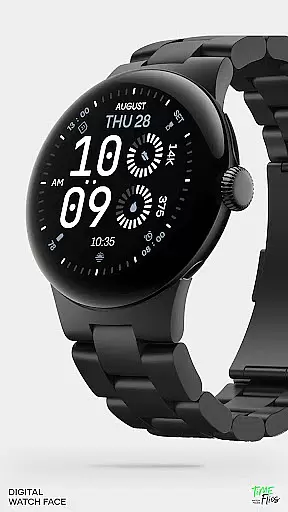
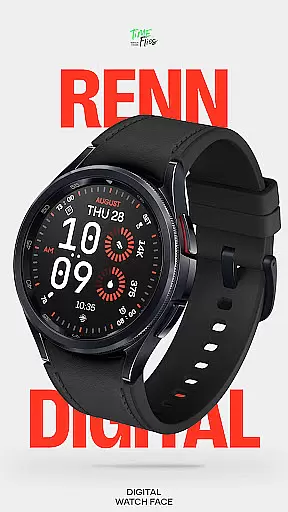
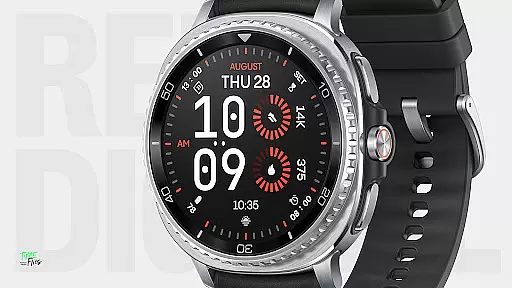
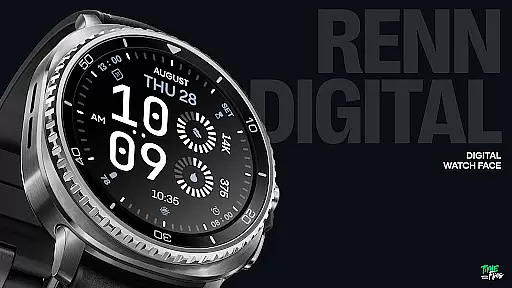
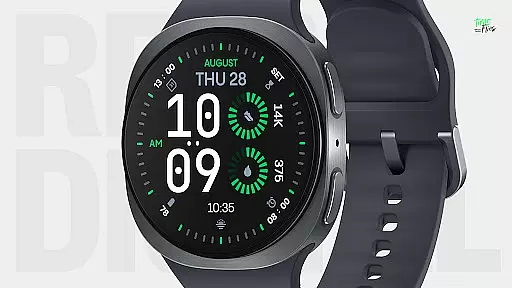
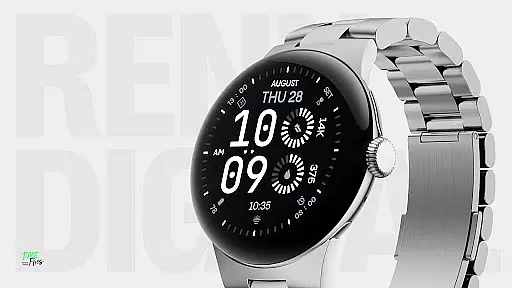
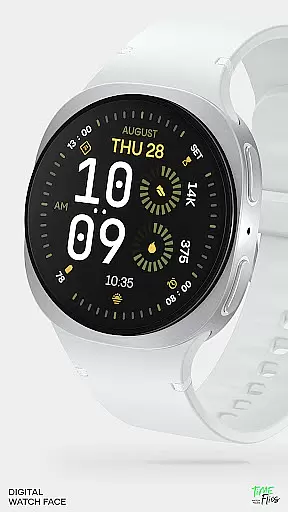
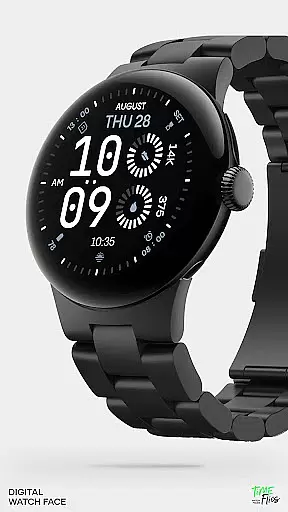
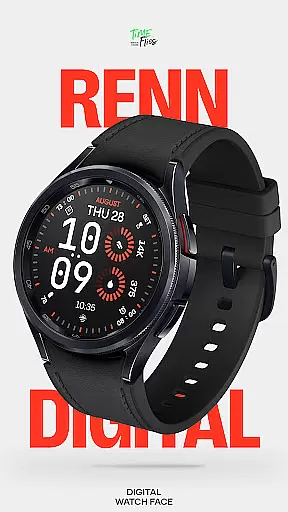
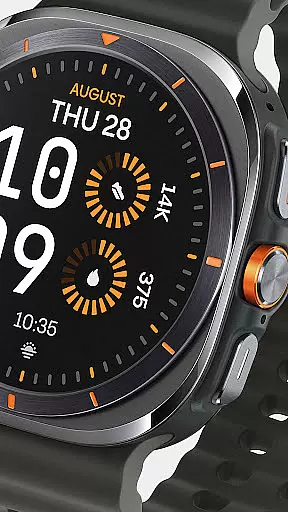
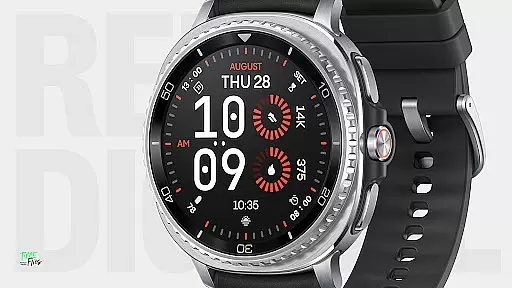
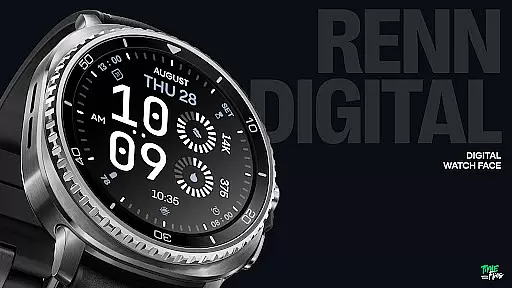
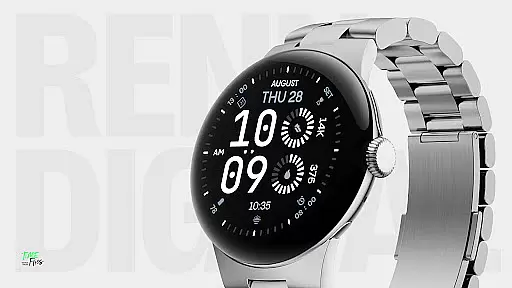
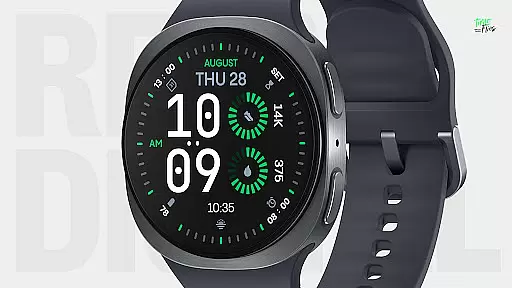
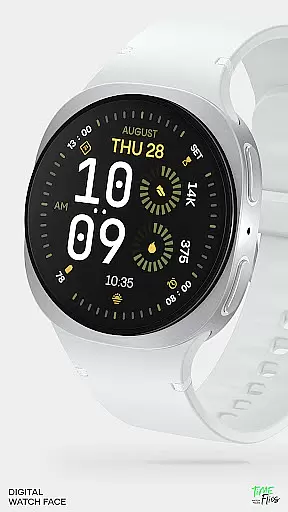
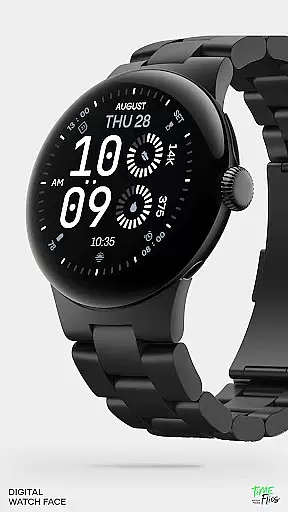
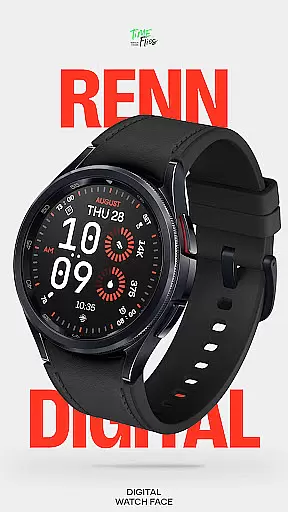
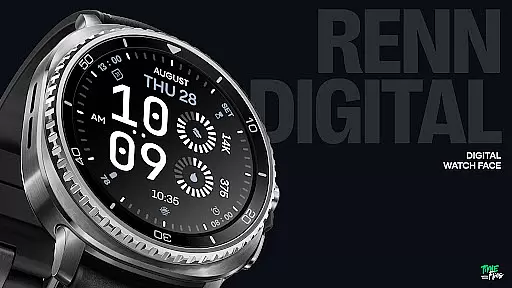
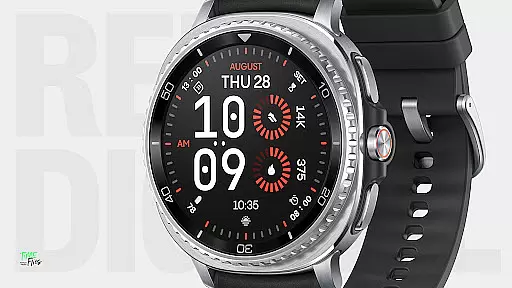
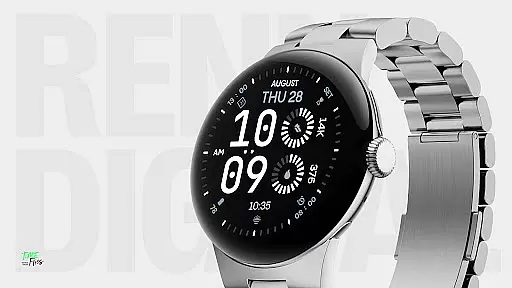
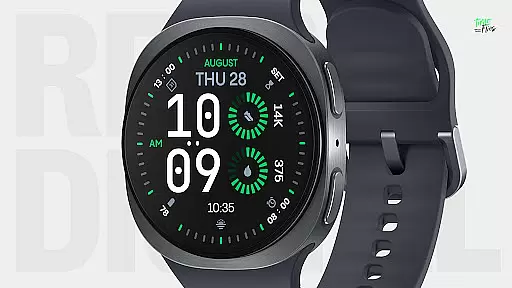
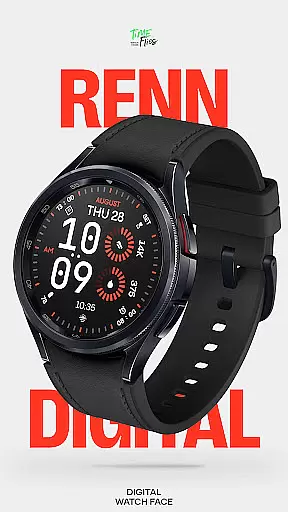
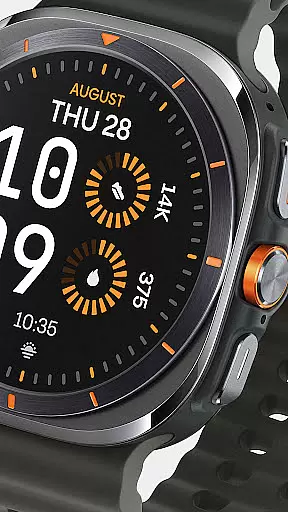
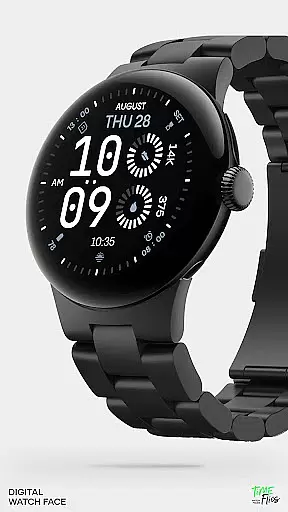
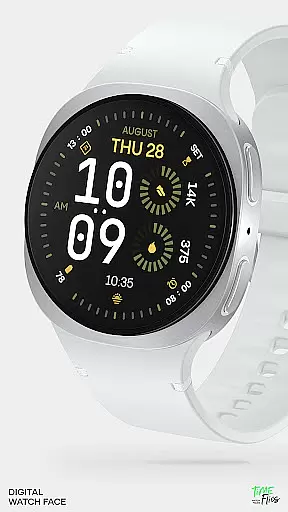
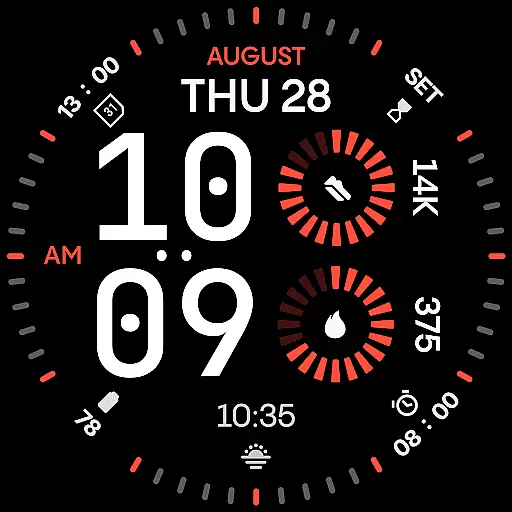
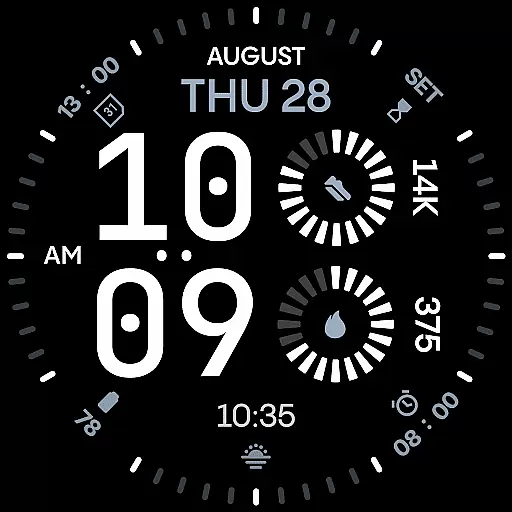
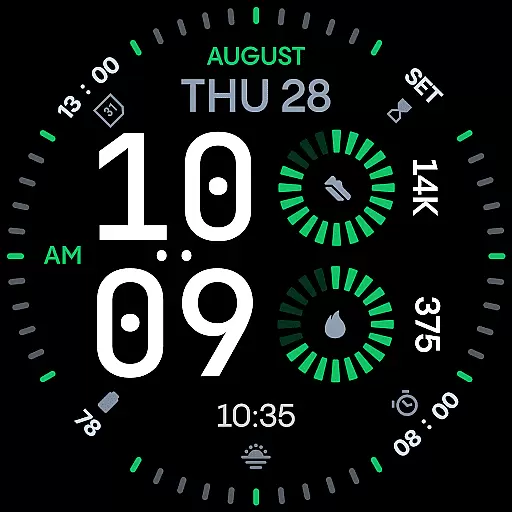
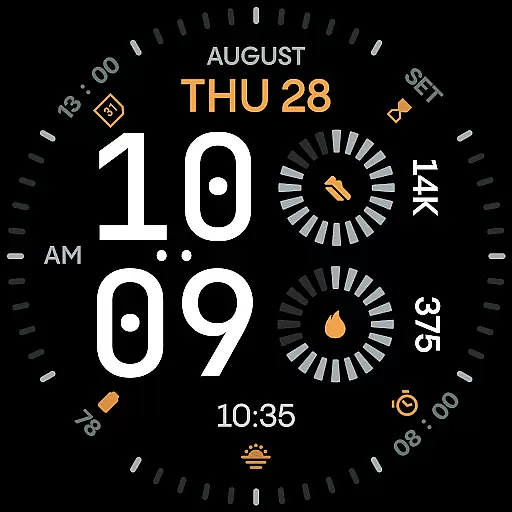
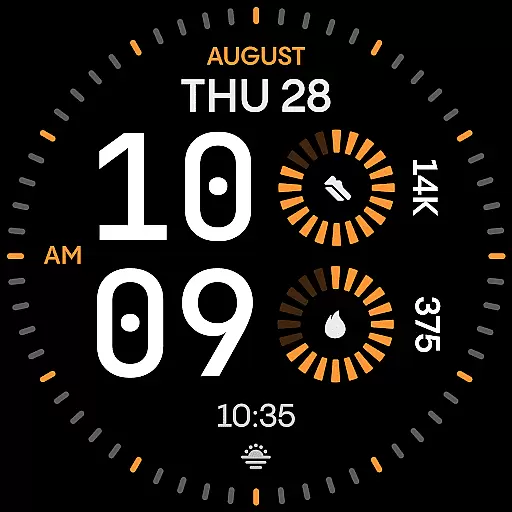
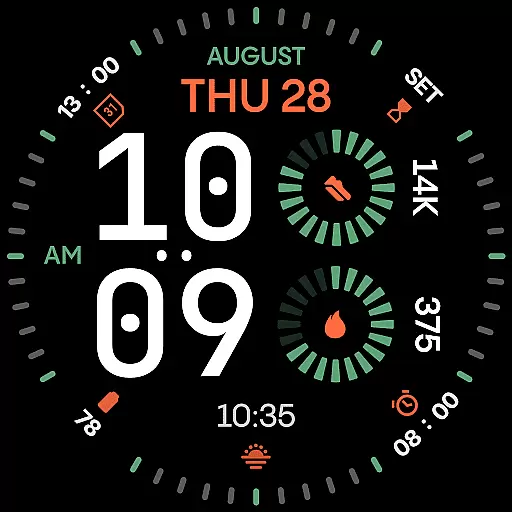
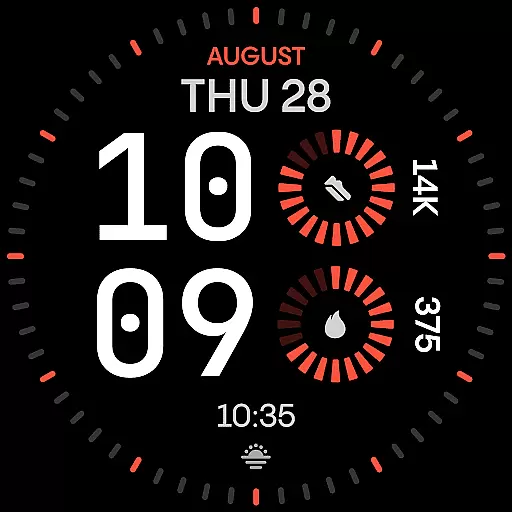
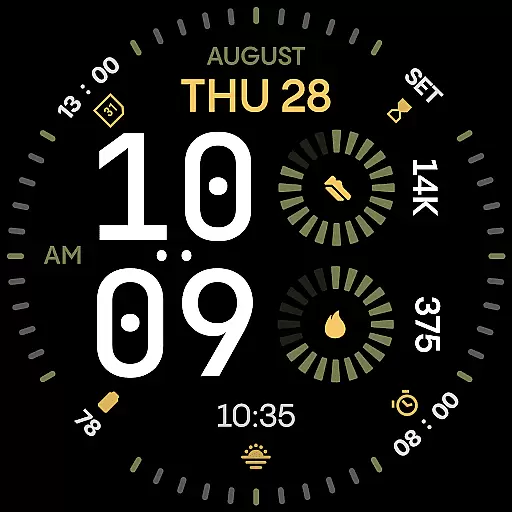
Renn Digital Watch Face is a modern digital watch face designed specifically for Wear OS smartwatches. It features bold, geometric numerals that ensure ultra-clear legibility at a glance, making it ideal for users who prioritize clarity and style. The design includes radial progress complications and customizable color accents, delivering both functionality and aesthetic appeal.
With 7 customizable complications, users can display key stats such as steps, heart rate, battery status, calendar events, or weather information. The watch face also supports AM/PM indicators, optional tic marks, and 5 Always-On Display (AoD) modes, offering a personalized experience tailored to individual preferences. Its high-contrast color themes and efficient performance make it suitable for various environments, from office settings to workouts.
Renn Digital Watch Face stands out with its strong digital typography, featuring oversized time digits that provide a confident visual statement while maintaining optimal readability. The inclusion of radial progress complications adds a dynamic sense of motion and energy to the overall composition, enhancing user engagement.
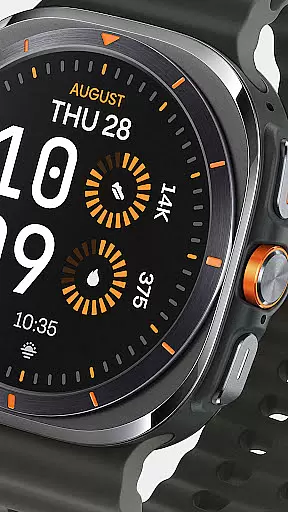
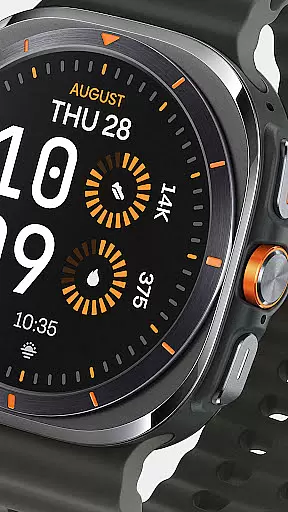
The watch face offers 30 bold color themes, allowing users to select high-contrast schemes that suit their style. With options like the AM/PM indicator toggle and blinking colon control, users can customize their viewing experience. Additionally, the 5 AoD modes balance visibility and battery efficiency, ensuring the watch remains stylish even when idle. Built using the latest Watch Face File format, Renn Digital ensures smooth interaction and reduced power consumption without compromising on aesthetics.
Companion app integration is a crucial feature for smartwatch applications like Renn Digital Watch Face. This functionality allows users to seamlessly manage their watch face settings through an Android companion app.
The Time Flies companion app, designed specifically for Renn Digital, provides users with essential features such as update notifications and easy installation management. Through this app, users can stay informed about new releases, ensuring their watch face remains up-to-date with the latest improvements and features.
This integration enhances user experience by simplifying the process of customizing and maintaining the watch face. Users can access additional functionalities and receive support directly from their smartphones, making it more convenient to personalize their smartwatch experience.
Wear OS and device compatibility ensures that Renn Digital Watch Face operates smoothly across various smartwatch models. Designed using the modern Watch Face File format, this application guarantees optimal performance on Wear OS devices.
Renn Digital supports a wide range of smartwatches, providing users with a consistent and reliable experience regardless of their device. The application's energy-efficient design helps conserve battery life while delivering high-quality visuals and smooth interactions.
By focusing on compatibility, Renn Digital offers a versatile solution for users seeking a bold, modern digital watch face. Whether you're using a Wear OS smartwatch for fitness tracking or daily productivity, Renn Digital adapts to your needs without compromising on style or functionality.
Ultra-clear legibility
Customizable complications
Bold color themes
Energy-efficient design
Always-On Display modes
Limited analog appeal
Fewer traditional features
Premium customization
Requires Wear OS
Companion app needed

Snowflake Rose Gold Watch Face - Digital, modern, & sleek with GYRO effect.
 4.10
4.10
Watch face designed for Thanksgiving Day. 7 Background Styles included.
3.20
Find EV charging stations
4.30
The ultimate destination for kids ages 3-8 to explore the Marvel Universe!
4.30
Period, ovulation & pregnancy tracker. Fertility insights & menstrual calendar.
4.90
A modern hybrid informative watch face for Wear OS designed by BALLOZI
4.80
A digital watch face that celebrates Christmas.
4.00
Premium hybrid watch face with many customizations for Wear OS devices.
4.40
Want to take charge of your health? Let Google Fit help you reach your goals.
3.50
Digital, flexibly customizable watch face. For Wear OS 5.0, API 34+ and later.
5.00
Real-time weather radar with temperatures, warnings, hurricanes, and widgets
4.80
The most customizable hybrid watch face. For Wear OS 5.0, API 34+ and later
4.70
Highly customizable hybrid watch face for Wear OS, perfect for everyday use.
4.60
MyNISSAN® lets you remotely control your car from your phone.*
4.50
Reliable phone calls with spam protection, caller ID and more helpful features
4.40
A white realistic classic analog watch face with many customization options.
4.40
The #1 source of faces for your smartwatch!
4.00
Structured watch face with seven complications and modular UI elements
3.90
A Wintery Snow Globe on Your Wrist; now celebrating Christmas!
4.1


User Reviews