
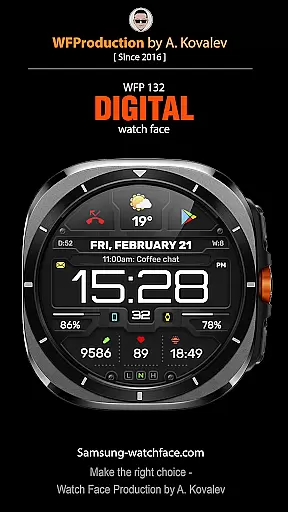
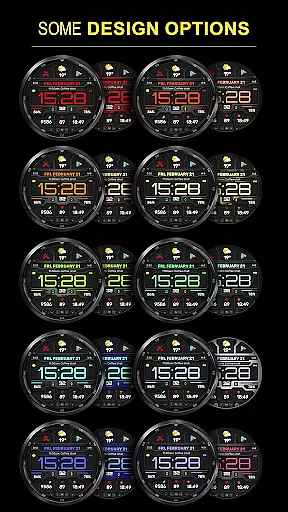
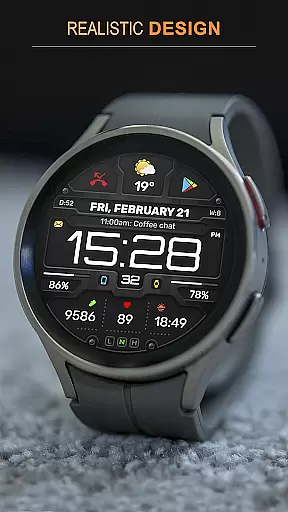
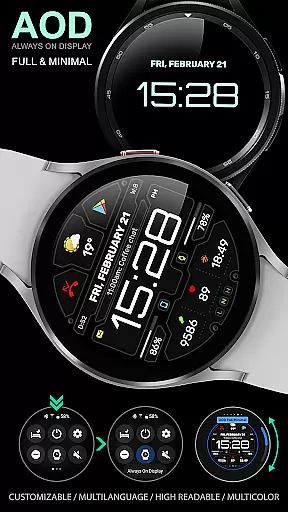
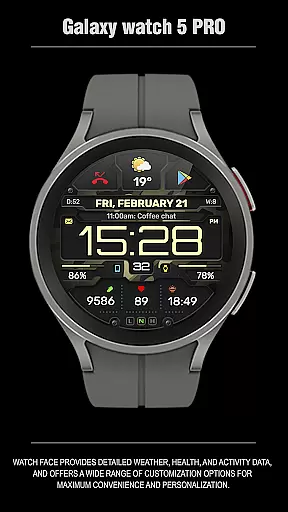
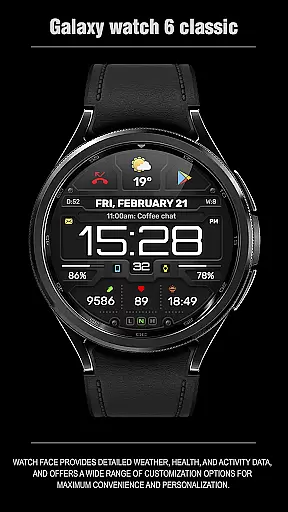
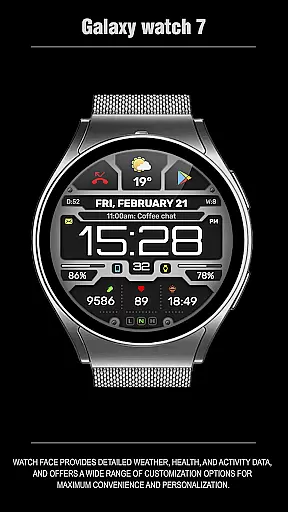
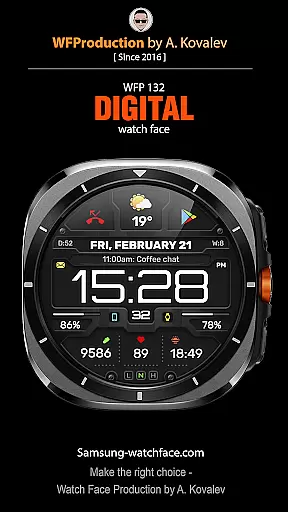
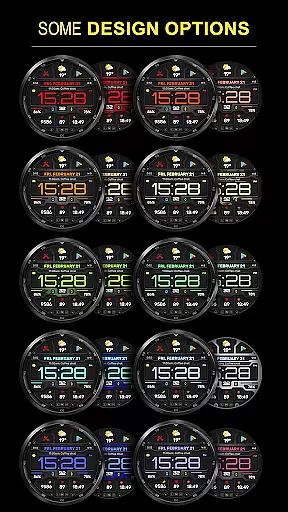
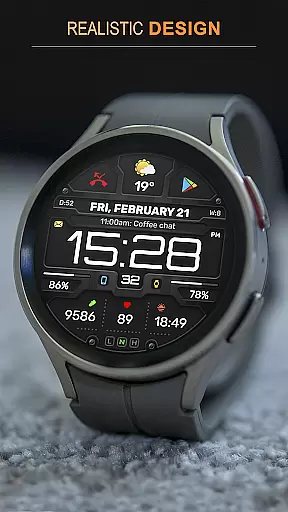
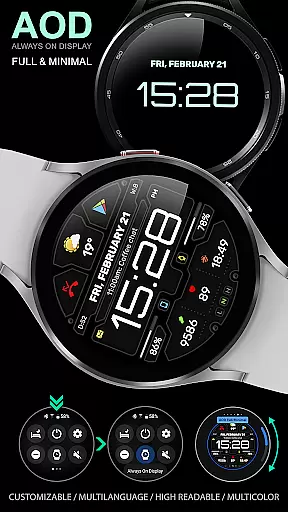
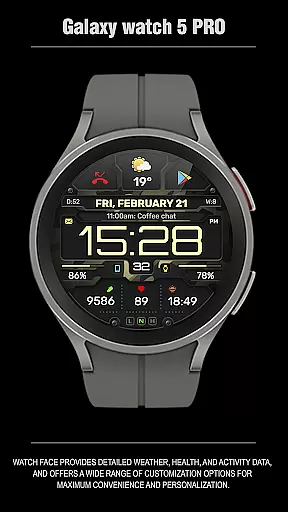
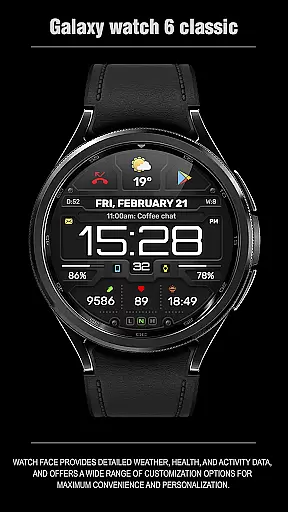
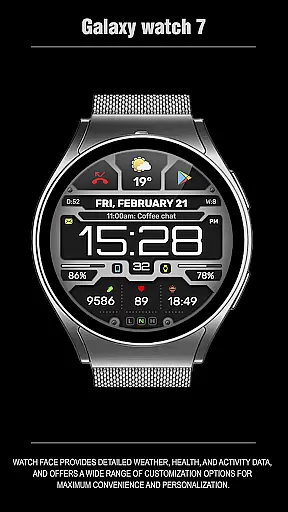
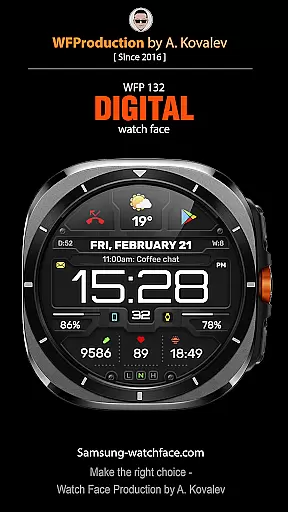
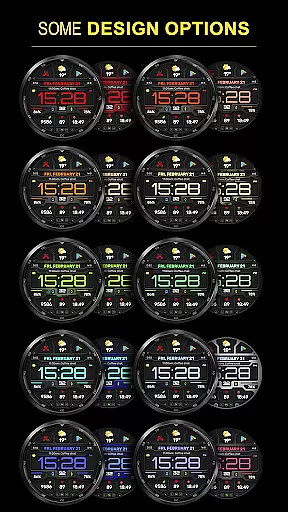
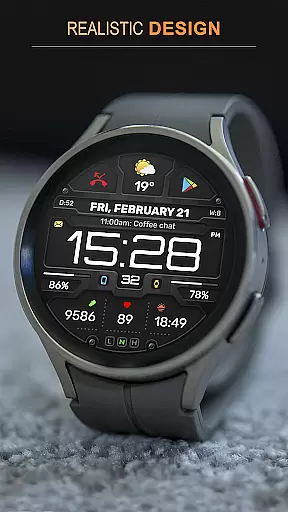
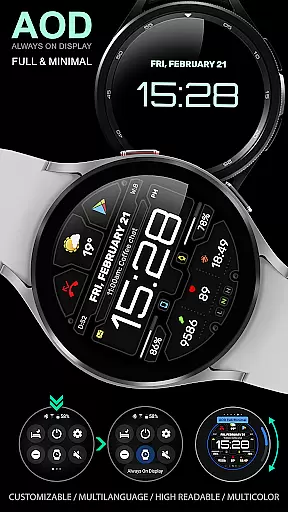
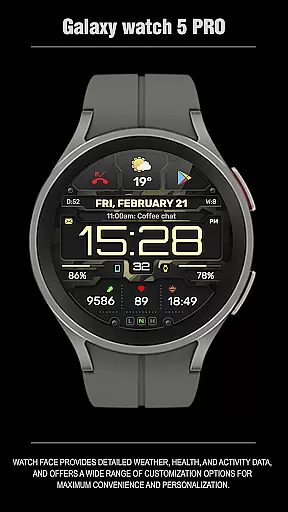
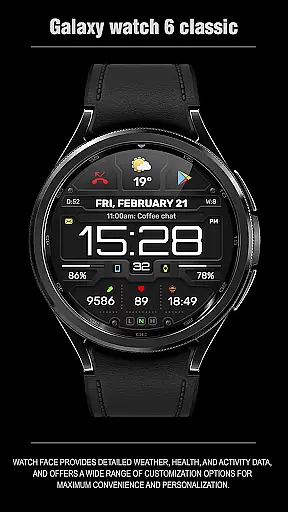
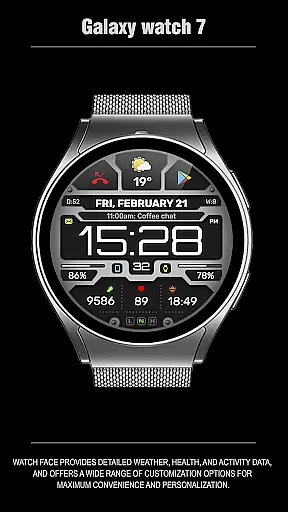
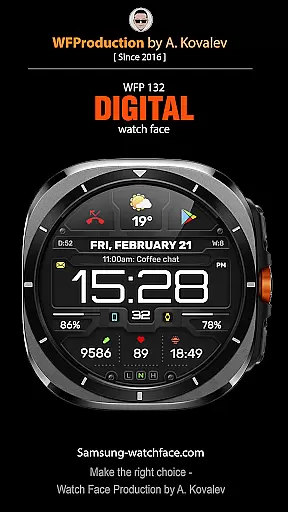
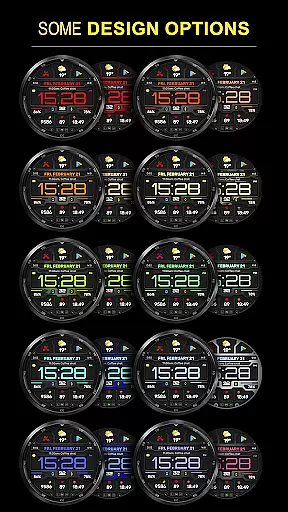
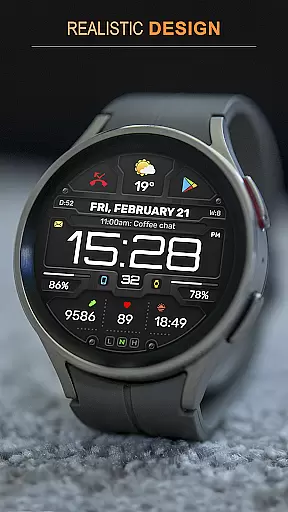
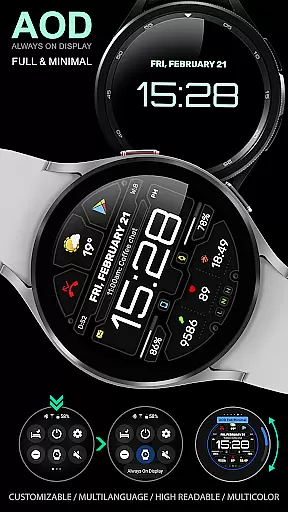
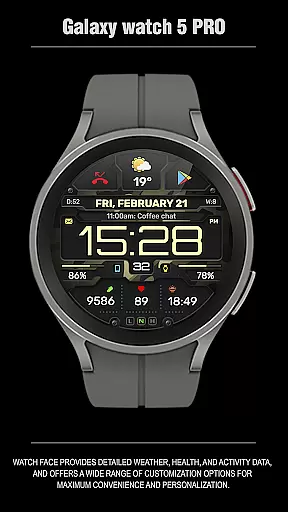
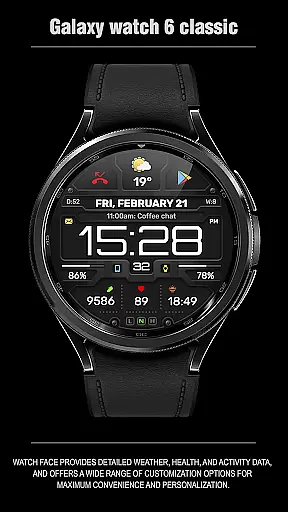
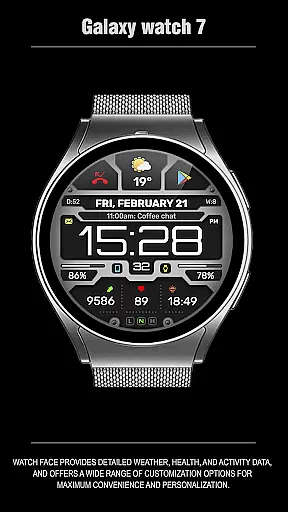
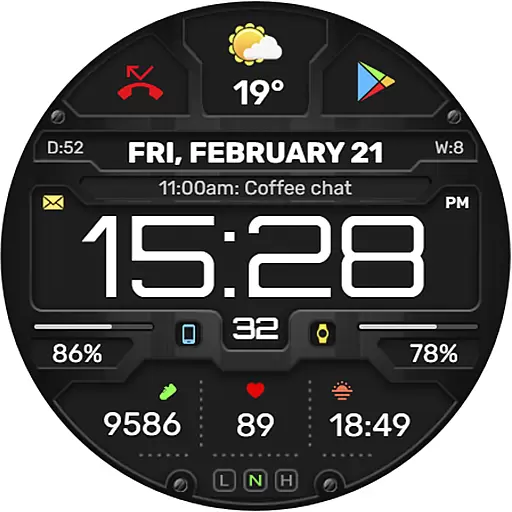
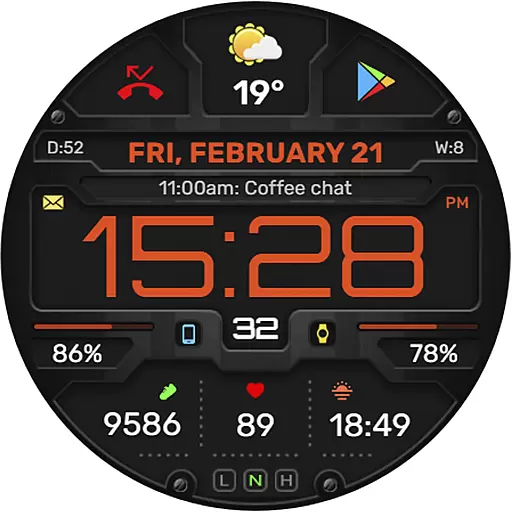
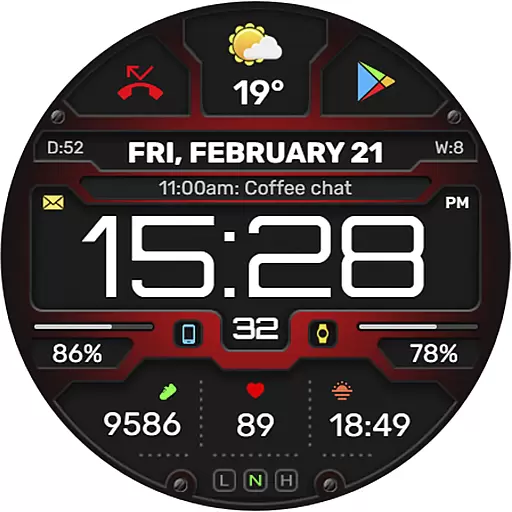
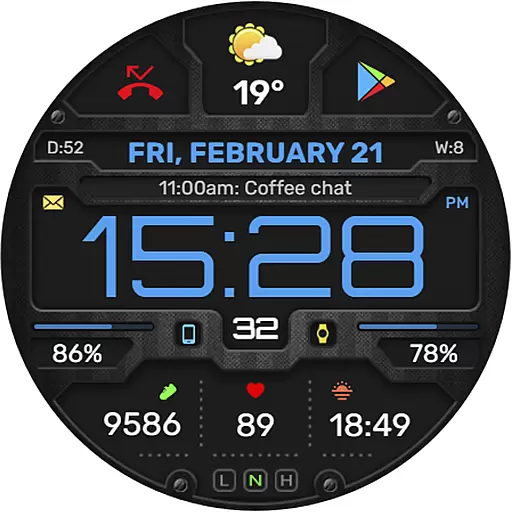
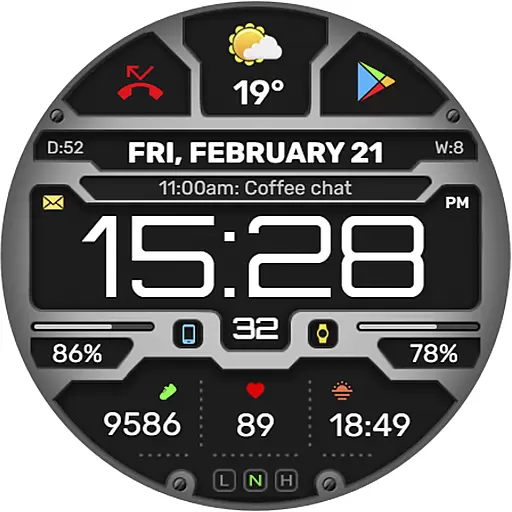
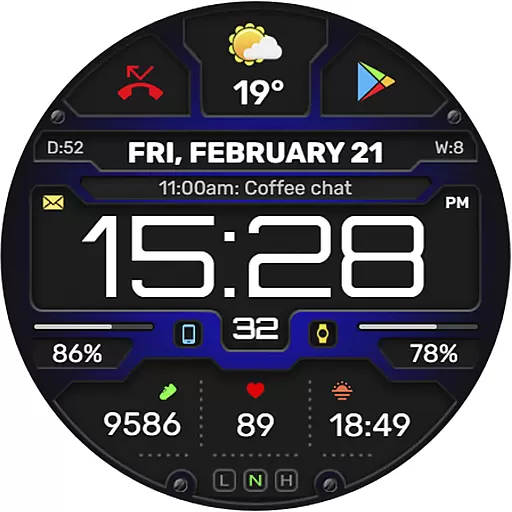
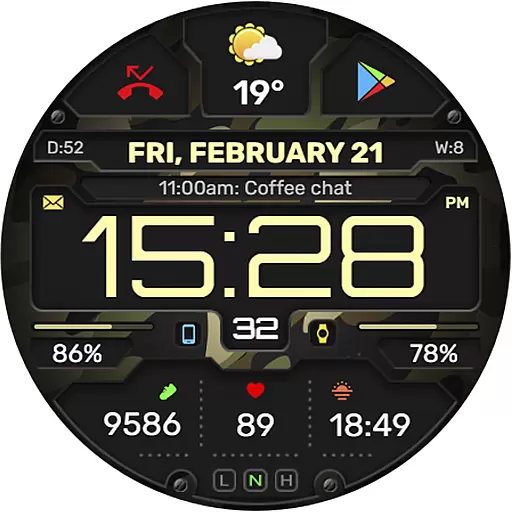
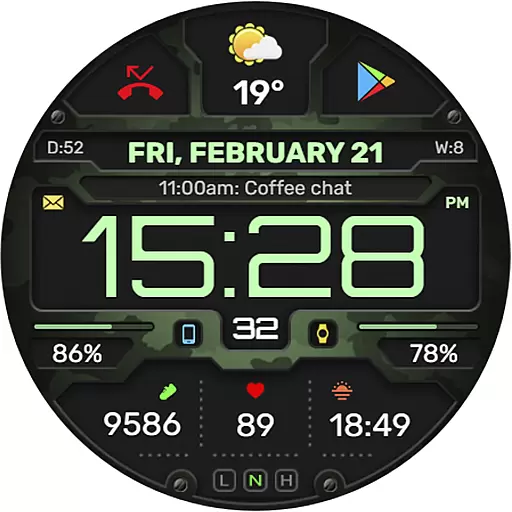
The WFP 132 Digital watch face is a stylish and functional accessory for your smartwatch, offering users an enhanced experience with its detailed weather forecasts, health tracking, and activity data. Compatible with devices running API 34+ (5.0) and later, this digital watch face provides extensive customization options including various color combinations, changeable backgrounds, and customizable Always-On Display (AOD) modes.
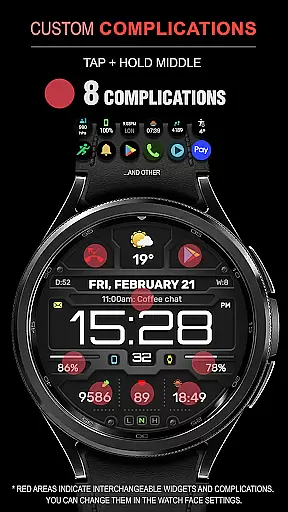
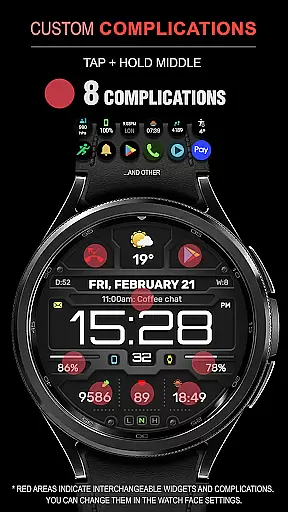
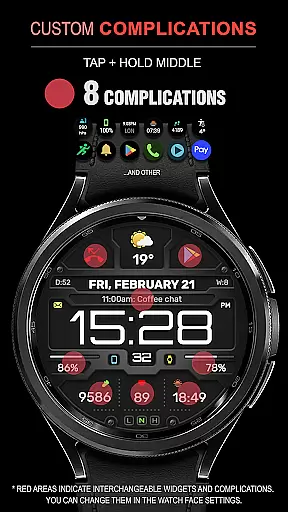
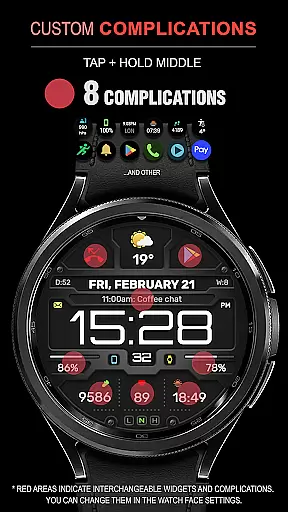
Designed for maximum convenience and personalization, the WFP 132 supports up to 8 complications and widgets, ensuring that you have all the information you need at a glance. With high resolution, optimization, and low battery consumption, it ensures both performance and efficiency. Whether you're monitoring your fitness goals or staying updated on weather conditions, this watch face delivers a personalized and efficient user experience.
The WFP 132 Digital watch face stands out with its comprehensive feature set tailored to enhance usability and personalization. It includes 8 complications and widgets that display essential information such as weather forecasts, health stats, and more. The wide range of color combinations and changeable backgrounds allow users to tailor the appearance to their preferences, while the high-resolution display ensures clarity and precision.
Optimized for performance, the WFP 132 boasts high optimization and low battery consumption, making it an ideal choice for everyday use. Users can choose between Fahrenheit or Celsius for weather readings and customize the AOD mode to suit their needs. Additionally, multilingual support makes it accessible to a global audience, further enhancing its appeal as a versatile and user-friendly smartwatch companion.
Companion app integration is essential for a seamless smartwatch experience. The WFP 132 Digital watch face excels in this area by offering users the ability to sync and share data with their smartphones effortlessly.
This functionality allows for real-time updates of weather, health metrics, and activity tracking directly on your wrist. Users can receive notifications and manage widgets for phone charge status, calorie intake, and more without needing to check their phones constantly.
The synchronization between the watch face and its companion app ensures that all personalization settings, such as color combinations and backgrounds, are preserved across devices. This means you can customize your watch face on your phone and see the changes reflected immediately on your wearable device.
By providing comprehensive instructions for setup and use, including links to detailed guides, users can easily take full advantage of these integrated features, enhancing both convenience and personalization options available at their fingertips.
Ensuring broad Wear OS and device compatibility is crucial for reaching a wide audience. The WFP 132 Digital watch face supports devices running API 34+ and later, making it accessible to many users with modern smartwatches.
This compatibility extends the functionality of the watch face by allowing access to advanced features like customizable Always-On Display (AOD) modes, which work optimally on supported devices. High resolution and optimization ensure that visuals remain sharp and battery consumption stays low regardless of the device used.
With multilingual support, users from different regions can enjoy localized content, increasing global appeal. Detailed weather forecasts in Fahrenheit or Celsius provide relevant information based on regional preferences, further enhancing user experience.
By maintaining high standards of system compatibility and feature availability, the WFP 132 Digital watch face guarantees an optimal performance level across various devices, ensuring every user enjoys a stylish yet functional timepiece tailored to their needs.
Highly customizable
Low battery usage
Wide compatibility
High resolution display
Comprehensive widget support
Limited free features
Requires newer devices
Complex setup process
Premium cost for full access
Occasional bugs reported

Watch the sharpness of the sky on your wrist..
 3.70
3.70
Christmas is near, let's count together the days left until Santa comes
4.3
A heartwarming Christmas scene featuring a cute image of Santa and Rudolf
4.0
The most customizable minimal watch face. For Wear OS 5.0, API 34+ and later
4.70
Gym & home workout plans with strength training, exercise tracking, HIIT & more.
4.60
Retro digital watch face with customizable colors and a unique lighting effect
4.60
Hybrid Vibrant Health Watch Face for Wear OS
4.2
Premium hybrid watch face with many customizations for Wear OS devices.
4.40
Track airplanes and follow flights with our real-time flight tracker
4.50
The Chevron App allows you to pay for fuel from the comfort of your car!
4.80
Hybrid watch face for Wear OS with customizable complications by Matteo Dini MD
4.70
To-Do List: daily schedule planner, task organizer, to do reminder app, calendar
4.60
Beautiful artistic animated digital watch face, with a customizable layout!
4.40
Your music, your playlists, and more—offline and unlimited.
4.20
Wear Os Watch Face - Animated Snow Effect & Magic Spark - 6 Scenes
4.10
Animated Watch Face and Customizable with 24 Backgrounds. Perfect for Christmas!
3.90
Get helpful reminders, take progress photos and find answers to your questions.
3.90
Want to take charge of your health? Let Google Fit help you reach your goals.
3.50
Stay in touch with your friends and family using LINE!
3.40


User Reviews